Key takeaways
- Consumer AI apps add location, memory, live retrieval, post-processing and citation rendering. A raw API call skips most of that.
- Some things exist only in the UI: ads, shopping carousels, linked citations, and platform-side changes that land overnight.
- The size of the API-vs-UI gap is not settled. Vendor studies claim big gaps, and at least one prominent SEO voice says it may be smaller than assumed.
- Treat every result as a rate across many runs, not a single answer, and ask your tracking vendor exactly where its data comes from.
- A hybrid approach is reasonable: UI data for what customers see, API data for what the model believes from training.
The question behind the report
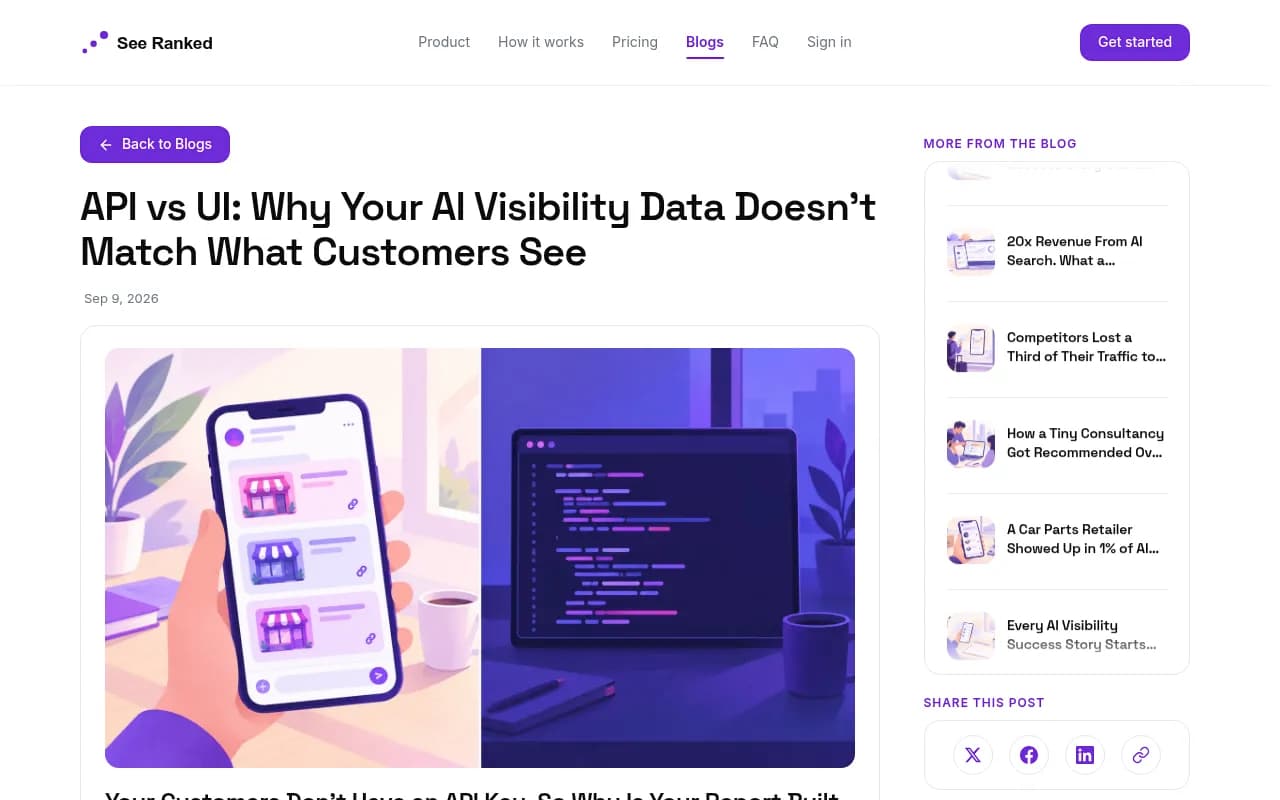
There are two ways to ask an AI assistant which companies are best in your category. A customer opens the app and types the question. A tracking tool sends the same words to a developer endpoint. Those are different products, and there is no good reason to assume they return the same brands.
If you pay for a monthly AI visibility report, this distinction decides whether the number in it means anything. Your customers don't have an API key. So why would your report be built from one?
This guide walks through what actually differs between the two surfaces, what has been measured (and what hasn't), and how to pick a method without overpaying for false precision.
What an API gives you and what the app adds
The API exists so developers can build software. It hands over controls an ordinary user never touches: which model runs, the system prompt above the conversation, temperature, top-p, how much search context to pull, and which domains to include or exclude. Change those and identical words produce a different answer.
The consumer app removes those controls and replaces them with its own logic. It fixes the model, runs live retrieval, applies post-processing, and renders the answer with citations, links and formatting the API often doesn't produce. Perplexity says in its documentation that API results may differ from what its interface returns, according to the SeeRanked write-up of this topic (I couldn't verify that line in Perplexity's docs directly, so check it before quoting).
Four things that change on the way through
| Factor | Consumer app | Typical API call |
|---|---|---|
| Location | Session location carried into the answer | Global default unless the developer supplies one |
| Memory and personalization | Applies saved details about the user | Stateless, nothing carries over |
| Retrieval | Fixed model plus live retrieval and post-processing | Custom sampling, sometimes cached indexing |
| Presentation | Linked, cited recommendations on screen | Citations and source links often stripped |
Location matters most for local queries. "Best accountant in Austin" isn't a slightly different question when the location is missing. It is a different question.
Presentation is the subtler one. A business named inside a linked, cited recommendation is one click from a customer. The same name in a plain paragraph is not. A tool that counts both as one mention collapses the difference between being found and merely being mentioned.
Features that only exist in the UI
Some of the strongest arguments for real-UI tracking aren't about answer quality at all. They are about things an API can't show you.
Ads
ChatGPT served no ads until May 27, 2026, when they appeared in 1.69% of web-search responses. According to Promptwatch's ChatGPT ads data (May 20 to Aug 17, 2026), the 90-day average was 20.1% of responses that ran a web search, the rate passed 30% on July 1, and the peak day hit 43.9%. Ads are a UI-layer feature. A tracker built on API calls has no way to observe them.
Platform changes that happen overnight
Two Promptwatch Data reports show how much the platform layer moves without notice:
- Average cited sources per search-enabled ChatGPT response fell from about 6.4 to roughly 4.7-4.9 (about 27% fewer) around the GPT-5.3 rollout on March 4, 2026, hitting GPT-5.3, GPT-5.4 and GPT-5-Mini at once. See the ChatGPT citation drop report.
- On August 8, 2026, the share of ChatGPT fan-out queries using the site: operator jumped from 0.37% to 16.8%, and average fan-out queries per response rose from about 1.08 to 1.83. Details are in the site: operator report.
Neither change would show up if you were testing a fixed API model string. Both changed what real users saw within a day. That's the same mechanism the whole API-vs-UI argument rests on: the system prompt and search behavior belong to the platform, and the platform edits them.
Citation behavior differs by surface
Even which sources get cited depends on where the answer is produced. In the week of Sep 28 to Oct 4, 2026, ChatGPT drew 0.46% of its citations from social platforms while Google AI Overviews drew 12.2%, per Promptwatch's social media citations report. A tracker that flattens every assistant into one generic API call would never tell you that.
What the evidence supports, and what it doesn't
This is where most articles on the topic overreach, so let's be exact.
The vendor studies
Surfer ran 1,000 prompts across five AI products, once by scraping the interfaces and once through an API, and analyzed 13,779 answers. Its published study claims:
- Overlap between API and scraped UI results is "30% at best".
- ChatGPT's API writes 2.05x as many words as the ChatGPT interface shows users. Gemini is 1.27x, AI Mode 1.06x, and Perplexity's API answers run slightly shorter.
- API answers mention more brands, and AI Overviews showed almost twice as many.
Treat that with some care. Surfer sells a scraping-based tracker, so it has a stake in the conclusion. The numbers are still interesting, particularly the direction: API-based tracking may overreport the brands that make the cut.
The counterpoint
Rand Fishkin went in assuming API calls would show less variation than real users get. According to the SeeRanked piece, he reported that early data suggested this may not be the problem he presumed, and he called the question open. SeeRanked also points out that one prominent write-up of this gap shows a side-by-side screenshot with no overlap count, no run count and no date, so the conclusion is an adjective where a number should be.
So my read: the direction of the gap is plausible and the mechanisms are real, but the size of the gap is not independently established. Anyone quoting a single percentage as settled fact is quoting an assertion.
UI is not ground truth either
Superlines makes a fair point in its API vs UI article: UI collection observes one interface under particular session conditions, not every answer every customer sees. A difference between methods doesn't prove one is wrong. They may be measuring different experiences. Chris Green frames it as a trade-off on LinkedIn: UI fidelity gives more accurate data for a small number of prompts, while API probing gives a more complete view for larger analyses.
Two gaps nobody is arguing about
Conversations aren't single-shot
Real users ask follow-ups. Almost all tracking, API or UI, is single-shot: one prompt, one answer, logged. SeeRanked notes that simply re-asking the same question changed only about 10% of the result in its testing, which hints that single-shot snapshots may be a bigger blind spot than the API-vs-UI split. Multi-turn tracking is still rare.
Most users are on free plans
In the United States a large share of assistant use happens on free tiers, and free tiers aren't the same product. According to the same source, free responses lean more on internal knowledge and show fewer links. If your tracker only logs into a paid account, it may be watching the minority experience.
How to read the data you get
One answer proves nothing. LLM output varies run to run, so read position as a rate. "Named in 7 of 10 runs" tells you far more than a single response, a point also made in the Far & Wide write-up. Track citations per response over time too. That's how you tell "we lost visibility" from "the platform is citing fewer sources everywhere," as the March 2026 citation drop showed.
Which tools collect from the real UI?
Method varies by vendor and sometimes by engine. A provider might observe ChatGPT and AI Mode through the interface, use an API with web search for one engine and an API without search for another. Always ask per platform. Pricing and feature details change, so confirm on each vendor's site.
Promptwatch monitors the actual interfaces of ChatGPT, Google AI Overviews, Google AI Mode, Gemini, Perplexity, Microsoft Copilot and Amazon Alexa, by country and language. It also tracks API models like Claude, DeepSeek, Mistral and Grok alongside, to show what models believe from training data. That UI-plus-API split is the sensible shape. Beyond tracking, it adds IP-verified AI crawler logs, visitor analytics and a Content Agent that acts on the gaps it finds.

Other tools in the catalog to evaluate, with the caveat that I haven't verified each one's collection method:



For wider browsing, the GEO software directory lists more options by category.
| Approach | Strength | Weakness | Best for |
|---|---|---|---|
| Real-UI collection | Sees citations, ads, shopping, location, platform changes | Reflects particular session conditions, usually costlier per response | Measuring what customers see |
| API without search | Cheap, scalable, shows model training knowledge | Misses retrieval and presentation | Brand perception in the base model |
| API with web search | Closer to retrieval behavior, scalable | Still not the app's logic, no ads or UI formatting | Broad, large-volume analysis |
| Hybrid | Covers both views | Needs clear labeling of each source | Most teams |
Questions to ask your tracking vendor
- For each AI platform, do you collect from the consumer interface, an API with search, or an API without?
- Which location, language and account tier do the runs use?
- How many runs per prompt, and do you report rates or single answers?
- Do you capture citations and links as shown on screen, plus ads and shopping results?
- Can you show a dated, run-counted comparison of your UI and API outputs?
- How do you detect platform-side changes like model rollouts?
A vendor who can answer question five with numbers is rare, and that tells you something.
What to do next
Start by finding out how your current tool collects data, engine by engine. If it's all API, treat its numbers as a view of model behavior, not customer experience. Add a real-UI source for the prompts that drive revenue, track over time instead of in snapshots, and keep spot-checking a few queries by hand in the actual apps. If the two views disagree wildly on your key prompts, you've found a measurement problem worth fixing before you rewrite any content.