Key takeaways
- Rankability has no public import or export feature for other tools that I could find, so plan on re-creating briefs from exported text, not clicking a migrate button.
- Export everything before you cancel: briefs, drafts, tracked AI queries and keyword rank history. The API and MCP access included on every plan make a scripted bulk export possible.
- Migrate briefs in priority order. News content decays fast, while landing pages and docs stay cited for months, so start with the pages that earn you something.
- Run the old and new tools side by side for a few weeks, with the same prompt set, so you keep a baseline.
- Choose the replacement by monthly volume and workflow, not by feature count. Unused credits are the most common hidden cost.
Why people leave Rankability, and why that matters for the plan
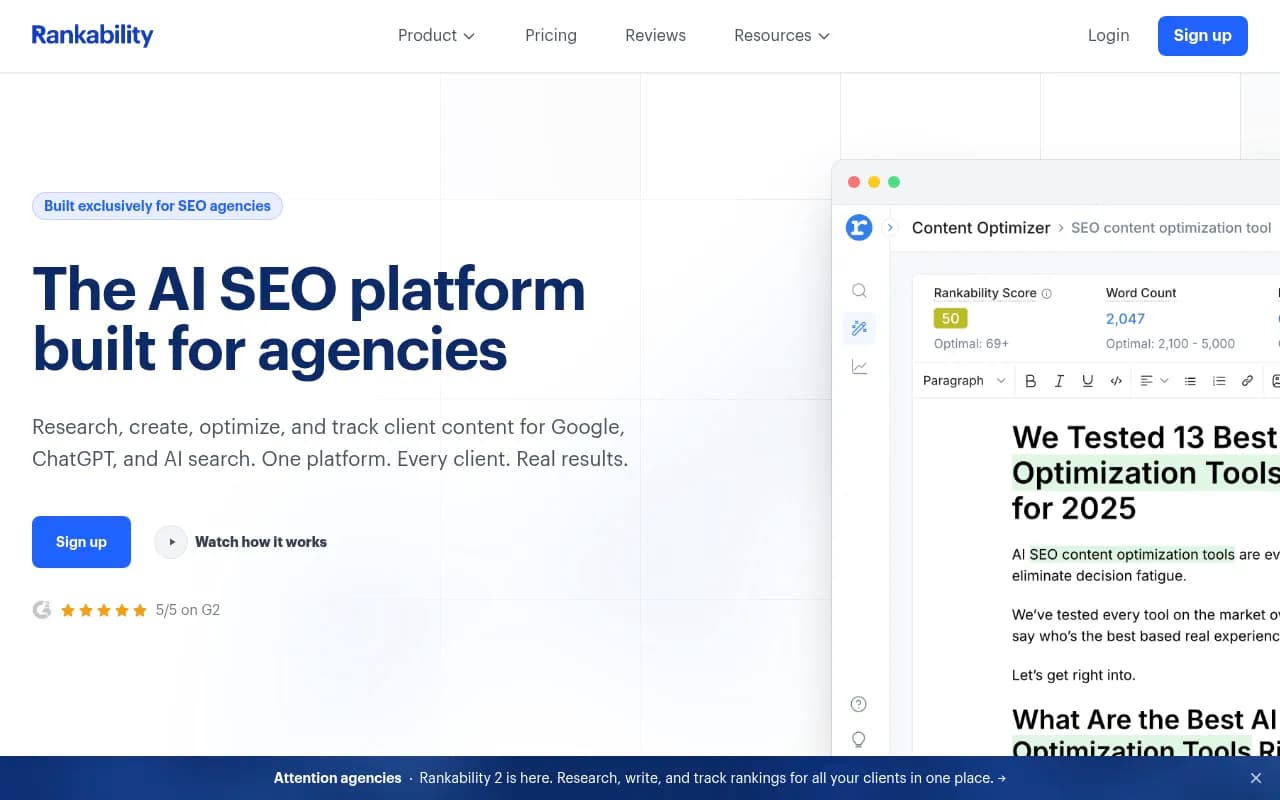
Rankability is an agency-friendly tool that combines research, briefs, outlines, AI-assisted drafts, optimization scoring and AI visibility tracking. People leave for boring reasons: pricing, the content-project allowance, a team that wants a different editor, or a need for deeper research or enterprise controls. Your reason decides how careful the migration needs to be.
If you are leaving over price, you can be fairly relaxed about the move. If you are leaving because the briefs are not good enough, don't copy them over blindly. Treat the migration as a chance to rewrite the weak ones.
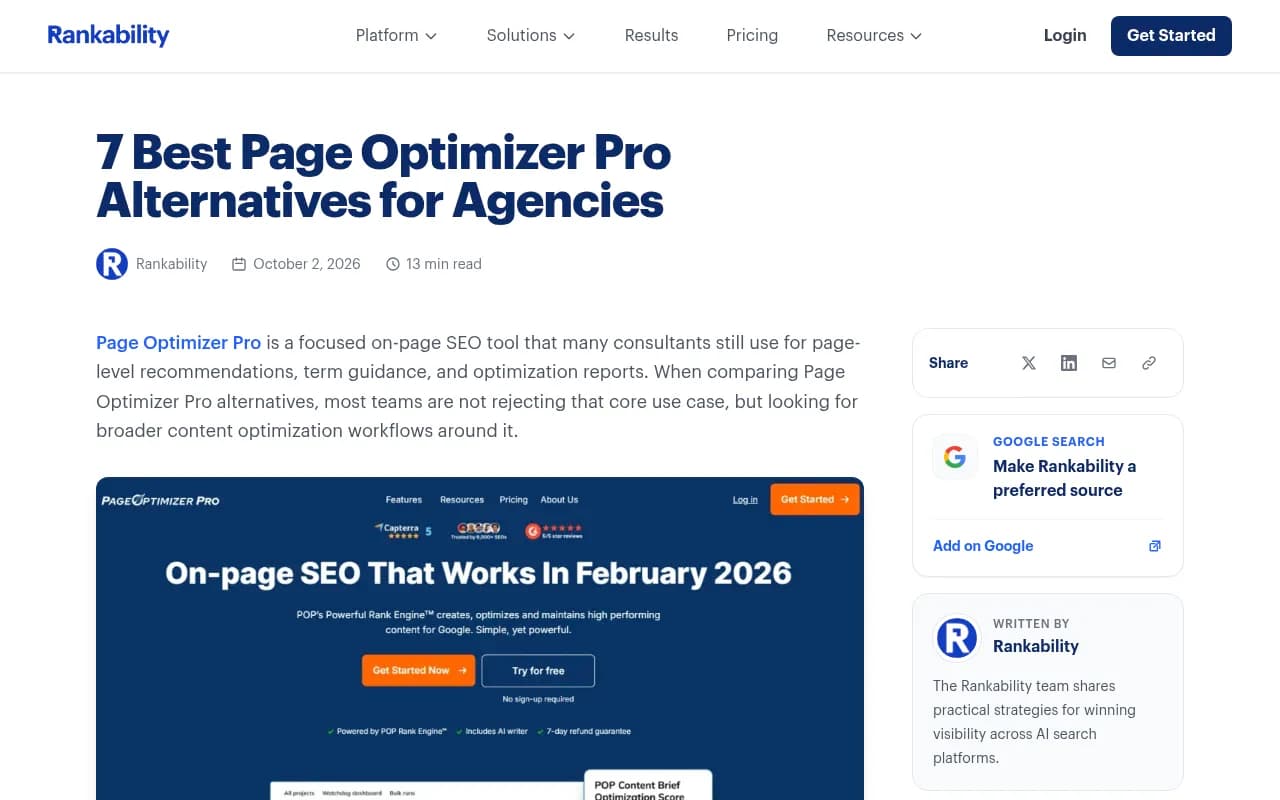
One warning before anything else. Vendor comparison pages about Rankability (OGTool, Profound, MaxAEO and others) are written by competitors. They are fine as a starting list, but treat their claims as sales copy. Pricing in particular is all over the place online: a Rankability blog post mentions a $199 Core plan, another competitor page says $99 to $799 credit-based, and a third-party article quotes $149 as the entry price. The official pricing page currently shows Starter at $97/mo (20 content projects), Agency at $297/mo (80) and Agency Pro at $497/mo (160). Use that, and confirm it yourself before you decide anything.
Step 1: Inventory what you actually have
Before you touch any export, make a list. Most teams find they have more in the account than they thought, and less that is worth keeping.
For each workspace, write down:
- Every content project: a project in Rankability is one new page or one existing-page refresh, with its research, brief, outline, draft and optimization guidance.
- Which projects are published, which are drafts, and which are abandoned.
- Tracked AI queries (100, 300 or 500 depending on tier) across the 11 platforms Rankability monitors.
- Tracked Google keywords (50, 150 or 250) and the weekly rank history behind them.
- Client workspaces, team members and any scripts or automations that call the API.
- Custom settings: target audiences, tone notes, competitor lists, templates.
Put it in a spreadsheet. A simple Airtable base works well too, since you can filter by client and status. [tool:airtable]
Then add three columns to every brief: search intent (commercial, informational or branded), content type (product page, landing page, listicle, how-to, comparison, docs, news), and a status for whether the page is live.
That tagging pays off later. Promptwatch Data's analysis of ChatGPT citations by content type (Sep 28 to Oct 4, 2026) shows product pages at 22.4% of classified citations, landing pages at 16.8%, listicles at 13.6% and how-tos at 8.7%. Commercial prompts lean on product pages (26.0%) and landing pages (20.6%), while informational prompts give more weight to how-tos and docs. When you re-create a brief in a new tool, the format you choose matters, so write it down now.
Step 2: Export everything while your plan is active
I could not find official Rankability documentation on bulk export formats or on what happens to your data after cancellation. So assume the worst: when the subscription ends, access may go with it. Export first, cancel last.
What the pricing page does say is useful:
- Manual editing, scoring and exports of saved projects don't consume another content project. AI generation and revisions do.
- API and MCP access are included on every tier, and the app, API and MCP share the same allowances.
- The API docs describe starting content jobs, retrieving briefs and drafts, approving briefs and exporting finished content.
That means you can export freely, and if you have more than a few dozen projects, script it with the API instead of clicking through the UI.
What to export
| Asset | Why it matters | Suggested format |
|---|---|---|
| Briefs (headings, entities, terms, questions) | The core of the migration | Google Docs or Markdown, one file per brief |
| Finished drafts | Reference and rollback | Google Docs, HTML or Markdown |
| Optimization scores at time of publishing | Baseline for comparing the new tool | CSV or spreadsheet |
| Tracked AI query list | Lets you re-create the same prompt set | CSV |
| Keyword rank history | Your historical baseline | CSV |
| Client workspace settings | Faster onboarding in the new tool | Screenshots plus notes |
Name files consistently, for example client_URL-slug_YYYY-MM_intent.md. You will thank yourself in six months.
Also take screenshots of the scoring view for your top 20 pages. Scores from different tools can't be compared directly, but a screenshot of what the old tool recommended is a useful reference when the new one disagrees.
Back up the tracking data separately
Briefs are only half of what you lose. AI visibility baselines are the other half, and they are harder to rebuild. Export the tracked query list and the history now. If your replacement doesn't track AI visibility, you still want the history to prove what changed after the move.
Step 3: Decide what you actually need from the replacement
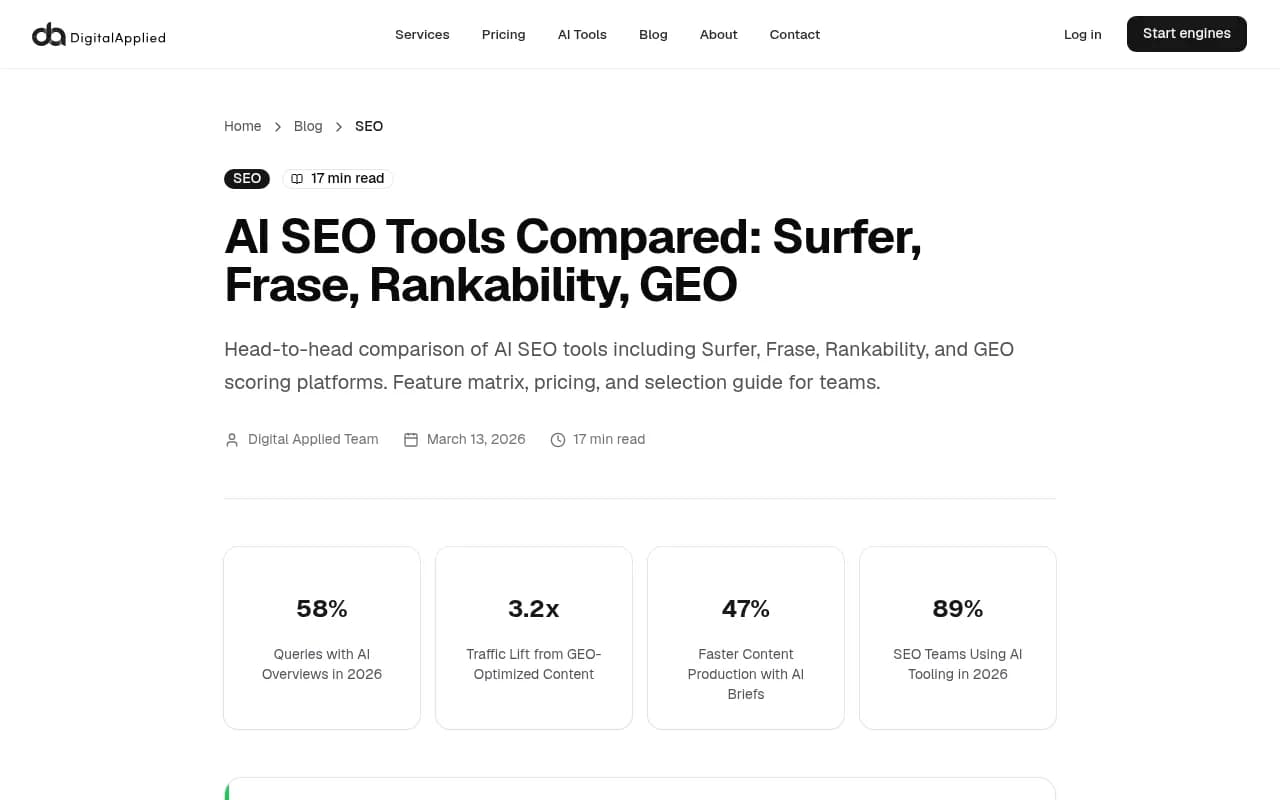
Rankability does several jobs. Briefs, scoring, drafting and AI tracking can be handled by one tool or by two or three. A Digital Applied comparison argues that effective AI SEO teams in 2026 run two to three tools rather than one. I think that's right, with a caveat: every extra tool is another subscription and another place where briefs live.
Ask these questions:
- How many content pieces do you produce monthly? Under 5, 10 to 40, or more?
- Do you need briefs, a live editor with scoring, or both?
- Do clients need to see reports?
- Do you need AI visibility tracking in the same tool, or in a separate one?
- Where does the content go? Google Docs, WordPress, Webflow?
A third-party comparison suggests picking by volume: under 5 pieces a month points at NeuronWriter, Content Harmony or Frase Starter, while 10 to 40 pieces points at Surfer, Frase or Clearscope. That's a decent rule of thumb, though not gospel.
Step 4: Shortlist the replacement
Prices below come from a third-party check on 13 Oct 2026 and vary by country and billing term. I did not verify Surfer's pricing directly. Always confirm on the vendor's own page.
| Tool | Entry price (approx.) | Best for | Watch out for |
|---|---|---|---|
| Surfer SEO | $49/mo Discovery (120 docs); $99 Standard | Real-time scoring and the editor | Add-ons like SERP Analyzer and AI Tracker can push real spend toward about $220/mo (a third-party claim) |
| Frase | $39/mo yearly, $49 monthly (10 articles) | Research and briefing | Starter is one seat, one site |
| Clearscope | $129/mo Essentials (20 drafts) | Enterprise-grade quality control | Roughly $1,548/yr versus $970/yr for Rankability Starter annual |
| Content Harmony | $50/mo Standard (5 workflows) | Brief-first team workflows | Priced by volume |
| NeuronWriter | $19/mo yearly Bronze (25 analyses) | Tight budgets, low volume | Only 2 projects at entry level |
| MarketMuse | Free plan (10 queries/mo); paid tiers unpublished | Planning and topic strategy | Conflicting price quotes across roundups |
| Semrush Content Toolkit | $60/mo annual Base | Teams already in Semrush | Research suite you may not need |
Surfer SEO
Surfer is the obvious choice if the editor and live scoring are what you used most. It handles Google Docs and WordPress workflows, and the Standard tier adds team collaboration and weekly AI prompt tracking. [tool:surfer-seo]
Frase
Frase is strongest at the research and briefing step, which makes it the closest fit if briefs are what you are trying to protect. It also has a cheap starter tier with a 7-day trial and no card. [tool:frase]
Clearscope
Clearscope suits teams that care about editorial quality control and have a larger budget. Unlimited users on Essentials is a real perk for agencies with many writers. [tool:clearscope]
Content Harmony
If your painful part is producing briefs, not scoring drafts, Content Harmony is worth a look. It is brief-first and priced by workflow volume. [tool:content-harmony]
NeuronWriter, MarketMuse and others
NeuronWriter is the budget pick for low volume. [tool:neuronwriter] MarketMuse is better for planning at the topic level than for quick page-by-page briefs. [tool:marketmuse] If you live in Semrush already, its Writing Assistant and Content Toolkit may be enough. [tool:semrush]
Step 5: Handle AI visibility tracking separately
Switching content tools does not have to mean switching your AI tracker. In fact I'd argue it shouldn't, at least not at the same moment. Changing two things at once makes it impossible to tell what caused a shift in your numbers.
Rankability tracks 11 AI platforms daily, but a competitor (Profound) points out that its Page Auditor checks AI bot permissions without tracking actual crawler visits. That is a biased source, so treat it as a lead, not a verdict. If crawler-level data matters to you, check it yourself.
If you want a dedicated tracker, tools like Promptwatch cover prompt tracking, IP-verified crawler logs and content gap analysis, and they work alongside whichever editor you pick for briefs.

Other options in the same space include [tool:profound], [tool:peec-ai] and [tool:otterly-ai] for monitoring. For a wider view of the category, the GEO software directory at bestgeosoftware.com lists a lot more.
Step 6: Re-create briefs in priority order
No tool I found advertises a Rankability import. Expect to rebuild briefs by hand or semi-automatically, using Google Docs or Markdown as the go-between. Here is the order I'd use.
- Pages that earn revenue or leads. Money pages first.
- Pages that are actively being refreshed in the next 60 days.
- Evergreen content such as landing pages and docs.
- Everything else, only when you next touch it.
News and time-sensitive content goes to the bottom. Promptwatch Data's content half-life report tracked every page ChatGPT cited on July 6, 2026 for 90 days. Landing pages and docs stayed cited longest, while news lost half its pages within 36 days. A brief for a news piece from last spring is probably not worth recreating.
Don't copy, re-run
The temptation is to paste the old brief into the new tool. Resist it. Instead, feed the target keyword and URL into the new tool, let it generate its own brief, and then compare against your exported one. Keep anything from the old brief that reflects your own knowledge: the client's positioning, internal links, product facts, angles you tested. Drop anything that was just generic term lists.
If you keep a client's brand voice and facts in a shared doc, both tools can draw on it, and you stop depending on any one vendor's templates.
Template a standard brief
Create one master brief template in Google Docs that works in any tool:
Target keyword / prompt:
Search intent: commercial | informational | branded
Content type: landing page | how-to | listicle | comparison | docs
Target URL (or new):
Must-cover entities and subtopics:
Questions to answer:
Internal links to include:
Competitors to beat:
Client facts / do-not-say list:
Optimization score at last publish:
This is boring and it works. Whatever tool you use next, your briefs stay portable.
Step 7: Run both tools in parallel
MaxAEO's switching advice, albeit from a vendor, is sensible: run the same priority prompt set in both products and keep your existing production and reporting workflow in place while you test. I would extend that to content scoring too.
A workable two-to-four week overlap:
- Pick 10 to 20 representative pages across intents and content types.
- Score or brief each in both tools.
- Note where recommendations conflict. Conflicts are the interesting part.
- Publish or refresh a handful using the new tool only, and watch rankings and citations.
- Only then cancel the old plan.
The cost of one extra month on Rankability Starter ($97) is small next to losing a quarter of briefing work. If you are on Agency Pro, which is $497/mo after a 7-day trial unless cancelled, check the billing date and set a reminder so you don't get an accidental renewal.
Time the cancellation carefully. If you are on annual billing, check the terms before assuming a refund. Agency and Agency Pro plans include an onboarding session each, and Gotch coaching is included only with Agency Pro annual plans, so use those before you leave if you can.
Step 8: Rebuild the workflow around the new tool
The tool is only part of it. Rankability fits into a content workflow: keyword, brief, outline, draft, edit, optimize, publish, track. Map each step to where it lives now.
- Brief creation: new tool, or your Google Docs template.
- Writing: your writers' normal editor, or an AI assistant. [tool:claude] is one option for drafting and analysis work.
- Optimization scoring: the new tool's editor.
- Publishing: WordPress, Webflow or whatever your CMS is.
- Tracking: rank tracker plus an AI visibility tool.
If you want to automate hand-offs between steps, for example sending a new brief from one tool to Google Docs and notifying a writer, [tool:zapier] or [tool:n8n] can do that without code.
Train the team on the new editor with a single page of notes: where the score is, what a good score means in this tool, what to ignore. Different tools score differently, and writers get anxious when numbers change.
Common mistakes
- Cancelling before exporting. The most expensive one.
- Assuming scores carry over. A 78 in one tool is not a 78 in another.
- Migrating dead briefs. Be ruthless about archived or low-value pages.
- Changing the AI tracker and the editor in the same month.
- Buying on feature lists. Count your real monthly pieces and compare cost per piece, since unused credits are the usual waste.
- Trusting vendor comparison pages. They are useful for finding names and not much else.
A short migration checklist
- Inventory projects, tracked queries and keywords, and tag by intent and type.
- Export briefs, drafts, query lists and rank history (script it via the API if large).
- Choose a replacement based on monthly volume and workflow.
- Set up a portable brief template.
- Re-create briefs in priority order, money pages first, news last.
- Run both tools on 10 to 20 pages for two to four weeks.
- Keep your AI tracking baseline intact, and only change it separately.
- Cancel once you have verified that exports are complete and the new workflow is running.
For more options beyond the ones here, the broader software directory at surferstack.com has reviews and alternatives you can filter by category.
Final thought
The briefs themselves are rarely the most valuable thing you own. The knowledge in them is: which entities matter for a client, which angles worked, which pages convert. Get that into a tool-neutral format and the next switch, there will be one, takes an afternoon instead of a month.