Key takeaways
- Amazon launched Alexa for Shopping on May 13, 2026, combining Rufus and Alexa+. If you are still searching for "Rufus tracking," you are looking at the same surface under an old name.
- Answers are personalized and vary by user, so a few manual checks tell you very little. You need a fixed prompt set, repeated sampling, and saved evidence.
- Alexa reads Amazon's product graph (titles, bullets, A+ content, reviews), so what you measure and fix is different from ChatGPT or Perplexity.
- Very few tools cover Alexa today. Dageno and Azoma are the ones I found with Alexa-specific coverage, and there is no public Alexa API or official brand analytics feature that I could find.
- Track mentions, recommendations and visible sources separately. Sources are only shown "when available," so do not expect clean citation counts.
What you are actually tracking
On May 13, 2026, Amazon launched Alexa for Shopping, a shopping assistant that merges Rufus and Alexa+. It is available to US customers in the Amazon Shopping app, on Amazon.com and on Echo Show. You can ask questions straight from the main Amazon search bar, get personalized shopping guides, see category and product insights on product pages, compare products dynamically, and check up to a year of price history. It can also set price alerts, reorder, manage your cart and shop from other online stores.
Amazon says Rufus helped over 300 million customers in 2025, and no Prime membership or Echo device is required now. That is a big audience for something most brands have no dashboard for.
The Rufus name left the consumer interface on the same day. Paz.ai notes that Rufus reportedly still powers parts of the experience behind the scenes, and that "Rufus" remains a common search term for brands researching this. So when you read older guides on Rufus optimization, treat them as relevant background, not obsolete.
A brand mention here is not the same as one in ChatGPT
When you track brand mentions in an AI answer, you usually care about three things:
- Mentions: your brand or product name appears in the answer text.
- Recommendations: the assistant actively points the shopper at your product, often with a comparison or a pick.
- Sources: the pages or listings the answer visibly relies on.
In Alexa for Shopping, a mention is often a product card or a recommended ASIN rather than a sentence naming your brand. That makes brand-level tracking too coarse for large catalogs. You want product-level visibility, which is why catalog size matters when you pick a tool.
Sources are the weakest of the three. Promptwatch Data shows that ChatGPT cites about 5 sources per web-search answer, while AI Overviews and Perplexity cite about 10. Alexa has no comparable per-answer count, because visible sources appear only when available. Do not build a KPI that assumes a source list exists on every answer.
Why Alexa tracking is harder than other AI engines
Three things get in the way.
Personalization
Amazon says conversations on Echo inform Amazon shopping, and Amazon browsing and purchases inform Alexa. The assistant knows the person asking. Two shoppers typing the same question can see different recommendations. That means a single manual check is not representative, and even a clean test account carries its own history.
Two separate data stacks
Paz.ai's reading is that Alexa for Shopping draws on Amazon's product graph: listing titles and bullets, A+ content, variants, dimensions, certifications and reviews. ChatGPT and Google AI Mode, by contrast, read your own site and feeds. Paz also notes there is no public commitment either way on whether Amazon data will be shared with outside assistants, so that part is interpretation, not fact.
The practical consequence: a strong score in ChatGPT tells you nothing about Alexa. Measure the two separately.
No official reporting
I found no public Alexa API and no Amazon documentation of a brand-mention analytics feature. That is an absence of search results, not proof none exists, so check Seller Central and your Amazon Ads rep. But assume for now that you are measuring from the outside.
Step-by-step: set up Alexa mention tracking
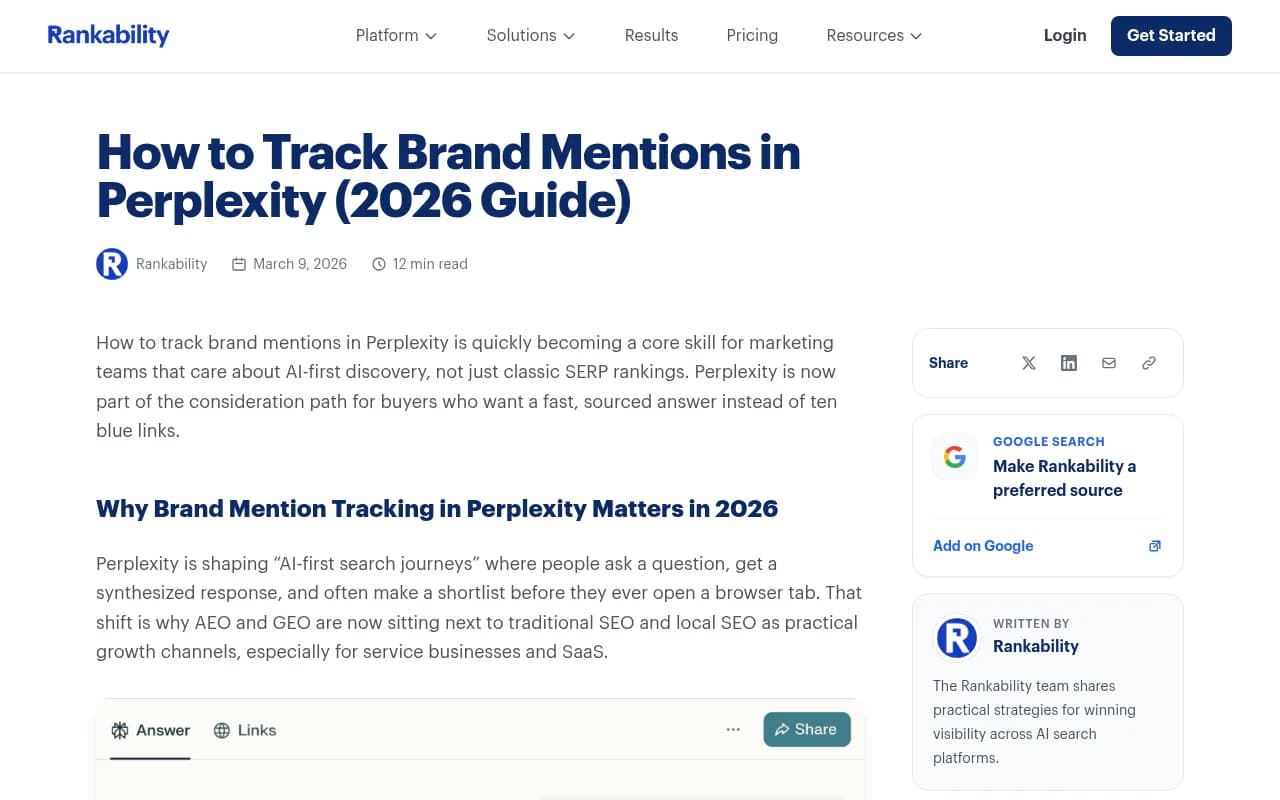
The general workflow for AI mention tracking applies here, with Alexa-specific adjustments. Guides from Stackmatix and Rankability both stress defining entities and separating mentions from citations and links.
1. Define the entities
List your brand name, product names, key ASINs, common misspellings and your top competitors. For Alexa, add product variants, because a shopper question about "the 12-ounce one" resolves to a specific variant.
2. Build a prompt set around shopper questions
Use the questions people actually ask an Amazon assistant, not SEO keywords. Group them like this:
- Category discovery: "best standing desk for a small apartment"
- Comparison: "X vs Y" and "alternatives to [competitor]"
- Attribute questions: size, material, certification, compatibility
- Price and deal intent: "cheapest", "under $50", "price history"
- Reorder and replenishment prompts, since Scheduled Actions and restocks are now part of the product
Keep the set fixed so you can compare week over week. Add new prompts, but do not swap old ones out.
3. Fix your sampling conditions
Decide on market (US only for now), language, device surface and sampling time, and log them. Run each prompt multiple times. Because of personalization, you are looking for a rate across samples, not a single yes or no.
4. Retain the evidence
Save the full answer, the recommended products in order, and any visible source. A screenshot or text dump you can reread later is worth more than a score with no trail. Dageno's own pitch is built around this: keep observable answers, context and visible sources together so findings can be reviewed.
5. Classify each result
For every sample, record:
- Was your brand named, shown as a card, or absent?
- Was it recommended, merely listed, or compared unfavorably?
- What position did it hold among recommendations?
- Which competitors appeared alongside you?
- Was a source visible, and which one?
6. Route the gaps
Persistent gaps on specific prompts go to whoever owns the listing: titles and bullets to the catalog team, A+ content to brand, review problems to product or support. This is the step most teams skip, and it is the only one that changes outcomes.
Tools that cover Alexa
Coverage is thin, and I would rather say that than pad this section. Here is what I could verify.
Dageno
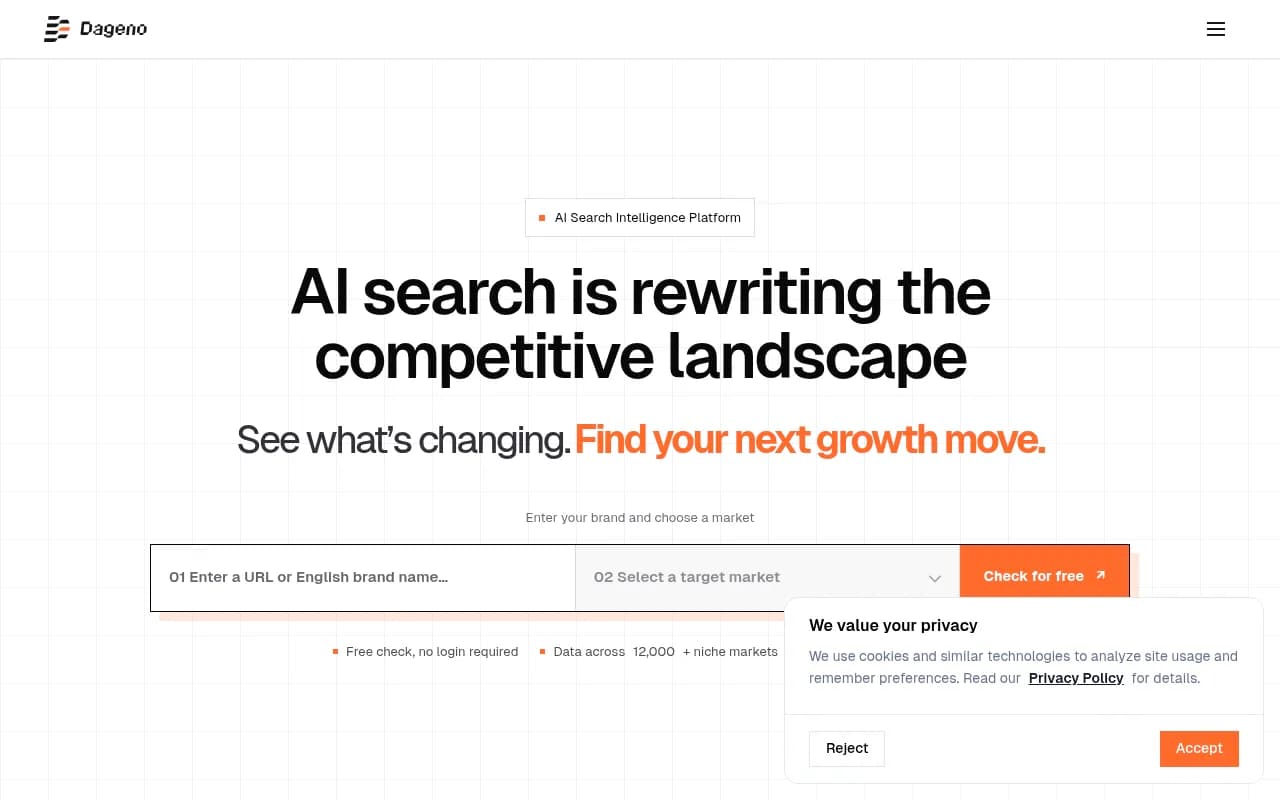
Dageno has a dedicated Alexa for Shopping page. It monitors by shopping theme, market, language and sampling time, and it keeps the AI responses, brand recommendation results and visible sources. Outputs include reviewable answer samples, brand and competitor mention comparison, visible sources when available, and a cross-model comparison. It is US-only, sold on a custom plan, with scope and availability confirmed before setup. There is no public pricing.
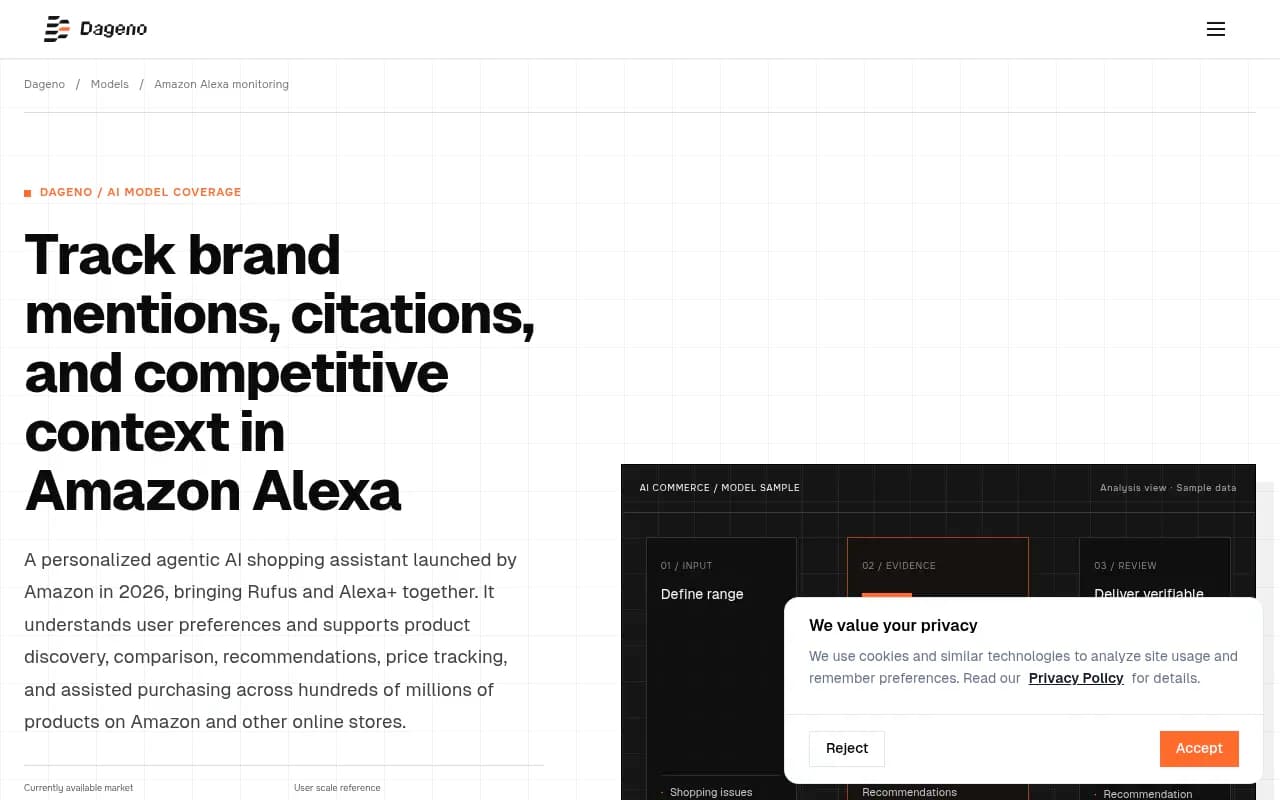
To its credit, the page says it explains what the data can and cannot represent. That honesty is worth something in a category full of overclaiming.
Azoma
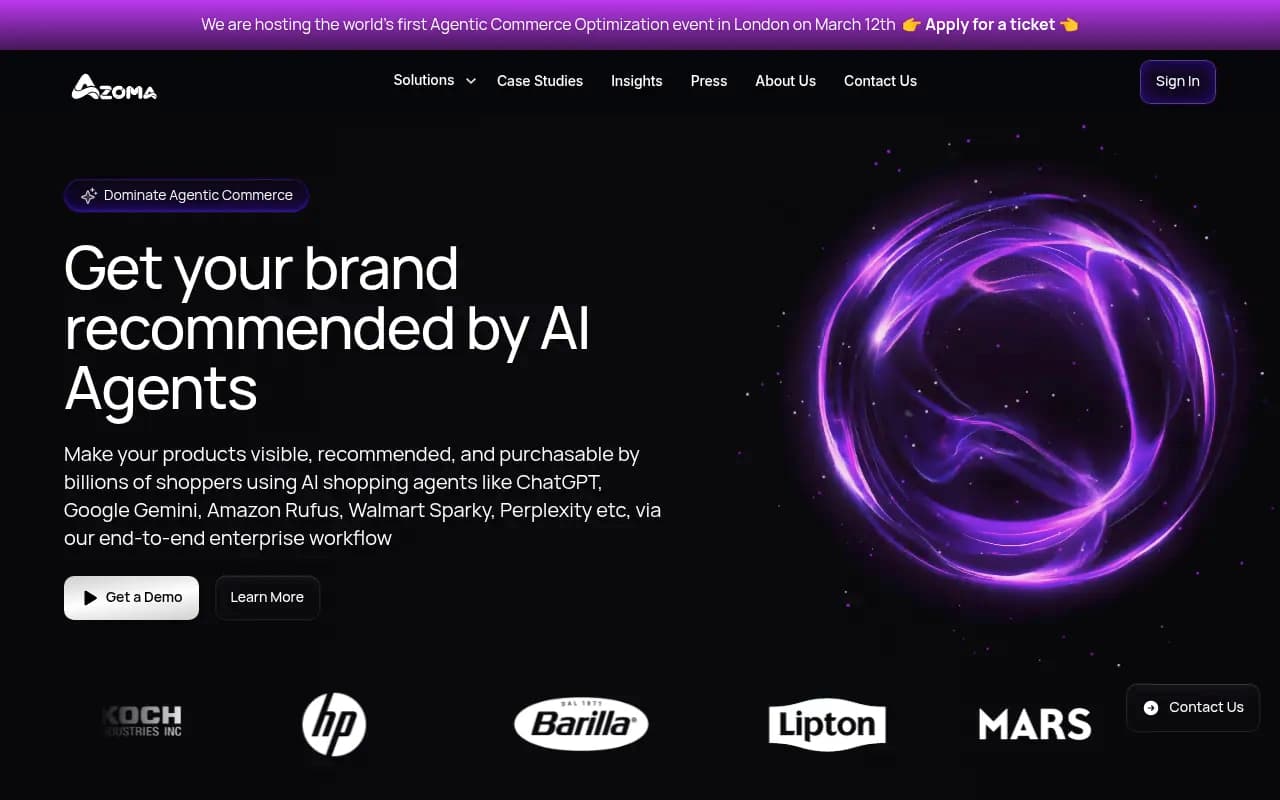
Azoma is an enterprise tool for AI shopping optimization that covers ChatGPT, Rufus and other shopping assistants. According to a Yahoo Finance UK piece on Rufus optimization, it tracks product visibility, rankings, mentions and share of voice across AI shopping queries, at ASIN level. I could not find pricing.
Amalytix
Amalytix says it has tracked the assistant since the first Rufus rollouts and publishes a guide to Alexa for Shopping. I did not verify the details of its product, so check it directly before relying on it.
Adjacent tools
Most AI visibility trackers focus on ChatGPT, Perplexity, Gemini and Google surfaces. They will not tell you what Alexa says. They are still useful for the part of the journey that happens off Amazon. Promptwatch tracks the real interfaces of ChatGPT, Google AI Overviews, Gemini, Perplexity and Amazon Alexa, along with shopping carousels and product visibility, so it is worth a look if you want one place for the wider picture.

Traditional brand monitoring tools such as Brand24 or Mention cover web and social mentions, not Alexa answers.
| Tool | Alexa coverage | Level of detail | Pricing |
|---|---|---|---|
| Dageno | Dedicated Alexa for Shopping monitoring | Themes, markets, answer samples, sources when available | Custom plan, US only |
| Azoma | Rufus and AI shopping queries | ASIN-level visibility, share of voice | Not found |
| Promptwatch | Alexa among tracked interfaces | Mentions, product visibility, share of voice | See promptwatch.com/pricing |
| Manual checks | Yes, one account | Whatever you record | Free |
| Web and social monitors | None | Web and social mentions only | Varies |
If you want a broader list of options, the AI rank tracking directory and the GEO software directory are good places to compare.
Can you do it manually?
Yes, as a quick gut check. Brand24 makes the same point for AI mentions generally: manual prompt runs only make sense for one-off checks, and they stop working past a handful of prompts. With Alexa the problem is worse because of personalization.
If you do it by hand anyway:
- Use a dedicated Amazon account with no purchase history, and note that it is not typical.
- Ask the same prompt several times on different days.
- Record the answer verbatim in a spreadsheet or an Airtable base.
- Repeat on Echo Show if voice or screen differences matter to your category.
- Never report a single result as your visibility.
A sheet with columns for prompt, date, surface, mention type, position, competitors and source is enough to start. Automate later with n8n or Zapier if you are collecting at volume.
What to measure
| Metric | What it tells you | Watch out for |
|---|---|---|
| Mention rate | How often your brand or products appear across samples | Personalization skews single samples |
| Recommendation rate | How often you are actively picked | Different from being listed |
| Position | Where you sit among recommended products | Varies by prompt and user |
| Competitor co-mentions | Who you are compared against | Requires full answer retention |
| Visible source rate | How often a source is shown for your products | Sources appear only when available |
| Sentiment of context | Whether the framing is positive | Needs human review for nuance |
Read them together. Low mention rate across category prompts is a coverage problem. Mentions without recommendations suggest your listing content or reviews are not winning comparisons. Strong mentions on branded prompts but none on category prompts means shoppers already know you and the assistant does not.
What the data cannot tell you
Be honest with stakeholders about limits:
- Outside sampling is not Amazon's internal data. You see samples, not the full distribution of what millions of shoppers see.
- Personalization means your result is one slice.
- Visible sources are inconsistent, so you often cannot trace why a product was recommended.
- Mentions do not equal sales. Salesforce counted $262B of 2025 holiday online sales influenced by AI and agents, about 20% of the global total, per Paz.ai, but that is influence across all assistants, not Alexa alone.
- Alexa data should not be merged with ChatGPT data into one score.
Promptwatch has no Alexa-specific report in its research library. Its ChatGPT shopping usage data shows shopping features appear on only a low single-digit percentage of ChatGPT web-search responses and are far more common on commercial prompts. That is a different engine, but it is a useful reminder to focus your prompt set on commercial and transactional questions, where shopping surfaces actually trigger.
Turning findings into fixes
Since Alexa reads Amazon's product graph, start there:
- Rewrite titles and bullets to answer real shopper questions: size, compatibility, materials, use case.
- Fill in A+ content, variants, dimensions and certifications completely.
- Address recurring complaints in reviews, because review text feeds the assistant's summaries.
- Keep price and availability accurate, since price history and alerts are core features.
- Check that your own site and feeds are clean too, for the ChatGPT and Google side.
Then rerun the same prompt set and compare. If nothing moves after a few weeks, the cause is probably in the prompts you chose or in factors you cannot see, not in effort.
If you want help building this across Amazon and the other AI engines, an agency like 1001 SEO Media handles AI search and GEO work, though you can run the workflow above in-house.
FAQ
Is Rufus still a thing?
The name left the consumer interface on May 13, 2026. GeekWire reports it still powers parts of the experience behind the scenes. Keep "Rufus" in your research queries.
Is there an official Amazon dashboard for Alexa brand mentions?
I found none and no public API. Ask your Amazon account contact, since that could change.
Does it work outside the US?
Alexa for Shopping is currently available to US customers, and Dageno lists the US as its supported market.
How often should I sample?
Weekly is a sensible cadence for most brands, with multiple runs per prompt. Increase frequency around launches, sales events and holiday season.
Should I track Alexa separately from ChatGPT?
Yes. The two read different data, so a gap in one does not mean a gap in the other.