Key takeaways
- A wrong claim in ChatGPT is rarely a one-off. Promptwatch Data shows landing pages and docs stay cited for months, so an error in a cited source can persist.
- Alert on specific claims (pricing, features, availability, safety), not on a vague "sentiment dropped" signal. Claim-level alerts are easier to act on.
- Run the workflow weekly. Platform changes can shift AI answers overnight, so single snapshots mislead.
- Most fixes happen off your own site. Brand-specific prompts often draw on a short list of review sites and forums.
- Borrow from ops monitoring: baselines first, tiered severity, and exclusions to prevent alert fatigue.
Why inaccurate AI claims need their own alerting
Somebody asks ChatGPT whether your product integrates with Salesforce. It says no. You do integrate. Nobody tells you, the buyer moves on, and you never see the lost deal in any dashboard.
This is the core problem. Traditional brand monitoring catches mentions on news sites and social media. It does not tell you what a language model is telling prospects when they ask about you directly. And the errors are specific: wrong pricing, discontinued features still described as live, a competitor's limitation attributed to you, outdated company facts.
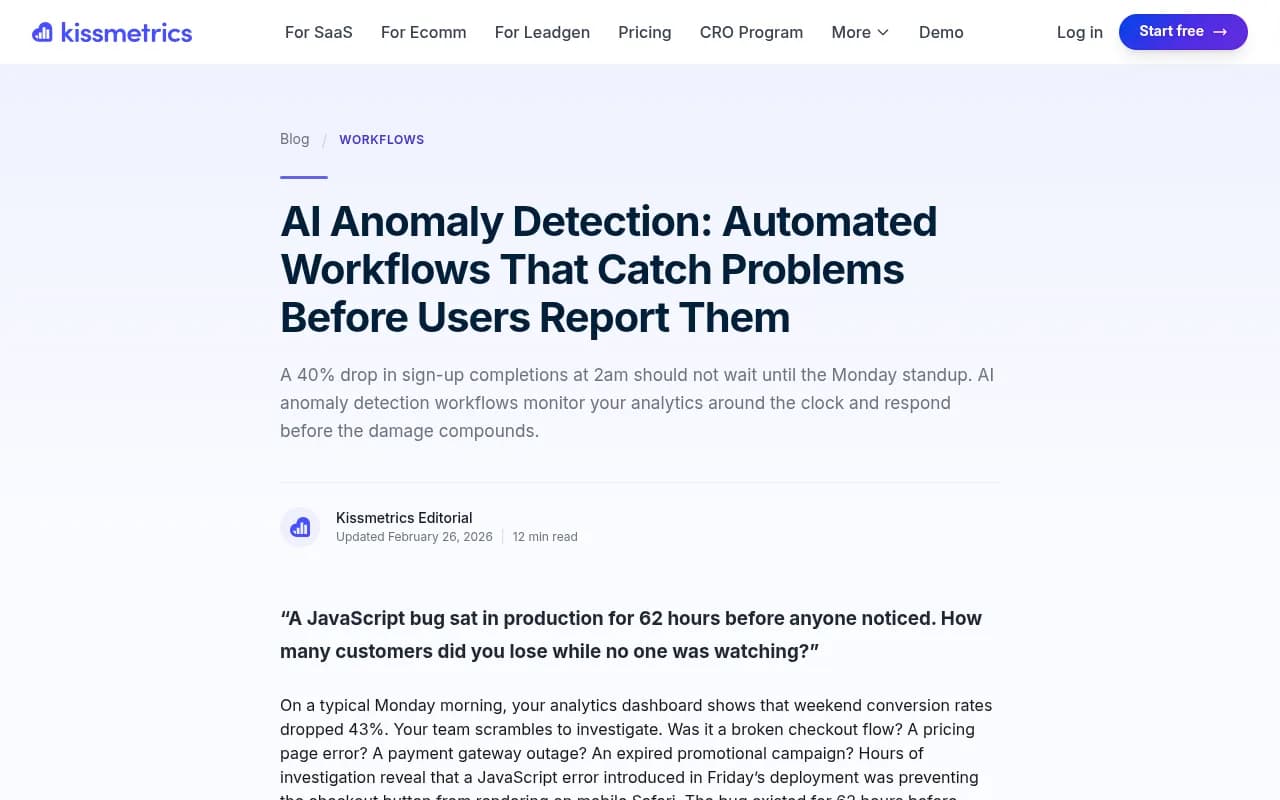
The engineering world solved a similar problem years ago. The Kissmetrics write-up on anomaly detection describes a JavaScript bug that sat in production for 62 hours because nobody was watching. Manual checking is slow and inconsistent. The same logic applies to AI answers about your brand. If your only monitoring method is "someone on the team occasionally asks ChatGPT about us," you will find out about problems late.
The difference is that you cannot instrument an LLM the way you instrument your own app. You have to sample it, repeatedly, with the questions your buyers actually ask, then compare the answers with a list of facts you control.
Why a weekly cadence is the right rhythm
Daily is noisy for most teams and monthly is too slow. Weekly works for two reasons.
First, AI answers change without any action on your part. In Promptwatch's data on the ChatGPT citation drop after GPT-5.3, average citations per search-enabled response fell from about 6.4 to roughly 4.7-4.9 around the March 4, 2026 rollout, about 27% fewer, with no recovery a month later. That hit every model at once. If your visibility or accuracy shifted that week, the cause may be the platform, not your content. A weekly log with dates lets you check release timing before you start rewriting pages.
Second, wrong claims tend to stick. Promptwatch's content half-life report tracked every page ChatGPT cited on July 6, 2026 for 90 days. After 60 days, ChatGPT still cited 69% of landing pages and 67% of docs. Product pages, reviews and how-tos sat around 55%. News was the exception: half of news pages dropped out within 36 days. Pricing pages count as landing or product pages, so a stale pricing page can feed wrong answers for a long time.
So a weekly review catches errors while they are young, and gives you enough runway to fix the source before the claim settles in.
Step 1: Build your source-of-truth fact sheet
You cannot flag something as inaccurate without a definition of accurate. Before touching any tool, write a plain document with the claims that matter most.
Start with 15 to 30 facts. Cover:
- Pricing and plan names, including free trial terms
- Core features and, just as important, features you do not have
- Integrations and supported platforms
- Company facts: founding year, headquarters, leadership, certifications
- Availability by country or language
- Anything regulated or safety-related
Give each fact an owner and a canonical URL on your site. This is the page you will point to when you need to correct the record, and it is the page AI crawlers should be able to read.
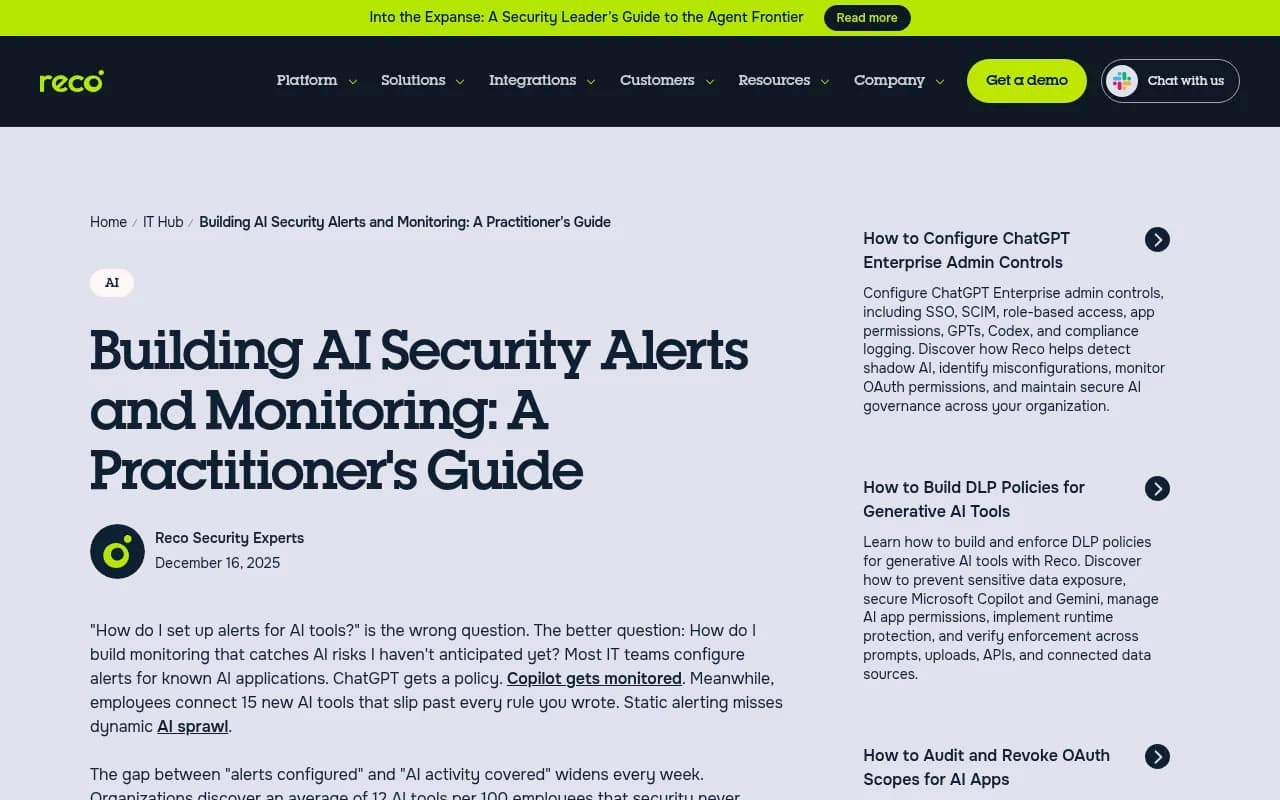
A note on scope. Do not try to monitor every possible claim. The Reco guide on AI security alerting makes a point that carries over: most monitoring fails from too many alerts, not too few. Teams drown in noise and eventually ignore the dashboard. Pick the claims where being wrong costs you money or trust.
Step 2: Design prompts that surface claims
A tracked prompt like "best CRM software" tells you whether you are mentioned. It rarely tells you what the model says about you. For accuracy monitoring you need brand-specific prompts that force the model to describe you.
Good patterns:
- "Is [brand] good for small teams?"
- "How much does [brand] cost?"
- "Does [brand] integrate with [tool]?"
- "[Brand] vs [competitor]: which has better [feature]?"
- "What are the downsides of [brand]?"
Then run them across several models and, if you sell in more than one market, several countries and languages. A claim can be right in the US and wrong in the German answer.
Here is a detail from Promptwatch's unique domains data (Sep 28 to Oct 4, 2026) that shapes this step. Only 21.3% of brand-specific prompts cite 10 or more domains, against 52.5% of organic prompts. The most common count for a brand prompt is just 5 domains. That short list of review sites, forums and comparison pages has an outsized say in how ChatGPT describes you. So when a claim is wrong, the first suspects are those few third-party pages, not your own site.
One prompt tells you little. The same report recommends measuring across many prompts. Aim for 5 to 10 variants per fact you care about.
Step 3: Pick a tool that tracks claims, not just mentions
There are two broad categories of tools here. Mention trackers tell you whether you appeared. Claim-aware platforms extract what the model said and let you judge it. For this workflow you want the second kind, or at minimum a tracker that stores full response text so you can review it.
Promptwatch is built for this. Its Brand Narrative feature pulls individual claims (for example "affordable for small teams" or "mobile app lacks features") out of every tracked response, groups repeated claims, and shows how often and which models say each one. Fact Check, available on Business, Agency Scale and Enterprise plans, lets you mark a claim Accurate or Inaccurate, then scans the pages crawled from your site to find the ones that state the claim or its opposite. That tells you which of your pages the model may be learning the wrong thing from. It also collects data from the real interfaces of ChatGPT, Gemini, Perplexity, Google AI Overviews and others rather than only APIs, which matters because user-facing answers can differ from API output.

Other tools in this space are mostly monitoring-first. Here is how a few compare for the specific job of catching wrong claims:
| Tool | Stores full responses | Claim-level extraction | Weekly digest or alerts | Fix workflow |
|---|---|---|---|---|
| Promptwatch | Yes | Brand Narrative and Fact Check | Weekly Action Board digest, scheduled chats and reports | Content Agent, Content Refresh, Action Board |
| Profound | Yes | Mention and sentiment focus | Alerts available | Monitoring-led |
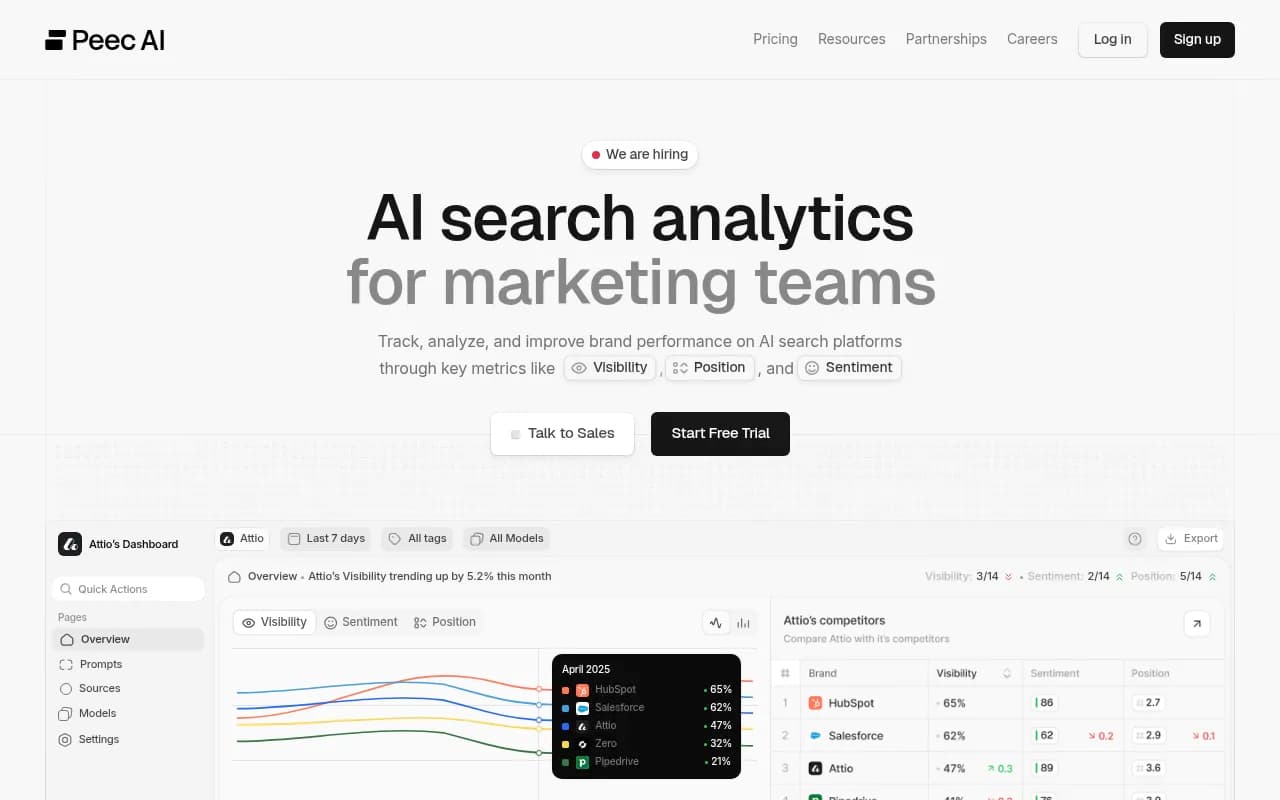
| Peec AI | Yes | Limited | Reports | Monitoring-led |
| Otterly.AI | Yes | Limited | Reports | Monitoring-led |
| Brand24 | Web mentions, not AI answers | No | Real-time alerts | None for AI claims |
I would be wary of any tool that gives you a single "sentiment score" and nothing else. A score going from 62 to 58 does not tell you that the model now says you lack SSO.
If you want to browse more options, the GEO software directory at bestgeosoftware.com lists dozens of platforms by category.
Step 4: Set alert rules that do not cry wolf
This is where borrowing from ops monitoring pays off. The DEV Community guide on AI agent alerting recommends defining baselines before configuring alerts, to avoid both false positives and missed incidents. Monte Carlo makes a related point about alert fatigue: monitors based on wrong assumptions are a main source of noise.
The same principles apply to claim monitoring. Run two to four weeks without alerts first. You are learning what normal looks like: how often does the model get your pricing wrong at baseline, and how much do answers vary run to run? LLM output is non-deterministic, so a claim that appears once in 40 responses is probably noise.
A three-tier severity model
| Tier | Trigger | Example | Response time |
|---|---|---|---|
| Critical | Wrong claim on pricing, safety, legal or availability appears in 10%+ of responses for a monitored prompt, or on any major model's default answer | ChatGPT says your product is discontinued | Same day |
| High | A new inaccurate claim appears across 2+ models, or an existing one doubles week over week | Gemini and Perplexity both say you lack an integration you launched | Within the week |
| Low | Single-model, low-frequency, or outdated-but-harmless claims | One response lists your old logo colors | Batch into monthly cleanup |
The thresholds are starting points. Adjust them after your baseline period. A small brand with 30 tracked responses per prompt needs a different threshold than an enterprise with thousands.
Exclusions that save you
Set rules to avoid noise:
- Ignore claims that are accurate but phrased differently. Use plain-language rules for what counts as a mention, especially if your brand name is also a common word.
- Suppress alerts for claims you have already marked as known and in progress.
- Require repetition. Alert on a claim appearing in multiple responses, not once.
- Separate competitor claims from your own. A wrong claim about a rival is intelligence, not an incident.
The Medium piece on false positives notes that they climb when AI scoring is overruled by rule-based alerts. Keep your rules few and make sure each one has an owner.
Step 5: Route alerts to the right people
An alert nobody owns is wallpaper. Map claim categories to owners:
- Pricing and plan claims: product marketing or revenue ops
- Feature and integration claims: product and docs
- Company facts and reputation: communications
- Regulated or safety claims: legal and compliance
For delivery, Slack is the usual choice. If your monitoring tool does not push to Slack natively, an automation platform can bridge it. Zapier and n8n both handle this: trigger on a webhook or scheduled export, filter by severity, post to a channel with the claim, the model, the prompt and a link to the response.
Keep the Slack message short. Claim, model, frequency, owner. Nobody reads a wall of text at 9am Monday.
Step 6: The weekly review routine
Here is the workflow itself. It takes about 45 minutes once it is set up.
Monday: collect and triage (15 minutes)
- Open the last seven days of responses for your accuracy prompts.
- Check for new claims, not just changes in score. Sort by frequency.
- Mark each new claim Accurate, Inaccurate, or Unsure.
- Compare against the platform calendar. Did a model update ship this week? If so, note it and hold off on content changes until you see whether the shift persists.
Tuesday: trace sources (15 minutes)
For each inaccurate claim, find where the model got it. Look at the cited sources on the responses containing the claim. Typical culprits:
- An outdated pricing or feature page on your own site
- A third-party review or comparison page with old information
- A forum thread or social post
- A page the AI crawler cannot read, so the model falls back on older sources
Crawler access is worth checking separately. If AI bots hit errors on your pricing page, they cannot learn your current prices. IP-verified AI crawler logs help distinguish an access problem from a content problem. Promptwatch's free Agentic Readiness Check is a quick way to see which AI crawlers can read your site.
Wednesday to Friday: fix and log (15 minutes of assigning, plus work time)
- For own-site errors, update the canonical page and make the corrected fact explicit near the top. Plain statements beat clever copy: "Acme integrates with Salesforce and HubSpot" is easy for a model to pick up.
- For third-party errors, contact the site owner, update your own listing on review platforms, or publish a clearer page that the model can cite instead.
- Log each fix with a date so you can check back.
- Re-run the affected prompts the following week.
The last step matters most and gets skipped most often. A fix you never verify is a guess.
Step 7: Fix the sources, not just the symptom
You cannot edit what ChatGPT says directly. You can change what it reads.
Based on the half-life data, prioritize landing pages, docs and pricing pages. They are cited the longest, so errors there do the longest damage and corrections there pay off the longest. News and blog posts fade faster, so a stale blog post matters less than a stale docs page.
For third-party pages, the Promptwatch data suggests making sure comparison and review pages describe you accurately. In practice:
- Claim and update profiles on directory and review sites
- Send correction requests with a link to your canonical page
- Publish a clear comparison page of your own so there is a primary source to cite
- Check for outdated Reddit or forum threads that rank for brand prompts, and reply with current facts where the community norms allow it
If you want a platform to help with the write-and-publish side, some tools combine tracking with content generation. Promptwatch's Content Agent plans, writes and publishes pages for visibility gaps to WordPress, Webflow or Framer, with a review inbox so a human approves changes. Its Content Refresh produces git-diff-style updates to existing pages, which suits the "update the stale pricing page" case well. Whichever tool you use, keep a person in the loop for anything involving prices or legal claims.
Common mistakes
Alerting on score movements alone. A visibility or sentiment score tells you something changed, not what. Alert on claims.
Using one prompt per fact. One response is an anecdote. Use prompt sets and look at the frequency.
Skipping the baseline. Without two to four weeks of data you will either flood the channel or set thresholds so loose you miss real issues.
Blaming your content first. Check for platform changes. The March 2026 citation drop is a good reminder that the model can change under you.
Treating alerts as the finish line. An alert is the start. The fix and the re-check are the work.
Ignoring non-English markets. Wrong claims show up per language. If you serve multiple countries, set up separate monitors for each.
A note on independent verification
If you are monitoring claims at a larger scale, such as misinformation about a public topic rather than your own brand, look at how NewsGuard runs its AI False Claims Monitor. It uses a catalog of provably false claims, which it calls False Claim Fingerprints, and tests chatbots with prompts built from them. The idea transfers: start from a fixed list of known facts and falsehoods, and test against it repeatedly. Your fact sheet from Step 1 is a small, brand-sized version of the same approach.
When to bring in outside help
If you have dozens of products, multiple markets, or regulated claims, the weekly workflow can outgrow a single marketer's time. Agencies that handle GEO and AI search can run the monitoring and the source remediation for you. 1001 SEO Media is one such agency, and it uses Promptwatch for AI visibility work. For smaller teams, the routine above is manageable in-house.
Quick-start checklist
- Write a 15-30 item fact sheet with owners and canonical URLs
- Build 5-10 brand-specific prompts per critical fact
- Choose a tool that stores full responses and extracts claims
- Run 2-4 weeks as a baseline with no alerts
- Set three severity tiers with named owners
- Route to Slack with short, structured messages
- Review weekly: triage, trace, fix, verify
- Log platform update dates beside every change you see
The whole system rests on one habit: comparing what AI says with what is true, on a schedule, with someone responsible for the gap. The tool is the easy part. For more tools in this category, the AI rank tracking directory is a good place to compare options before you commit.