
Key takeaways
- On documented timings, Searchable is fastest to a first report (about 5 minutes), AthenaHQ takes 15-20 minutes of setup plus a few hours for data, and Profound's new prompts take 24-48 hours to show answers.
- Access differs more than speed. Searchable and AthenaHQ are self-serve. Profound is a free trial that leads to a sales-led paid plan.
- A fast first report is not the same as a useful one. Prompt set quality drives usefulness in all three tools.
- All timings here come from vendor docs and third-party reviews. I found no independent hands-on timing test for any of the three, so treat them as claims.
- Verify pricing before you buy. Profound's public pricing has changed several times and sources conflict.
What "time to first useful insight" means
Most comparison posts count features. I care about something more boring: how many hours pass between entering a credit card (or a sales call) and learning one thing you can actually act on.
That is different from "time to first data." A dashboard with ten auto-generated prompts and a visibility number of 14% is data. It is not an insight. An insight is something like "ChatGPT recommends two competitors for our main commercial query, and cites a listicle we are not in."
So I split the journey into four stages:
- Access: can you start without talking to anyone?
- Setup: how long until tracking is configured?
- First data: how long until something shows up?
- First useful insight: how long until you trust what you are looking at?
Stage 4 is where the three tools differ least on paper and most in practice, because it depends on you.
The short version
| Searchable | AthenaHQ | Profound | |
|---|---|---|---|
| Access | Self-serve, free start | Self-serve, card on file | Free trial, then sales-led |
| Setup | About 5 min (Quickstart) | 15-20 min | Instant account |
| First data | First report in about 5 min | A few hours | 24-48 h for new prompts, about 7 days for FactCheck |
| Starter prompts | Auto-generated from site analysis | About 10 auto-generated | You add them (CSV import supported) |
| Published entry price | $125/mo Pro (vendor claim) | About $245/mo annual, $295 monthly | Conflicting; check vendor page |
| Best fit | Growing SaaS teams | Product marketing teams wanting guided setup | Enterprise teams with a sales-led buying process |
The timings above come from vendor docs and reviews. None were independently tested.
Searchable onboarding
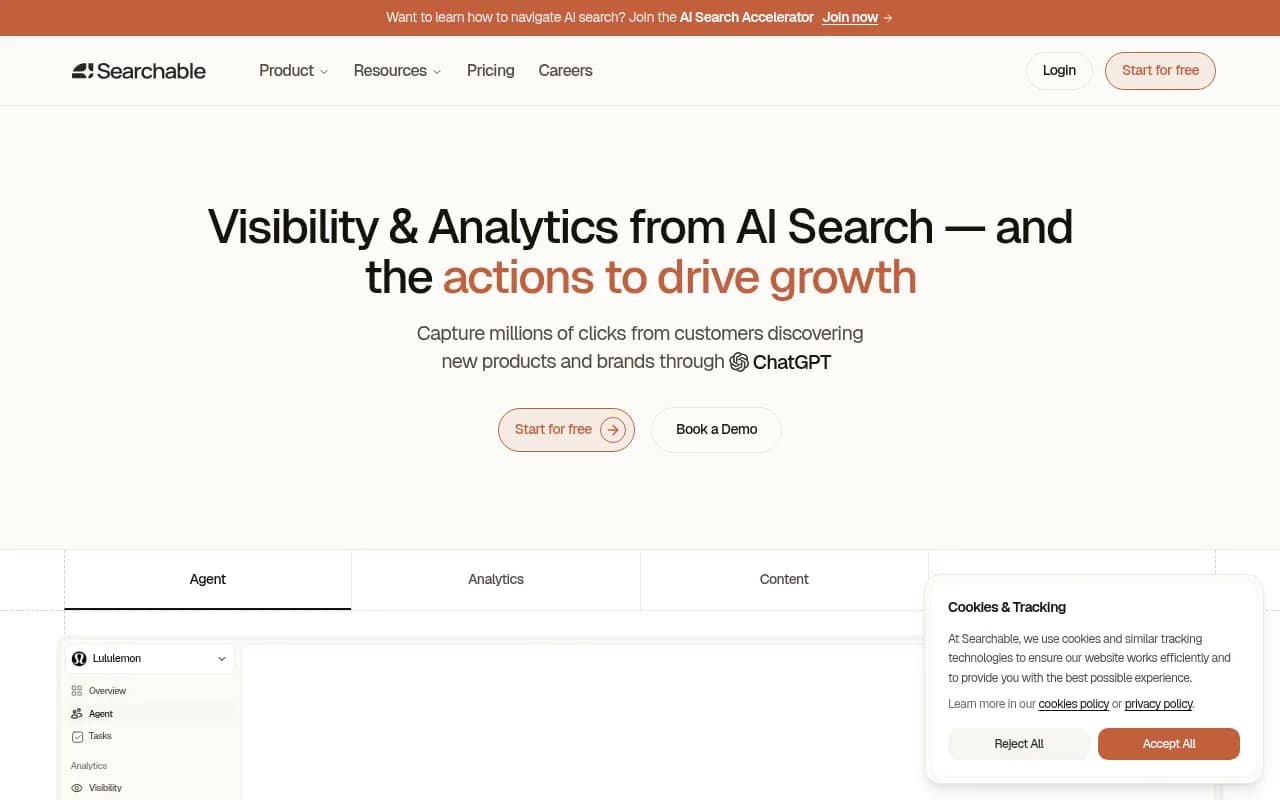
Searchable is the quickest to a visible result, and the docs are built around that.
What you enter
Per Searchable's project creation docs, the first domain (a "project") is created during onboarding. You provide:
- The domain. A path like example.com/uk is allowed.
- Brand name and alternate spellings.
- Brand reach: Global, Primary market plus international, Nationwide, Regional, or Local.
- Primary location and language.
- Three main competitors, up to five.
"Generate prompts after creating" is on by default. Searchable analyses your site and creates baseline visibility prompts you can edit or deselect. The first AI visibility report arrives by email. The docs index describes the quickstart as "up and running in 5 minutes," and a search snippet suggests most crawls finish within about 5 minutes. I did not see that exact line in the scraped page, so confirm it yourself.
What you get on day one
The project view lists pages discovered from your sitemap, an AI Visibility Baseline, a Site Health Score after the first audit, and Critical Issues. That last item is the quickest useful insight of the three tools, because fixing a critical technical issue is something you can do the same afternoon.
One gotcha: LLM Analytics stays empty until you connect a data source such as Cloudflare, Vercel, or WordPress. Do not judge that tab on day one.
Where it slows down
The recommended next steps are a lot for week one: review pages, set up LLM Analytics, build the knowledge base for the Agent, fix critical issues, add prompts, connect GSC and GA, and turn on the weekly New opportunities email. Do them in that order of payoff, not that order of the list. Standard plans track ChatGPT, Google, and Perplexity, so if you care about other engines, check coverage.
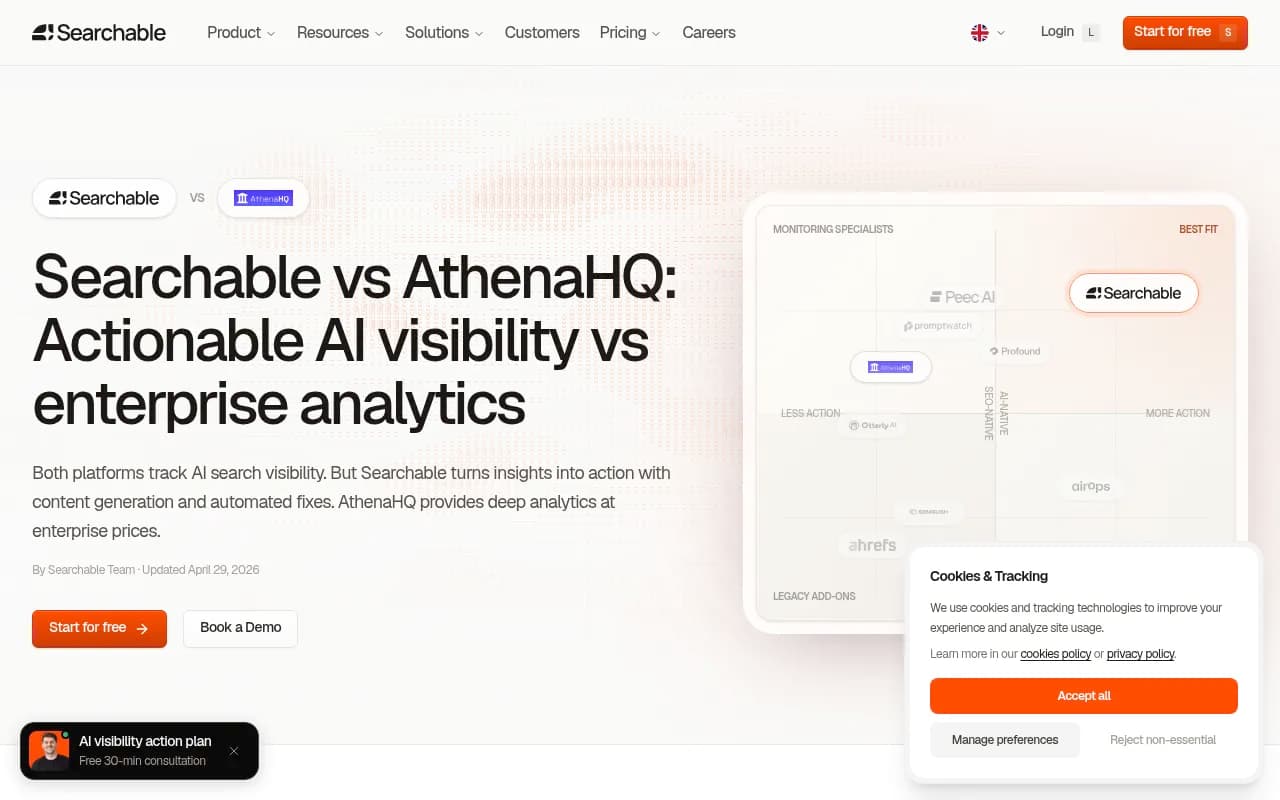
Pricing, per Searchable's own comparison page (a vendor-biased source): Pro is $125/month for 100 prompts, roughly $1.25 per prompt.
AthenaHQ onboarding
AthenaHQ has the most thoroughly documented setup of the three, which is a point in its favor.
The documented flow
The setup docs say activation takes about 15-20 minutes, is designed to be self-serve, and that initial results "typically appear in your dashboard within a few hours."
Prerequisites to gather before you start:
- Admin permissions.
- Credentials for Google Search Console, GA4, Shopify, Webflow, or Looker Studio.
- A list of competitors.
When you log in, a lot is already running: a brand profile extracted from your site, a proposed competitor list (each with identifiers for mention matching and domains for citation attribution), about 10 starter prompts tagged Branded or Non-Branded, and a prompt schedule.
Then six steps: invite users, connect integrations, confirm the brand profile and add a Brand Kit, add competitors and identifiers, generate prompts (CSV upload or Discover, if your plan includes it), and set a schedule with models, cadence, and a credit estimate.
The prompt set is the whole game
AthenaHQ's docs call the prompt set "the single biggest driver of useful insights" and recommend starting with 50-100 prompts. I agree, and it is refreshingly honest. It also matches reviewer complaints quoted by Industry Lens: the prompt library had to be built manually by product category, "takes real thought," and the help docs are thin. Connecting Google Search Console first helps, since it powers prompt suggestions.
Credits and the sticker-shock risk
Industry Lens (prices checked Oct 7, 2026) lists self-serve at about $245/month annual or $295 monthly, both with 3,600 credits and unlimited seats. One credit is one AI response. A November 2025 competitor post (possibly stale) estimated that 100 prompts across 8 engines weekly uses about 3,200 of those 3,600 credits. If that holds, your starter budget is nearly gone before you experiment. Searchable's page says the $95 figure is a first-month promo only.
Identifier hygiene matters too. Include every name variant in the identifiers, make the brand description specific, and confirm the schedule is saved and active, or your dashboard stays empty for reasons that look like a product bug but are not.
Profound onboarding
Profound is the most capable of the three on paper, and the slowest to a first answer.
Access
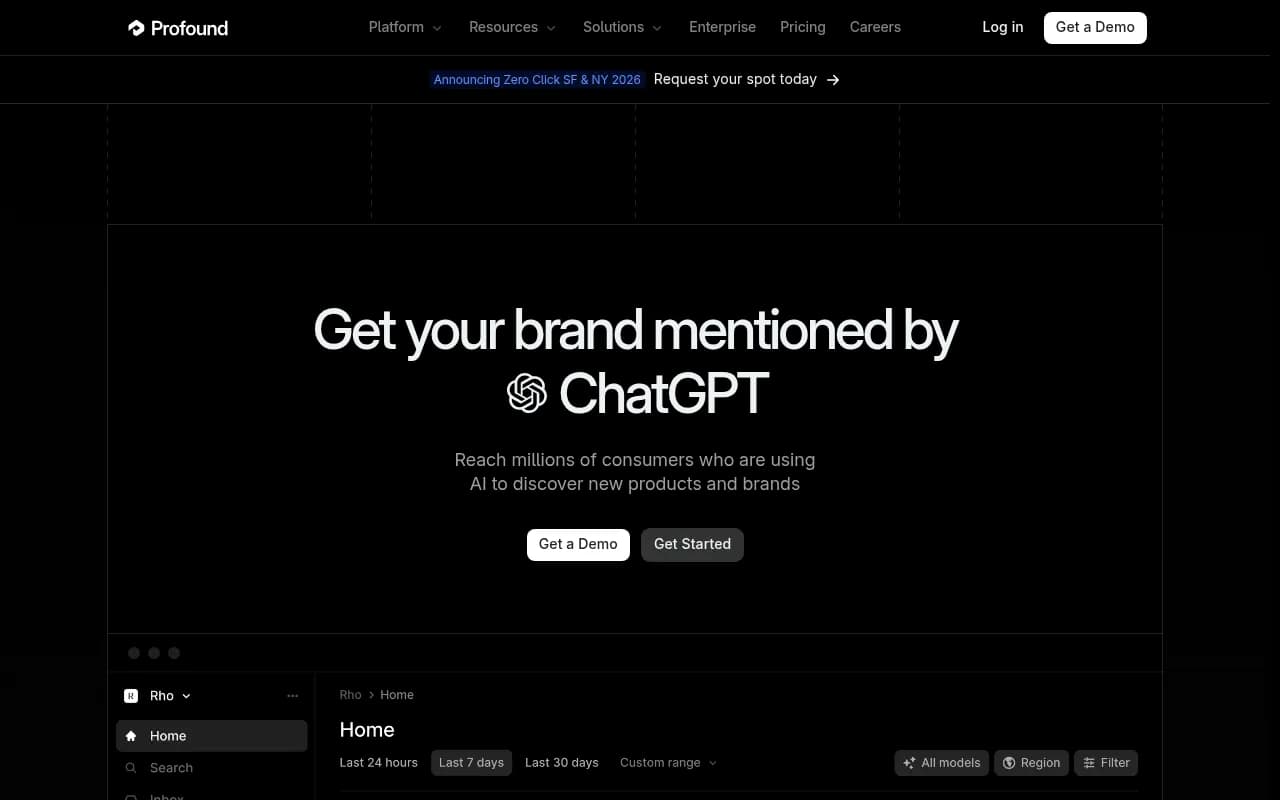
According to Industry Lens, Profound offers a free trial (agents and AEO reports) that leads to a sales-led paid plan. A demo is required and reviewers report no self-serve card checkout. Trakkr's review (a competitor, so cautious weight) says the pricing FAQ describes account setup as "instant."
Timing
- Newly added monitoring prompts normally take 24-48 hours to show answers, per Profound's help center as cited by Trakkr.
- Prompts then run once a day on each configured platform, per the Profound glossary.
- The separate FactCheck module typically needs about 7 days for initial results.
- CSV bulk import supports prompts only. Topic and Prompt are required; Tags, Regions, and Language are optional. I found no public path for importing historical results from another tool.
Each brand gets its own workspace with independent prompts, competitors, and platforms. Metrics include Visibility Score, Share of Voice, Average Position, Citation Share, Citation Coverage, Sentiment Score, and Accuracy Score. Topics are the main way to compare areas of the business.
The "where do I start" problem
A G2 review quoted by SE Ranking says there is "a lot of data" and it is not obvious where to start. That is the flip side of a deep product. If you have an enterprise team with a specialist and a Slack channel (enterprise adds SSO, a dedicated channel, and a specialist with a 24-hour SLA, which the review says should be confirmed in your package), this is fine. If you are one marketer, it will feel slow.
Pricing is a moving target
The sources disagree. SE Ranking (Aug 2026) lists a Starter at $99/month, ChatGPT only, capped at 50 prompts. Analyze AI (Nov 2025) lists Growth at $399/month for 3 engines and 100 prompts. Industry Lens (Oct 2026) lists no published paid tiers. Check Profound's pricing page directly.
Why the first week is longer than the docs say
All three tools can show you a number quickly. Turning it into a decision takes a prompt set that resembles how buyers actually ask. Two data points help set expectations:
- Promptwatch Data's average sources per response report shows ChatGPT cites about five sources per web-search answer, while Google AI Overviews and Perplexity cite about ten. Your share of citations will look different per engine, so judge each separately.
- Promptwatch Data's ChatGPT query fanouts report found average query length fell from about 117 characters in early December to about 53 in April. Short, keyword-like queries are what the model searches for, so your competitor identifiers and tracked prompts should match that style, not long conversational essays.
A realistic week-one plan
- Day 1: create the project, add competitors with every name variant, accept the auto-generated prompts, and note the first numbers without drawing conclusions.
- Day 1-2: connect Google Search Console (AthenaHQ and Searchable both use it) and write 30-50 prompts yourself from real sales calls and support tickets.
- Day 2-3: read the first full results. Look for one prompt where a competitor wins and one cited page you do not appear on.
- Day 4-7: act on a single gap. Fix a technical issue, refresh a page, or draft one comparison article. Then check whether the next run changes.
By that plan, "first useful insight" lands around day 2-3 for Searchable and AthenaHQ and around day 3-4 for Profound, mostly because of the 24-48 hour prompt delay. That is my estimate from the documented timings, not a measurement.
Which one should you pick based on onboarding alone
| Your situation | Pick | Why |
|---|---|---|
| One marketer, want a result today | Searchable | Fastest documented first report, site health issues visible immediately |
| Small team, want guided setup and clear docs | AthenaHQ | Detailed six-step flow, integrations, unlimited seats |
| Enterprise, multiple brands, specialist support | Profound | Per-brand workspaces, SSO, dedicated support, but expect a sales process |
| Heavy prompt volume across many engines | Check credit math first | AthenaHQ credits can burn quickly at scale |
The Arobis comparison frames it similarly: Searchable for growing SaaS, Profound for enterprise, AthenaHQ for product marketing. It is a third-party agency opinion, but it fits the onboarding evidence.
What none of the three onboarding flows cover
All three are strongest at monitoring and recommendations. If your question for the first week is "what do I do about it, and did it work," look at whether the tool closes the loop. Promptwatch tracks prompts from the real interfaces of ChatGPT, Gemini, Perplexity, and others, then adds IP-verified AI crawler logs, a Content Agent that publishes to WordPress, Webflow, or Framer, and visitor analytics to measure what the fix did. It has a 7-day free trial on monthly billing, which makes it easy to run a parallel test.
For more options, the GEO software directory at bestgeosoftware.com lists dozens of alternatives with the same side-by-side format.
Questions to ask before you sign up
- Can I start without a sales call, and what happens when the trial ends?
- How many credits or prompts does my realistic starter set consume?
- Which engines are in the plan I am buying, not the top tier?
- How long until new prompts show answers?
- Can I import prompts by CSV, and can I export my data if I leave?
- Who answers when the dashboard is empty on day one?
Bottom line
Searchable gets you a first report fastest, AthenaHQ gives the clearest guided setup, and Profound asks for the most patience and the most commitment in exchange for the most depth. Run a real test: sign up for the two self-serve tools on the same afternoon with the same 50 prompts, and compare what you can act on after 48 hours. That experiment beats any vendor page, including the ones cited here.
FAQ
Which tool has the fastest onboarding?
On documented timings, Searchable, with a first report in about 5 minutes. AthenaHQ needs 15-20 minutes of setup and a few hours for data. Profound's new prompts take 24-48 hours. None of these were independently timed.
Can I try Profound without talking to sales?
Industry Lens reports a free trial for agents and AEO reports, but paid plans are sales-led with a demo required.
How many prompts should I start with?
AthenaHQ's docs recommend 50-100. That is a sensible starting range for any of the three tools.
Why is my dashboard empty after setup?
Common causes: the schedule is not saved and active, data has not populated yet (allow a few hours), brand name variants are missing from identifiers, or on Searchable, no data source is connected for LLM Analytics.
Are the prices in this guide current?
Prices came from third-party and vendor comparison pages, and Profound's sources conflict. Confirm on each vendor's pricing page before buying.