Key takeaways
- Coding agents are a different reader from a search engine. Claude Code and Codex fetch specific docs, READMEs and API references mid-task, so clean, self-contained pages beat clever marketing copy.
- Put the work into plain HTML docs with a clear heading hierarchy first, then add .md endpoints for developer documentation only. Promptwatch Data found .md files are 0.05% of AI search citations, so mirroring your blog in markdown is wasted effort.
- Ship an AGENTS.md, a CLAUDE.md (or a symlink or import that joins them), and an llms.txt so agents know where to look.
- Write every page so it can stand alone: exact commands, versions, error messages and a working example. An agent cannot ask you what you meant.
- Measure it. Check crawler logs for GPTBot, ClaudeBot and OAI-SearchBot hits on your docs, then see whether those pages get cited.
Why docs for agents are a different job
I used to think good documentation was good documentation. Write clearly, add examples, keep it current, done. That still holds, but coding agents change who is reading and how.
A human lands on your docs from a search result, skims the sidebar, and forgives a missing step because they can poke around. An agent has a task ("add Stripe webhooks to this Express app"), a limited context window, and a fetch tool. It grabs one or two pages, extracts what it needs, and writes code. If your page buries the install command under three paragraphs of positioning, or splits a single procedure across five tabs, the agent either guesses or recommends the competitor whose quickstart fit on one screen.
There is early data on this. Promptwatch's markdown in AI search report, published in February 2026, reports a large uptick in documentation being crawled by Claude's bot (which Promptwatch says powers Claude Code) and OpenAI's bot (which it says powers Codex). In its log sample, /docs/**/*.md paths were the top requested paths, the biggest with 3,241 requests, then 2,870 and 1,934, mostly hit by both bots. Agents fetch specific docs, READMEs and API references to complete tasks.
One caveat before going further. The log sample is a snapshot from one dataset, and I would not treat any single number as a law. The direction is what matters: docs are being read by machines doing real work.
What agents actually read
There are three layers, and most teams only cover the first one.
Layer 1: your public docs site
This is the layer ChatGPT search and other retrieval systems cite. In Promptwatch's software citation data for Sep 28 to Oct 4, 2026, docs and help centers earned the largest share of software citations among source types at 2.64%, ahead of vendor sites (2.01%), review sites and analysts (1.57%), GitHub (1.2%) and app stores (0.47%). Vendor sites and docs together earned 4.65%, about three times what review sites and analysts got. Top domains included github.com, learn.microsoft.com, g2.com, docs.aws.amazon.com and docs.cloud.google.com.
Be careful with the scope here. That report measures ChatGPT search, not Claude Code or Codex agent behavior. I use it as a proxy: if retrieval systems favor crawlable docs and a public GitHub presence, an agent doing the same job likely does too. Promptwatch's own takeaways are to publish crawlable docs and help pages, keep a public GitHub presence, and keep G2 and Capterra profiles current.
Layer 2: context files inside the repo
When the agent is working in a user's project, it reads that project's context files first. Two names matter:
- Codex reads AGENTS.md files before doing any work. A global file can live at
~/.codex/AGENTS.md. - Claude Code reads CLAUDE.md, not AGENTS.md.
AGENTS.md is plain Markdown with no required fields, per agents.md. Anthropic's Claude Code best practices say much the same about CLAUDE.md: no required format, keep it concise and human-readable, and use it for bash commands, core files, code style, testing instructions, repo etiquette, environment setup and project gotchas. (That guidance comes from an older snapshot of the page I saw quoted, so check the current Anthropic docs before copying specifics.)
This matters for you even if you are a library author and not an app developer. Your users' context files are where your tool either gets mentioned or doesn't. More on that below.
Layer 3: discovery files
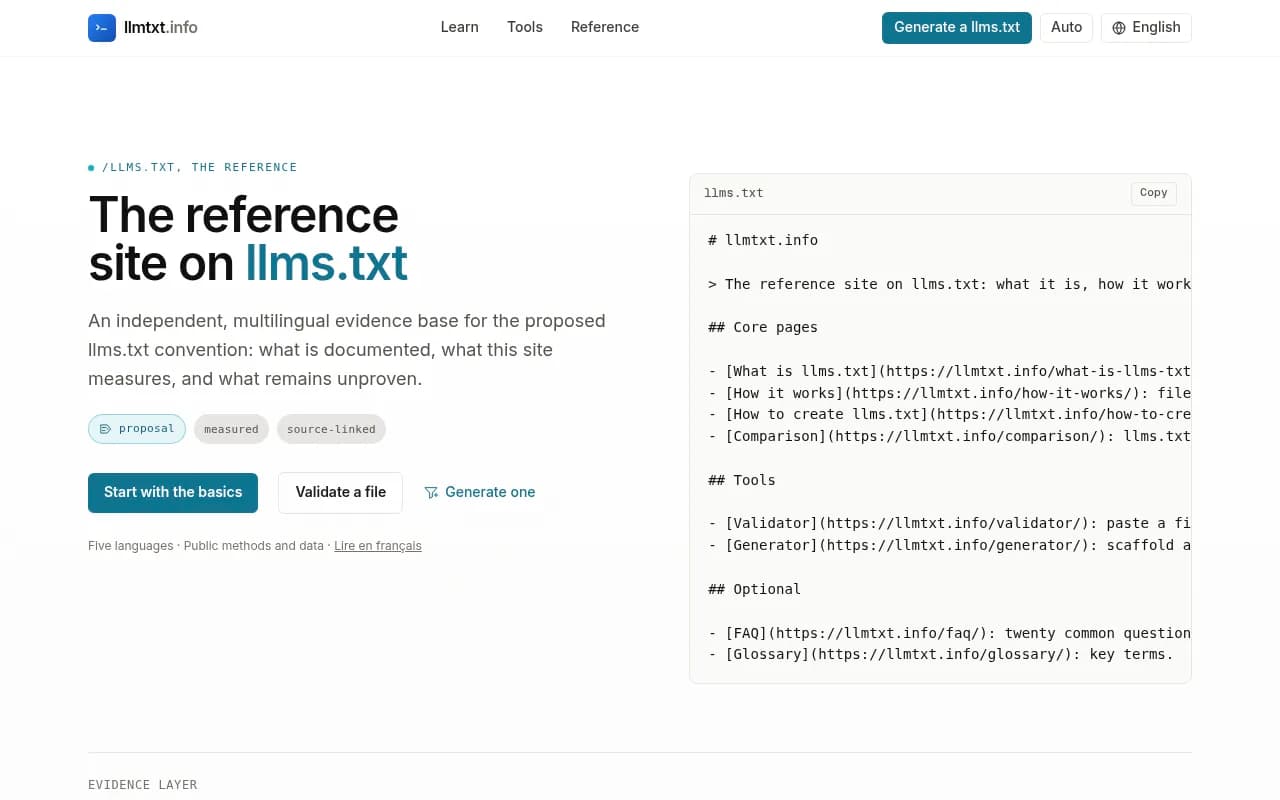
Mintlify says coding agents find documentation through skill.md, llms.txt and MCP. Its description: llms.txt lives at /llms.txt on the docs site, any agent that can fetch a URL can read it, and it is used when the agent needs to find a page. That is vendor-sourced, and I have not seen independent proof of how widely agents use llms.txt, so treat it as cheap insurance and not a ranking lever. It takes ten minutes, and a free generator like llmtxt.info does the job.
The format question: HTML, markdown, or both
The most useful finding in the research is also the least intuitive. Across ChatGPT, Claude, Perplexity and AI Overviews, Promptwatch measured HTML at 99.94% of citations, .md files at 0.05%, and images at 0.015%. That is roughly 2,000 to 1.
So the advice splits by content type:
| Content | Best format | Why |
|---|---|---|
| Marketing and blog pages | HTML with clean headings, semantic markup, direct answers | Retrieval systems cite HTML almost exclusively |
| Developer docs, API references, READMEs | HTML for people, plus .md endpoints for agents | Agents fetch these directly; markdown is cleaner, cheaper to parse and keeps the context window clean |
| Client-rendered pages | Fix first with server rendering | A page the retrieval system can't parse loses citations |
| Agent setup instructions | AGENTS.md, CLAUDE.md, llms.txt | Read before or at the start of a task |
Promptwatch advises against building .md mirrors of marketing and blog pages, and recommends putting that effort into heading hierarchy, semantic markup and direct answers. Reserve .md endpoints for developer documentation. That matches how I would prioritize it: a docs site that serves /docs/auth.md next to /docs/auth is a small engineering task with a plausible payoff, while a markdown copy of every blog post is busywork.
How to write a page an agent can use
Here is the checklist I would hold every docs page to. None of it is exotic. It is just stricter than what most teams settle for.
Lead with the answer
The first screen should say what the thing is, who it is for, and the install or call that gets you started. One sentence of description, then a code block. Agents often read the top of a page and stop.
Make each page self-contained
If step 3 depends on a variable defined on a different page, repeat it. Link out for depth, but never for the minimum needed to succeed. Humans find this repetitive. Agents find it essential.
Use exact, copyable specifics
Versions, flags, environment variable names, file paths, expected output. Compare these two:
Bad:  Configure your API key in the environment.
Good: Set STRIPE_SECRET_KEY in .env (Node 20+, stripe@^17). Expected output after running `npm run dev`: "Listening on :3000".
The second version lets an agent write correct code and verify it ran.
Document the failure modes
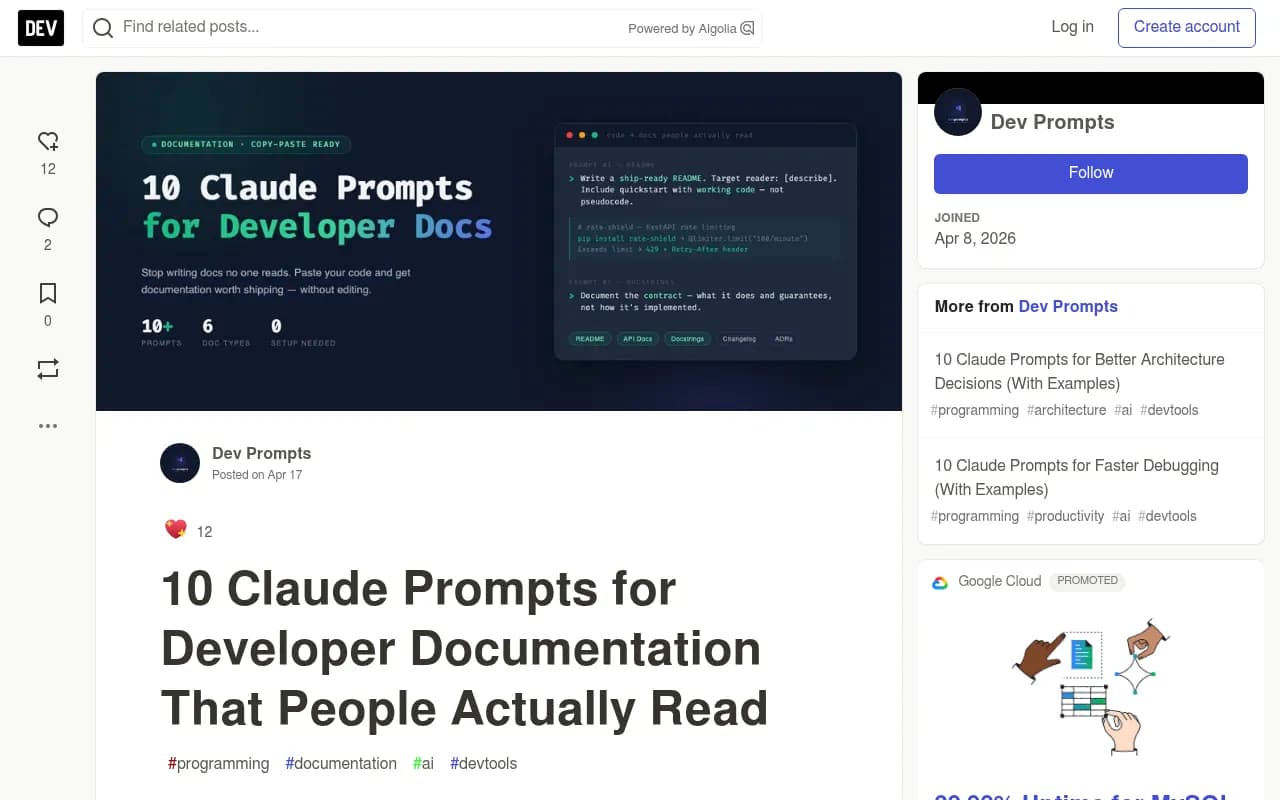
The DEV Community piece on documentation prompts has a line I liked: external developers bounce off an API when the error says 422 Unprocessable Entity and the docs say nothing about it. Agents hit the same wall, faster. List each error code, the likely cause and the fix. When an agent pastes an error into its search tool, you want your page to be the match.
Keep headings literal
A heading like "Getting started with webhooks" gets retrieved. "Let's wire it up" does not. Use sentence-case headings that name the task, keep a single H1 per page, and don't skip levels.
Avoid JavaScript-only rendering
If your docs render in the browser from a JSON blob, an agent fetching the URL may see an empty shell. Promptwatch's advice is to fix client-side-JavaScript pages first, because a page the retrieval system can't parse loses citations. Server-render or statically generate your docs.
Write the context files your users will copy
This is the part nobody talks about. When a developer asks Claude Code to integrate your SDK, the agent leans on whatever is in that developer's CLAUDE.md or AGENTS.md plus whatever it fetches. You can influence both.
Publish a paste-ready snippet
Offer a short block users can drop into their context file. For example:
## Using ExampleSDK
- Install: `npm install examplesdk`
- Docs index for agents: https://docs.example.com/llms.txt
- Always initialize with `createClient({ apiKey: process.env.EXAMPLE_KEY })`
- Run `npm test` after changing anything under src/integrations/
Keep it to a handful of lines. Anthropic's guidance on CLAUDE.md is to keep it concise, and its team iterates on it like a prompt, sometimes adding emphasis such as "IMPORTANT" or "YOU MUST". The same source warns that a common mistake is adding extensive content without testing whether it improves instruction following. Test your snippet: run an agent with and without it and see whether the generated code improves.
Keep AGENTS.md and CLAUDE.md in sync
You have two options for your own repos, and both are fine:
- Symlink:
ln -s AGENTS.md CLAUDE.md. - Import: put
@AGENTS.mdat the top of CLAUDE.md and add Claude-specific notes below it, as Mintlify suggests.
Pick the import if you need any Claude-only instructions. Pick the symlink if you want zero drift.
Use progressive disclosure for big repos
A monolithic context file gets ignored or wastes tokens. The AI Hero guide to AGENTS.md recommends moving language-specific rules into separate files and linking them, such as "For TypeScript conventions, see docs/TYPESCRIPT.md". Claude Code can also load CLAUDE.md files from child directories on demand, and a parent directory file is useful in monorepos.
Let the agent draft, then edit
Two practical tips from people doing this daily. One Reddit write-up on getting Claude Code to maintain its own documentation says to let Claude Code generate the skeleton instead of hand-writing it, and to keep the big auto-generated route reference separate from the hand-written guide. And /init in Claude Code generates a starter CLAUDE.md. Treat both as first drafts. Then cut anything the agent could figure out from the code in five seconds.
Using Claude to write the docs themselves
An agent that reads docs can also help write them, with the usual caveats. The DEV post I mentioned makes a point I agree with: documentation prompts fail because the model does not know who the reader is. Give it four things before you ask for anything: the target reader, what the code does in two plain sentences, the output format, and an example of good output.
For agent-facing docs, add a fifth: tell it the reader is a coding agent with no memory of your product. That one line pushes the draft toward explicit, self-contained pages. Claude is the obvious choice for drafting, and Dosu has a write-up of a Claude Code skill called /doc-it that generates a project's documentation layer from source code.
A workflow that holds up:
- Have the agent generate a skeleton from the source tree.
- Edit for accuracy. Agents confidently document behavior that does not exist.
- Add the error tables, version numbers and gotchas only a human on your team knows.
- Review with a second model. One Medium write-up describes Claude Code producing a markdown plan and then invoking the Codex CLI to critique it. The same pattern works for docs: ask Codex to follow your quickstart cold and report where it got stuck.
That last test is the one I would not skip. If a fresh agent can't complete your quickstart without help, neither can a new user.
Technical access: let the bots in
None of this works if the crawlers can't reach you. Check three things:
- robots.txt does not block GPTBot, OAI-SearchBot, ClaudeBot or related agents on your docs paths.
- Your CDN or firewall is not serving challenge pages to AI crawlers.
- Docs are not behind a login or a cookie wall.
The robots.txt generator for AI and the AI bots directory are free references if you are unsure which user agents to allow. Allowing retrieval bots while limiting training bots is a legitimate policy choice, and you should make it deliberately.
Measure whether agents are reading and recommending you
Writing is half the job. The other half is finding out whether it worked, and this is where most teams fly blind.
There are three questions to answer:
- Are AI crawlers hitting my docs? Server logs or a crawler analytics tool will tell you which bots fetched which paths and where they hit errors.
- Are those pages being cited? Track the prompts developers actually ask ("best library for X", "how do I do Y with Z") and see which sources show up.
- Is anything arriving as traffic or signups? Referral data shows whether citations turn into visits.
Tools that can help here include Promptwatch, which tracks how ChatGPT, Gemini, Perplexity, Claude and other engines cite you, and also tracks how the coding agents Codex, Claude Code and OpenCode recommend tools, SDKs and docs. Its AI crawler logs show IP-verified hits from bots like ClaudeBot and OAI-SearchBot per page, which separates an access problem from a content problem.

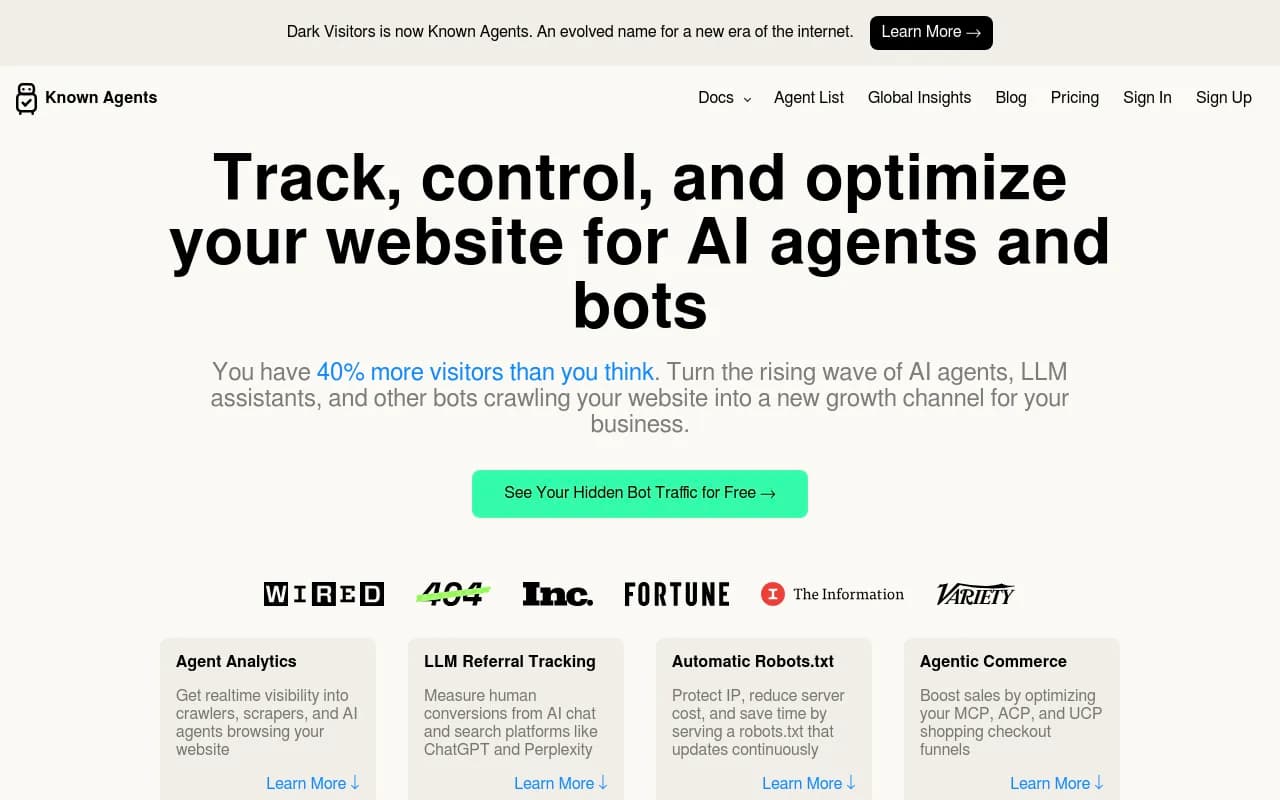
If you only want to watch bot traffic, Dark Visitors focuses on tracking AI agents and referrals hitting a site.
For a broader list of options in this category, the directory at bestgeosoftware.com is a reasonable starting point.
| Need | What to use |
|---|---|
| See which AI bots read which doc pages | Crawler logs (Promptwatch, Dark Visitors, or raw server logs) |
| See which prompts cite your docs | A citation tracker such as Promptwatch |
| Generate llms.txt | llmtxt.info or Promptwatch's free generator |
| Draft and edit docs | Claude, Codex, or your editor of choice |
| Check your site is readable by agents | Promptwatch's free Agentic Readiness Check |
A realistic 30-day plan
Week 1: fix access
Server-render your docs, unblock the right crawlers, and confirm every page returns clean HTML with a real H1. Run the free Agentic Readiness Check to see what agents can read and which standards you support.
Week 2: rewrite the top five pages
Pick your quickstart, auth page, most common integration, error reference and changelog. Apply the checklist: answer first, self-contained, exact specifics, failure modes, literal headings.
Week 3: ship the machine-facing layer
Add llms.txt, .md endpoints for docs pages, an AGENTS.md and CLAUDE.md in your own repo, and a paste-ready snippet for users. Resist the urge to mirror your marketing pages in markdown.
Week 4: test and measure
Run Claude Code and Codex cold against your quickstart. Fix every place they stall. Then start tracking crawler hits and citations so you have a baseline to compare against next month.
What I would not bother with
A few things look productive and probably are not. Mirroring blog posts as markdown, because the citation data does not support it. Stuffing context files with every convention your team has ever had, since Anthropic itself warns against untested bulk. And treating llms.txt as a ranking trick when the only evidence of agent adoption I found is vendor-sourced.
The boring work wins: crawlable pages, precise instructions, honest error documentation, and a quickstart that survives being run by something with no patience and no memory. Do that, then check your logs.
Frequently asked questions
Does Claude Code read AGENTS.md?
Claude Code reads CLAUDE.md, not AGENTS.md. Use a symlink or put @AGENTS.md at the top of CLAUDE.md so both agents see the same instructions.
Should I publish markdown versions of every page?
No. Promptwatch Data shows .md files are 0.05% of AI search citations. Keep markdown endpoints for developer documentation where coding agents fetch files directly.
Is llms.txt worth adding?
Yes, because it costs almost nothing. Just don't expect a measurable lift on its own; the claim that agents use it comes from Mintlify, a docs vendor, and I could not verify adoption independently.
How do I know if Codex or Claude Code recommends my tool?
Track the prompts developers ask and the sources returned, and watch crawler logs for ClaudeBot and OAI-SearchBot on your docs. A platform like Promptwatch covers both, including coding agent recommendations.