Key takeaways
- ChatGPT ads are common now. Promptwatch Data shows ads in an average of 20.1% of web-search responses between May 20 and Aug 17, 2026, and 29.6% over the final 30 days, with daily peaks of 43.9%.
- Amazon reports impressions, clicks, sales and prompt data for sponsored prompts in Alexa for Shopping, according to Ad Age (Aug 17, 2026). That is the clearest first-party data available for Alexa, but it only covers paid placements.
- ChatGPT does not give you a comparable ads report to monitor competitors, so you need outside tracking: fixed prompt sets, repeated runs across several days, and a log of which advertisers and landing pages win.
- Track paid and organic separately. Shopping cards, sponsored slots and plain citations are three different things, and each one needs its own metric.
- You can start with a manual 10-prompt log this week and move to a tool when the spreadsheet gets painful.
What counts as a sponsored shopping result in AI search
In Google, a sponsored result is easy to spot and easy to report on. In ChatGPT and Alexa, the lines are blurrier, so it helps to define terms before you build any tracking.
There are four things you might see in an AI shopping answer:
- Product cards. Visual tiles with image, price and a buy link. These appear when ChatGPT runs a web search on a commercial or transactional prompt.
- Organic recommendations. The assistant names your product in text, with or without a card.
- Cited sources. Pages the answer links to as evidence, such as review sites, marketplaces or your own product page.
- Sponsored placements. Paid slots with advertiser copy, claims and a landing page.
Only the last one is an ad. But the first three are what ads compete against, so a tracking setup that only watches ads tells you very little. I'd treat it as a share-of-shelf problem with a paid layer on top.
How often do ads actually appear?
More often than most teams assume. Promptwatch's ChatGPT ads over time report found that ChatGPT served no ads until May 27, 2026, when they showed in 1.69% of responses. After a short spike on June 25 and 26, the rate passed 30% on July 1 and stayed there. The last 7 days of the dataset averaged 32.4%.
Two caveats from that report matter for how you read it. The count only includes responses where ChatGPT searched the web, returned at least one citation and completed ad extraction. And among ad-bearing responses, 73.3% were organic prompts, 18.0% brand-specific and 8.6% competitor comparisons. That is a volume mix, not the chance that a given prompt type triggers an ad. If you add more organic prompts to a monitor, that share goes up on its own.
Practical takeaway: one run of one prompt tells you almost nothing. Check across several days, because a single run can land on an outlier day.
How Alexa for Shopping differs from ChatGPT
Alexa for Shopping sits inside Amazon's own retail system, which changes the tracking problem.
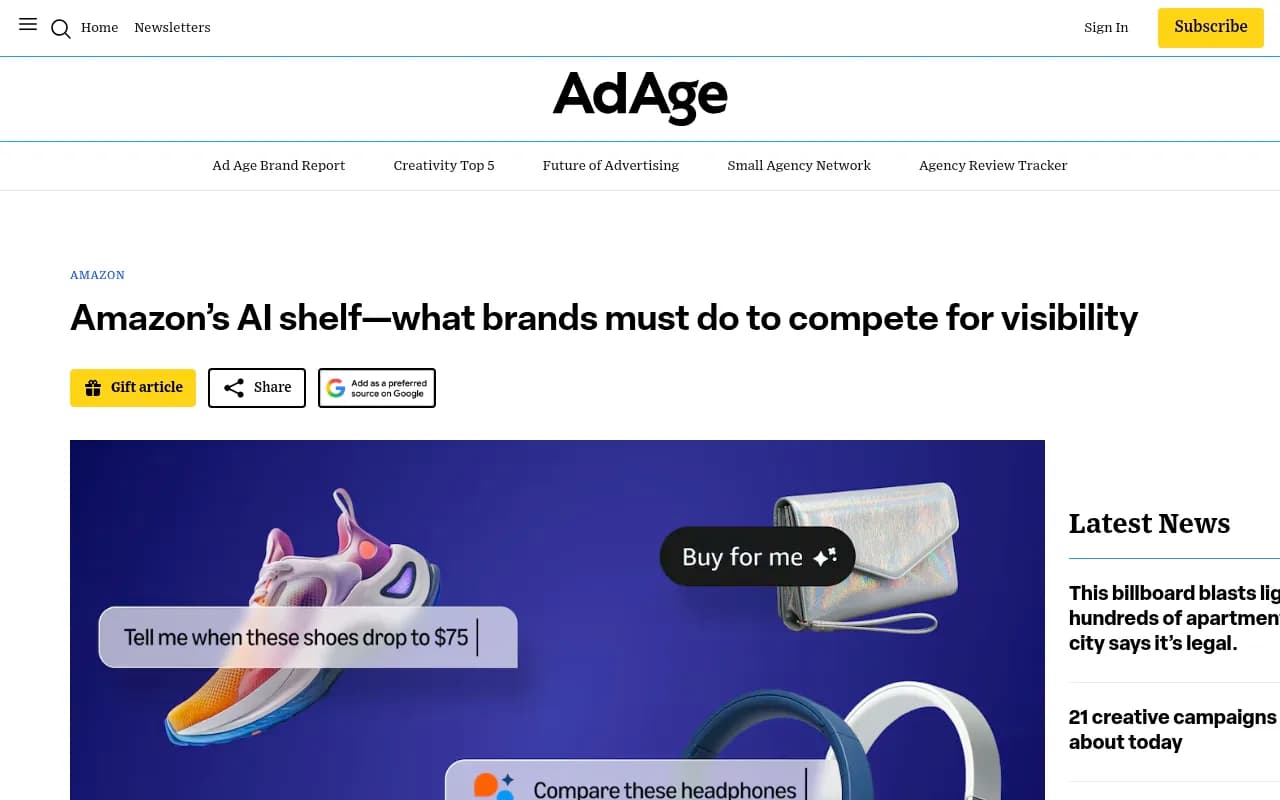
Per the Ad Age piece, Amazon's agentic shopping includes a "Buy for me" option, which means brands compete to be the first choice among a smaller, more selective set of products. The article is paywalled, so I can only report what is visible: the clearest data comes from paid sponsored prompts, where Amazon reports impressions, clicks, sales and information about the prompts themselves.
That is a real advantage over ChatGPT. If you buy sponsored prompts on Amazon, the reporting is native. The gap is everything else:
- You do not see which competitors showed up on prompts you did not buy.
- You do not see organic recommendations unless you check them yourself.
- Amazon's reports describe your own spend, not the whole shelf.
So the split looks like this.
| ChatGPT | Alexa for Shopping | |
|---|---|---|
| Native ad reporting for your own campaigns | Limited, check your ads account | Impressions, clicks, sales, prompt data |
| Competitor ad visibility | Needs outside monitoring | Needs outside monitoring |
| Organic product recommendations | Needs outside monitoring | Needs outside monitoring |
| Source and citation data | Needs outside monitoring | Needs outside monitoring |
| Best first step | Fixed prompt set, repeated daily | Sponsored prompt reports plus a prompt set |
I did not find official OpenAI or Amazon documentation on buying these placements while researching this, so check the current ad platform docs for specifics before you commit budget.
Step 1: Build a prompt set that mirrors real buyers
Everything downstream depends on this. A weak prompt list gives you a confident-looking dashboard full of irrelevant data.
Start with 20 to 50 prompts, grouped by intent:
- Commercial: "best trail running shoes for wide feet"
- Transactional: "buy waterproof hiking boots under $150"
- Comparison: "Brand A vs Brand B running shoes"
- Branded: "is [your brand] good quality"
- Use-case: "gift for a 10-year-old who likes science"
Shopping features concentrate on commercial and transactional prompts, per Promptwatch's ChatGPT shopping usage data. Across all prompts, product cards attach to only a low single-digit share of web-search responses, but trigger rates are much higher on buying prompts. That data was published in November 2025, so treat the exact levels as dated. The direction still holds.
Two extra tips:
- Tag each prompt with a product line. A blended number hides the fact that trail shoes might be winning while sandals are losing.
- Write prompts in the language and country of your market. Answers differ by location.
The no-tool version
Circlify's suggested manual method is a good starting point: run ten fixed buying prompts on a schedule, with memory off and in a clean session. Record the date, the prompt, whether a product card appeared, which brands filled it, whether an ad appeared, and the landing page. A spreadsheet works fine for two weeks.
It breaks down for three reasons. It is slow, results vary by session, and you cannot easily watch ten markets. When you hit that wall, move to a tool.
Step 2: Log the right fields every run
Whatever method you use, capture the same fields. Otherwise you cannot compare week to week.
| Field | Why it matters |
|---|---|
| Date and time | Ad rates move in steps, so dates explain swings |
| Platform and model | ChatGPT, Alexa and others behave differently |
| Country and language | Answers vary by market |
| Prompt and intent tag | Lets you segment organic, brand and comparison |
| Shopping cards shown (yes/no) | Tells you if the surface even opened for this query |
| Brands in cards and order | Your share of the shelf |
| Ad present (yes/no) | Paid layer frequency |
| Advertiser, ad copy, landing page | Who is buying your prompts and what they claim |
| Cited domains | What the assistant used as evidence |
Promptwatch's own advice on ads is to compare advertisers per prompt segment, because ads on brand-specific and competitor-comparison prompts can differ from those on organic prompts. That is easy to forget when everything sits in one tab.
Step 3: Separate paid from organic in your reporting
This is where most reports go wrong. A single "AI visibility" number mixes things you control with things you pay for.
I'd report these as separate lines:
- Organic shelf share. How often your products appear in cards or text recommendations on your tracked prompts.
- Paid presence. How often your ads appear, versus competitors' ads, on the same prompts.
- Source share. How often your own domain is cited versus retailers, review sites and marketplaces.
- Traffic and conversions. What actually arrives on your site from AI surfaces.
If you pay for a placement on a prompt where you already rank organically, you may be buying traffic you would have got anyway. If a competitor holds the ad slot on your branded prompt, that is a different problem, closer to defending your brand name than to growth. You can only see either situation if the two layers are tracked apart.
Step 4: Pick a tracking tool
Several tools now claim ChatGPT and Alexa shopping coverage. The notes below come from vendor pages, and I did not verify pricing or depth, so run a trial before committing.
| Tool | Shopping and Alexa angle | Notes |
|---|---|---|
| Promptwatch | ChatGPT Shopping, Amazon Alexa product results, Ads Radar for sponsored placements | Business plan and up for Shopping, Ads Radar on Business, every agency plan and Enterprise |
| Azoma | Share of voice, sources and buy links across ChatGPT, Gemini, Alexa for Shopping and Walmart Sparky | Enterprise consumer brand focus (vendor claim) |
| LLM Pulse | Prompt history by date and product line | 14-day free trial (vendor claim) |
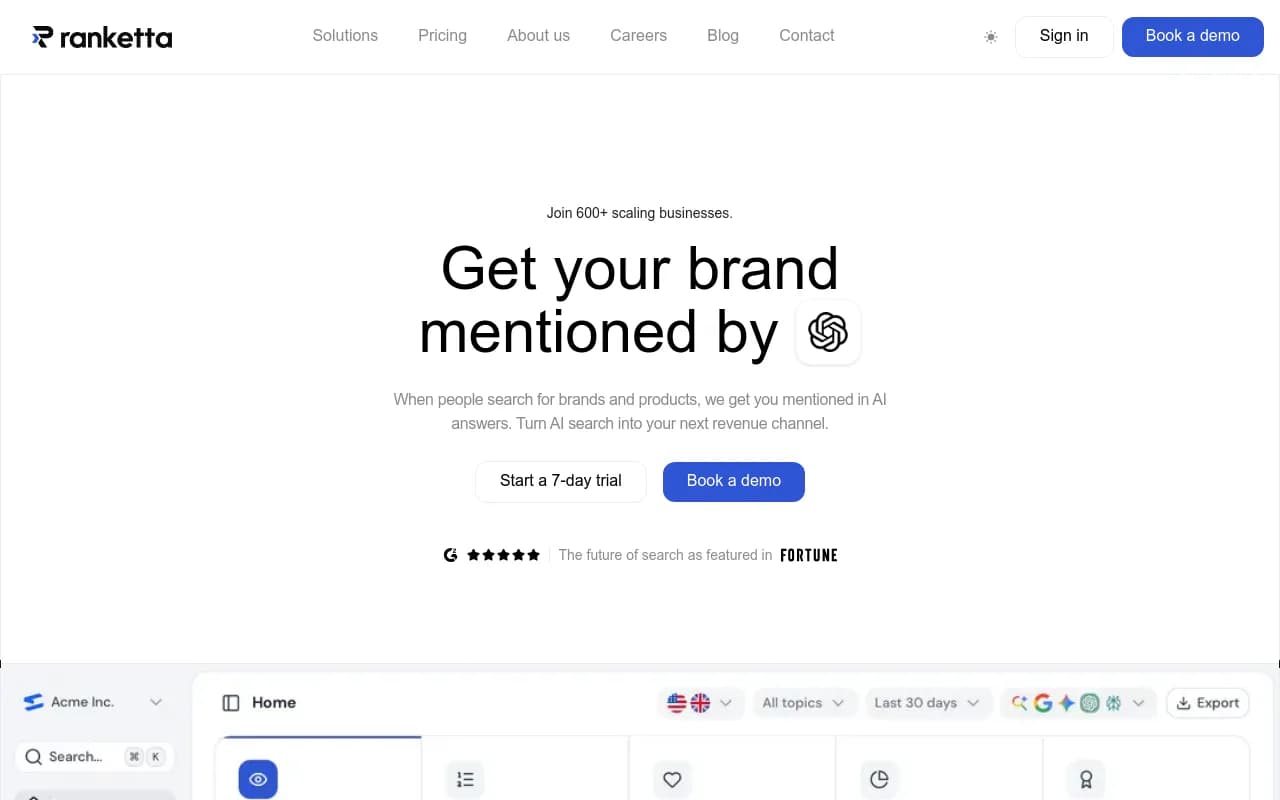
| Ranketta | Citation tracking for Alexa Shopping | Vendor claim |
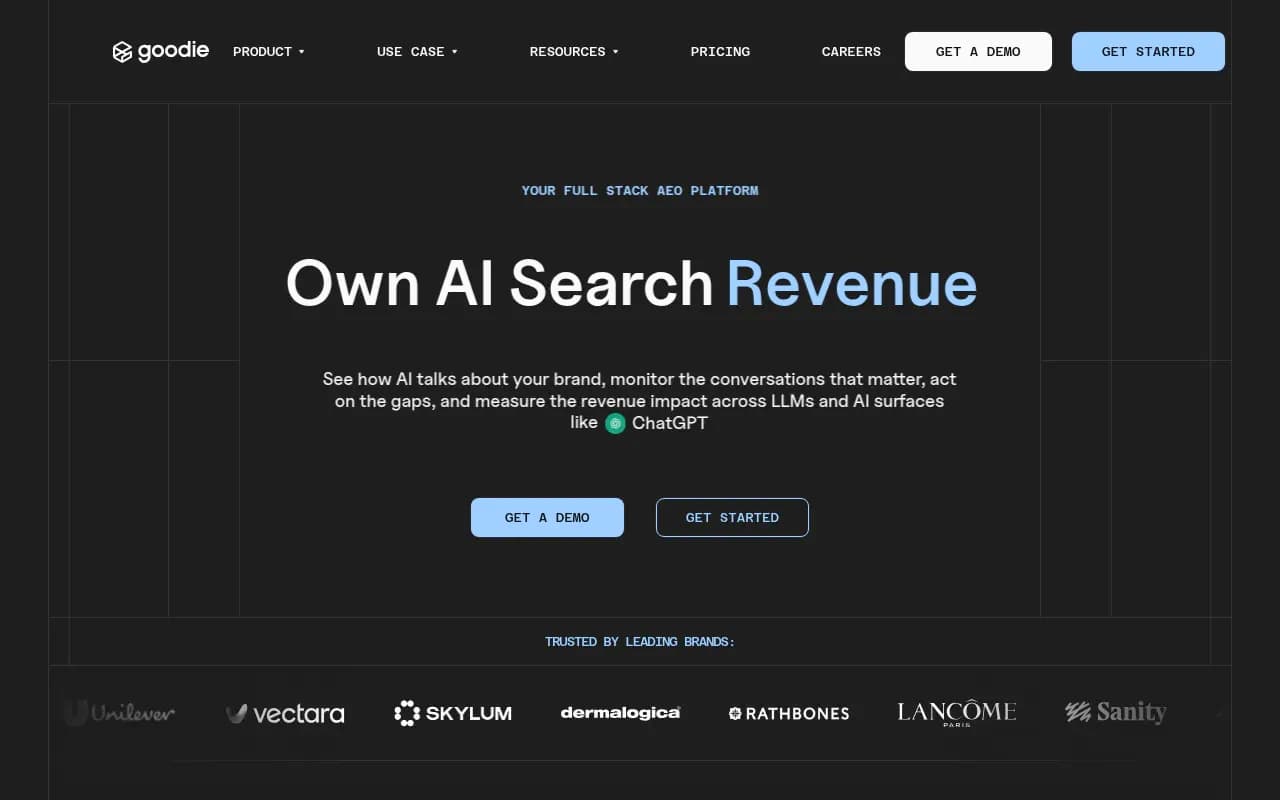
| Goodie AI | Agentic commerce optimization for AI shopping surfaces | Listed in our catalog |
Promptwatch
Promptwatch is the one I would look at first if you want paid and organic in the same place, because it combines AI Shopping and Ads Radar with the rest of the visibility stack. Shopping tracking shows which products ChatGPT and Alexa recommend, which competitors the assistant picks instead, and how your uploaded catalog performs, filterable by model, date range and monitor. Ads Radar shows which advertisers bid on your prompts, their ad copy, claims and landing pages, viewed by ad or by prompt.

What makes this useful beyond reporting is the loop. Citation data shows which pages the assistant relies on, the Action Board turns gaps into a to-do list, and visitor analytics measure whether AI traffic converts. Plans matter here: ChatGPT Shopping is on Business ($579/mo) and Enterprise, while Ads Radar is on Business, every agency plan and Enterprise. Check promptwatch.com/pricing for current terms. Monitors can also run every 12, 6 or 1 hours on Business, which helps given how fast ad rates swing.
If you want to see where you stand before paying anything, the free AI visibility report is a quick start, and there is a 7-day free trial on monthly billing.
Azoma
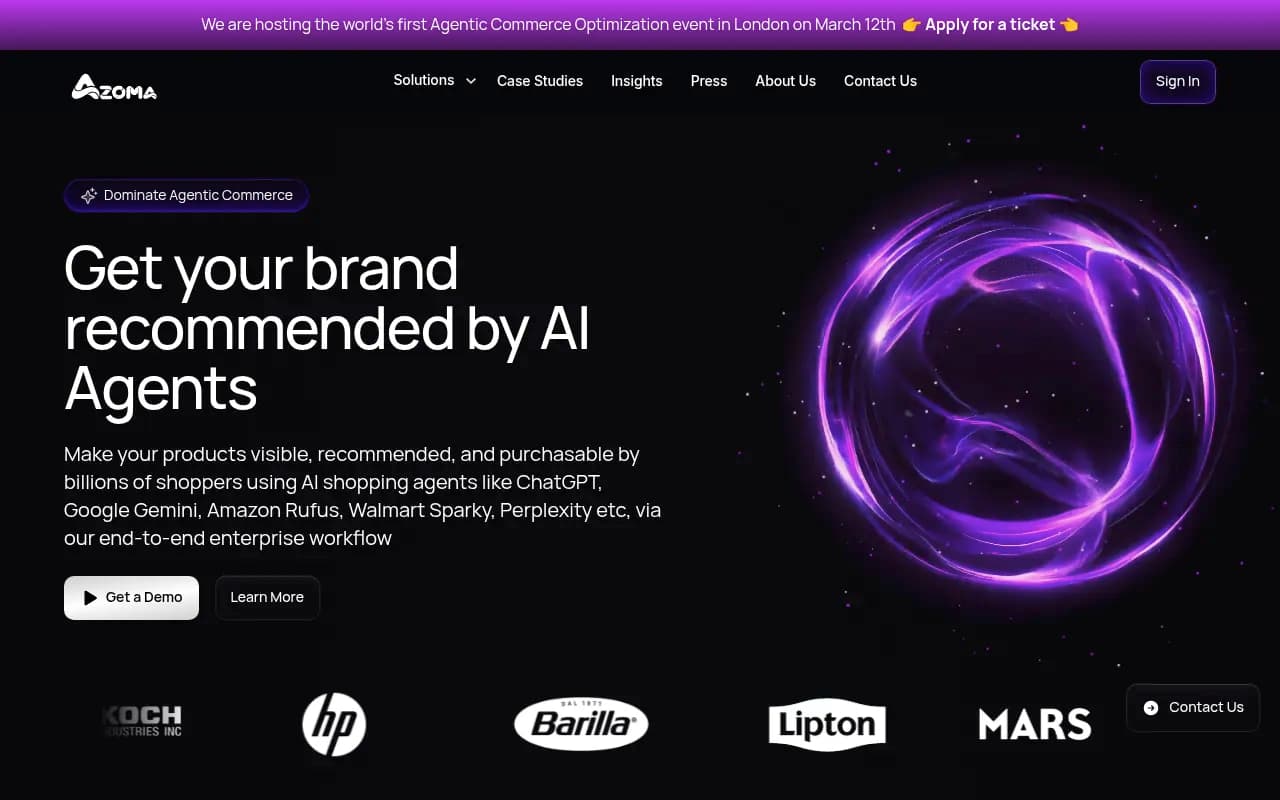
Azoma positions itself as enterprise AI shopping optimization, with coverage across ChatGPT, Gemini, Alexa for Shopping and Walmart Sparky. It records sources at the level of individual questions, which is the right grain for shopping work.
LLM Pulse
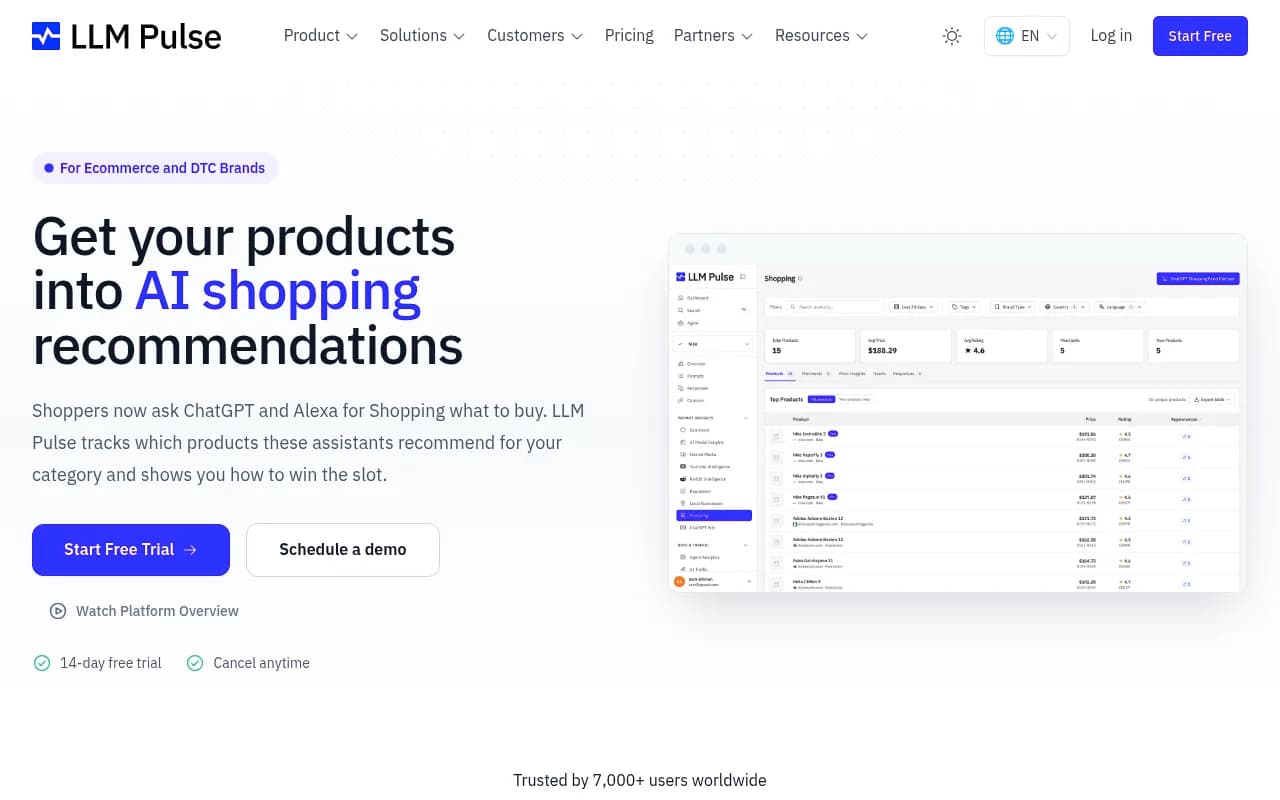
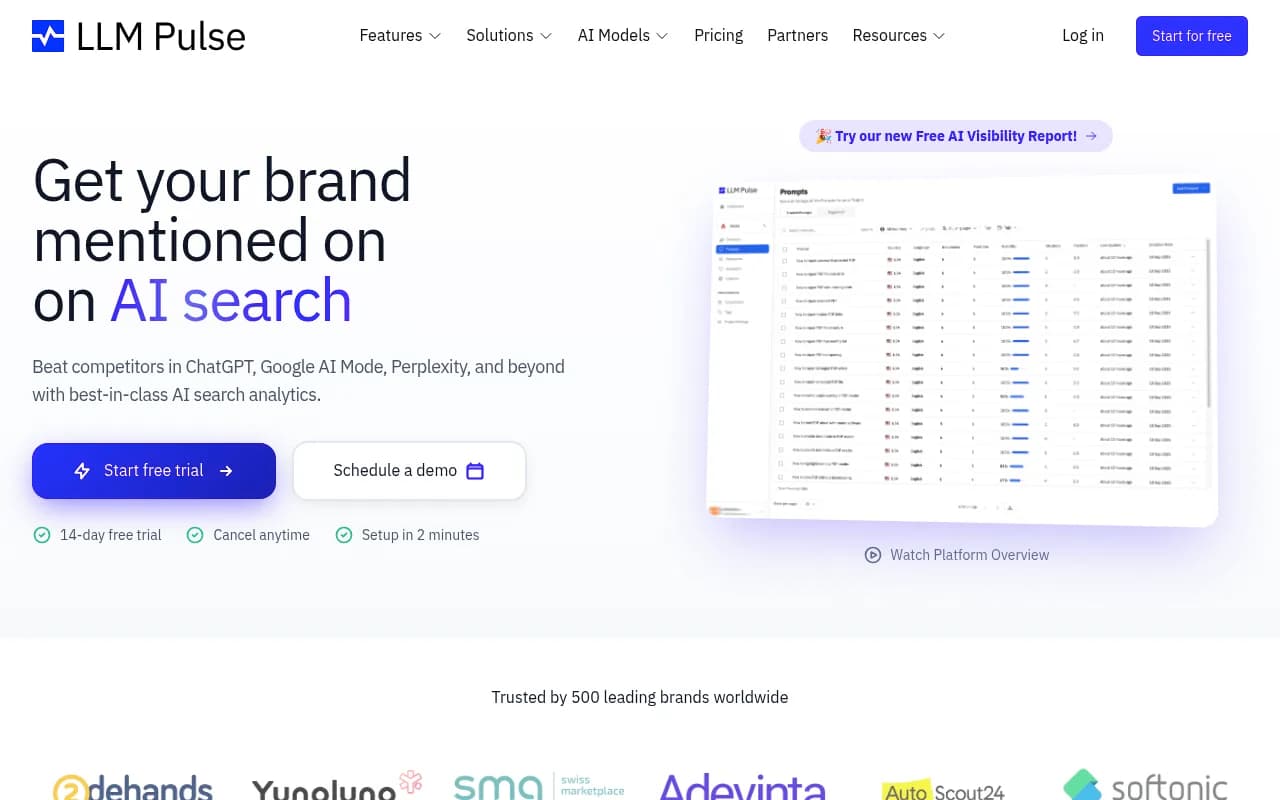
LLM Pulse's pitch is history. It keeps every past answer for a shopper question so you can date the week a rival took your slot, and it reports by product line instead of one store-wide number. That is a good fit if your main worry is swaps in the recommendation.
Ranketta and Goodie AI
Ranketta focuses on citation tracking for Alexa Shopping, showing which domains the assistant cites in your category. Goodie AI is built around agentic commerce surfaces more broadly.
If none of these fit, the GEO software directory lists many more options, and AI rank tracking tools covers the monitoring-only end.
Step 5: Watch for step changes, not daily noise
Both ad rates and shopping card rates move in steps. Promptwatch's shopping data shows a rate that roughly doubled overnight in late May 2025 and fell back weeks later, which it reads as OpenAI tuning when product cards appear. The ads data shows the same pattern: near zero until May 27, then a jump past 30% on July 1.
So set alerts on changes, not levels. A sudden rise in competitor cards on your category might mean a window opened. A sudden drop might mean it closed, and your organic position matters more again.
Step 6: Fix what the data shows
Tracking does nothing by itself. Once you see where you lose, the usual fixes are fairly mundane:
- Clean product feed. Precis recommends ingesting your full catalog into Google Merchant Center in a clean XML or CSV feed and auditing it against Merchant Center data requirements.
- Complete Product schema. Price, availability, reviews and identifiers.
- Accurate prices and stock. A product card with stale data is worse than none.
- Crawler access. If AI bots cannot read your product pages, no amount of ad spend fixes organic. AI crawler logs show which bots hit which pages and where they fail.
- Third-party sources. Marketplaces and review sites often outrank brand sites in citations. Promptwatch's automotive data found Autotrader and Cars.com outranking every car brand in ChatGPT citations in August 2026. Your own site may not be the main source.
- Right content type. Product pages were the most cited type in ChatGPT, at 22.4% of citations from Sep 28 to Oct 4, 2026, per Promptwatch's content-type report. Make sure yours are readable and specific.
For measuring downstream results, AI traffic attribution is messier than it was: ChatGPT stopped sending a referrer on October 8, 2026, so tagging links with utm_source=chatgpt.com is now worth doing. The attributing AI traffic guide walks through it.
A simple weekly routine
- Run or review your fixed prompt set across at least three days of the week.
- Record shelf share, ad presence and the advertisers on your top ten prompts.
- Compare paid and organic against last week, by product line.
- Check sponsored prompt reports in Amazon for your own Alexa spend.
- Pick two fixes: one feed or schema issue, one content or source gap.
- Review traffic and conversions from AI referrals, with UTM tags in place.
What I'd skip
I would not build a budget case from a single screenshot of a competitor's ad. I would also not trust any dashboard that cannot tell you which prompts it ran and when. And I would be wary of any vendor claim about Alexa coverage that does not explain how data is collected. Promptwatch documents how it collects data from real interfaces, which is the kind of detail to ask every vendor for.
Bottom line
Paid AI shopping placements are real and frequent in ChatGPT, and Amazon gives sponsors proper reporting for Alexa. The part nobody hands you is the competitive view: who else is on your prompts, with what claim, and what the organic shelf looks like underneath. Start with ten fixed prompts and a spreadsheet, keep paid and organic apart, and graduate to a tool when you need more markets, more frequency or an audit trail. If you want more background on how AI citations work generally, the Promptwatch Data hub is the best place to browse.