Key takeaways
- Most social media schedulers advertise "scheduling" for Instagram and TikTok but actually send a push notification reminding you to finish the post manually -- true auto-publish depends on official API access, not marketing copy.
- Pricing models vary wildly: Buffer charges per channel, Hootsuite and Sprout Social charge per seat, and Planable charges per workspace. A team of three on Sprout Social's Standard plan can run $597-747+ a month before anyone has an opinion about it.
- Hootsuite dropped its free plan entirely in 2026; entry pricing now starts at $99/user/month, which changes the calculus for small teams that remembered the old $49 figure.
- AI features in this category split into three real tiers: scheduling (everyone has it), AI content creation (captions, repurposing), and autonomous engagement (AI replying to comments and DMs). Know which tier you actually need before paying for the top one.
- Planning what to post and scheduling when it goes live are different jobs. Trying to force one tool to do both well is a common reason teams end up unhappy six months into a contract.
Why this checklist exists
I've watched more than one marketing team sign a 12-month contract for a social scheduler, only to discover in month two that half their Instagram posts weren't actually publishing, they were just pinging someone's phone with a reminder. That's not a hypothetical. It's the single most common support complaint across this category, and it happens because vendors use the word "schedule" loosely.
There are dozens of tools competing for your subscription right now, from simple queue-and-post apps like Buffer to full social CRMs like Sprout Social. Picking one isn't hard because the tools are bad. It's hard because the differences that matter (API access, pricing model, what counts as "AI") are buried below the marketing page. This checklist pulls those differences to the surface.
1. Does it actually auto-publish, or does it just remind you?
This is the single biggest source of buyer's remorse in the category, and it deserves to be checkpoint number one. Many tools marketed as schedulers for Instagram and TikTok only send a push notification telling you to go finish the post inside the native app yourself. That's not automation, it's a to-do list with a calendar attached.
True auto-publishing requires the vendor to have been granted official API access, like TikTok's Content Posting API or Instagram's Content Publishing API, and even then there are limits. Instagram direct publishing only works on Business or Creator accounts, not personal profiles. And even on a Business account, Stories that include multiple images, native stickers, polls, or music still force reminder-only publishing because those elements have to be assembled live inside the app. Later documents this explicitly: notification publishing is a platform-level restriction, not a product choice, and it only applies to Instagram and TikTok.
Before you subscribe, ask the vendor directly: "For each platform I use, is this true auto-publish or notification publishing?" Get it in writing, not in a sales call.
2. What's the actual API access behind the scenes?
Following from point one: every platform gates automated posting differently, and those gates change how reliable a tool can be.
- X charges $0.20 per post containing a URL under its pay-per-use API, with same-day developer approval.
- Meta's Instagram API is free but requires App Review, which can take weeks, and caps accounts at 100 posts per 24 hours.
- TikTok forces new integrations into a sandbox where posts stay private-only until a 1-2 week audit grants public posting.
- LinkedIn's Community Management API requires Marketing Developer Platform partner approval, which most small tools don't have.
- Reddit meters commercial API use at roughly $0.24 per 1,000 calls; Bluesky is free with a rate cap of 5,000 points per hour.
A tool that has cleared all of these approvals is more trustworthy than one leaning on workarounds. Ask which platforms the vendor has official, approved access for, not just which platforms show up in their logo row.
3. How does the pricing model actually scale for your team?
Three pricing models dominate this category, and picking the wrong one for your shape of team is an expensive mistake.
| Pricing model | Who uses it | Scales with | Good fit for |
|---|---|---|---|
| Per channel | Buffer | Number of connected accounts | Solopreneurs, small teams, agencies that add/drop client accounts often |
| Per seat | Hootsuite, Sprout Social | Number of people with login access | Teams that manage few accounts but need many collaborators |
| Per workspace | Planable | Number of client/brand workspaces | Agencies running approval workflows across multiple clients |
Per-seat pricing is the one that bites people. A team of three on Sprout Social's Standard plan ($199/seat/month) runs $597/month minimum before add-ons, and that's before you've factored in Professional or Advanced tiers at $299-$399/seat. If your team needs five people to have access but only manages four social accounts, per-channel pricing from a tool like Buffer will almost always be cheaper.
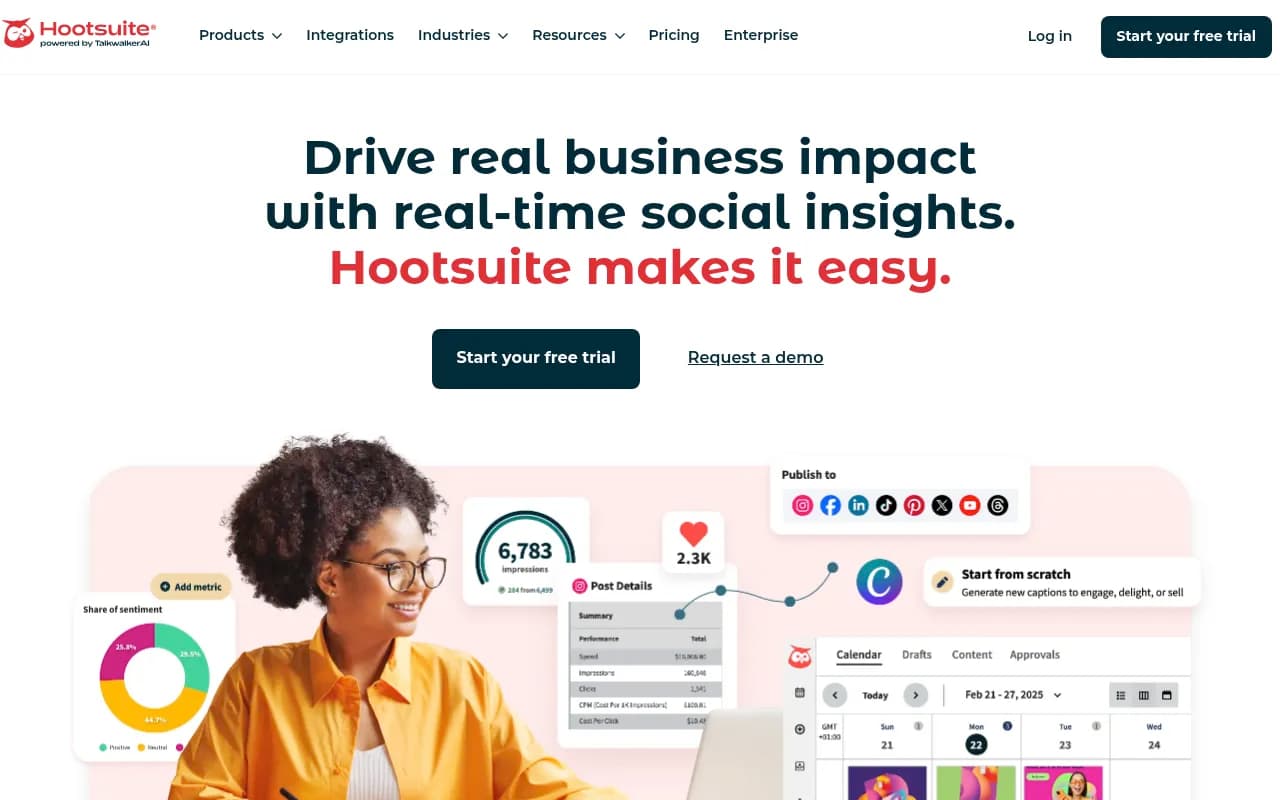
Hootsuite's pricing is worth flagging on its own: it dropped its free plan entirely in 2026 and now starts at $99/user/month for Standard, rising to $199 for Professional and $399 for Advanced. If you're comparing against an older review that cites a $49 entry price, that number is stale.
4. Does it cover the platforms you actually use, not the ones in the logo row
Every vendor's homepage shows the same row of platform logos. What matters is whether each platform integration is first-class (full scheduling, analytics, inbox) or an afterthought (basic posting only, no engagement data). Later, for instance, is strong on Instagram and TikTok visual planning but weaker on bulk scheduling and analytics depth compared to Hootsuite or Sprout Social. Ask for a feature matrix broken down by platform, not a generic feature list.
5. What AI tier do you actually need?
AI features in social scheduling split into three practical tiers, and it's worth knowing which one solves your actual problem before paying extra for the next one up.
- Level 1, scheduling: baseline queue-and-post automation. Nearly every tool on the market has this.
- Level 2, AI creation: caption generation, image generation, cross-platform repurposing. Buffer's AI Assistant lives here.
- Level 3, autonomous engagement: AI that replies to comments and DMs on its own. Hootsuite's Wisdom/Heyday and its newer Perch tool sit here.
A meaningful quality test most buyers skip: does the AI write generic captions ("Here is a great post!") or can it be trained on your brand's actual voice from sample posts? Run the same prompt through two or three tools during a trial and compare the output honestly. Sprout Social's ViralPost, for what it's worth, uses AI trained on each account's own engagement history rather than global benchmarks to pick send times, which is a more defensible approach than generic "best time to post" charts.
6. Can you export your content calendar if you leave?
Switching costs compound quietly. If a tool stores your content calendar, approval history, and asset library in a format you can't export, you're locked in whether the contract says so or not. Before subscribing, ask specifically how content and metadata export, not just whether "export" exists as a feature on a pricing page.
7. Do you need a planning tool, a scheduling tool, or both?
This distinction gets missed constantly. Planning is deciding what to post, the hook, the angle, the campaign structure. Scheduling is queuing that decided content and pushing it live on time. Tools like Notion are built for the former; tools like Buffer, Later, and Hootsuite are built for the latter. Expecting one tool to do both well, especially at the idea-generation stage, is a common reason teams end up frustrated with a tool that's actually fine at its real job.
If your team struggles more with running out of ideas than with missing posting slots, a scheduler won't fix that. You need something upstream of it.
8. Is there a free native alternative that covers your actual volume?
Before paying anything, check whether Meta Business Suite (completely free, no post limits, covers Facebook and Instagram natively) or X Pro (free, native, good for X power users managing multiple accounts) already solves your problem. Most small businesses don't hit real scheduling limits until they're posting daily across three or more platforms with a team bigger than two people. If that's not you yet, don't pay for complexity you don't need.
9. What does the approval workflow actually look like under pressure?
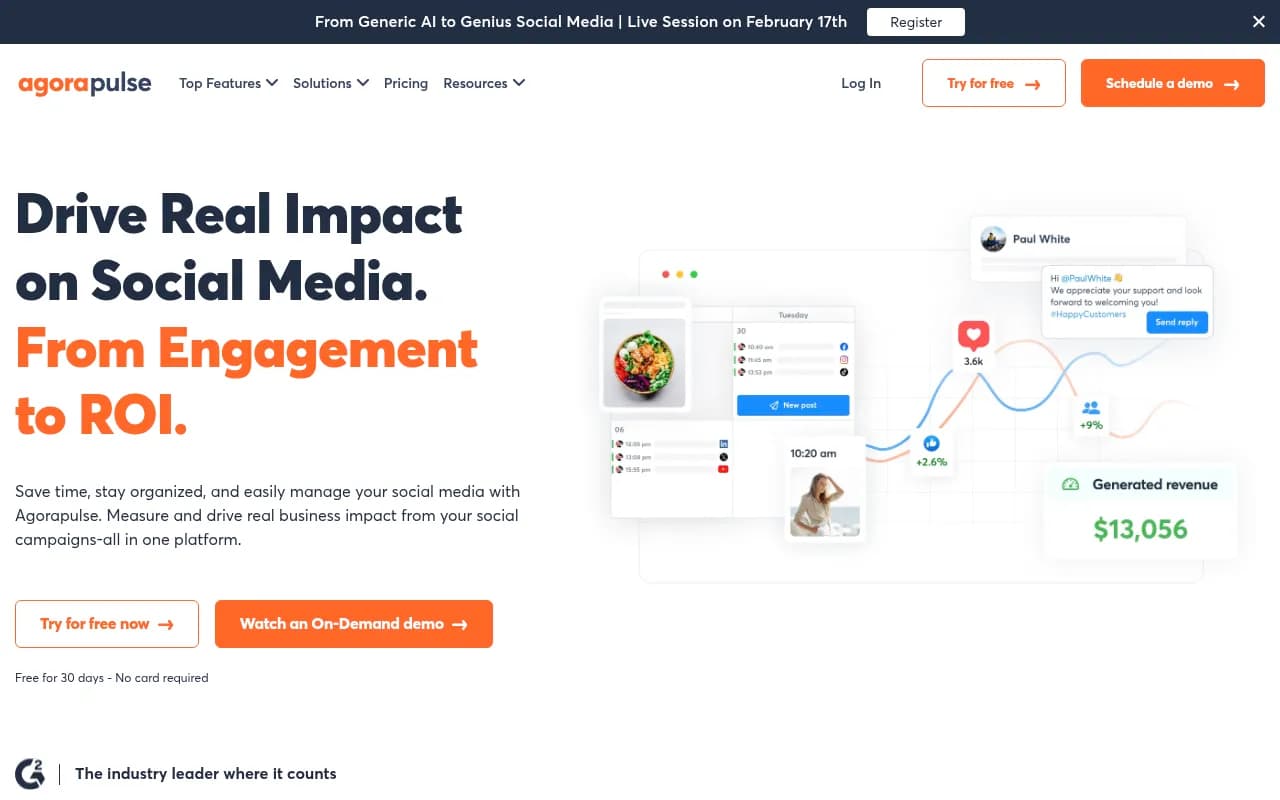
If more than one person touches content before it goes live, approval workflows matter more than almost any other feature. Agorapulse and Planable build around this directly, with client-facing approval links and comment threads on drafts. Test this during a trial with a real draft and a real reviewer, not a demo account, because approval UX tends to break down exactly when a client is annoyed and in a hurry.
10. Does the vendor's own ROI claim hold up to scrutiny?
Vendor-commissioned studies are everywhere in this category. Sprout Social cites a Forrester-commissioned 2025 study claiming 268% ROI over three years and up to $1.31M in benefits for a composite organization. That's a real study, but it's paid for by Sprout, and "composite organization" means modeled, not measured on an actual customer. Treat any vendor-funded ROI number as a starting point for your own math, not a conclusion. Build your own estimate from your actual team size, current pricing tier, and time currently spent on manual posting before you let a vendor's slide deck do that math for you.
Putting it together: a quick comparison
| Tool | Pricing model | Entry price (2026) | Best for | Watch out for |
|---|---|---|---|---|
| Buffer | Per channel | Free tier; $5-10/channel/mo | Solopreneurs, lean teams | Thin analytics and no inbox on lower tiers |
| Hootsuite | Per seat | $99/user/mo (no free plan) | Larger teams wanting one dashboard | Price jumps fast between tiers |
| Sprout Social | Per seat | $79-99/seat/mo (Essentials) | Teams wanting deep analytics and social CRM | Multiplies fast with headcount |
| Later | Per workspace tier | $25/mo (Starter) | Visual-first Instagram/TikTok planning | Weaker bulk scheduling, shallower analytics |
| Planable | Per workspace | ~$39/mo | Agencies needing client approval flows | Pricing scales with number of clients, not seats |
Final checklist before you click subscribe
Run these ten questions past any vendor, in writing, before a contract gets signed: auto-publish vs. reminder for each platform you use, actual API approval status, which pricing model fits your team shape, platform coverage depth, the AI tier you need, export options, whether you need planning or scheduling (or both), approval workflow quality under real pressure, and whether any ROI claim they've shown you is vendor-funded. None of these are hard to ask. They're just easy to skip when a sales rep is moving fast and a free trial is already running.
If you want to see how a wider set of these tools stack up side by side, from Buffer to Hootsuite to niche visual planners, the software directory at surferstack.com is a reasonable starting point for pulling together a shortlist before you start trials.
