Key takeaways
- "Prompt history" in a GEO tool means three things: the prompts, the historical answers, and the citations. Most tools only export aggregate CSVs, so ask Ranketta support what raw data you can get before you cancel.
- I found no public documentation of a Ranketta CSV or API export. Verify it with their support rather than assuming it exists.
- Export prompts with their type tags (organic, brand, comparison), market, and engine. Those three types behave very differently.
- Run both tools in parallel for two to four weeks. Changing collection method will break your trend lines, so treat the overlap as your bridge.
- Re-baseline after the move. ChatGPT behavior has shifted a lot this year, and old numbers will not compare cleanly.
This guide is about migrating a GEO or AI visibility tool. It is not about moving your personal ChatGPT chats between assistants, which is a different problem with a different set of tools.
Why people leave Ranketta
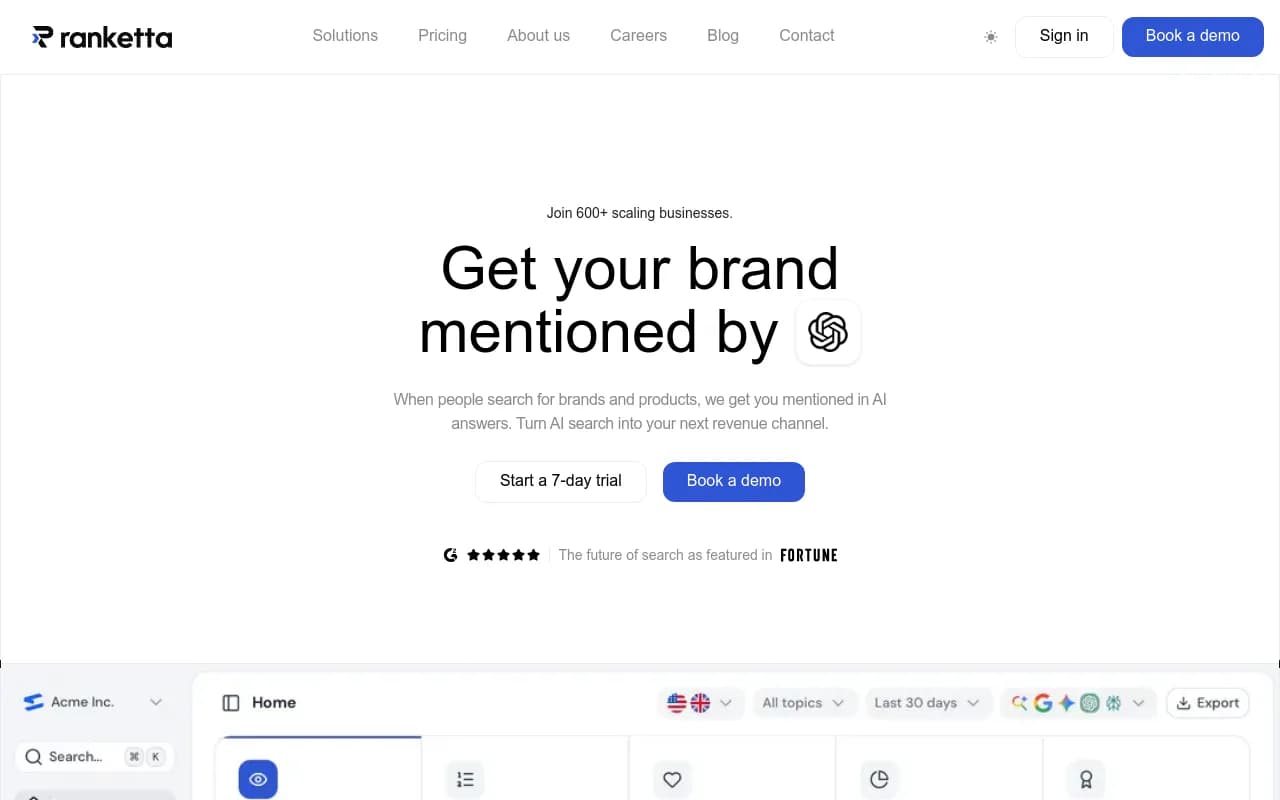
Ranketta is built around ecommerce and SKU-level tracking. It needs a product catalogue through a store integration, a Google Merchant Center feed, or a product file, and it sends enrichment fixes back to channels like Merchant Center. That is a good fit for a store that wants to know which products made an AI shortlist.
Teams usually outgrow it for reasons that have nothing to do with quality:
- The business is not an ecommerce store, or SKU tracking is only a small part of the AI visibility job.
- Engine count is the plan gate. A third-party source says Ranketta prices prompts per model, and Ranketta's own guide says to count prompts per engine per market, not in total. Costs climb when you add engines or markets.
- They want the tool to also help fix the problem: publish content, read AI crawler logs, and measure AI traffic, not only report visibility.
If you are in the first group, you may not need to migrate at all. If you are in the other two, read on.
What "prompt history" actually means
Before you plan anything, split your data into layers. People say "I want to keep my prompt history" and mean different things.
| Layer | What it is | Portability |
|---|---|---|
| Prompt inventory | The list of prompts you track, with type, topic, market, engine | Easy. You can rebuild it from a spreadsheet |
| Visibility metrics | Aggregate scores over time (mentions, position, share of voice) | Usually exportable as CSV, if at all |
| Raw answers | The full response text for each run | Often not exportable |
| Citations | Cited URLs per answer, with competitors named | Sometimes a row-level export, often not |
| SKU and product data | Catalogue mapping and enrichment | Lives in your store feed, not in the tool |
The first layer is the one you cannot afford to lose, and it is also the easiest to save. The last one you already own, since it comes from Shopify or Merchant Center. The middle three are where you need to ask questions.
Step 1: Ask Ranketta what you can export
Email support before you do anything else. I found no documented export format, data retention policy, or cancellation terms in public pages, so these are questions to put in writing:
- Can I export my full prompt list with type, market, engine, and tags?
- Can I export row-level history: prompt, engine, timestamp, answer, cited URLs, competitors named?
- Is there an API, and is it on my plan?
- How long do you keep my data after I cancel?
- Can I stay on a monthly plan during a parallel run?
A CSV button proves little. Only a row-level file with prompt, engine, timestamp, and citation columns can feed a warehouse. Ask for a sample file before you decide how much effort the history is worth.
Ranketta's own comparison guide makes a point worth borrowing here: a tool worth paying for lets you open the prompt and full answer behind any number. Use that as the test for whether your history is portable. If you cannot open the answer behind a figure, you cannot export it either.
Step 2: Capture everything you can yourself
If the export is thin, do the work manually while your subscription is still active.
- Export every dashboard view to CSV or PDF, monthly if you can, and name the files with the date range.
- Screenshot the trend charts you report on. Stakeholders will ask "what happened to the line?" in six months.
- Copy the prompt list into a spreadsheet with these columns: prompt text, type (organic, brand, comparison), topic, engine, country, language, persona if any, date added.
- Save the answers behind your five to ten most important numbers. Quote the passages that earned citations.
- Record your current plan limits: prompts per engine, engines, markets. You will need them to compare quotes.
This matches the baseline method from the website migration playbooks: build a prompt set of roughly 40 to 80 buyer prompts across category, comparison, use-case, and branded questions, and record cited URLs, competitor domains that appear alongside you, third-party sources used to describe you, and the exact quoted passages.
Keep the prompt type tags
This is the detail most migrations drop. Promptwatch Data looked at ChatGPT responses from Sep 28 to Oct 4, 2026 and found that organic prompts cite 10 or more domains 52.5% of the time, brand-specific prompts only 21.3% of the time, and competitor comparison prompts 49.1% of the time. A brand prompt and an organic prompt are different measurements. If you import everything as one flat list, your averages will shift and you will not know why.
Step 3: Pick the destination and check the basics
What you need from a new platform depends on why you are leaving. A checklist that holds up for any destination:
- Evidence behind each number: prompt, full answer, engine, market, run date, competitors named, and cited URLs. Mentions and citations should be separate.
- Run frequency: answers vary between runs of the same prompt. One run per day reports noise as a trend, so repeated runs matter.
- Collection method: UI capture and API capture can return different answers, most visibly on shopping results. Semrush says its AI Visibility Toolkit responses are captured from real requests and not via LLM APIs.
- Export and API access on a plan you can buy without a sales call.
- Whether it only monitors, or also helps you act.
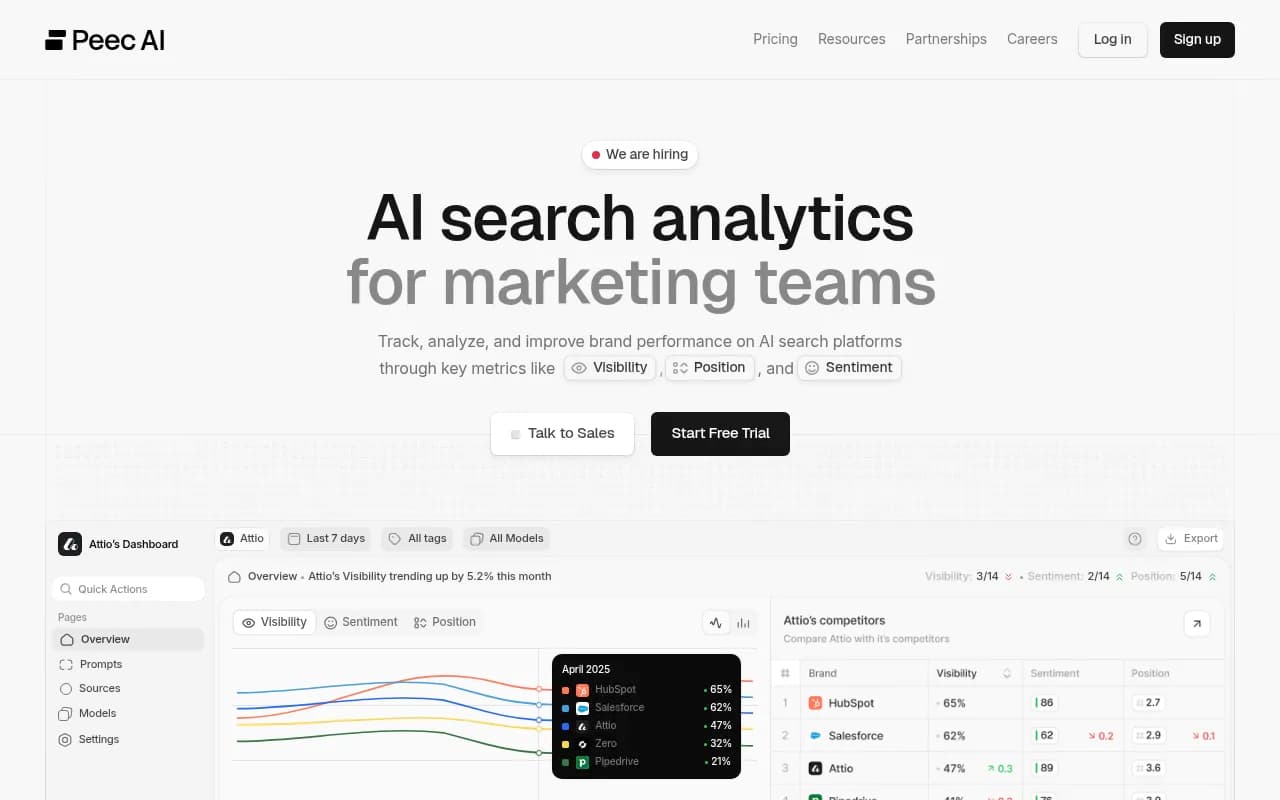
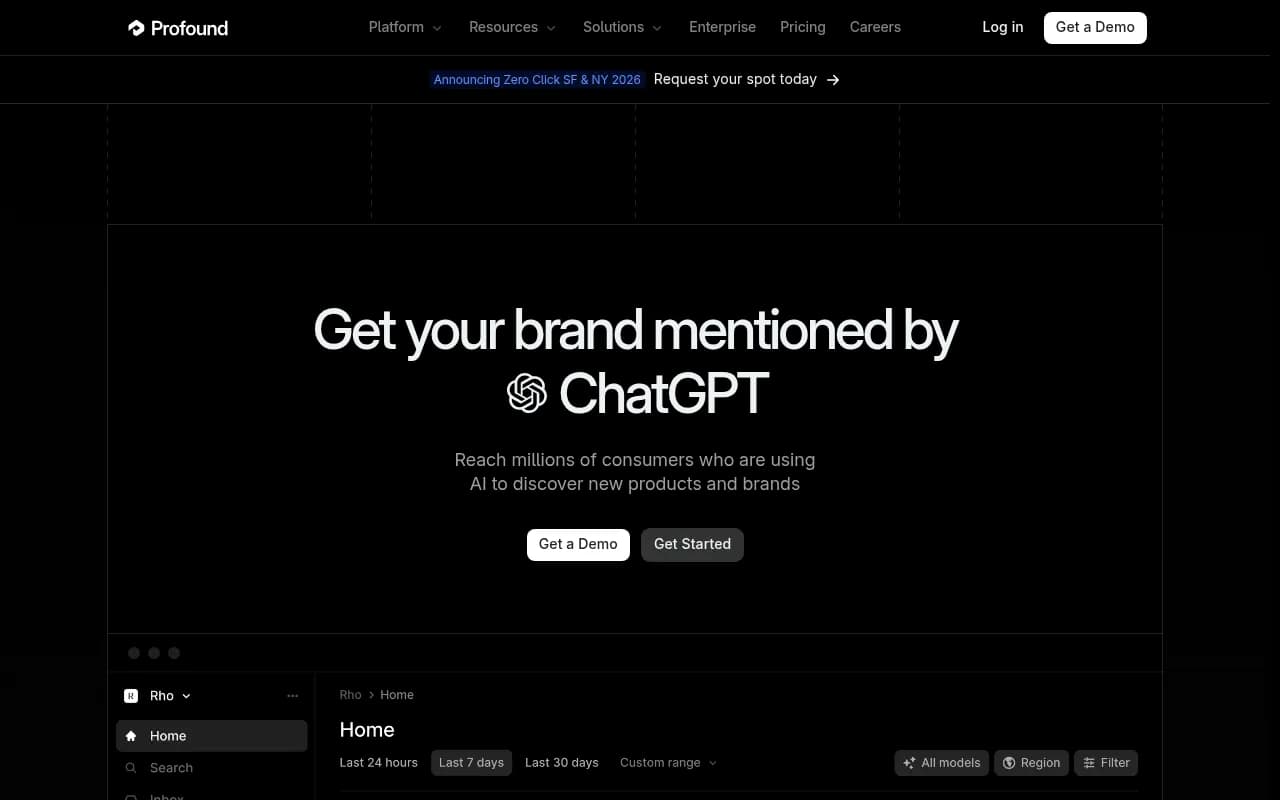
On exports, a third-party roundup updated Nov 4, 2026 (The Rank Masters, which invites vendors to pay for listings, so treat it with care) lists Peec AI with CSV export and a beta API, Profound with CSV and an Enterprise-plan API, SE Ranking with API on all plans, and cloro with a REST API on every plan.
| Platform | Export or API (per third-party roundup) | Notes |
|---|---|---|
| Peec AI | CSV export, API in beta and enterprise-limited | Documents SKU-level tracking |
| Profound | CSV export, API on Enterprise | Shopping Analysis focused on ChatGPT Shopping |
| SE Ranking | API on all plans | Covers SEO and GEO |
| cloro | REST API on every plan | Returns JSON with answer text, citations, URLs |
| Otterly.AI | API access on buyable plans | Claude, AI Mode, Gemini are add-ons |
Pricing changes constantly and the numbers I found were third-party and possibly stale. A July 2026 snapshot put Peec AI at $95, $245, and $495 per month for 50, 150, and 350 prompts. Check every vendor's pricing page directly.
The full GEO platform option
If the reason you are leaving is "I want to fix visibility, not just watch it," the category to look at is full GEO platforms. Promptwatch is the one I would put on the shortlist. It tracks ChatGPT, Gemini, Perplexity, Claude, Google AI Overviews, AI Mode, Copilot, and others from the real interfaces, then closes the loop with a Content Agent that writes and publishes to WordPress, Webflow, or Framer, IP-verified AI crawler logs, visitor analytics for AI-referred traffic, and an Action Board that prioritizes what to do next.

For an ecommerce team leaving Ranketta, the relevant pieces are ChatGPT Shopping insights, which show which products ChatGPT recommends and which competitors it picks instead, and the ability to upload your own catalog. Shopping is on the Business plan ($579/mo) and Enterprise. For prompt tracking alone, Essential is $95/mo and Professional is $245/mo; confirm current prices at promptwatch.com/pricing. All plans include daily tracking and all supported models, and there is a 7-day free trial on monthly billing.
If you want to compare more options, the GEO software directory at bestgeosoftware.com lists dozens of them, and there is a head-to-head view in Promptwatch's 2026 platform comparison.
Step 4: Rebuild the prompt inventory in the new tool
Take your spreadsheet and import it in batches, not all at once.
- Start with your top 20 prompts, the ones tied to revenue or the ones leadership watches.
- Recreate the topic and tag structure. In Promptwatch, topics get their own pages under Trends and are scored on visibility, citation share, position, share of voice, and sentiment.
- Set language and location per monitor correctly the first time. In Promptwatch a monitor's language and location are fixed once it is created, so markets never mix.
- Apply persona settings if you used them. Persona insights compare each persona against the general audience.
- Add brand aliases and competitor lists before the first run, so early data is not mislabeled.
Then use the tool's own prompt research to catch what your old list missed. Promptwatch shows monthly prompt volumes and difficulty, and suggests prompts from Search Console, ranking keywords, and People Also Ask. A migration is a good time to prune dead prompts you kept out of habit.
Do not carry over fanout assumptions
ChatGPT's search behavior has moved under everyone's feet. In Promptwatch's query fanout data, ChatGPT averaged about 2.15 web searches per response in early December and about 1.84 by early March, then returned in April at exactly 1.0 per response. Average query length fell from about 117 characters to about 53. On August 8, 2026, ChatGPT also started using the site: operator at scale, jumping from about 0.4% to about 17% of fanout queries.
So a prompt set that scored well under last winter's behavior is being measured against a different system now. This is why you re-baseline instead of pretending the old numbers carry over.
Step 5: Run both tools in parallel
This part is my own inference, not a sourced recommendation, but it follows directly from the collection method and run frequency points above: do not cancel the old tool the day you buy the new one.
- Run the same prompts, engines, and markets on both for two to four weeks. The first week reveals import errors. The second week gives you a first comparison.
- Expect the numbers to differ. Browser-session capture, UI capture, and API capture return different answers, and answers vary between runs even in one tool. A visibility score of 31 in one tool and 38 in the other is normal.
- Compare directional agreement, not exact numbers. Do both tools show the same competitors ahead of you? Do both flag the same weak topics?
- Note the overlap date range in your reporting. That is where you draw the line on the chart.
Ranketta's own guide recommends a two-week trial on the same prompts, engines, and markets before signing an annual plan. That advice works in reverse too. Keep the old subscription on monthly billing if you can, so the cost of the overlap is one month and not a year.
Step 6: Handle the trend line break honestly
You will have a discontinuity. Pretending otherwise is how people end up explaining a 12-point jump to a skeptical CMO for an hour.
A clean way to handle it:
- Report old-tool and new-tool series as separate lines, with a visible marker at the switch date.
- Use the parallel-run window to compute a rough ratio between the two series, and mention it in a footnote. Do not silently rescale history.
- Reset targets. A goal set in the old tool's scale does not transfer.
- For the first month on the new platform, report directional movement only: who is ahead, which topics improved, which pages gained citations.
Step 7: Move the work, not just the data
The point of leaving a monitoring tool is usually to do something with the data. Plan the first 30 days:
- Check AI crawler access. Promptwatch's AI crawler logs show which bots hit your site, which pages they read, and where they hit errors. This answers the question a pure tracker cannot: is the problem access or content?
- Run content gap analysis against your prompt set to see which questions AI answers that your site does not.
- Connect your CMS and let the Content Agent draft pages for the gaps, with a review inbox if you want a human in the loop.
- Install visitor analytics. ChatGPT stopped sending a referrer on October 8, 2026, so tag links with utm_source=chatgpt.com and turn on the matching setting if you want those visits counted.
- Keep your product feed work in Merchant Center. Ranketta's enrichment fixes were pushed there, and you should check whether your new tool has an equivalent before you rely on it. If it does not, the fix workflow stays with your feed tool, which is fine.
Companies that did this properly saw results. Crisp reported 2x higher conversion rates from AI traffic than from other channels, and TreeHouse, the company behind Pararius, grew AI search to about 25% of organic conversions partly by fixing crawler access.
A migration checklist
| When | Task |
|---|---|
| Week 0 | Email Ranketta support about exports, retention, and billing |
| Week 0 | Export CSVs, screenshot charts, copy prompt list with tags |
| Week 1 | Start trial on the new platform, import top 20 prompts |
| Week 1 | Add aliases, competitors, personas, markets |
| Weeks 2 to 3 | Import the rest, run both tools in parallel |
| Week 4 | Compare directionally, mark the switch date in reporting |
| Week 5 | Cancel Ranketta after confirming exports are saved |
| Weeks 5 to 8 | Re-baseline, check crawler access, start content on the gaps |
What you will probably lose
Be realistic. You will most likely lose raw historical answers unless Ranketta can export them, and you will lose exact comparability between old and new scores. What you keep is the prompt inventory, the aggregate history you exported, the screenshots, and the lessons about which topics move. That is enough. The prompts are the asset. The old numbers were a snapshot of a model behavior that has already changed.
If you want a second opinion on the plan, or help re-baselining and building the content roadmap after the move, an agency that does this daily can shorten it. 1001 SEO Media runs GEO programs on Promptwatch, and [email protected] is the contact. If you are doing it yourself, start with the free AI visibility report to see where you stand before you import a single prompt.
For more reading on tracking tools generally, the rank tracking directory at ai-rank-tools.com is a reasonable place to browse alternatives.