Key takeaways
- Around Oct 9, 2026, many ChatGPT outbound links stopped carrying
utm_source=chatgpt.comand often the referrer too, so GA4 filed those visits under Direct. A fix reportedly went live on Oct 15. - Treat Oct 9-15 as a reporting gap. Annotate it in GA4 and compare it with Direct traffic for the same dates instead of reading it as a visibility collapse.
- No single signal works. Combine referrer and UTM capture, a first-touch cookie, a free-text "how did you hear about us" field, server logs, and a fixed prompt panel.
- Keep confirmed, declared and assisted AI signups as separate numbers. Report the confirmed one as a floor.
- Developer products get discovered on docs and GitHub pages, so attribute from those surfaces, not just the homepage.
What actually happened to ChatGPT referrers
The details come from practitioners, not from OpenAI, so treat the numbers as estimates. According to LinkedIn posts from Tomek Rudzki at Peec AI and Melissa Rosenthal, ChatGPT switched to GPT-6 on Oct 9, 2026. After that, many outbound links lost utm_source=chatgpt.com, and referrer data went missing in many cases. GA4 counted those visits as Direct.
Rudzki measured a 37% drop in reported ChatGPT traffic across a panel of a few hundred domains and says it was misattributed, not lost. Rosenthal puts the paper drop at roughly half. Both can be right for different samples. OpenAI made no public announcement that I could find, and I could not confirm that the UTM is fully restored today.
The Search Engine Journal write-up adds supporting evidence. Adobe's Cedric Huesler looked at about 500 pages where ChatGPT drove at least 5% of visits. Between Oct 9-13 and the week before, ChatGPT visits fell by roughly 31,000 a day while Direct rose by roughly 26,000 a day. He calls it early, from four days of sampled data. Separately, Profound saw the share of collected ChatGPT answers with at least one utm_source=chatgpt.com link fall from about 99% to 5-12% on Oct 14-15, then recover to about 99% on Oct 16 UTC.
The lesson is not about one outage. Most ChatGPT clicks never carried a referrer anyway, and the tag was always something OpenAI could remove. Build measurement that does not depend on it.
Step 1: Annotate the gap and fix your GA4 baseline
Start with what you already own.
- Add a GA4 annotation for Oct 9-15, 2026.
- Compare ChatGPT referral sessions and Direct sessions for those dates against the prior four weeks.
- Don't backfill guesses. Mark the window as unreliable and move on.
GA4 assigns detected AI assistant visits to an AI Assistant channel with the medium "ai-assistant", per Google Analytics Help as cited by Supermetrics. It only sees visits that arrive with a referrer. For anything it misses, create a custom channel group with a Session source regex:
chatgpt\.com|chat\.openai\.com|gemini\.google\.com|claude\.ai|perplexity\.ai|copilot\.microsoft\.com
Order it above Referral so it evaluates first. Then segment by signup, not session count. Ten AI sessions that convert at three times your organic rate matter more than a hundred that bounce.
Step 2: Capture raw markers on first touch
The source is only visible on the first page load. If someone reads a ChatGPT answer, clicks through, pokes around, and signs up four days later, the session where they convert has no source at all.
So capture it once, on the first visit, and store it.
// Run on every landing page, before redirects can strip anything
const KEY = 'first_touch';
if (!localStorage.getItem(KEY)) {
  const p = new URLSearchParams(location.search);
  localStorage.setItem(KEY, JSON.stringify({
    ref: document.referrer || null,
    utm_source: p.get('utm_source'),
    utm_medium: p.get('utm_medium'),
    landing: location.pathname,
    ts: Date.now()
  }));
}
Then pass that blob into your signup call as hidden fields or event properties, and write it to your user record. Three practical notes:
- Save the raw observed value. Hardal's guidance is to keep the exact referrer and UTM strings so a domain or parameter change (
chat.openai.comvschatgpt.com,utm_source=chatgptvschatgpt.com) is not silently folded into Direct. - Test redirects. Open your landing URL with
?utm_source=testand confirm the parameter survives to the final page. HTTP to HTTPS, www rules, trailing slashes and locale redirects all drop query strings. - Check consent. If your analytics tag is blocked or waits for consent, you lose the marker. First-party capture on your own domain helps, subject to your consent rules.
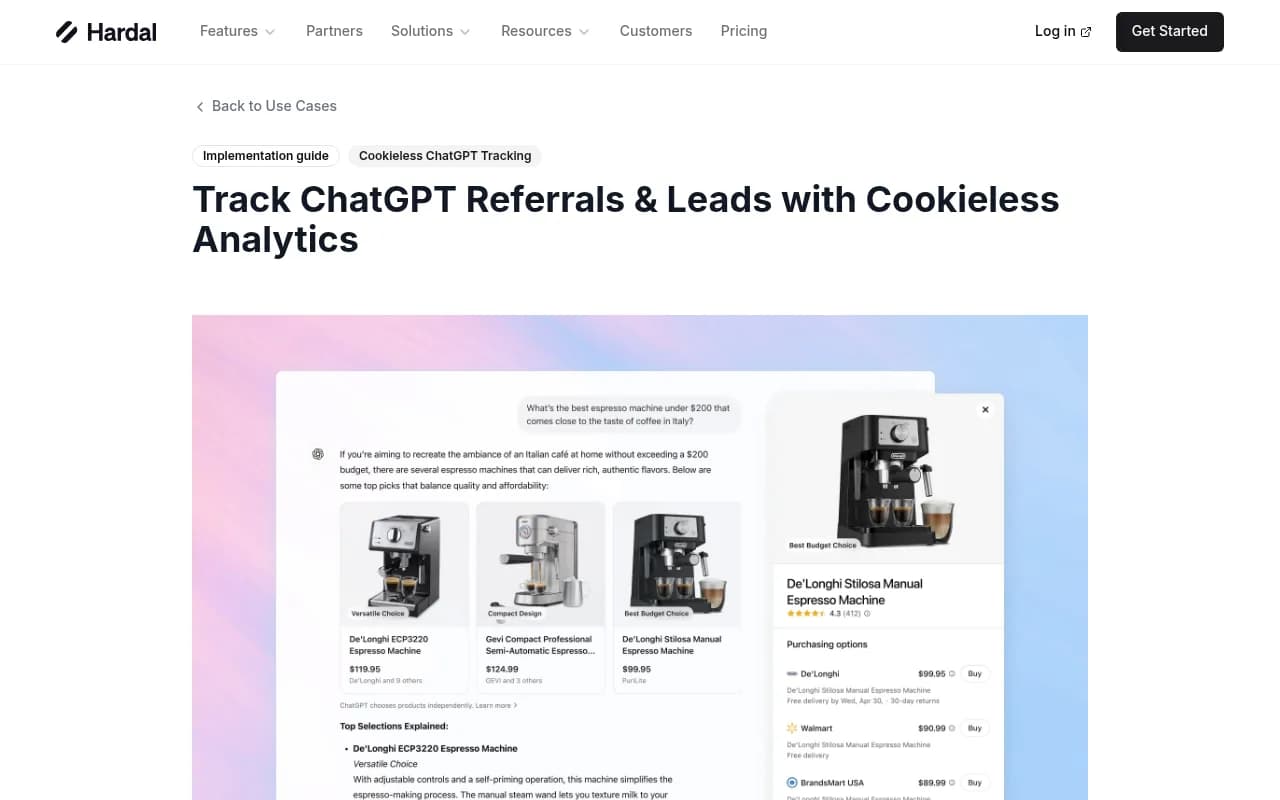
If you would rather not build this, a few catalog tools do versions of it. Cookieless or first-party options include Hardal (above). Attribution tools such as [tool:dreamdata] and [tool:hockeystack] stitch first touch to B2B pipeline, and [tool:segment] can carry the stored marker into every downstream destination.
Step 3: Ask people, with free text
This is the cheapest and most defensible signal, and several practitioners in the Indie Hackers thread landed on it independently. Add "How did you hear about us?" to signup or onboarding.
Two details matter:
- Use a free-text field, or free text plus a dropdown. People write things like "asked Claude for Belgian web agencies", and that wording tells you what the assistant actually recommended. A dropdown that names each AI tool also helps memory, because many users do not think of "I asked ChatGPT" as a referral.
- Record whether the user was shown the question. If you add it mid-month, a jump in declared AI signups may just mean you started asking. Report the share of signups with no known source next to your AI numbers.
Tag answers by hand once a week at first. A simple keyword match ("chatgpt", "gpt", "claude", "perplexity", "copilot", "gemini", "ai") gets you most of the way.
Step 4: Use three labels, never one blended number
The most useful idea from the Which AI Sent discussion (a vendor post, so read it accordingly) is the labeling scheme:
| Label | Meaning | How to use it |
|---|---|---|
| Confirmed | You saw an AI referrer or UTM on a visit by the same visitor within a lookback window (the vendor uses 90 days) | ROI and budget decisions |
| Declared | The user said they came from an AI tool | Messaging and positioning |
| Assisted | AI plausibly played a part (brand search after an AI answer, direct landings on pages you were cited for) | Directional check only |
Give each signup exactly one label, in priority order Confirmed, then Declared, then Assisted, so nobody is counted twice. Declared over-credits AI for brand-aware buyers who would have searched your name anyway, so trust the declared trend mainly when it moves together with confirmed. Report the confirmed number as a floor, not as the channel's size.
Step 5: Read server logs for the fetch behind the click
When a person clicks a link inside ChatGPT, it opens in their normal browser, so the user agent looks like any other. But the assistant's own fetchers do show up in logs: ChatGPT-User, OAI-SearchBot, PerplexityBot, ClaudeBot and others. Logging them tells you which pages assistants are reading, even when the human visit is anonymous.
A useful pattern from the same thread: an AI fetcher pulls a specific deep URL, then minutes later an untagged browser session lands on that same URL from the same region. That is circumstantial, so file it under Assisted, not Confirmed.
For a quick access check, Hardal's free isvisible.ai tests whether 13 AI crawlers can reach your site, including OAI-SearchBot. For continuous, IP-verified crawler logs plus the crawl-to-citation path, Promptwatch has an AI crawler logs feature that separates spoofed bots from real ones, and its visitor analytics can count visits tagged utm_source=chatgpt.com as ChatGPT traffic through an optional setting.

Step 6: Look where developer products actually get found
A consumer shop sees AI visitors land on product pages. Developer products are different. In Promptwatch's data on software prompts in ChatGPT (Sep 28 to Oct 4, 2026), docs and help centers earned the largest share of citations by source type at 2.64%. Vendor sites earned 2.01%, review sites and analysts 1.57%, GitHub 1.2% and app stores 0.47%. GitHub was the single most cited domain at 1.2%, followed by learn.microsoft.com at 0.98% and G2 at 0.73%.
That has direct consequences for measurement:
- Install your first-touch script on docs, not only the marketing site. If docs live on a subdomain, share the storage or pass the marker through the signup link.
- Tag the links in your own GitHub README, docs and package registry pages with distinct UTMs (for example
utm_source=github-readme). These are links you control, so the tag will not vanish. - Report landing pages for AI-attributed signups. A cluster on quickstart, pricing, comparison or "alternatives to X" pages is a strong sign of assistant influence. Direct landings spread across deep docs pages after you publish or refresh content are circumstantial evidence worth logging.
- ChatGPT now searches your domain directly. Promptwatch Data shows
site:fanout queries jumping from 0.37% to 16.8% of all fanouts on Aug 8, 2026, so indexed docs pages can surface in answers. Platform behavior can change overnight, which is also why the referrer change should not surprise anyone.
Search Engine Journal also reported that Peec AI's Rudzki saw ChatGPT put a direct URL into 42% of responses (versus about 8-10% before), and that 54% of those pointed to home pages, with no tags or referrers attached. For a developer product, that suggests more anonymous homepage arrivals, so do not read a homepage spike in Direct as noise.
Step 7: Watch brand search and the "brand plus problem" query
A lot of AI influence shows up as organic brand search. Someone reads an answer, then searches your product name plus the phrase from the answer, like "yourtool webdav drive letter". Nobody types that unless something taught them to.
In Search Console, filter queries containing your brand, then look for modifiers that match the wording of AI answers that cite you. Track brand search volume and Direct sessions on a weekly line next to confirmed AI sessions. If all three rise after a content or docs change, you have a story you can defend.
Step 8: Run a fixed prompt panel
Referral data tells you who arrived. A prompt panel tells you whether you are being recommended at all, and it is the check that stops you mistaking a tracking failure for a visibility collapse.
- Write 20-50 buyer questions in the language developers use ("best X for Y", "alternatives to Z", "how do I do W with language Q").
- Run each prompt three to five times per engine in a logged-out session. Answers vary, so record a presence rate, not a single outcome.
- Log which competitors appear and which of your pages get cited.
- Treat any third-party tracker's numbers as directional.
Profound's October episode is a good example of why this matters. A team looking at referral traffic alone could have called the drop a collapse in visibility, while a team that also checked citations would have suspected tracking first. Arcalea's reading framework groups metrics into exposure (mentions and citations), behavior (branded search, on-site activity) and outcome (pipeline). When those layers disagree, believe the one closest to the source.
Tools in the catalog that automate panels include [tool:promptwatch], [tool:profound], [tool:peec-ai], [tool:otterly-ai] and [tool:ziptie]. Promptwatch also goes beyond monitoring with a content gap analysis and a Content Agent that writes pages AI cites, then checks crawls, citations and traffic. For more options, the GEO software directory at bestgeosoftware.com lists others.
Step 9: Connect to your CRM and product analytics
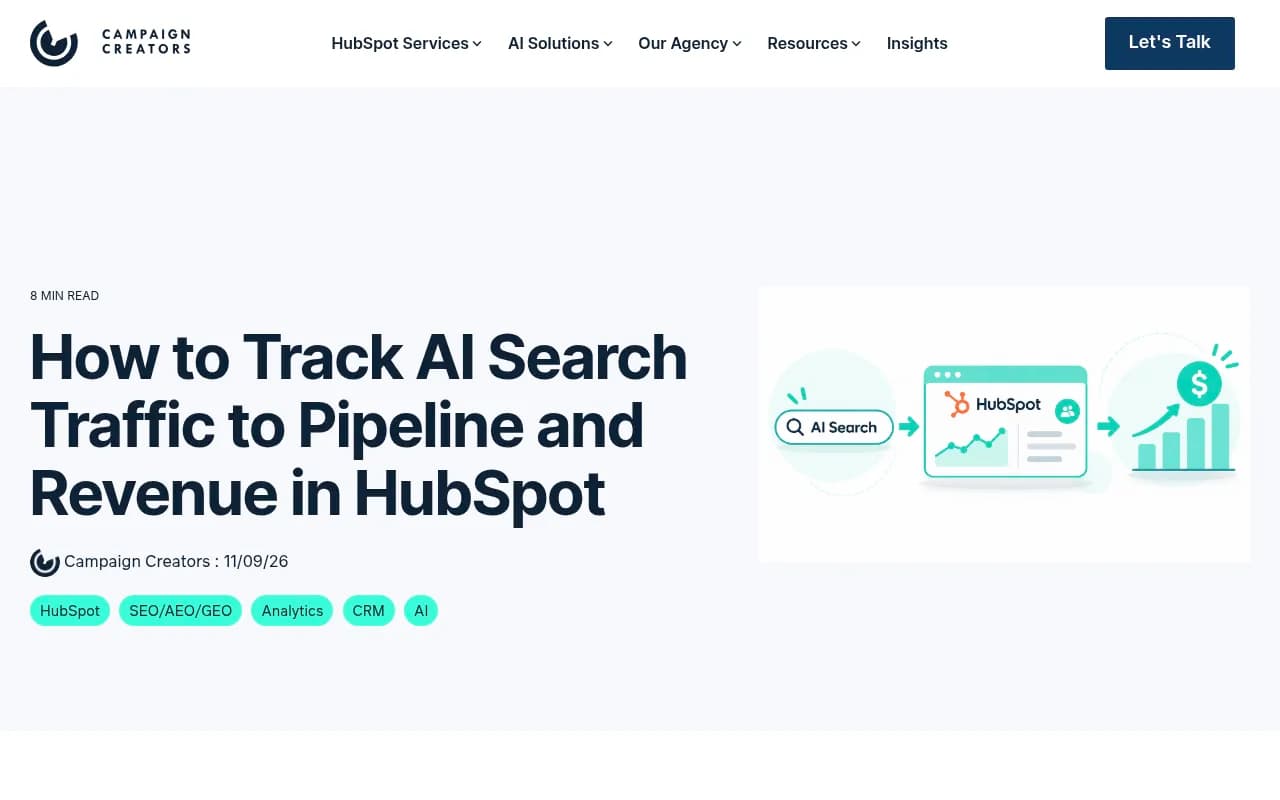
If you run HubSpot, AI Referrals is a built-in traffic source that labels visits from assistants like ChatGPT, Perplexity and Gemini and sets Original or Latest Traffic Source on conversion. Campaign Creators notes that contact attribution works on Marketing Hub Professional while deal and revenue attribution need Enterprise. I could not verify whether HubSpot's detection survived the Oct 9 change, so test it with your own data. [tool:hubspot]
For product-led developer tools, send the first-touch blob as user properties to [tool:mixpanel] or [tool:amplitude], so you can compare activation and retention by source, not only signup counts. Early reports claim AI-referred visitors convert better than average (Adobe measured US retail AI-referred visitors converting 54% higher in June 2026), but retail is not your funnel. Measure your own.
Which signal answers which question
| Signal | What it catches | Weakness | Label |
|---|---|---|---|
| GA4 AI Assistant channel | Visits with a surviving referrer | Misses everything sent without one | Confirmed |
| First-touch UTM and referrer capture | Delayed signups with a preserved marker | Needs the marker to arrive | Confirmed |
| Free-text signup question | App-opened links, "read it then searched" journeys | Self-report bias, low response | Declared |
| Server logs of AI fetchers | Which pages assistants read | Does not identify the human | Assisted |
| Brand and brand-plus-problem search | Influence without a click | Correlation only | Assisted |
| Prompt panel | Whether you are recommended | Sampling noise | Context |
A reporting template that holds up
For your weekly or monthly report, show these side by side:
- Confirmed AI signups, with the Oct 9-15 gap annotated.
- Declared AI signups, plus the share of signups shown the question and the share with no known source.
- Assisted indicators: brand search, Direct landings on pages you are cited for.
- Prompt panel presence rate and top competitors named.
- Signup-to-activation rate for each label.
Say plainly that the confirmed number is a floor. If the CMO asks "how do you know?", you can point to the visit, the user's own words, and the cited page.
What you will not be able to measure
Some of it is simply invisible. Someone reads a recommendation in the app, closes it, and types your name into a browser a week later. A colleague forwards the answer. A coding agent suggests your SDK and the developer installs it without ever opening your site. Rudzki expects many brands to see higher LLM referral traffic after the fix than before Oct 7, but he says "we'll see", so do not plan around it.
Melissa Rosenthal's advice is the one I would pin to the wall: don't hang strategy on the GA4 ChatGPT line. Rely on branded search, a how-did-you-hear field and net-new pipeline, and use referral data as one input. Start with the first-touch script and the signup question this week. Those two cost almost nothing and survive the next time a platform changes how links work.
If you want pointers on rank and visibility tooling beyond this guide, the directory at ai-rank-tools.com is a reasonable next stop.