Key takeaways
- Coding agents like Codex, Claude Code and OpenCode now recommend SDKs, libraries and docs inside the editor and terminal. Developer marketing teams need a monthly report for that channel, separate from the one for ChatGPT or AI Overviews.
- A good report has five blocks: recommendation share, citation sources, crawler access, traffic and signups, and an action list. Each block answers a different question.
- Docs and GitHub carry more weight here than for any other audience. In Promptwatch Data's software report (Sep 28 to Oct 4, 2026), docs and help centers earned 2.64% of software citations, the largest slice of any source type.
- Read the metrics together. Low share of voice is a coverage problem, a late position is a prominence problem, and mentions without citations to your own domain point to a content or crawlability problem.
- Keep the report to one page plus an action list. If nobody ships a fix from it, it is a vanity report.
Why developer marketing needs its own report
Most AI visibility reports are built around a consumer question: "best CRM for small teams" or "cheapest flights to Lisbon". Developer buyers behave differently. They ask an agent in their terminal, "add rate limiting to this Express app" or "which Postgres client should I use for edge functions", and the agent picks a tool, reads its docs, and writes the code. Nobody visits your landing page. Your first impression is whatever the agent decided to import.
That changes what you measure. You care less about brand mentions in a listicle and more about three things: does the agent know your product exists, does it recommend it for the right job, and can it read your docs well enough to use it correctly?
I should be upfront about one limit. Public benchmark data on coding agents as citation consumers is thin. Promptwatch Data has detailed reports on ChatGPT and Google surfaces, but I could not find a published report that isolates Claude Code or Codex behaviour. So the template below leans on your own tracked data and your own logs, and uses the public research only where it applies, mostly for the docs and GitHub angle.
What the public data says about developer tool visibility
Two Promptwatch Data reports are worth knowing before you build the template.
The first is the software citations report for ChatGPT (Sep 28 to Oct 4, 2026). GitHub was the most cited software domain for organic prompts at 1.2% of software citations, followed by learn.microsoft.com at 0.98% and G2 at 0.73%. By source type, docs and help centers earned 2.64%, vendor sites 2.01%, review sites and analysts 1.57%, GitHub 1.2% and app stores 0.47%. Vendor sites and docs together earned 4.65%, about three times what review sites and analysts did. Percentages there are shares of all software citations, not of the 23 listed domains.
The practical read for a developer-tool company: publish crawlable docs, keep a public GitHub presence, and keep your G2 and Capterra profiles current. That is a boring list, and it is also what the data says.
The second is the AI crawler traffic report (IP-verified requests, Jun 8 to Sep 6, 2026). OpenAI made up 79.8% of verified AI crawler requests in the week of Aug 31 to Sep 6, down from 94.8% in Jun 8 to 14. Only requests from IPs matching each operator's published ranges are counted, so spoofed user agents are excluded. Use that mix as a benchmark: if a provider is large in the report but close to zero in your logs, you are probably blocked or unreachable.
A third data point matters for how agents search. ChatGPT's query fanouts averaged 2.15 searches per response in early December 2025 and about 1.84 by early March 2026, with queries getting shorter over time. On August 8, 2026, ChatGPT also began using the site: operator at scale, going from about 0.4% to about 17% of fanout queries. For a docs site, that suggests agents increasingly search inside specific domains, so your own site structure and headings matter more.
The monthly report template
Here is the structure I would use. It fits on one page, plus an action list. Every block has a question, a metric, and a decision it feeds.
| Block | Question it answers | Core metrics | Decision it feeds |
|---|---|---|---|
| 1. Recommendation share | Do coding agents suggest us for our core jobs? | Visibility Score, share of voice, average position per agent | Which use cases to write for |
| 2. Sources | Where do agents get their answer? | Citation share by source type, self-citation rate, top cited URLs | Docs, GitHub, or third-party work |
| 3. Crawler access | Can agents read our docs? | Crawler requests by bot, error rate, pages never crawled | Engineering tickets |
| 4. Outcomes | Does it send developers who sign up? | AI-referred visits, signups, activation | Budget and priority |
| 5. Actions | What do we ship next month? | Ranked list with owner and due date | The sprint |
Block 1: recommendation share
Build a prompt panel of 30 to 60 prompts that mirror real developer tasks. Mix three types: organic ("best library for X"), competitor comparison ("X vs Y for Z"), and brand-specific ("how do I set up X"). Run them against the coding agents you care about (Codex, Claude Code, OpenCode) and against ChatGPT and Gemini, since developers move between them.
Report four numbers per agent: how often you are mentioned, where you land in the order of tools, how the agent describes you, and who it picks instead. A single score hides the useful part. If you show up in 40% of answers but always third, that is a prominence problem. If you show up in 5% but first, that is a coverage problem. Different fix, different owner.
For month-over-month honesty, freeze the core panel and add new prompts in a separate "experimental" group. Changing the panel every month makes the trend line meaningless.
Block 2: sources and citations
For each agent, list the top 10 cited URLs and group them: your docs, your GitHub repos, your blog, third-party tutorials, review sites, and competitor pages. Then compute the self-citation rate, the share of citations pointing at your own domain.
Three patterns come up again and again:
- Mentioned but never cited from your domain. The agent knows you from training data or third-party posts, and your docs are not doing the work.
- Cited, but a stale page. A deprecated API page keeps getting pulled. Refresh or redirect it.
- Competitor docs cited for your category. Look at what they cover that you do not. Often it is a migration guide or a "vs" page.
Content type matters too. Promptwatch Data shows landing pages and docs stay cited longest, while news loses half its pages within 36 days (content half-life report). Evergreen docs are the best investment; launch announcements fade fast.
Block 3: crawler access
This block is the one most marketing teams skip, and it is often where the answer lives. If an agent cannot fetch your docs, no amount of content work helps.
Pull IP-verified crawler logs and report: requests per bot (GPTBot, OAI-SearchBot, ChatGPT-User, ClaudeBot, Claude-User, PerplexityBot and so on), the top crawled pages, the top error pages, and docs sections with zero crawls. Check robots.txt, CDN and WAF rules for each provider. Aggressive bot protection on a docs subdomain is a classic cause of invisibility. Compare your mix to the benchmark in the crawler traffic report above.
Also run a quick agent-readiness check once a quarter: llms.txt, clean markdown or HTML without heavy client-side rendering, stable URLs, and an up-to-date sitemap. One caution: Promptwatch Data found markdown files make up just 0.05% of AI search citations (markdown in AI search). Markdown helps agents that fetch your docs directly, not AI search citations. Do it for the first reason, and do not expect the second.
Block 4: outcomes
Visibility without traffic is a nice chart. Report AI-referred visits, signups, and activation events (first API call, first deploy, first SDK install). Segment by source where you can. A heads-up on attribution: ChatGPT stopped sending a referrer on October 8, 2026, so tag links you control with utm_source=chatgpt.com and expect some AI traffic to land in direct. Coding agents often send no visit at all: the developer installs your package straight from the agent's suggestion. For that, watch package downloads, GitHub stars and clones, and docs search terms, and note them as proxies rather than hard attribution.
Block 5: the action list
End with at most seven actions, each with an owner, a due date, and the evidence from blocks 1 to 4. Examples:
- Fix a WAF rule that blocks ClaudeBot on docs.example.com (engineering, one week).
- Publish a "migrate from Competitor X" guide, because agents cite their version for comparison prompts (content, two weeks).
- Rewrite three docs headings to read like short search queries (docs team, one week).
- Update G2 and Capterra profiles with current pricing and integrations (marketing, this week).
Choosing tools to run the report
You can assemble this from spreadsheets and scripts, but that gets painful past a few dozen prompts. Here is how the options compare for this specific use case.
| Need | What to look for | Example tools |
|---|---|---|
| Coding agent tracking plus ChatGPT, Gemini, Perplexity | Real-interface collection, per-country monitors | Promptwatch |
| AI crawler logs | IP-verified, not user-agent only | Promptwatch, DarkVisitors |
| Prompt tracking only | Cheap daily checks | Otterly.AI, Peec AI |
| Enterprise monitoring | Large prompt sets, agency workflows | Profound |
| Reporting glue | Dashboards, automation | Whatagraph, Zapier, n8n |
Promptwatch is the one I would start with for this template, because it covers all five blocks in one place: it tracks how Codex, Claude Code and OpenCode recommend tools, SDKs and docs, logs AI crawler hits with IP verification, and ties visits to your site analytics. Its Action Board turns the gaps into a prioritized to-do list, which is block 5 almost for free. See prompt tracking and AI crawler logs for the specifics.

Monitoring-only tools are fine if you already have crawler logs and analytics elsewhere. Otterly.AI and Peec AI are the usual budget picks for the prompt panel.


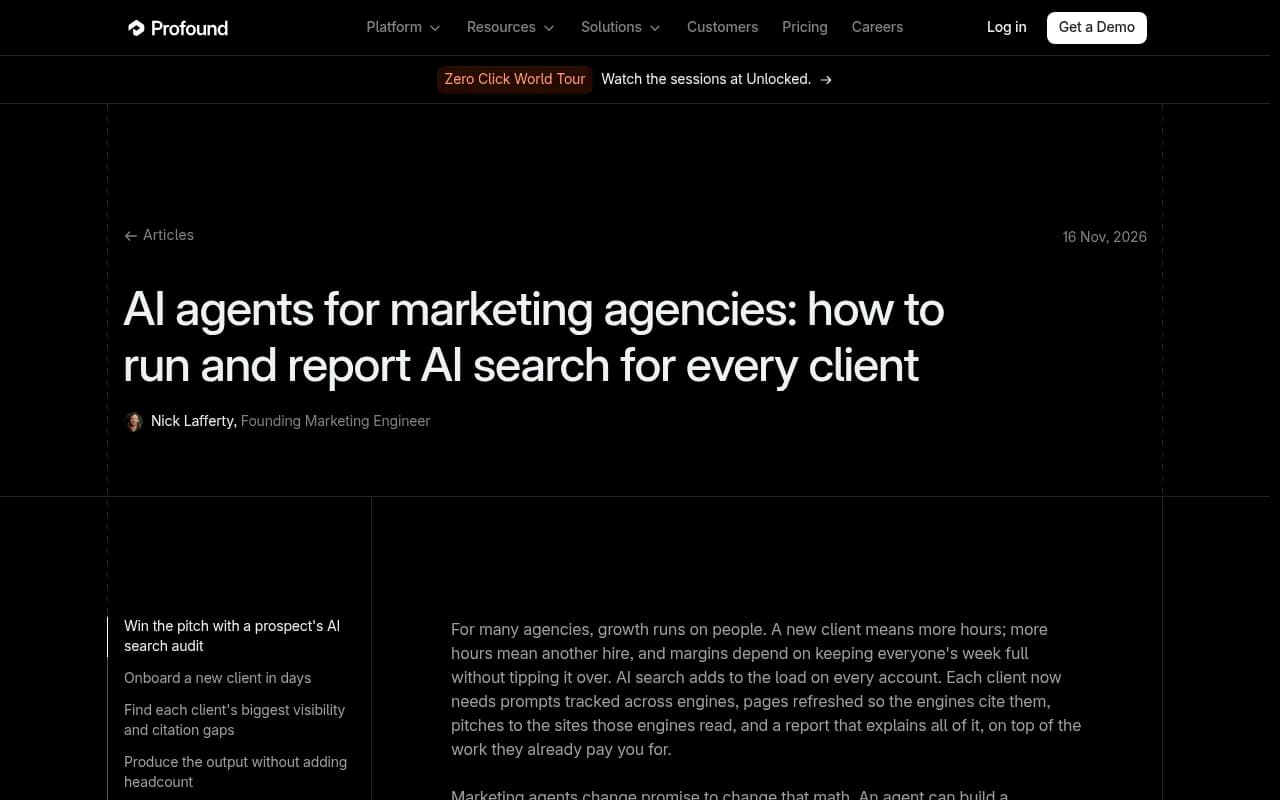
Profound is a strong enterprise monitoring option, and its agency article on running and reporting AI search for many clients is a useful reference for how to structure client-facing reports.

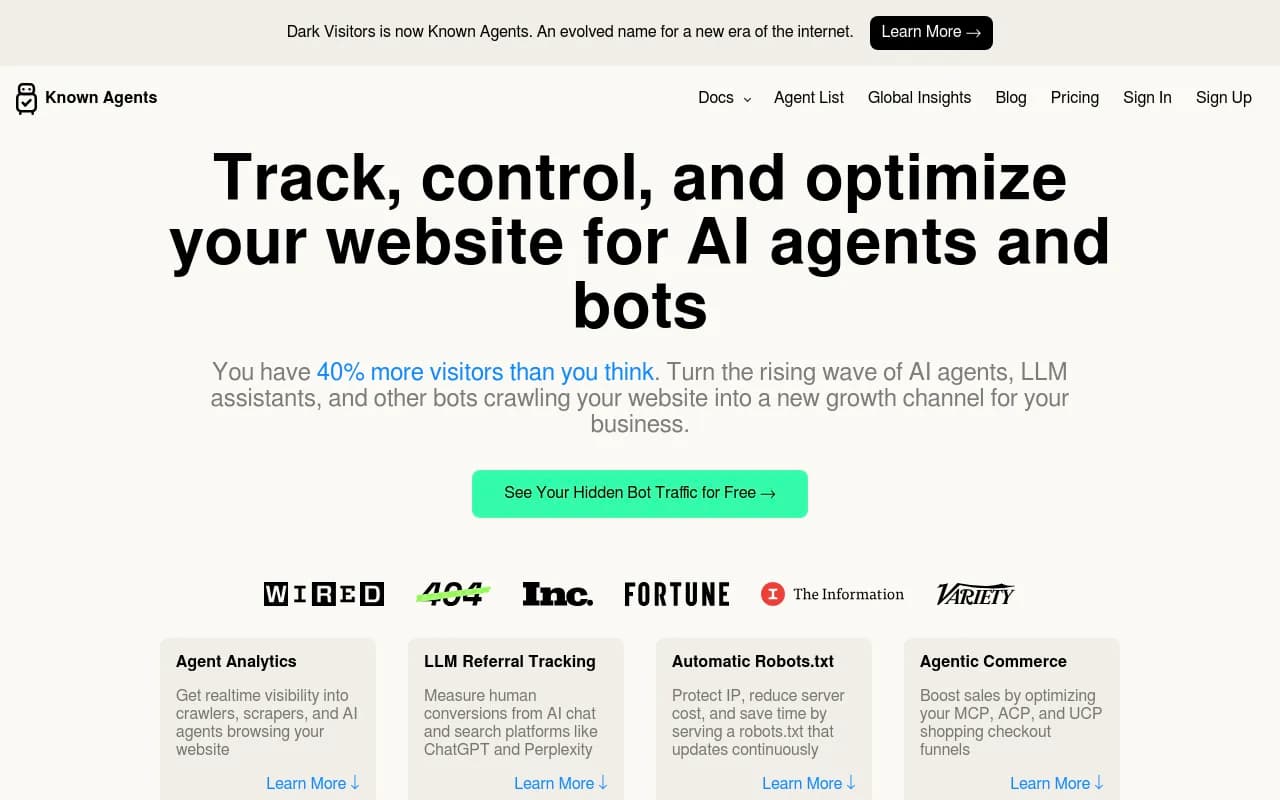
For crawler visibility on a budget, DarkVisitors tracks AI agents and bots visiting your site.
If you want to compare more platforms before committing, the GEO software directory at bestgeosoftware.com lists dozens.
Automating the boring parts
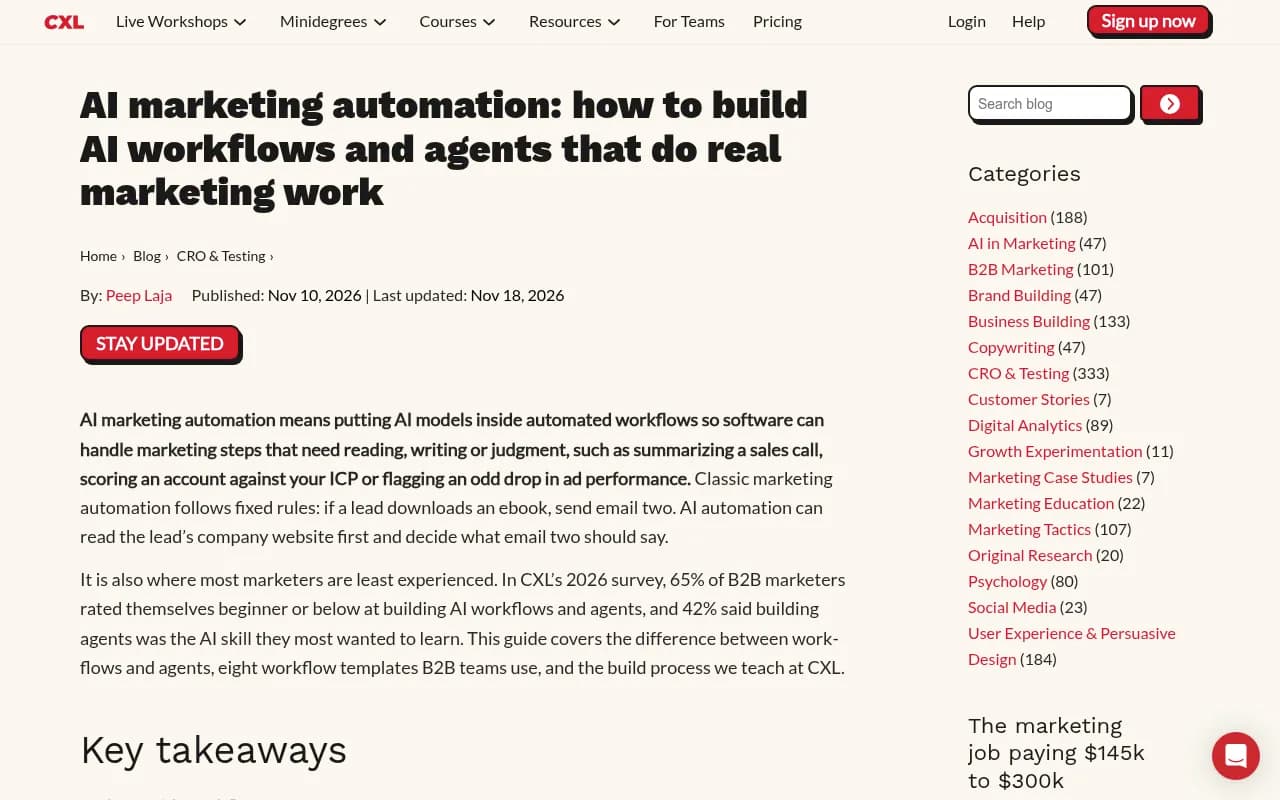
Do not automate judgment. Automate collection and formatting. CXL's 2026 survey found 65% of B2B marketers rate themselves beginner or below at building AI workflows, and Gartner predicts over 40% of agentic AI projects will be canceled by the end of 2027. The lesson I take from CXL's own advice: start with a workflow where you define the steps, put AI in one or two of them, and keep a human approving the output.
For this report, a sensible split is:
- Automated: weekly prompt runs, crawler log pulls, a draft summary of what changed.
- Human: deciding which changes matter, writing the action list, talking to engineering.
Tools like Zapier or n8n can pipe exports into a shared dashboard. If your platform has an MCP server, you can also let an assistant build the draft summary from live data and review it yourself.
A 60-minute monthly workflow
- Minutes 0 to 10: freeze the month's data. Export the prompt panel results and crawler logs for the same date range.
- Minutes 10 to 25: fill blocks 1 and 2. Note the three biggest changes in share and position, and the three biggest changes in cited URLs.
- Minutes 25 to 35: fill block 3. List every provider with a gap against the benchmark and every docs section with zero crawls.
- Minutes 35 to 45: fill block 4. Pull AI-referred visits, signups, and the proxy metrics.
- Minutes 45 to 60: write the action list and send it. One page. Owners named.
The first month will take longer because you are building the panel. After that, an hour is realistic.
Common mistakes
- Reporting one blended score. Break it out by agent and prompt type, or you will not know what to fix.
- Tracking only brand prompts. You will look great and learn nothing. Most developer discovery happens on task prompts that never name you.
- Ignoring the docs team. They own the single most cited surface. Give them their own line in the report.
- Treating API outputs as what users see. Real-interface answers and citations can differ from API responses, so check how your tool collects data.
- Changing the prompt set monthly. Freeze a core set so trends mean something.
What to do this week
Pick 30 developer-task prompts, run them across the agents your audience uses, and check whether your docs are being crawled at all. That alone gives you a first report. If you want a faster start, the free AI visibility report scans how ChatGPT, Gemini and Perplexity talk about your brand and checks crawler access, and a 7-day trial covers coding agent tracking. Confirm current plans at promptwatch.com/pricing.