Key takeaways
- ChatGPT brand trackers collect data in two ways: by running prompts through the real ChatGPT interface (UI data) or by calling the model through an API. The two often return different answers, different sources, and different brand mentions.
- The API lacks the ChatGPT product's system instructions, and settings like model, temperature, and search behavior can differ, so API output is not what your customers see.
- ChatGPT visibility depends on the sub-queries it generates (fan-outs), not only the prompt typed. A tool that runs different retrieval will report different numbers.
- UI data is better for accuracy on a smaller prompt set. API data is cheaper and easier to run at scale. Neither is wrong, but you should know which one you are looking at.
- When two dashboards disagree, check collection method, model version, country, date, and prompt wording before blaming either tool.
Why this question keeps coming up
You set up a tracker, it says your brand shows up in 12% of ChatGPT answers. A colleague opens ChatGPT, types the same prompt, and your brand isn't there. Or a second tool reports 30%. Who is right?
Usually both tools are doing what they say. They are just measuring different things. The biggest variable is whether the tool talks to the ChatGPT website or to an API endpoint behind it.
This guide explains the difference, shows the settings that cause the gaps, and compares the tool categories so you can pick with your eyes open.
What UI data and API data actually mean
UI data
UI-based tracking runs a prompt through the real consumer interface (ChatGPT, Google AI Overviews, Perplexity, Gemini and so on), then records the answer, the cited sources, and the brands named. What you get is as close as possible to what a real user saw.
Promptwatch describes its collection this way: data comes from the actual user interfaces of ChatGPT, Gemini, Perplexity, Claude, AI Overviews and others, across more than 26B data points. It tracks API models like Claude, DeepSeek, Mistral and Grok alongside, to show what models believe from training data, but treats the live interfaces as the source of truth for visibility.

API data
API-based tracking sends your prompt to a model endpoint programmatically. It is faster to build, cheaper to run, and easy to scale to thousands of prompts. It is also a different product from the chat window.
A Reddit thread in r/ChatGPTPro puts the core problem plainly: the API doesn't have the same instructions as the ChatGPT product, so it is more malleable and has a bigger context window, and anyone using tools to track should keep that in mind. An OpenAI community post goes further, with one developer complaining that a GPT-4o mini API was dramatically less relevant than the same model in the chat UI.
In short, same model family does not mean same behavior.
Why the numbers differ
Otterly's UI-vs-API explainer lists the settings that can differ between the interface and the API. Otterly sells UI-fidelity monitoring, so read its framing with that in mind, but the list itself is a useful checklist:
- The model (and which version the product is routing to)
- The system prompt
- Temperature (0 to 1)
- Top P
- Search context size (Perplexity offers high, medium, and low)
- Search domain filters
Perplexity's own FAQ states that API results may differ from the UI, so this is not just a vendor talking point.
Web search is the big one
ChatGPT's web search rolled out to everyone worldwide in February 2025, including logged-out users. Whether and how a given API call performs web search, and returns citations, is where a lot of the divergence comes from. The Otterly page itself is inconsistent here: its prose says the web search toggle isn't available via the API, while its table says availability exists but results might differ. Check OpenAI's current documentation on web search through its API before you rely on either claim. I would not trust a single vendor blog for that detail.
Fan-outs change what "visible" means
ChatGPT does not just search for the prompt you typed. It generates its own sub-queries. Promptwatch Data on ChatGPT query fanouts shows how variable this is:
- ChatGPT's own page text says a prompt can trigger 3-8+ searches, but the measured average was about 2.15 distinct web searches per response in early December 2025.
- That eased to about 1.84 by early March 2026.
- After a gap in the data, fanouts returned in April at exactly 1.0 per response.
- Average fanout query length fell from about 117 characters in December to the high 80s in February and March, then about 53 characters in April.
So your brand's visibility depends on queries you never typed. A tool that doesn't run live search, or that runs a different retrieval path, is measuring a different game.
ChatGPT changes abruptly
Even if two tools use the same method, they can disagree if they sampled on different days. Promptwatch's data shows several sharp shifts:
- Average citations per response fell across GPT-5.3, GPT-5.4 and GPT-5-Mini around the GPT-5.3 rollout on March 4, 2026 (ChatGPT citation drop).
- On August 8, 2026,
site:queries jumped from about 0.4% to about 17% of fanouts overnight (site operator fanouts). - reddit.com's share of ChatGPT citations fell from roughly 4% to 0.5% on August 14, 2026 (Reddit citations dropping in ChatGPT).
If a tool's numbers moved last week and another's didn't, check the collection date and method before panicking.
Source counts differ by engine
Promptwatch's average sources per response report (September 2025) found ChatGPT cites about 5 sources per web-search answer, Google AI Overviews about 10, and Perplexity almost exactly 10 every day. Copilot swung from under 2 to nearly 17 before settling at the low end. The ChatGPT figures only cover messages where web search was triggered. If your tool mixes searched and non-searched answers, your mention rate will look lower than a tool that filters to searched ones.
The trade-off: accuracy vs breadth
SEO consultant Chris Green framed this as two schools of thought on LinkedIn: UI fidelity is more accurate for a low number of prompts, while API probing gives a more complete view when you want larger-scale analysis.
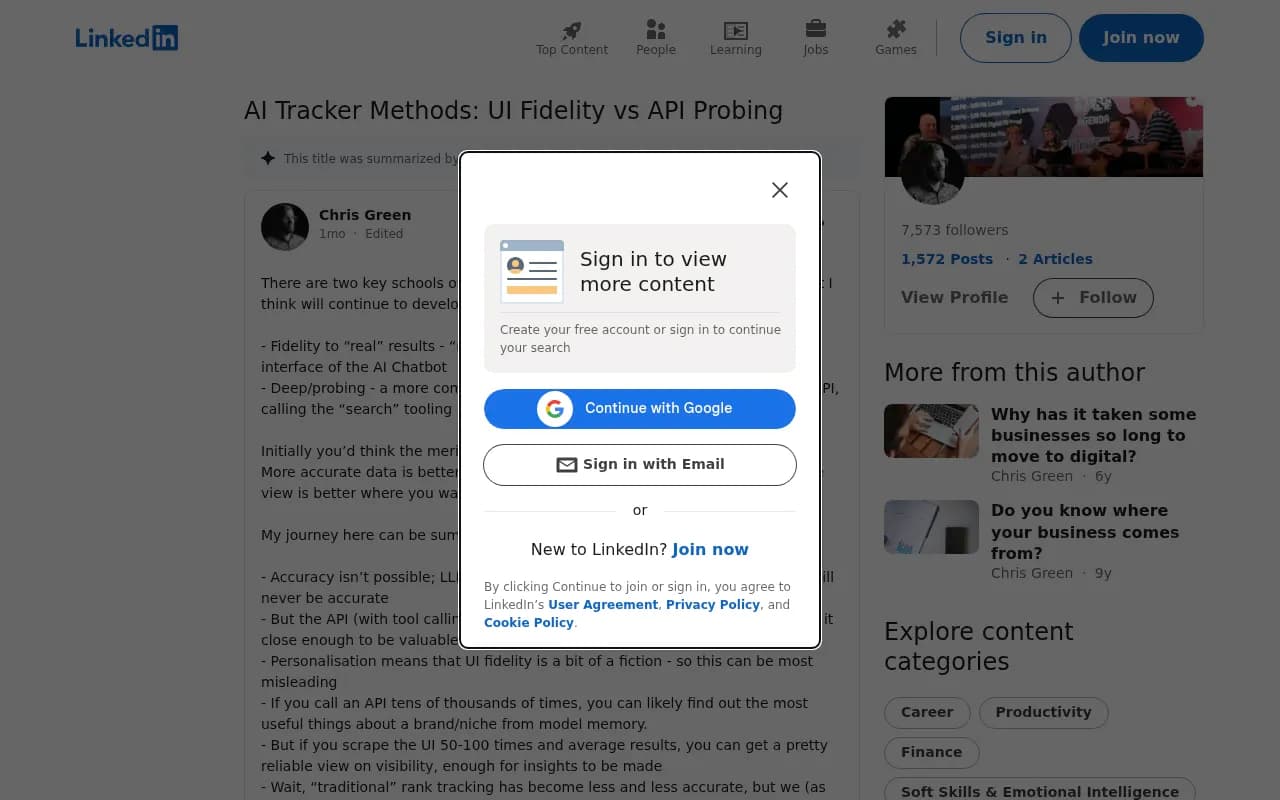
I mostly agree, with one caveat. The "larger view" from API probing is only useful if you know it is a model-behavior view and not a customer-experience view. Otterly's warning is blunt: some tools claim to track relevant topics at scale but show you results your customers never actually see. That's vendor-positioned, but it describes a real failure mode.
| Factor | UI data | API data |
|---|---|---|
| Matches what users see | Closest available | Often different |
| Includes ChatGPT system instructions | Yes | No |
| Web search and citations | As in the product | May be missing or behave differently |
| Cost per prompt | Higher | Lower |
| Scale | Fewer prompts per dollar | Thousands of prompts easily |
| Best use | Brand mentions, citations, competitor share | Model knowledge, training-data perception, bulk analysis |
How the tool categories compare
I haven't verified current pricing or feature sets for every vendor below, and tools change fast, so treat this as a map of categories and confirm details on each vendor's site. Ask every vendor the same question: which interface or endpoint do you actually query for ChatGPT, and do you run web search?
End-to-end platforms with real UI monitoring
Promptwatch monitors the live interfaces of ChatGPT, Google AI Overviews, Google AI Mode, Gemini, Perplexity, Copilot, Meta AI and Amazon Alexa, in each country and language, and also tracks API models side by side. It adds IP-verified AI crawler logs, visitor analytics for AI-referred traffic, and a Content Agent that writes and publishes against visibility gaps, so you can check whether a fix worked. Pricing starts free (10 prompts, ChatGPT only) and paid plans begin at $95/month; confirm on promptwatch.com/pricing.
Dedicated AI visibility trackers
These focus on monitoring and reporting, with varying approaches to collection.

Profound targets enterprise brand teams where AI share of voice is its own budget line.
Scrunch is described by one review as best for larger teams wanting technical crawler data, not just scores.

Otterly sells UI-fidelity monitoring and is affordable, which makes its UI-vs-API argument worth reading, with the vendor-bias caveat.

Peec AI is known for multi-language tracking.
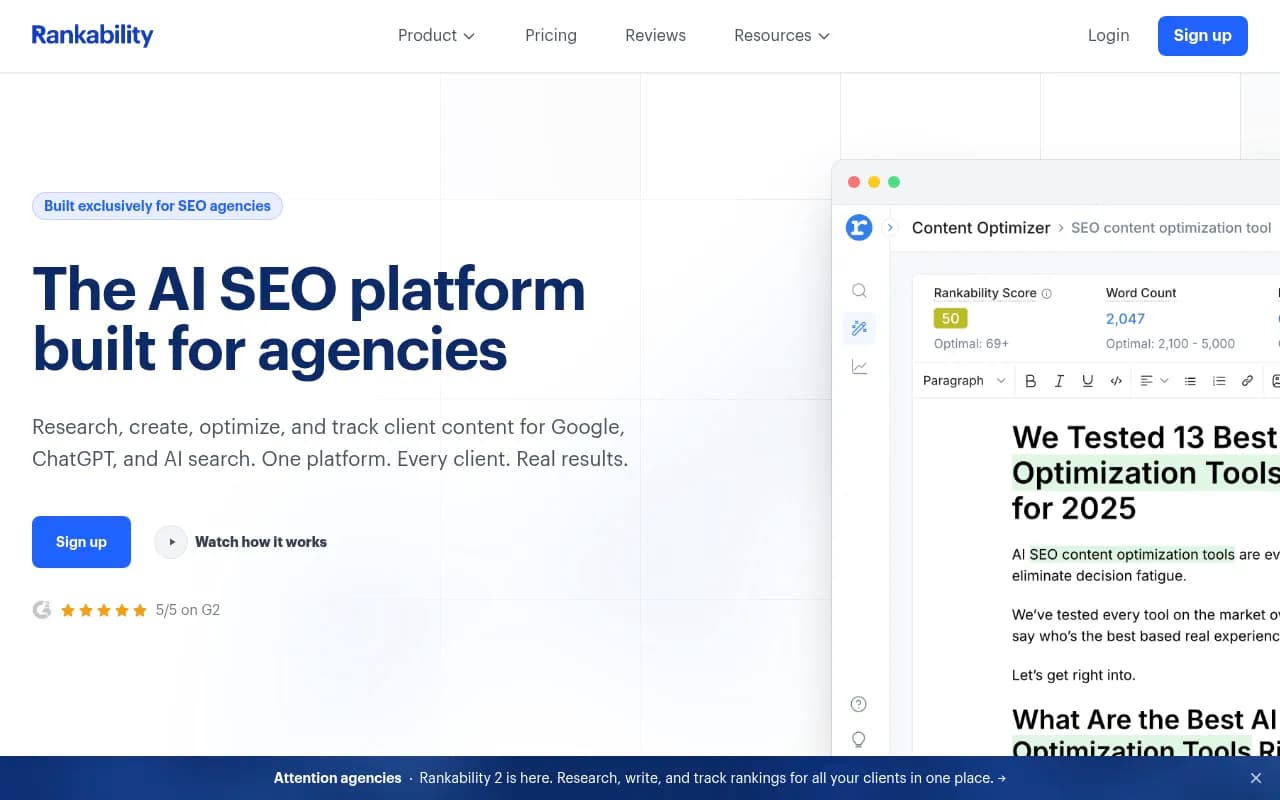
Rankability is agency-focused and has a dedicated ChatGPT rank tracker for trending visibility over time rather than one-off checks.
SEO suites adding AI tracking
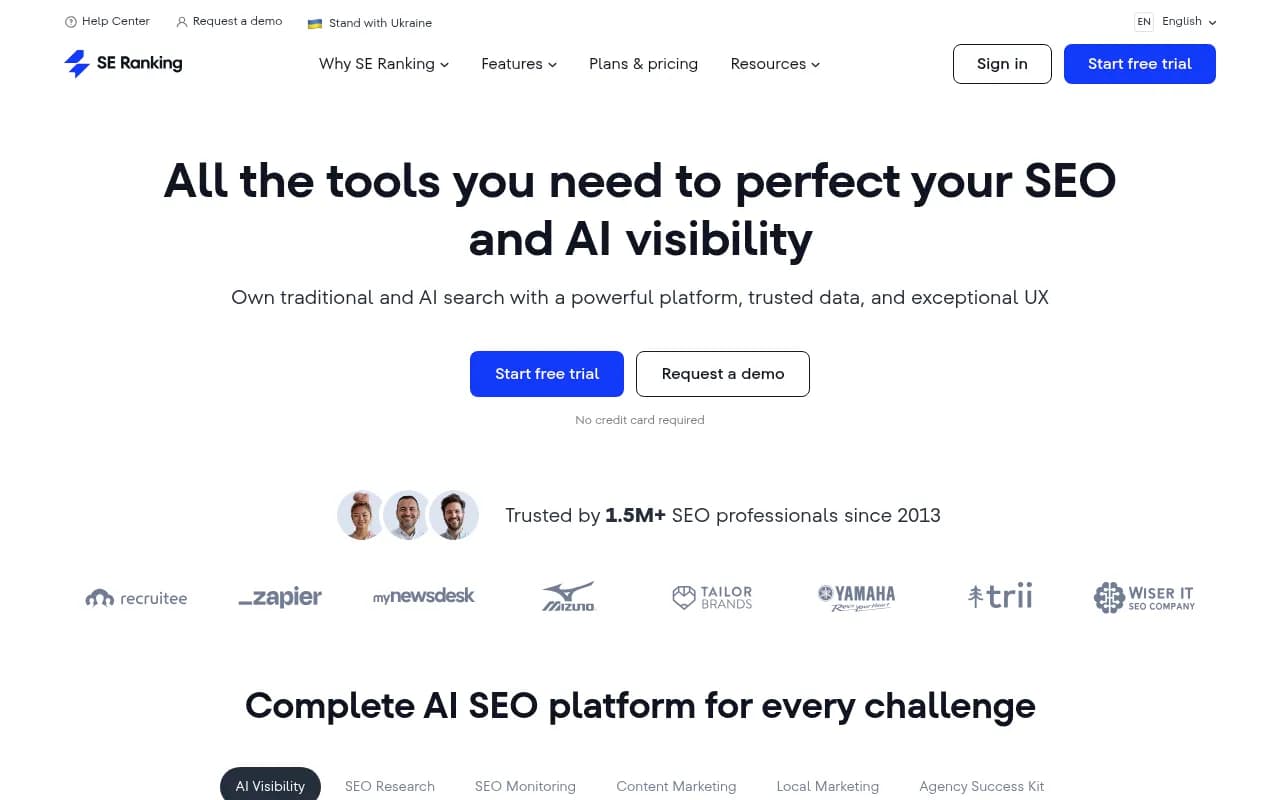
SE Ranking is positioned by one comparison as the strongest all-around pick for agencies that want API data, dashboards, and white-label output next to traditional SEO data. That is an API-first use case, which is a fine fit if you need to pipe data into your own reporting.
Semrush and Ahrefs bring AI tracking into familiar suites. The same comparison notes Ahrefs is mostly useful if you care about Google AI Overviews.
Summary table
| Category | Example tools | Typical strength | Watch out for |
|---|---|---|---|
| End-to-end UI-based platform | Promptwatch | Real-interface data plus crawler logs, traffic, and content action | More depth than a casual user needs |
| Enterprise trackers | Profound, Scrunch AI | Large-team reporting | Confirm collection method and price |
| Lightweight trackers | Otterly.AI, Peec AI | Price and simplicity | Check whether ChatGPT is queried via UI or API |
| Agency analytics | Rankability | Client reporting | Verify prompt limits |
| SEO suites | SE Ranking, Semrush One, Ahrefs Brand Radar | One login for SEO and AI | Fixed prompt sets, shallower AI data |
For wider lists, the GEO software directory and AI rank tracking tools directory cover far more options.
How to audit two tools that disagree
Work through this list in order. Most gaps vanish by step four.
- Confirm the collection method. UI scrape, API with search, API without search?
- Match the model. ChatGPT routes between models, and averages move when versions change.
- Match the country, language, and logged-in state.
- Match the date range. Compare the same days, since ChatGPT behavior can change overnight.
- Match the prompts exactly, including punctuation and persona.
- Check how mentions are counted. Brand aliases, misspellings, and whether a citation without a name counts.
- Filter to answers where web search ran, since non-search answers cite nothing.
- Re-run the same prompt several times. Run-to-run variance in ChatGPT answers is real, though I don't have solid data on how large it is, so measure it yourself.
Also keep in mind that personalization, memory, and location can shift what an individual sees in the UI. No tracker fully removes that.
So which should you trust?
For the question "what do my customers see when they ask ChatGPT?", use UI-based data. That's the one that maps to revenue, and it's the one that should drive decisions about content and citations.
For "what does the model believe about us from training?", API data is fine and useful, ideally labeled as such.
For trend tracking, consistency matters more than precision. Rankability's guide makes the same point: a strong ChatGPT mention tracking process is less about precision than consistency. I'd add: consistency in method. If you switch tools mid-quarter, restart your baseline.
A practical setup for most teams:
- Use a UI-based tracker for your 50 to 150 most commercial prompts.
- Layer on crawler logs and AI-referral analytics so you can see whether visibility turns into visits.
- Use API probing only for broad exploratory research, and label it separately in reports.
- Run a free one-off check first if you're unsure. Promptwatch's Free AI Visibility Report scans how ChatGPT, Gemini and Perplexity describe your brand without a login.
What to ask any vendor before buying
- Do you query the ChatGPT website or an API for ChatGPT data?
- Is web search on, and do you capture the cited sources and fan-out queries?
- Which model version is each result tied to?
- Can I export raw responses so I can verify a result myself?
- How many times is each prompt run per day?
If a vendor can't answer the first two clearly, treat the dashboard as directional at best. Your numbers will differ between tools, and that's fine, as long as you know why.
For more first-party data on how ChatGPT's citation behavior shifts, the Promptwatch Data hub has regularly updated reports.