Key Takeaways
- Looker Studio access depends on the plan. Otterly includes its connector on Standard and above, and Peec AI needs Growth or higher plus an API key.
- A connector is not white-label. Neither Otterly nor Peec AI documents native white-label reporting, so the branding happens in your Looker Studio template.
- Cost per client matters more than the entry price. Prompt caps, engine add-ons, and workspace limits change the real bill fast.
- Promptwatch offers a Looker Studio connector from its Professional plan ($245/mo) and a REST API and MCP server on every plan, which suits agencies that want reports and the work behind them in one place.
- Show per-engine trends in client dashboards. ChatGPT cites about 5 sources per answer while AI Overviews and Perplexity cite about 10, so a blended number misleads.
Why Looker Studio matters for agency reporting
Most agencies already have a Looker Studio workspace. Clients already look at it for Search Console, GA4, and ad spend. Adding AI visibility as one more page in that report is easier than teaching a client to log into yet another dashboard.
That's the whole appeal. You pull the data once, build a template, and clone it across accounts. The report lands in a format your account managers already know how to edit.
But I'd be careful about treating "has a Looker Studio connector" as a checkbox. The connector tells you very little about what fields come through, which plan unlocks it, or whether you can brand the output. Those details decide whether the tool saves you hours or creates a new reporting chore.
What to check before you pick a tool
Connector availability by plan
Some vendors gate the connector to mid-tier plans. Otterly includes it with Standard, Premium, and Enterprise at no extra cost. Peec AI's connector requires an API key and, per Gauge, sits on Growth and above. If you were planning to start on an entry tier for a small client, check this first.
Connector versus white-label
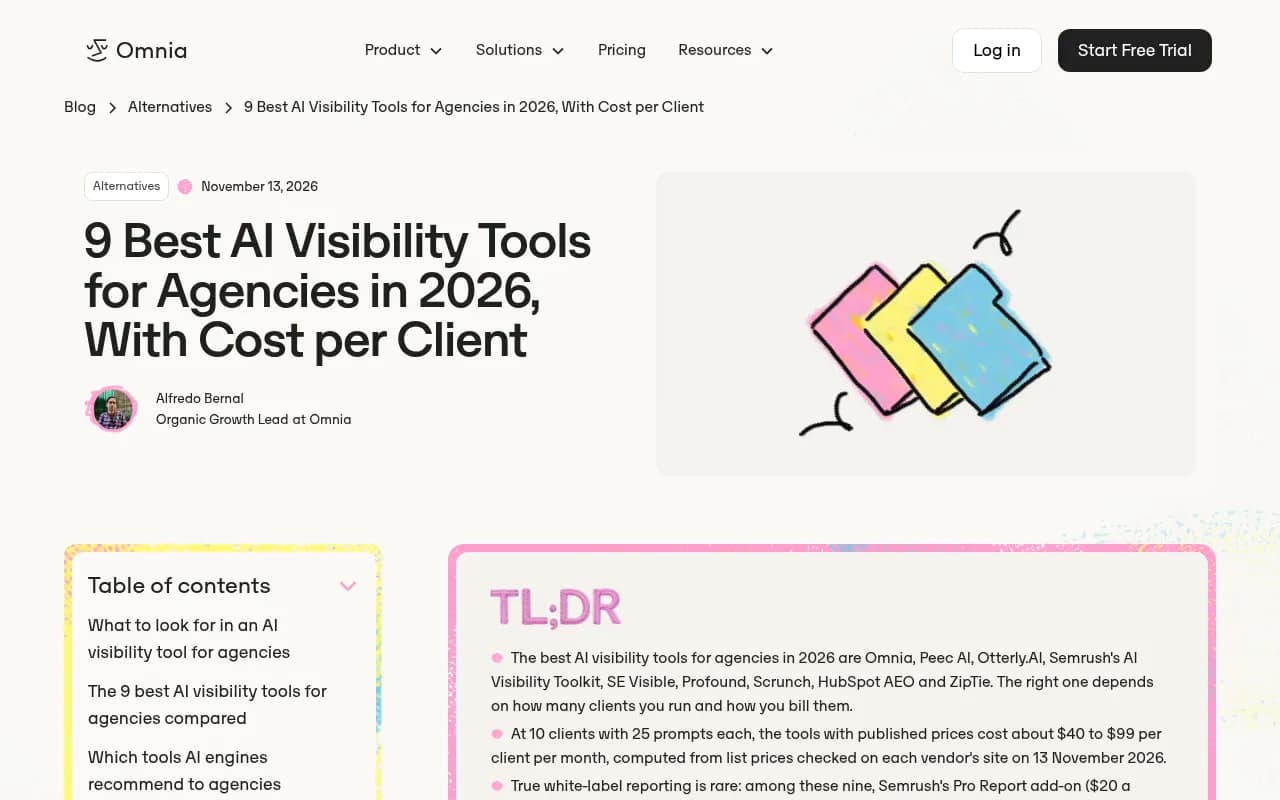
These are different things. A connector moves data into Looker Studio. White-label means the vendor's own reports and client portal carry your logo. Omnia's comparison of nine agency tools found that among those nine, only Semrush's Pro Report add-on ($20/month) listed true white-labeling. Everyone else offered client dashboards, logins, or Data Studio connectors instead.
So if you build in Looker Studio, you get white-label by default, because you own the template. That's actually a point in the connector's favor.
Cost at 10 and 25 clients
The entry price is a teaser. Look at how clients are counted: per brand, per project, per domain, or from a shared credit pool. Omnia calculated about $40 to $99 per client per month at 10 clients with 25 prompts each, using published list prices. KIME's own comparison put it between roughly $26 and $420 per client depending on the vendor. KIME sells a competing product, so treat that range as vendor-biased, but the spread is real.
Engine coverage and data source
Check which engines are included and which cost extra. Otterly's Standard tracks ChatGPT, AI Overviews, Perplexity, and Copilot, and charges extra for AI Mode, Gemini, and Claude, per KIME. Also ask whether the data comes from real interfaces or from API calls, since answers and citations can differ.
Looker Studio-ready tools compared
| Tool | Looker Studio route | Plan needed | Starting price | White-label | Best for |
|---|---|---|---|---|---|
| Otterly.AI | Official connector | Standard and up | $189/mo (Standard) | No native; brand in Looker Studio | Small agencies, basic tracking |
| Peec AI | Connector with API key | Growth and up | Standard plans from EUR 85/mo; agency tiers vary | Not documented | Reporting-focused agencies |
| Promptwatch | Looker Studio connector plus REST API and MCP | Professional and up | $245/mo; agencies from $199/mo | White-label PDFs on branded orgs | Agencies that also need to fix visibility |
| Omnia | API and MCP on every plan, exports on Pro | Pro for exports | From EUR 79/mo | Dashboards, not full white-label | Unlimited client brands |
| LLM Pulse | Looker Studio listed by a third party | Verify | From EUR 299/mo | Verify | Euro-based teams |
| AI Peekaboo | Looker Studio integration | Verify | $29/mo; white-label from $100/mo | Yes, on white-label tier | Simple white-label reporting |
Prices come from vendor pages and third-party reviews, and they move. Confirm everything on the vendor's site before you quote a client.
The tools, one by one
Otterly.AI
Otterly is the most straightforward path. The Looker Studio connector is official and included on Standard and above. Pricing runs $29 for the entry tier, $189 for Standard, and $489 for Premium, with 15% off annual billing. Extra credits cost $65/mo for 5,000 or $99/mo for 10,000.
There's a conflict in the sources on prompt counts. KIME lists 150 prompts on Standard with Agency Partner status, while Surfer lists 100 prompts on Standard and 400 on Premium. Check the pricing page. Workspaces are unlimited but prompts are capped, and extra prompts cost $99 per 100, so a client with a big prompt set gets expensive quickly.

Peec AI
Peec AI is built around credits for agencies: Essential at 10,000, Growth at 25,000 for roughly 3 to 10 clients, Scale at 65,000 for 11 to 25 plus clients, and an unlimited Comprehensive tier on annual billing only. Agency prices aren't published, though independent reviews from mid-2026 report $245, $495, and $795 per month. Perplexity only appears from Scale, and each project gets three engines out of six.
The Looker Studio connector needs an API key. Peec bills in euros, so your dollar cost drifts with the exchange rate. Plan for that if you price client retainers in USD.

Promptwatch
Promptwatch is the option I'd look at when the report is only half the job. Most trackers stop at a dashboard. Promptwatch also shows where AI is pulling answers from, writes and publishes content against the gaps, and then checks whether the page got crawled, cited, and clicked. For an agency that has to show clients movement and not just a score, that closed loop gives you something to put in the monthly report besides "we're still invisible."
On the reporting side, the Looker Studio connector is available from Professional ($245/mo). The REST API v2 and the hosted MCP server are on every plan, and exports to Excel and CSV cover prompts, responses with brand positions, citations, and crawler data. Agency plans start at Kick-off ($199/mo), Growth ($399/mo), and Scale ($799/mo), with unlimited projects, prompts, and team seats, plus custom reports. PDF reports can be scheduled to a client inbox, and white-label organizations can brand them. Check promptwatch.com/pricing for current numbers.
Two things matter specifically for agencies. First, it tracks the real interfaces of ChatGPT, Google AI Overviews, Google AI Mode, Gemini, Perplexity, Copilot, and others per country and language, so client reports reflect what users actually see. Second, IP-verified AI crawler logs and visitor analytics let you tie visibility to traffic, which is the chart clients actually care about. Agency plans don't include the Content Agent or white-label client portal, which sit on Business and Enterprise respectively, so scope that before you promise content automation.
There's also a guide to GEO for agencies in the Promptwatch Academy, and the agencies page covers the plans. A 7-day free trial is available on monthly billing.

Omnia
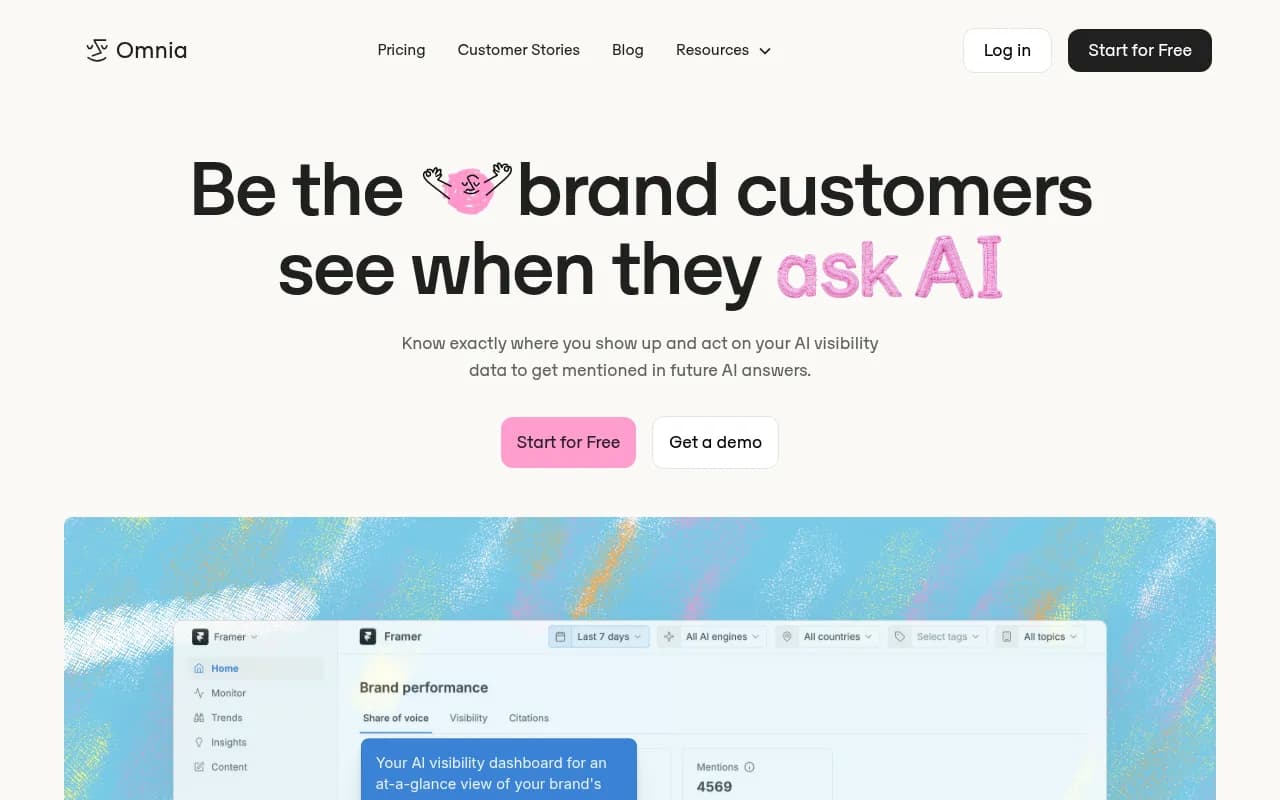
Omnia gives unlimited client brands on every plan, one shared prompt pool, URL-level citations, and an agent that drafts work, from EUR 79 a month. For reporting, API and MCP access come on every plan and data exports arrive on Pro and Enterprise, so you build in Looker Studio, Sheets, or your own dashboards. It's a good fit if per-brand pricing is what hurts your margin. Note that it's a vendor-authored comparison that ranks itself first, so weigh its claims accordingly.
AI Peekaboo
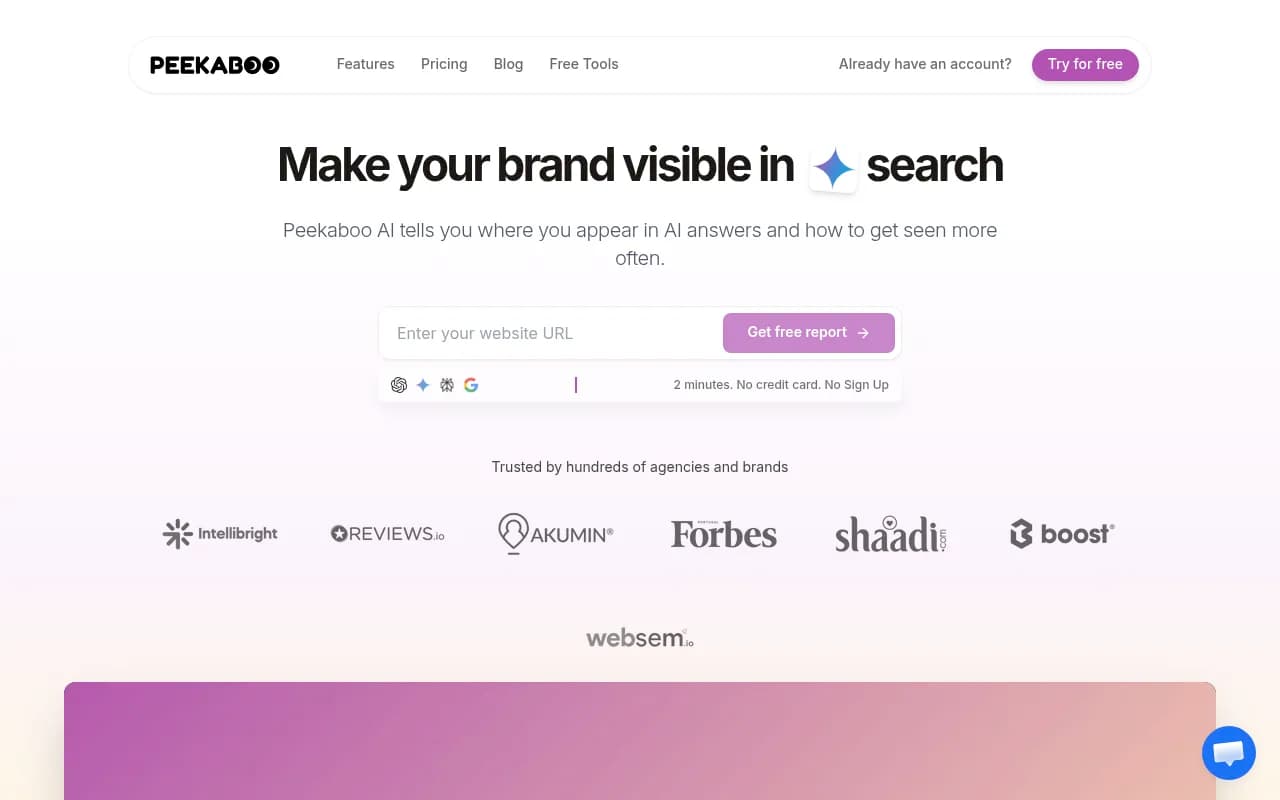
AI Peekaboo starts at $29/month with white-label from $100/month, plus client dashboards and a Looker Studio integration. ZeroRank flags that per-brand tracking can get expensive as you add clients. It suits agencies that mainly want straightforward white-label output.
Others worth a look
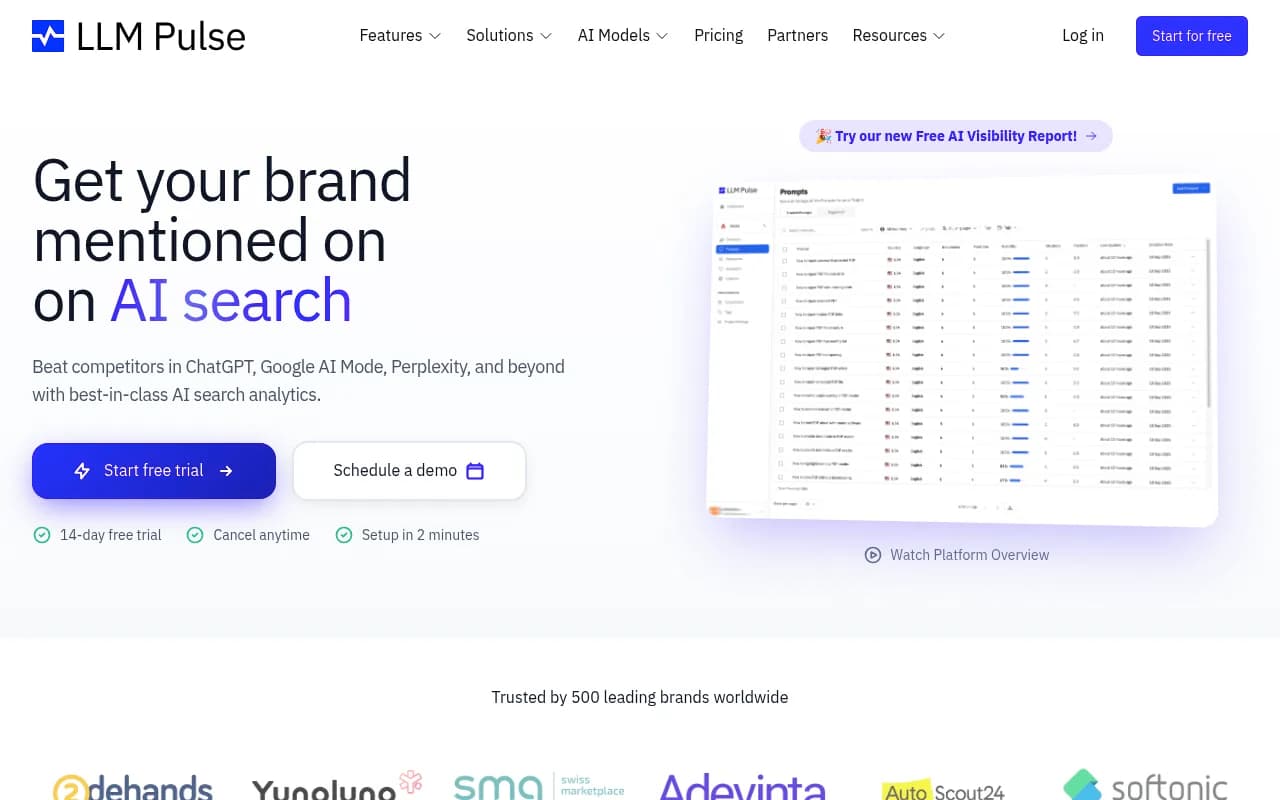
LLM Pulse shows up in a Mencoro snippet with a Looker Studio connector from EUR 299, though I only saw the snippet, so verify it. Semrush sells "My Reports" and fits agencies already inside that ecosystem, at roughly $123 to $129 per client per month by KIME's math.
Profound and Scrunch are strong monitoring platforms aimed at enterprise or technical agency work. Profound comes out near $400 per client workspace in KIME's numbers. I didn't confirm Looker Studio connectors for either, so ask before you shortlist them.

For a wider view of the category, the directory at bestgeosoftware.com lists more GEO platforms.
What to put in the Looker Studio report
A connector gets the data in. It doesn't tell you what to chart. Here's a layout that works.
Per-engine trend lines
Split visibility by engine. Promptwatch's Average Sources Per Response data shows ChatGPT citing about 5 sources per web-search answer, while AI Overviews and Perplexity sit near 10. Copilot swung from under 2 to almost 17 within a few weeks before settling low. One blended score hides all of that, and a client will ask why Copilot jumped. Use monthly trends for volatile engines.
Share of voice against named competitors
Clients understand "you appear in 18% of answers, your top rival in 41%." Keep it to three or four competitors.
Citations and sources
Show which pages and third-party domains get cited. This is the part that turns into billable work, because every uncited topic is a content brief.
Traffic and conversions
If your tool offers visitor analytics, pull AI-referred sessions next to visibility. Visibility with no traffic is a hard story to defend at renewal. Note that ChatGPT stopped sending a referrer on October 8, 2026, so tag links with utm_source=chatgpt.com where you can.
Notes and next actions
Add a text block each month. Clients skim charts and read the notes.
Setting up the connector without surprises
I haven't verified every vendor's connector steps, so treat this as a general pattern rather than documentation.
- Confirm your plan includes the connector before you sign a client contract.
- Generate an API key or authorize the connector in Looker Studio.
- Build one master template with your branding and a client selector or filter.
- Test a full month of data before sending the first client report.
- Duplicate the template per client and lock the data source credentials.
One warning. Agencies that clone reports across 20 clients tend to hit rate limits and credential headaches. Ask the vendor about request limits. Promptwatch lists 500 to 10,000 API requests per hour depending on plan, which is the kind of number you want in writing from any vendor.
How to choose
| Your situation | Likely fit |
|---|---|
| 1 to 5 small clients, basic tracking | Otterly.AI Standard |
| Reporting-first, 3 to 25 clients | Peec AI Growth or Scale |
| Need to track, fix content, and prove traffic | Promptwatch agency plans |
| Many client brands, margin pressure | Omnia |
| White-label output with minimal setup | AI Peekaboo |
| Already inside an SEO suite | Semrush |
Whatever you pick, run the numbers across your actual client count. Per-domain charges, workspace limits, engine add-ons, and prompt allowances add up faster than the sticker price suggests.
Common pitfalls
- Assuming a connector means white-label. It doesn't. You brand it yourself in Looker Studio.
- Buying the cheapest tier and finding the connector is locked.
- Forgetting currency swings on euro-priced plans.
- Reporting a single blended visibility number across engines.
- Treating vendor-written comparisons as neutral. Several of the sources behind this guide rank their own product first.
Frequently asked questions
Does every AI visibility tool have a Looker Studio connector?
No. Otterly, Peec AI, and Promptwatch have connectors, with plan restrictions. For others, check directly. Tools with an API or MCP can still feed Looker Studio through Sheets or a custom connector.
Do I still need a tool's native reports?
Sometimes. Native PDF reports are faster for a one-off pitch, while Looker Studio is better for recurring client reporting.
Where can I find more tools?
The AI rank tracking directory covers trackers across the market, and SurferStack has reviews and alternatives.
Bottom line
If Looker Studio is your reporting home, shortlist tools by connector plan and cost per client first, then by engine coverage. Otterly is the simplest on-ramp. Peec AI fits reporting-heavy shops. Promptwatch is the pick when you want the same account to find the gaps, publish the fixes, and show the traffic that follows. Start with a trial, build one template, and test a month of real data before committing every client to it.