Key takeaways
- Spreadsheet prompt checks break down fast: answers vary run to run, engines cite different numbers of sources, and ChatGPT's real searches (fanouts) differ from the prompt you typed.
- Report per engine, not as one blended score. ChatGPT cites about 5 sources per answer, AI Overviews and Perplexity about 10, and Copilot swings wildly.
- Cheap trackers are fine for a first move off spreadsheets. If you need to know why you are invisible and fix it, look for crawler logs, citation analysis, and content workflows.
- Verify pricing and prompt limits on vendor pages before you buy. Plans change often and the numbers in roundups are frequently stale.
Why the spreadsheet stops working
Everyone starts the same way. You pick 20 prompts, paste them into ChatGPT, Perplexity and Gemini, and log whether your brand showed up. It takes an afternoon. It feels rigorous. For a month or two it is genuinely useful.
Then the problems pile up.
Answers are not stable. The same prompt returns different brands on different runs, so a single manual snapshot is a sample of one. You end up arguing in a meeting about whether a drop is real or just noise.
Engines behave differently. According to Promptwatch's average sources per response data (a page dated September 2025, so treat the exact numbers as a snapshot), ChatGPT cites about 5 sources per web-search answer, while Google AI Overviews and Perplexity cite about 10. Microsoft Copilot swung from under 2 to nearly 17 sources within a few weeks. A spreadsheet row that says "mentioned: yes/no" hides all of that. Five slots versus ten slots means very different odds of being named.
Typed prompts are not what the engine searches. When ChatGPT answers, it often fires its own short searches in the background. Promptwatch's query fanout data shows averages of roughly 1 to 2 fanouts per response in 2026, with query length falling from about 117 characters in December to about 53 characters in April. Those sub-queries read like keywords, not like the conversational prompt in your sheet. If you only track the prompt, you miss the thing that actually decides which pages get fetched.
Engines change overnight. Promptwatch Data documents a citation drop around the GPT-5.3 rollout on March 4, 2026 and reddit.com's share of ChatGPT citations falling from about 4% to 0.5% on August 14, 2026. A manual check made the week after one of those shifts will look like your content suddenly got worse, when the whole engine moved.
It does not scale. 20 prompts across 5 engines, in 3 countries, weekly, is 300 manual checks. Nobody keeps that up past the second quarter.
What a platform should do that your sheet cannot
Before comparing products, write down the questions you actually need answered. Most teams end up with this list:
- Is my brand mentioned, how prominently, and with what sentiment?
- Which engines and countries, tracked from the real interface rather than only an API?
- Which pages and third-party sources get cited, and are mine among them?
- Are AI crawlers even reaching my site?
- Does any of this drive visits and conversions?
- What do I do next, and did it work?
Tools sit on a spectrum. At one end are pure monitors that automate the spreadsheet. In the middle are tools that add citation analysis and suggestions. At the far end are platforms that tie visibility to crawler data, traffic and content production. Where you need to land depends on whether your bottleneck is measurement or execution.
Features worth checking
- Per-engine reporting rather than a single blended score
- Fanout or sub-query visibility
- Prompt volume or difficulty data so you choose prompts that matter
- Citation and source-level analysis, including Reddit, YouTube and LinkedIn if they matter in your category
- Country and language tracking
- Exports, API and reporting that replace the spreadsheet outright
- Agency features if you manage clients (white-label reports, many projects)
How the main options compare
This table groups tools by what they are best at. It is a starting shortlist, not a verdict. Pricing and prompt limits change often, so confirm them on each vendor's site.
| Tool | Type | Best for | Main limitation to check |
|---|---|---|---|
| Promptwatch | End-to-end platform: tracking, crawler logs, traffic, content agent | Teams that want to measure and then fix visibility | More than you need if you only want a monitor |
| Profound | Enterprise monitoring and agency mode | Large brands and agencies with budget | Higher price point |
| Peec AI | Prompt tracker with suggestions | Agency client reporting and multi-language tracking | Limited execution and crawler data |
| Otterly.AI | Lightweight tracker | Cheapest first step off spreadsheets | Basic depth |
| ZipTie | Analysis-focused tracker | Deep analysis and reporting | Narrower feature set |
| Semrush One | SEO suite with AI tracking | Teams already living in Semrush | Prompt sets can be fixed or limited |
| Similarweb | Traffic intelligence plus GEO | Side-by-side SEO and AI comparison | Not GEO-first |
| SE Visible | Simple tracker from SE Ranking | Small teams wanting a gentle start | Lighter on optimization |
The platforms, one by one
Promptwatch
Promptwatch is the one I would look at first if the goal is more than reporting. It tracks ChatGPT, Google AI Overviews, AI Mode, Gemini, Perplexity, Copilot, Claude and others from the real interfaces, and it adds the layers a spreadsheet can never replicate: prompt volumes and difficulty, query fanouts, and IP-verified AI crawler logs that show whether bots are actually reading your pages. From there it connects to citations, visitor analytics, an Action Board of prioritized tasks, and a Content Agent that can write and publish to Webflow, Framer or WordPress. The practical difference is the loop: find a gap, publish, then see whether the page got crawled, cited and clicked.

Plans start free (10 prompts, ChatGPT only), then Essential at $95/month for 50 prompts and all models. Check promptwatch.com/pricing for current numbers. Agencies have separate plans starting at $199/month. Teams that want a taste before committing can also run the free AI visibility report on the site.
Profound
Profound is a strong monitoring product with agency features such as brand configurations and pitch environments. It suits large organizations that want depth and can pay for it. For a team leaving a spreadsheet, it can be more than needed, and it lacks the crawler and execution layers described above.

Peec AI
Peec AI is popular with agencies for clean client reporting and multi-language tracking, and Zapier's roundup highlights it for smart suggestions. It is a tracker first, so expect to do the optimization work elsewhere.

Otterly.AI
Otterly is the affordability pick in Zapier's list. If the only goal is to stop doing manual checks this week, it is a reasonable low-cost step. Go in knowing you are buying monitoring, not diagnosis.

ZipTie
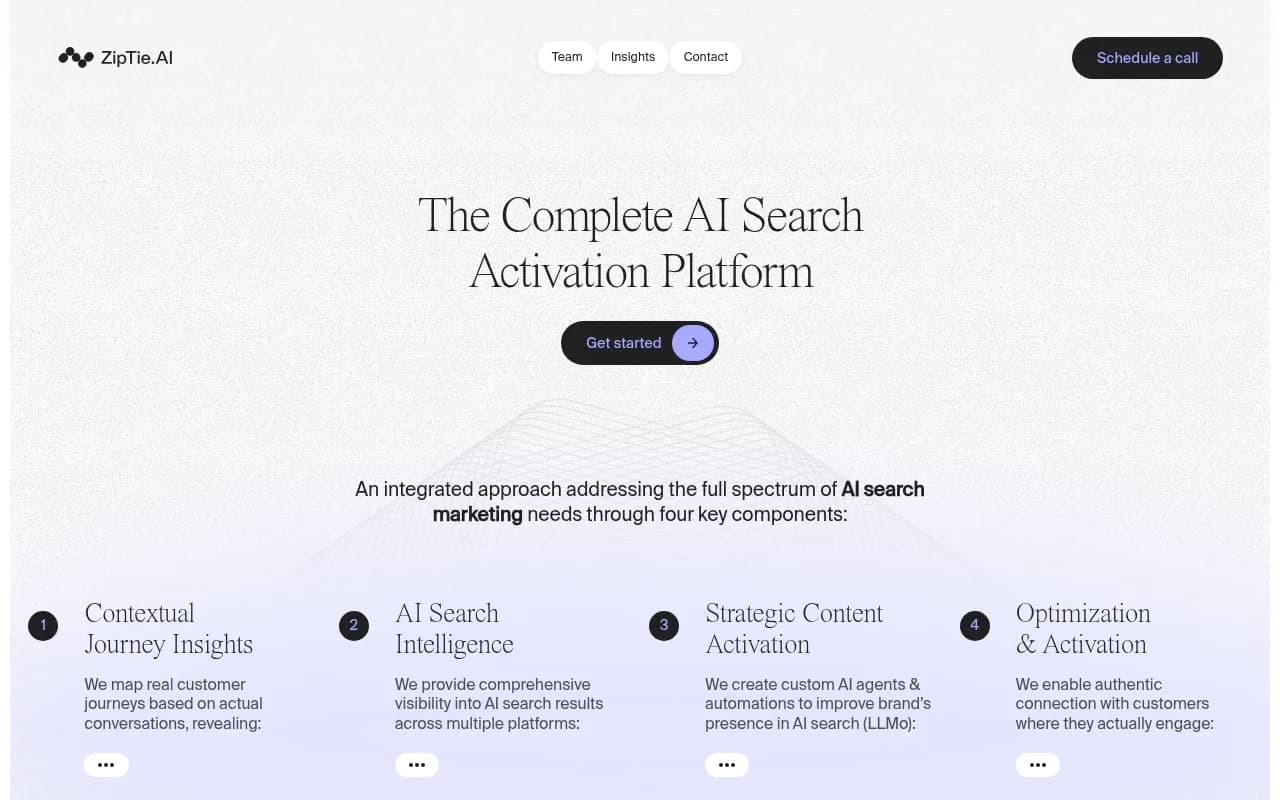
ZipTie gets recommended for deeper analysis and reporting. It fits analysts who want to dig into results rather than just glance at a score.
Semrush One and Similarweb
If your team already pays for Semrush, adding its AI visibility toolkit keeps everything in one place. Similarweb makes sense if you want SEO and GEO side by side. The tradeoff with suites is depth: AI tracking is one module among many, and prompt sets can be constrained.
SE Visible and other budget trackers
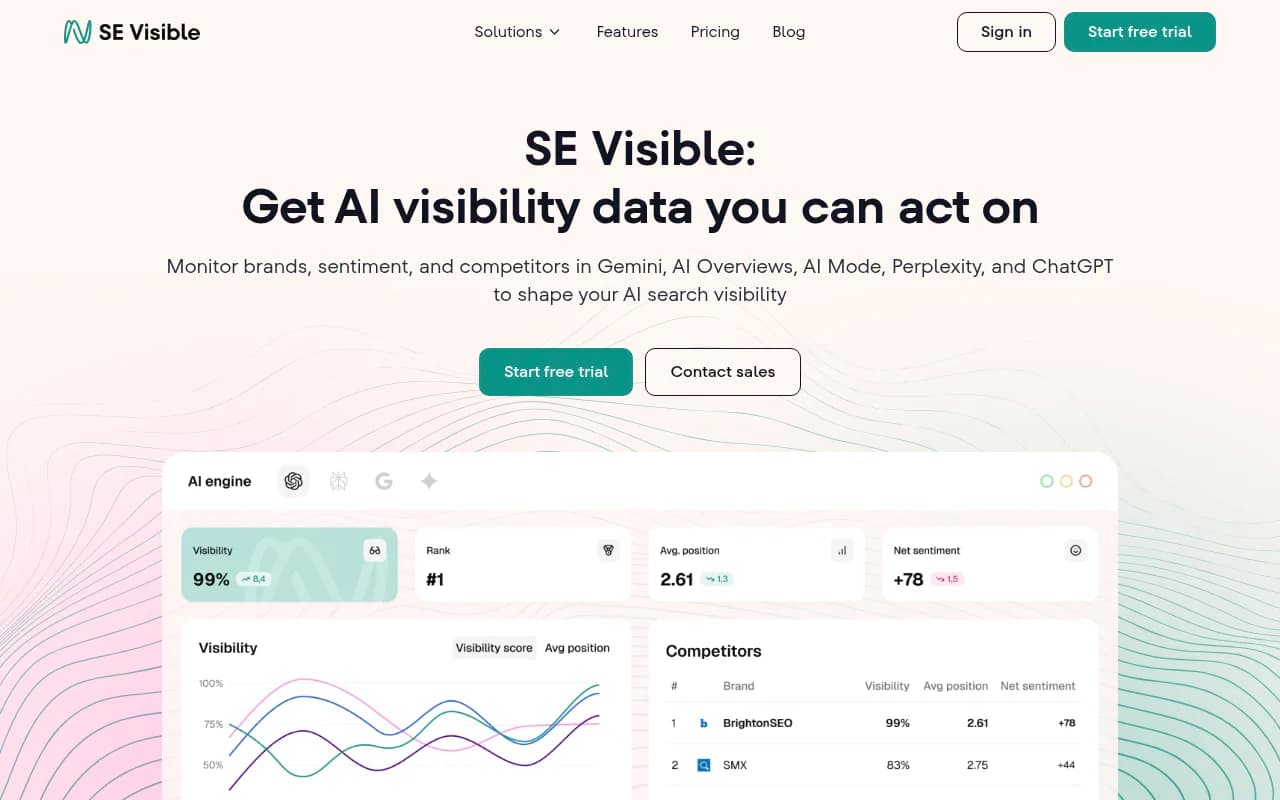
SE Visible from SE Ranking is a friendly entry point. The catalog is full of cheaper options (Airefs, BrandAxis, Answer Socrates, Radix AI) that cover the basics. Most are fine for tracking mentions, and the question is whether you will outgrow them in six months.
For a wider view, the directories at bestgeosoftware.com and ai-rank-tools.com list many more trackers by category.
What other roundups say
Two of the roundups I read while preparing this are worth skimming. Zapier's list is useful for the hands-on testing angle, and MentionBird's piece includes a free-tools section if you want to experiment before paying. Wellows covers B2B-specific picks. Keep in mind vendors write some of these, including the ones ranking themselves first, so use them to build a shortlist, not to decide.
A migration plan that does not lose your history
Switching tools badly is how teams end up with two sources of truth and no trust in either. Here is a sequence that works.
- Export the spreadsheet. Keep the prompts, the dates and the observed results. This is your baseline, even if it is rough.
- Clean the prompt list. Merge near-duplicates and tag each prompt by topic, funnel stage and persona. Drop prompts nobody realistically asks.
- Add keyword-style prompts. Since ChatGPT's own searches are short and keyword-like, add variants such as "best CRM for small agencies 2026" alongside the conversational versions.
- Run in parallel for two weeks. Check 10 to 20 prompts by hand against the tool's results. Differences are expected because of run-to-run variance, but the pattern should be consistent.
- Set per-engine baselines. Record visibility for ChatGPT, AI Overviews and Perplexity separately. Perplexity's steady citation count makes it a decent test bench for content changes, since movement there is more likely yours than engine noise.
- Judge Copilot monthly. Its source counts have swung widely, so weekly snapshots mislead.
- Annotate engine events. Log known shifts, like the March 4 citation drop, so nobody blames the content team for a platform change.
- Retire the sheet. Once the tool matches your reporting needs, stop updating the spreadsheet. Keep it read-only.
Choosing by situation
| Your situation | Pick from |
|---|---|
| Just want to stop manual checks, minimal budget | Otterly.AI, SE Visible, other budget trackers |
| Agency reporting to many clients | Peec AI, Profound, Promptwatch agency plans |
| Already on Semrush or SE Ranking | Their built-in AI modules first |
| Need to know why you are not cited and fix it | Promptwatch |
| Enterprise brand with broad stakeholders | Profound, Petra Labs, Evertune |

Questions to ask before you buy
- Does it track the real interface of each engine, or only API responses? Answers can differ.
- Can I see the fanout queries?
- How many responses (not just prompts) are included per month? Prompts times engines times countries multiplies quickly.
- Is there crawler data, or do I have to guess whether bots can reach my site?
- Can I export everything if I leave?
- What happens when I hit limits?
If you want help deciding or want someone to run the program, 1001 SEO Media does GEO and AI search work for brands and uses Promptwatch as its platform. For general software shopping, surferstack.com is our broader directory.
Bottom line
Manual prompt checks are a fine prototype and a poor system. Pick a lightweight tracker if measurement is your only gap. If you suspect the real problem is that AI cannot find or trust your content, choose a platform that shows crawler activity and citations and helps you act on them. Whatever you buy, run it alongside the spreadsheet for two weeks, report per engine, and check current pricing on the vendor site before you sign.