Key Takeaways
- "Unlimited seats" and "granular permissions" are different things. Peec AI includes unlimited seats on every plan, but SSO and API access sit on Enterprise.
- Role-based access, SSO and multi-brand workspaces are usually gated to higher tiers. Agency and multi-brand setups are often priced separately.
- Vendor pages contradict each other on MCP, API and engine entitlements. Get plan details confirmed in writing before you buy.
- Marketing teams of 2 to 10 people mostly need read-only viewers, editors and a clean way to separate brands. Enterprise teams add SSO, audit logs and SCIM.
- All prices below come from third-party sources, not scraped vendor pricing pages. Verify everything on the vendor's site.
Why seats and permissions matter more than they used to
A year ago, most AI visibility tools were bought by one SEO person who looked at a dashboard alone. That has changed. Now the content team wants prompt gaps, the brand team wants sentiment, the CMO wants a monthly PDF, and the agency partner wants access to one client but not the others.
That is where plans quietly break. A tool with a nice dashboard and a bad access model forces people to share logins, export CSVs by hand, or leave half the team out. I have seen the shared-login workaround more often than I would like to admit, and it fails the first time someone leaves the company.
There is also a data reason to share access widely. Promptwatch Data's average sources per response report shows that ChatGPT cites about 5 sources per web-search answer, Google AI Overviews about 10, and Perplexity almost exactly 10, while Microsoft Copilot's average swung from under 2 to nearly 17 within a few weeks. Different engines behave differently, so different team members (content, PR, brand) end up needing different views of the same data.
What to check before you buy
Seat model
Some vendors charge per seat. Others include unlimited seats and charge by prompts, responses or credits. Unlimited seats is great for a 12-person marketing team, but it tells you nothing about what each person is allowed to do.
Roles
At minimum you want admin, editor and read-only viewer. Better tools also let you scope a user to a single brand or project. If a regional editor should only see their own market, ask whether that is possible without buying a separate account.
SSO, SCIM and audit logs
SSO is the first thing security teams ask about. SAML 2.0 is common. OIDC and SCIM are less so, and some vendors mention SCIM on a homepage without documenting it. Audit logs matter when something changes and nobody knows who did it.
Multi-brand and client separation
Agencies need real data isolation, so one client's competitive set never leaks into another's dashboard. In-house teams with several business units have the same problem on a smaller scale. This is typically the feature gated to higher tiers.
Publishing controls
If the tool writes or publishes content, check approval flows, publishing methods and rollback. Seats are one thing. Who can push a page live is another.
How the main vendors handle team access
The figures below come from third-party comparisons (seoClarity, LightSite, Surmado, Discovered Labs, Brandlight) checked in late September 2026. No official pricing pages were scraped, so treat prices as a starting point.
| Tool | Seats | SSO | Roles and brand scoping | API / MCP | Reported entry price |
|---|---|---|---|---|---|
| Peec AI | Unlimited on every plan | Enterprise only (SAML 2.0 per docs) | Company-level and project-level, full and read-only | API on Enterprise; MCP inconsistent across sources | $95/mo Starter, $245 Pro, $495 Advanced |
| Profound | Not clearly published | SAML or OIDC on Enterprise | Role-based permissions on Enterprise | API and exports on Enterprise | Credit-based; $99 and $399 tiers reported |
| Scrunch | Not clearly published | SAML or OIDC on Enterprise; Google sign-in lower down | Per-brand permissions, custom brand workspaces | API on Enterprise; MCP on any plan per docs | $250 to $300 Starter, $417 to $500 Growth |
| AthenaHQ | Not clearly published | SAML/OIDC on Enterprise | Role-based access and audit logs on Enterprise | API paid add-on on Starter | About $295/mo |
| OtterlyAI | Unlimited for agencies (vendor claim) | Enterprise | Limited public detail | Limited public detail | $29 Lite to $989 Pro |
| Semrush AI Visibility Toolkit | Per plan | Enterprise offering | Team governance, audit logs, multi-brand on Enterprise | Varies | $99/mo per domain annual |
Peec AI
Peec AI is the one people mention first when seats come up, because every plan includes unlimited seats. That is a real advantage for a marketing team that wants the content writers, the PR lead and the CMO all inside the tool without a per-head bill.

The catch is what sits behind Enterprise: SSO, API access, all AI models (self-serve plans let you pick 3) and unlimited projects. Pricing is also volatile across sources. Peec's own numbers appear as $95 to $245 in some places and $205 in Brandlight's guide, so check the pricing page. One third-party reviewer, Surmado, argues Peec is not for Fortune 100 teams that need 50-seat deployments with SOC 2 Type II by default. That contradicts the unlimited-seats claim in spirit, and it is Surmado's own view, but it is a reasonable prompt to ask about security documentation.
Profound
Profound documents SAML or OIDC SSO and role-based permissions on its Enterprise page, and its homepage mentions SCIM. Pricing is credit-based, and agent runs consume credits, so heavy team usage can change your bill in ways seat-based pricing would not. It lists SOC 2 Type II, though LightSite notes it did not verify the report. G2 reviewers call out pricing and the learning curve.

Scrunch
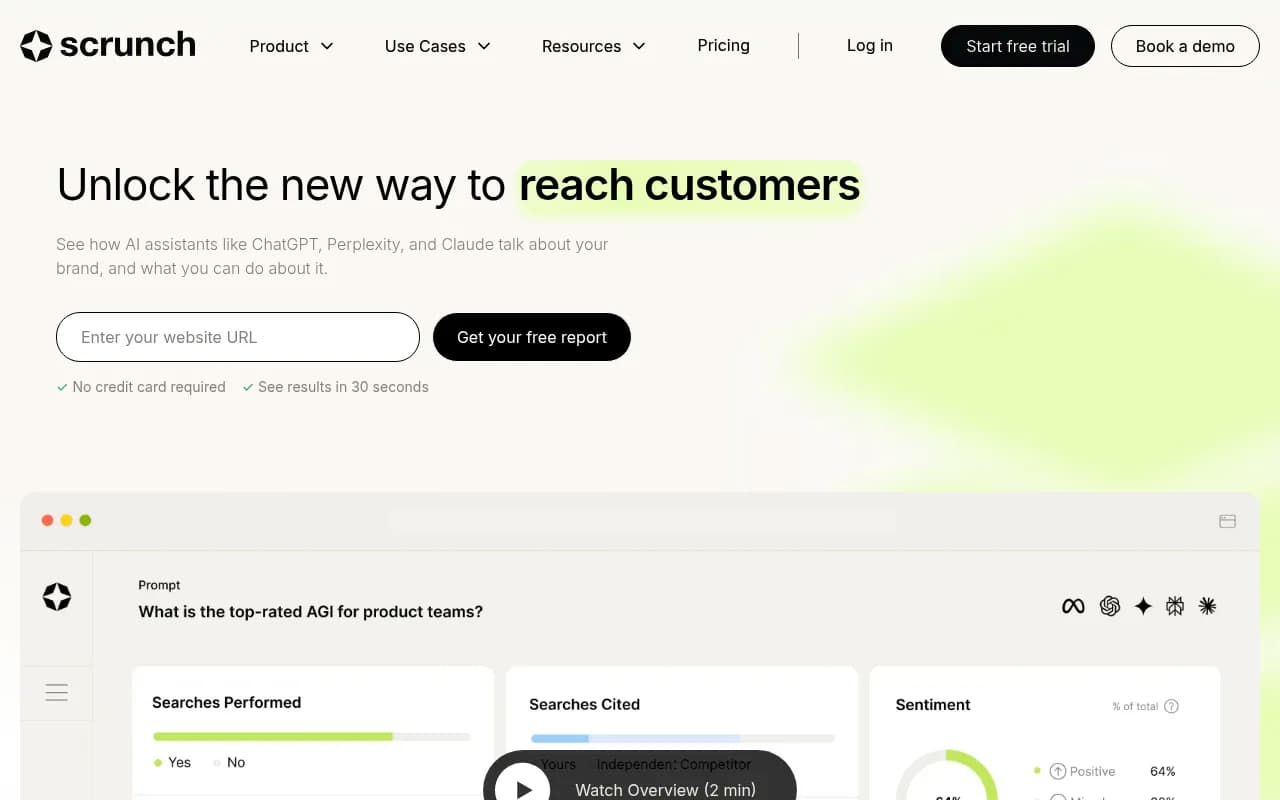
Scrunch supports per-brand permissions and, on Enterprise, SAML or OIDC SSO and custom brand workspaces. Lower tiers have Google sign-in only. Agencies should note the separate Agency plans, and that engine coverage jumps from 4 on Core to 9 on Enterprise.
AthenaHQ
AthenaHQ lists SAML/OIDC SSO, activity audit logs and role-based access control on Enterprise. On the Starter plan, API access is a paid add-on.

OtterlyAI and Semrush
Otterly.AI is cheap to start, with a 14-day trial and no card required. Its unlimited-seats-for-agencies claim comes from its own blog, so confirm it. Semrush's AI Visibility Toolkit is priced per domain, and its SSO, audit logs and multi-brand tracking belong to the Enterprise offering, not the base toolkit.

Where Promptwatch fits
I could not find independent third-party data on Promptwatch's seat model, so this section sticks to what the vendor publishes. Promptwatch uses owner, editor and viewer roles, scoped API keys, and an audit log on Business, Agency Scale and Enterprise. SSO is on Enterprise. It is ISO/IEC 27001 certified and GDPR compliant, which tends to shorten security reviews.

Seats are tied to plans: Essential has 1 seat ($95/mo), Professional has 2 ($245/mo), Business has 5 ($579/mo), and the agency plans (Kick-off $199, Growth $399, Scale $799) have 10 seats with unlimited projects. Agencies also get white-label workspaces and branded read-only client access, which covers the "client sees only their own data" problem. Confirm all of this at promptwatch.com/pricing.
The tradeoff is real. If you want unlimited seats on a small plan, Peec is the more generous deal. If you want the team to do more than look at dashboards, with a Content Agent that publishes to Webflow, Framer or WordPress, an Action Board where tasks get assignees and comments, and Agent Chat that can @-reply, Promptwatch's seats do more work per person. The Content Agent has a review inbox with approve, edit or decline, which is the publishing control I would insist on for any tool that writes content.
Which team needs what
| Team type | What you really need | Sensible starting point |
|---|---|---|
| Solo marketer or small team (1 to 3) | Viewer access for a boss, basic exports | Entry plans from Peec, Otterly or Promptwatch Essential |
| Content-heavy team (4 to 10) | Editor roles, task assignment, publishing approvals | Promptwatch Business, or Peec with unlimited seats |
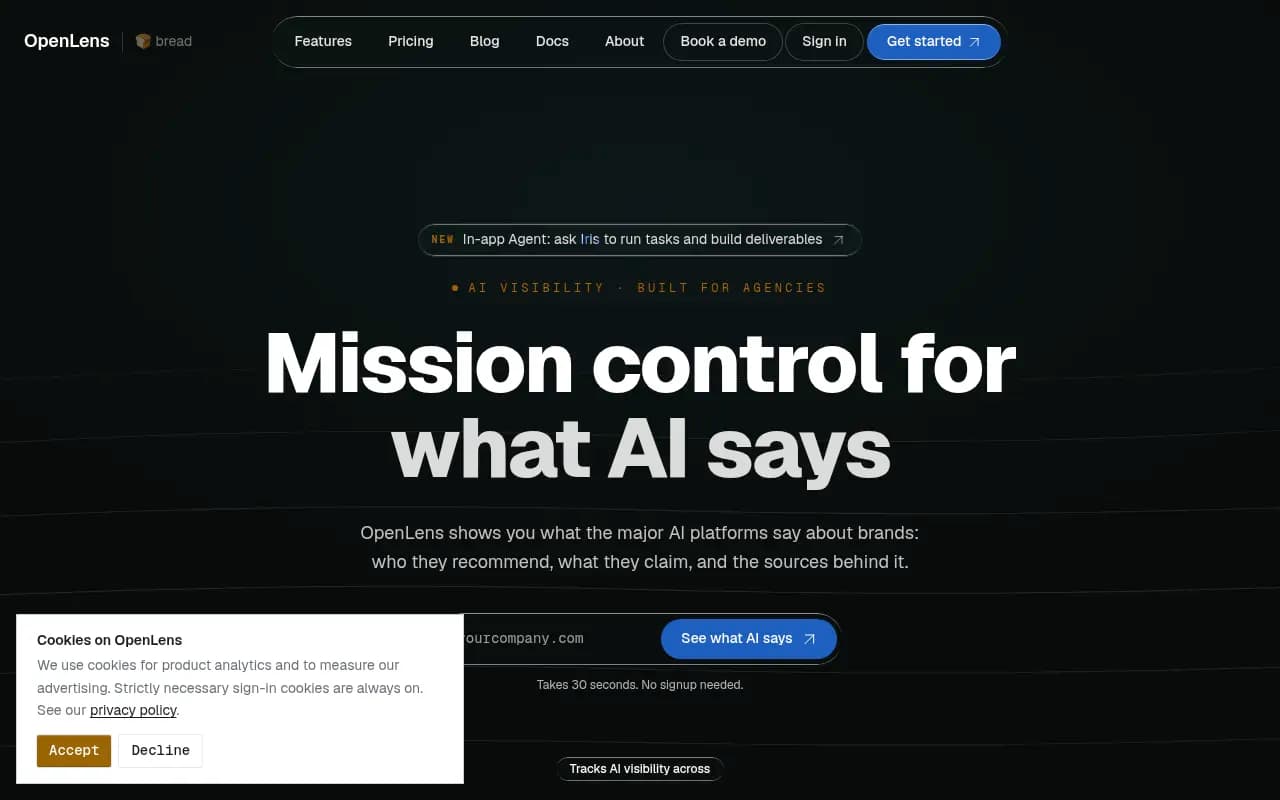
| Agency with many clients | Separate workspaces, white-label reports, client read-only access | Agency tiers from Promptwatch or Scrunch, or OpenLens which reportedly has a free multi-tenant tier |
| Enterprise with multiple brands | SSO, SCIM, audit logs, per-brand scoping | Profound, Scrunch or AthenaHQ Enterprise, or seoClarity-style suites |
| Regulated industry | SOC reports, DPA, data residency | Get documents before the demo ends |
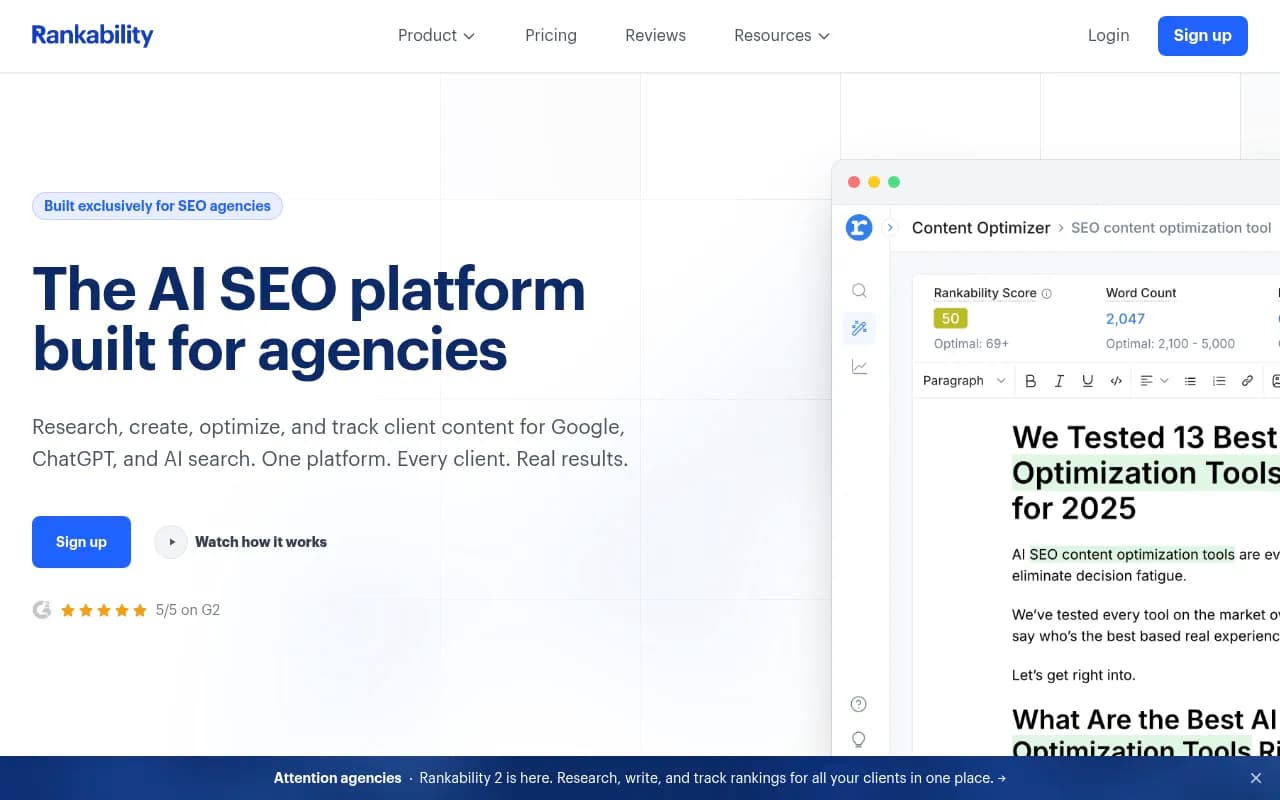
For agencies specifically, also look at OpenLens, Cairrot and Rankability, which position themselves around agency workflows. I have not verified their permission models, so use the vendor questions below.
Pricing traps
- Unlimited seats does not mean granular permissions. Peec's SSO and API are on Enterprise, for example.
- Pricing bases differ. Peec and Scrunch price by prompt tiers. Profound and Conductor use credits, and Conductor's credits per response vary by engine and tracking frequency. Compare cost per tracked response, not sticker price.
- Agency and multi-brand setups are usually gated. Scrunch has separate Agency plans, and Peec's unlimited projects are Enterprise.
- Entitlements are inconsistent across sources. MCP access, engine counts and API access were reported differently for Peec and Scrunch. Do not trust a blog post, including this one, over a written quote.
Questions to ask every vendor
These come from the seoClarity and LightSite buyer guides, trimmed to what matters for a marketing team.
- Which plan includes SSO, role-based permissions and multi-brand setup?
- Can a regional editor see only their own brand?
- Can an agency user export another brand's data?
- Can you demo read-only, editor and admin roles live?
- Is there service-account API access, so integrations do not depend on one person's login?
- Is SCIM claimed, and is it documented?
- Is the SOC 2 report available, and what is its scope?
- What are the contractual terms for data residency, DPA, retention and SLA? LightSite found these were not publicly verified for most vendors.
- If the tool publishes content, what approval controls, publishing methods and rollback exist?
If a vendor dodges number 4, that tells you something.
A short evaluation process
- List the real people who will touch the tool and what each should be able to do.
- Shortlist three vendors and ask for the plan entitlements in writing.
- Run the trial with the actual team, not just the admin. Invite a viewer and an editor and see what they can and cannot do.
- Test an offboarding. Remove a user and check that access, API keys and scheduled reports behave.
- Compare cost per tracked response at your expected volume.
For wider shopping, the GEO software directory at bestgeosoftware.com lists many more options. And if you would rather have someone else run the program and the tooling, 1001 SEO Media is an agency that does GEO work for brands and uses Promptwatch for it.
The bottom line
Seat counts are the easy part of the comparison and the least informative. Decide which roles your team needs, find the tier where those roles actually exist, and get it in writing. For most small to mid-size marketing teams, that means either Peec's unlimited seats or a plan like Promptwatch Business with five seats and an approval-based content workflow. Enterprise buyers should start with the SSO, SCIM and audit log questions, since those are the ones vendors answer vaguely.