Key takeaways
- Perplexity and Gemini get your brand wrong for different reasons, so a single fix rarely works on both.
- Perplexity searches the web for every answer. Correct the pages it retrieves, make sure its crawler can reach them, and corrections can show up in days.
- Gemini inherits from Google's own data: Knowledge Panel, Business Profile, reviews, and schema. Fix those first, then the web sources.
- No AI provider offers a formal brand correction form. The durable fix is a source-layer correction, meaning accurate, dated, structured pages that outweigh the wrong signal.
- A fact fixed on one platform can stay wrong on another for months. Monitor both after every change.
Why the same wrong fact needs two different fixes
Someone tells you a prospect saw the wrong pricing in an AI answer. You check Perplexity and it is right. You check Gemini and it is wrong. Or the other way around. This is normal, and it is the reason single-platform monitoring fails.
The two systems build answers differently. Perplexity runs a web search before it writes anything and cites sources inline. Gemini draws on training data, Google Search, and Google's first-party data. The error lives in the training data, the retrieval layer, or both, and which one it is determines the fix.
A caution on numbers before we go further. One vendor blog (ziptie.ai) lists hallucination rates of 37% for Perplexity and 76% for Gemini. The excerpt I saw does not show the study, method, or date behind those figures, so I would not quote them in a board deck. What is safe to say is that error rates on brand-specific claims (pricing, features, comparisons) run higher than on general knowledge, and that they vary by platform.
Also worth flagging: several claims below, such as Perplexity responding to error reports and Gemini inheriting Knowledge Panel errors, come from vendor guides (Geology, Vizible AI, RankInLLM). I found no official Google or Perplexity documentation confirming them, so treat them as working assumptions and test them against your own results.
Step 1: Audit both platforms with real customer phrasing
Start by asking, not fixing. Use the words customers use, not your internal product names.
- Pricing and plans ("how much does [brand] cost for a team of 10")
- Features and limits ("does [brand] integrate with X")
- Policies (refunds, security, compliance)
- Comparisons ("[brand] vs [competitor]")
- Basic facts (founder, location, what you sell, whether you still sell product Y)
Log each wrong statement with the platform, the exact prompt, a screenshot, a timestamp, and a severity. Wrong pricing is a different severity from a slightly stale tagline. Run each prompt several times, because answers vary between runs.
Doing this by hand works for a first pass. For ongoing coverage, a tracker that runs a fixed prompt set across models on a schedule is less painful. Promptwatch collects answers from the real interfaces of Perplexity, Gemini, ChatGPT, and others in each country and language, and its Brand Narrative feature pulls out the individual claims AI makes about you (for example "its mobile app lacks features") and groups the repeated ones. Fact Check, on its Business plan and above, lets you mark a claim inaccurate and then finds the pages on your site that state it or its opposite.

Step 2: Trace the source of each claim
This is where the two platforms diverge most.
Perplexity shows its work
Perplexity lists sources next to the answer. Click through every one that touches the wrong claim. In most cases you will find one of these:
- An outdated comparison post or listicle
- A directory or review profile with old data
- An old page on your own site that was never updated or redirected
- A forum thread repeating a stale claim
Promptwatch Data's average sources per response report shows Perplexity citing almost exactly 10 sources per answer, with very little movement day to day. That matters for corrections: the wrong fact comes from whichever of those roughly ten pages got retrieved, so you either need to be one of them or outrank them. It also makes Perplexity a decent test bench, because when your citations change there, your content changes are the likelier cause rather than engine noise.
Gemini is harder to trace
Gemini does not always expose sources the way Perplexity does. So work backward through the places it is known to pull from:
- Your Google Knowledge Panel and entity data
- Google Business Profile (hours, services, address, categories)
- Google reviews, Maps, and Shopping data
- Organization and Product schema on your site
- Regular Google results for your brand name and product names
One vendor guide calls Gemini the only major assistant with direct access to Google's first-party data, which makes Google's own tools the highest-leverage path. That is plausible but, again, not confirmed by Google documentation I could find. Check the Knowledge Panel and Business Profile anyway. It costs nothing, and a wrong panel is a clean, fixable cause.
Training data is the other possibility. Models are trained on snapshots, so a price change or leadership change after the cutoff may simply never have been seen. When that is the cause, you cannot patch it directly. You can only make retrieval-time sources accurate and wait for later model versions.
Step 3: Check that the platforms can actually read your fix
A corrected page does nothing if the crawler never sees it. Perplexity retrieves live, so a blocked or slow page keeps the wrong answer alive.
Promptwatch Data's AI crawler traffic report (IP-verified requests, June 8 to September 6, 2026) puts OpenAI at 79.8% of crawler requests in the week of August 31, down from 94.8% in mid-June, with the rest split among Anthropic, Google, Perplexity, and Mistral. The practical advice from that report: check robots.txt, CDN, and WAF rules for every major AI crawler. A provider that is big in the overall mix but near zero in your logs probably cannot reach you.
Two quick checks:
- Review robots.txt and any bot-protection rules for PerplexityBot and Perplexity-User
- Look at your server or CDN logs to confirm those bots get 200 responses on the pages you just fixed
The free AI crawler URL inspector and robots.txt generator for AI cover the basics, and Promptwatch's AI crawler logs show which bots hit which pages and where they fail.
Step 4: Platform-specific correction tactics
Perplexity tactics
- Fix the cited pages first. If a third-party page is the source, contact the publisher with the correct fact and a link to your canonical page. For your own outdated pages, update them, add visible dates, and redirect dead URLs.
- Publish a canonical answer page. Put a short, answer-ready summary near the top: pricing summary, integrations list, security summary. Use the same company, product, and category names everywhere.
- Write fit boundaries. "Best for / Not for" sections stop models from overgeneralizing what you do.
- Raise source authority. One guide notes Perplexity weighs domain authority and citation density when picking sources, so high-authority pages with correct facts should beat low-authority pages with wrong ones. Earn corrections or mentions on the sites it already cites.
- Report the error. Perplexity has no formal brand correction system, but vendor guides say it has responded to factual error reports. Send one with evidence, and do not count on it.
- Re-test in days. Because retrieval is live, this is the platform where you can see a fix land quickly.
Gemini tactics
- Claim and verify your Knowledge Panel. One guide says Knowledge Panel feedback lets you flag a specific fact, with priority review once the panel is verified. Verify the process in Google's own help pages before relying on it.
- Clean up Google Business Profile. Hours, services, categories, descriptions, and attributes all need to match your site.
- Add Organization and Product schema. Keep it consistent with visible page content. Mismatched schema just adds another conflicting signal.
- Respond to and tidy Google reviews where they state wrong facts (a discontinued product, a wrong location).
- Fix the web results Google ranks for your brand. Gemini's retrieval draws on Search, so low-quality pages ranking for your name are a likely culprit.
- Accept the training lag. If the error comes from the model's snapshot, expect months, not days.
Google's Gemini is itself in the tool catalog if you want to test prompts directly:
Side-by-side comparison
| Perplexity | Gemini | |
|---|---|---|
| Main data source | Live web retrieval with inline citations | Training data plus Google Search and Google first-party data |
| Source visibility | High, you can click every source | Lower, you infer from Google properties |
| Typical fix speed | Days once pages are crawlable | Days for retrieval, months for training data |
| Highest-leverage fix | Update and outrank the cited pages | Knowledge Panel, Business Profile, schema |
| Formal correction channel | None, informal error reports | Knowledge Panel feedback (verify in Google docs) |
| Biggest risk | Crawler blocked, stale third-party page wins | Wrong entity data or old training snapshot |
Step 5: Build the canonical pages that carry most of the weight
Most brand errors cluster around four topics. Build one strong page for each rather than many thin ones:
- Pricing and plans
- Security and compliance
- Integrations
- Category and ideal customer (who it is for, who it is not for)
Open each with a plain-language summary a model can lift. State dates ("Updated November 2026"). Use the same naming as your Google profile and schema. If you need help producing and publishing these at pace, a content workflow tied to gap data is better than guessing; Promptwatch's Content Agents write and publish against the prompts where you are missing or misrepresented, and then you can see whether the new page gets crawled and cited.
It is also worth knowing which formats AI tends to cite. Promptwatch Data's content type report found product pages the most cited type in ChatGPT (22.4%, Sep 28 to Oct 4, 2026). That is ChatGPT data, not Perplexity or Gemini, but it supports giving your pricing and product facts a dedicated, well-structured page instead of burying them in a blog post.
Step 6: Measure, and expect uneven results
After every fix, rerun the same prompts on both platforms at set intervals, say day 3, day 10, and day 30. Track:
- Whether the wrong claim still appears
- Whether your corrected page now appears in Perplexity's sources
- Whether the Knowledge Panel or Business Profile change went live
- Whether the answer is now right but unattributed (an offsite or crawl issue)
Expect asymmetry. Perplexity may flip in a week while Gemini holds the old fact for a quarter. That is not failure, it is how the two systems refresh.
Tools in this space range from lightweight checkers to full platforms. A few from the catalog worth knowing, based on what they say they do:
| Tool | Angle | Fit |
|---|---|---|
| Promptwatch | Monitoring, claim-level Brand Narrative, Fact Check, crawler logs, content creation | Teams that want to track and then fix |
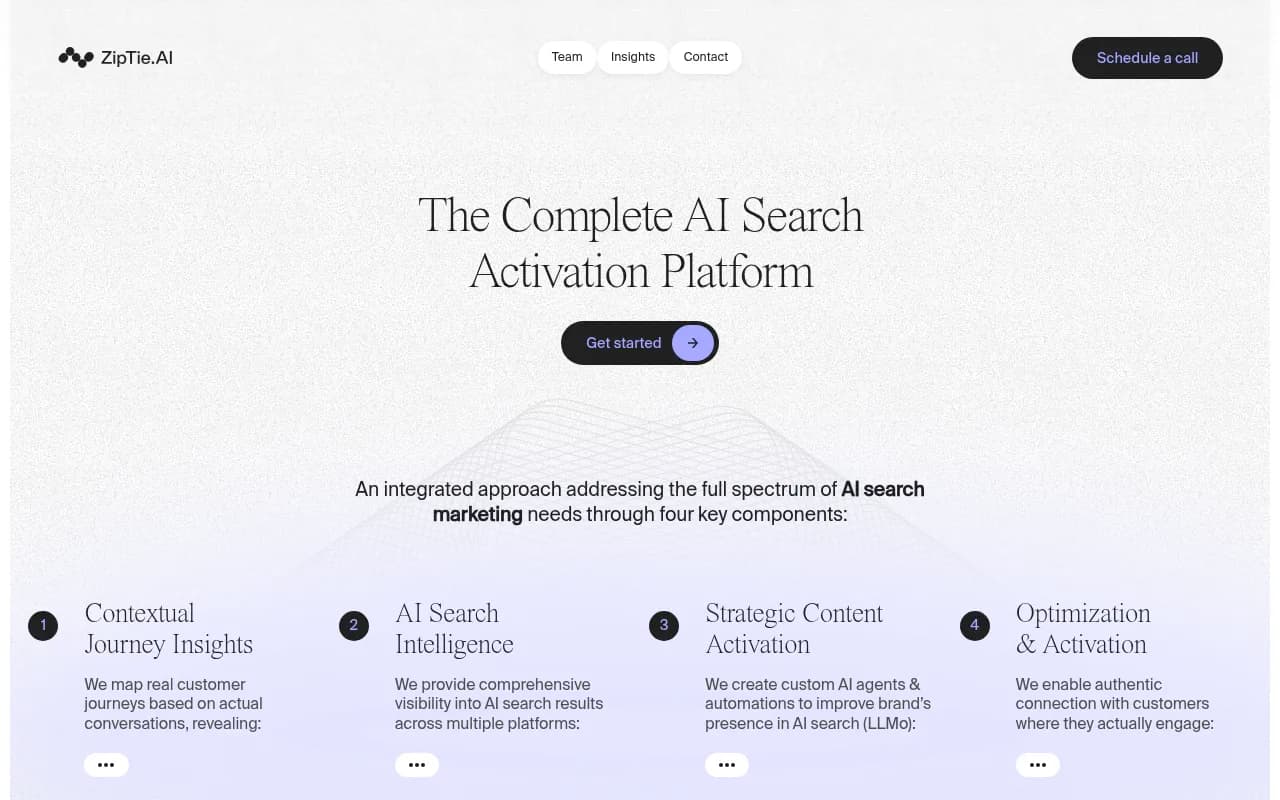
| ZipTie | Deep analysis of AI search visibility | Analysts digging into specific answers |
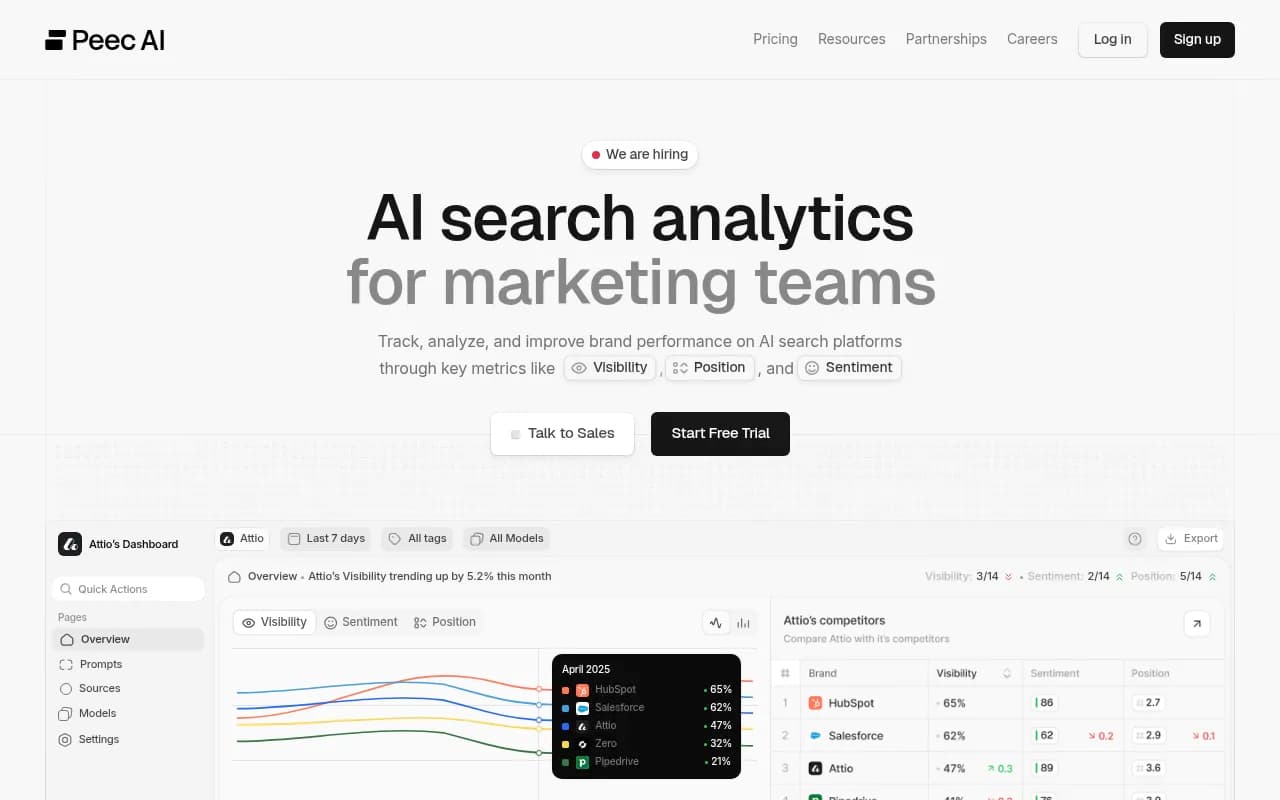
| Peec AI | Multi-language AI visibility tracking | Multi-market monitoring |
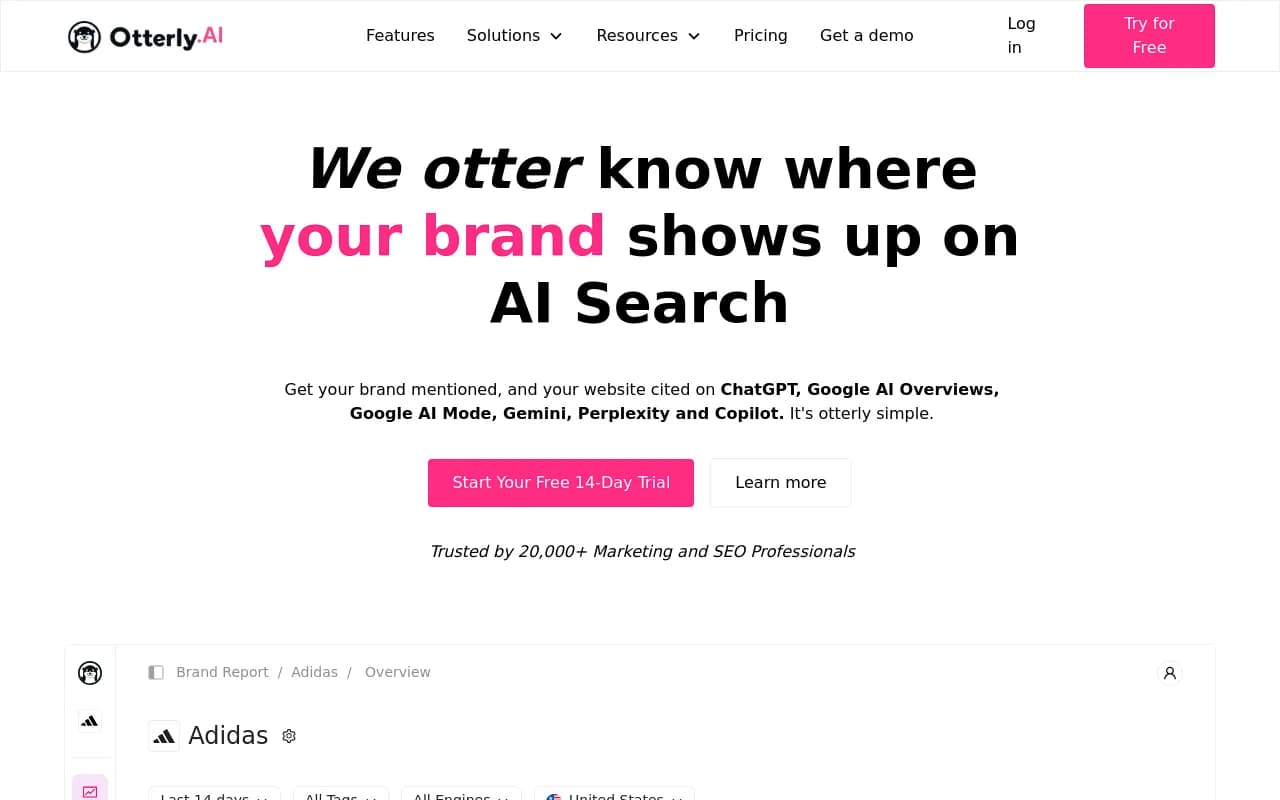
| Otterly.AI | Affordable AI visibility monitoring | Small teams wanting basic tracking |
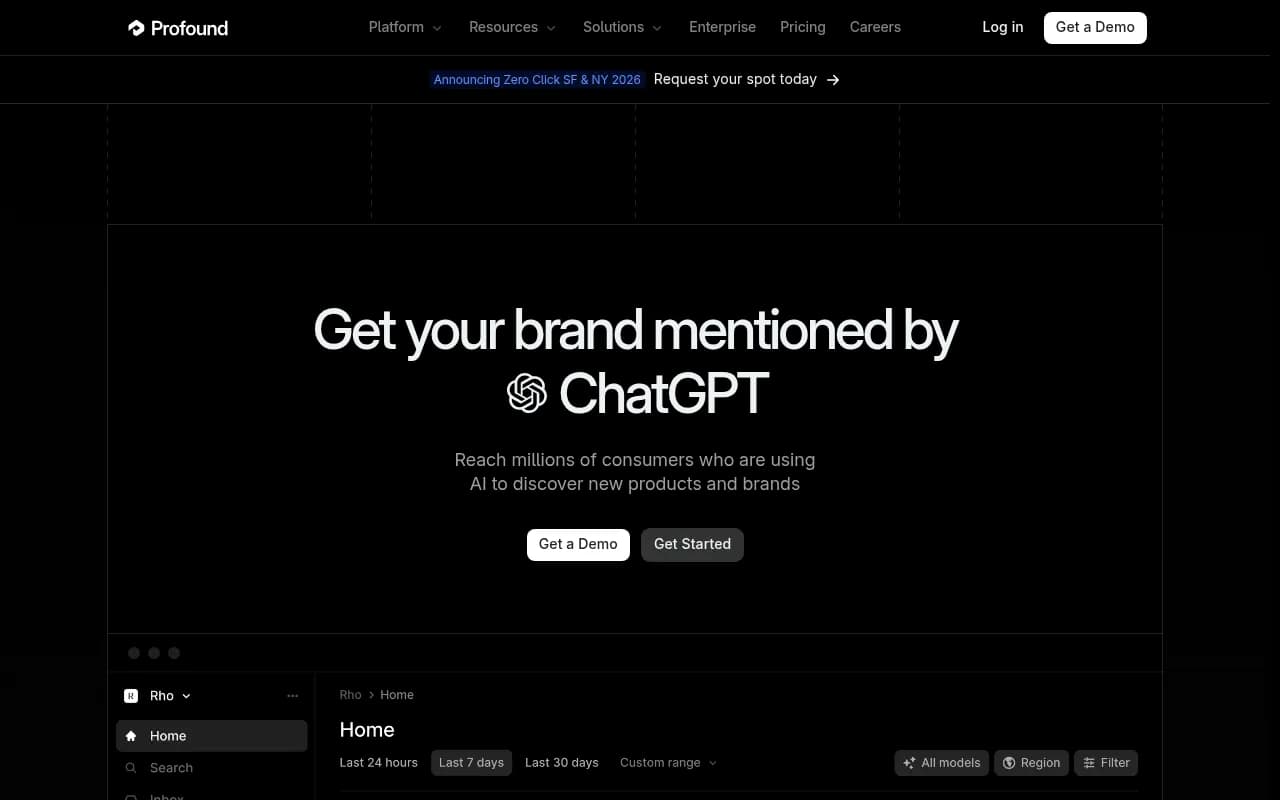
| Profound | Track and optimize visibility across AI engines | Larger brand teams |
Most of these report; fewer help you act on what they find. If you are comparing options, the GEO software directory at bestgeosoftware.com lists more.
Common mistakes
- Fixing one page and calling it done. A wrong fact usually lives on several: your site, a directory, a review post, a profile. Fix the set.
- Trusting one platform's result. Perplexity looking clean says nothing about Gemini.
- Blocking crawlers by accident. A WAF rule can make a perfect correction invisible.
- Inconsistent naming. If your Business Profile, schema, and site use three versions of the product name, models have three things to blend.
- Sending legal letters first. You cannot file a takedown against a model. Source-level correction is what changes outputs.
A one-week plan
- Day 1: Run the prompt audit on Perplexity and Gemini, log every error.
- Day 2: Trace Perplexity's sources. Check the Knowledge Panel and Business Profile for Gemini.
- Day 3: Check crawler access and robots.txt rules.
- Days 4 to 5: Update or publish canonical pages, add schema, contact third-party publishers.
- Day 6: Submit Knowledge Panel feedback and any Perplexity error reports.
- Day 7: Re-run prompts, set the follow-up schedule.
The unglamorous truth is that this is source maintenance, not a trick. Brands that keep their canonical pages current and their Google profile clean tend to spend less time fighting wrong answers in the first place.