Key takeaways
- Feature checklists tell you what a tool can do. A timed task test tells you how long it takes a normal person to do it, which is what you pay for every week.
- This guide gives you 12 tasks, a stopwatch protocol, and a scoring sheet you can run on any shortlist of AI visibility tools in one afternoon.
- We are not publishing a leaderboard of times here. Nobody has a clean public data set for this, and inventing numbers would be worse than having none. You generate your own.
- The tasks that separate tools most are the ones after the dashboard: finding a citation gap, checking crawler access, and turning a gap into a piece of content.
- Run each task on your own brand and your own prompts. Demo accounts are tuned to look good.
Why time the tasks at all
Most roundups of AI visibility tools compare the same columns: engines covered, number of prompts, price. Fair enough. But after you buy, the question shifts to something duller and more important. How long does it take me to answer my boss's question on Monday morning?
I have watched teams sign annual contracts on the strength of a slick demo, then quietly stop logging in because every useful answer needed five clicks and an export to a spreadsheet. A stopwatch exposes that fast.
There is a second reason. The category is crowded. The tools catalog on this site lists well over a hundred products that claim some form of AI visibility tracking, and a vendor-written list such as Profound's agency roundup will naturally rank its author first. Independent timing on your own data is the one comparison nobody can spin.
If you want to browse the field before you pick a shortlist, the GEO software directory at bestgeosoftware.com is a reasonable starting point.
What this test is and is not
It is a usability test. It measures time, clicks, errors and confidence on realistic jobs.
It is not a test of data accuracy. A tool can be fast and wrong. Accuracy needs a separate check, for example comparing a handful of its recorded answers against what you see when you run the same prompt by hand in the real ChatGPT or Perplexity interface.
It is also not a published benchmark. To be direct: this article does not report timed results for any named product. We found no public timed task data for these platforms, and I would rather give you a method that works than a table that looks authoritative and is not.
Set up before you start the clock
Pick three to five tools. More than that and you will get sloppy by tool number six.
Use the same person for every tool if you can, or at least the same skill level. Ideally one person who has never used any of them, plus one who has used them all, so you see both the learning curve and the ceiling.
Use free trials or your own paid accounts. Most vendors offer a trial, and some, like Promptwatch, have a 7-day trial on monthly plans plus a free tier limited to ChatGPT.
Prepare these inputs once so every tool gets identical material:
- Your brand name, domain, and three competitors
- A list of 25 prompts (mix of organic, brand-specific and competitor comparison)
- One target country and language
- One page on your site you care about
- One teammate email address for the sharing task
Start the clock when you read the task aloud. Stop when the tester says done and you can verify the result. Cap each task at 10 minutes. A timeout is a result, and it is a useful one.
The 12 tasks
| # | Task | What it reveals |
|---|---|---|
| 1 | Sign up and reach the first populated dashboard | Onboarding friction |
| 2 | Add your brand, aliases and three competitors | Setup clarity, how mentions get defined |
| 3 | Load 25 prompts | Bulk import vs one-at-a-time entry |
| 4 | Choose engines, country and language | Whether tracking is real-UI or API based, and how clear that is |
| 5 | Explain your 30-day visibility trend to a colleague | Metric clarity |
| 6 | Find the top cited domains in your category | Citation reporting depth |
| 7 | Find one prompt where a competitor is cited and you are not | Gap analysis |
| 8 | Check whether an AI crawler visited a specific page | Crawler log or audit access |
| 9 | Find AI-referred traffic to your site | Attribution |
| 10 | Turn a gap into a content brief or action item | Insight-to-action path |
| 11 | Produce a shareable report | Reporting |
| 12 | Give a teammate or client read-only access | Permissions and agency fit |
Task 1: sign up and reach a populated dashboard
This one punishes tools that make you wait. Some platforms need hours or a day to collect first responses, so note two times: time to first screen, and time to first real data. Both matter. A tool that shows an empty dashboard for 24 hours is not a failure, but it should say so clearly.
Task 2: add brand, aliases and competitors
Watch for whether the tool lets you define aliases (your product name written three ways), and whether it auto-suggests competitors. Wrong mention definitions poison every metric afterwards, so a slow, careful setup here can be the right design. Score confidence, not just seconds.
Task 3: load 25 prompts
Paste or CSV upload should take a minute. Typing prompts one by one is a red flag if you have more than a few dozen.
This is also where a prompt-quality test belongs. Promptwatch Data on ChatGPT query fanouts shows that the actual searches ChatGPT runs are short. Average query length fell from about 117 characters in early December 2025 to about 53 characters in April 2026, and a single prompt triggered roughly 1.8 to 2.2 searches on average in the measured months. If a tool lets you see fan-outs, check whether they look like your long conversational prompts or like short keyword-style searches. The second is what you should expect.
Task 4: pick engines, country and language
Here you are timing two things: how fast you can configure, and how well the tool tells you what it is measuring. Some platforms query the real consumer interface of each engine. Others call APIs, and API answers can differ from what users see. Neither is automatically wrong, but you should not need a support ticket to find out which one you are looking at.
Task 5: explain the 30-day trend
Ask the tester to say in two sentences what changed and why. Then rate how sure they feel. A single visibility score is fast to read, but if nobody can say whether a drop was coverage, position, or sentiment, the number is decoration.
Tools that split a score into share of voice, position and sentiment make this task easier. Those that show only a rising or falling line make it a guess.
Task 6: find top cited domains
This should take under a minute in a decent tool. It also teaches you about the category. Promptwatch Data on average sources per response shows that ChatGPT cites around 5 sources per web-search answer, while Google AI Overviews and Perplexity cite about 10. A tool that blends engines into one flat citation list hides that difference. Check whether you can filter by engine.
Task 7: find a competitor-cited, you-absent prompt
This is the real job of the category, and I would weight it double. A good tool surfaces it in a couple of clicks through a gap or answer-gap view. A weak one makes you scroll through prompt lists and compare by eye.
Task 8: check a crawler visit
Pick the page from your prep list. Ask: did GPTBot, ClaudeBot or PerplexityBot read this page last week, and did it hit an error? Many tools cannot answer this at all. Some answer it only after a server-log integration that takes real setup. Time the answer, and if it needs setup, time the setup separately and write it down.
Task 9: find AI-referred traffic
Can you see visits and conversions from AI platforms without leaving the tool? Or do you need to build a segment in your analytics suite? Either is defensible. What you are measuring is the extra work.
Task 10: turn a gap into a content brief
The split here is between tools that stop at monitoring and tools that carry on. Take the gap from task 7 and try to end up with something you could hand a writer. Count the clicks and note whether the brief uses your brand facts or is generic.
Task 11: produce a shareable report
Try a PDF, a scheduled email or a client link. Look at branding options if you are an agency. The classic failure is a screenshot-only export that nobody can edit.
Task 12: share read-only access
Invite your teammate with the minimum permission. Agencies should repeat this with a client workspace. If this needs an account manager, write that down.
Scoring sheet
Keep it boring. One row per task per tool.
Tool: ______  Tester: ______  Date: ______
Task | Time (mm:ss) | Clicks | Errors | Confidence 1-5 | Notes
1    |              |        |        |                |
2    |              |        |        |                |
...
12   |              |        |        |                |
Then compute three things per tool: total time on tasks completed, number of timeouts or unsupported tasks, and average confidence. Unsupported tasks are not zero seconds. Treat them as 10 minutes plus a note, otherwise a tool that cannot do crawler analysis will beat one that can on speed.
I would weight tasks 5, 7, 8 and 10 double. They are the ones that change decisions.
Which tools to put on the shortlist
Pick by category rather than by hype, so you are not comparing a lightweight tracker to an enterprise suite and calling the winner obvious.
| Type | Examples from the catalog | Expect to be strong on | Expect to be weak on |
|---|---|---|---|
| Lightweight trackers | Otterly.AI, Peec AI | Fast setup, low price | Crawler data, content creation |
| Enterprise monitoring | Profound, Scrunch AI | Depth, agency workflows | Price, setup time |
| SEO suite add-ons | Semrush One, Ahrefs Brand Radar | Familiar interface | Prompt control, AI-specific depth |
| End-to-end platforms | Promptwatch | Gap-to-content path, crawler logs | Heavier than a simple tracker if you only want a score |
The tools I would run first:
Promptwatch is the one I would include if tasks 8 to 10 matter to you, since it ships crawler logs, visitor analytics and a content agent in the same product, so those tasks can be done without leaving it. Your timing results will tell you whether that breadth feels fast or heavy.

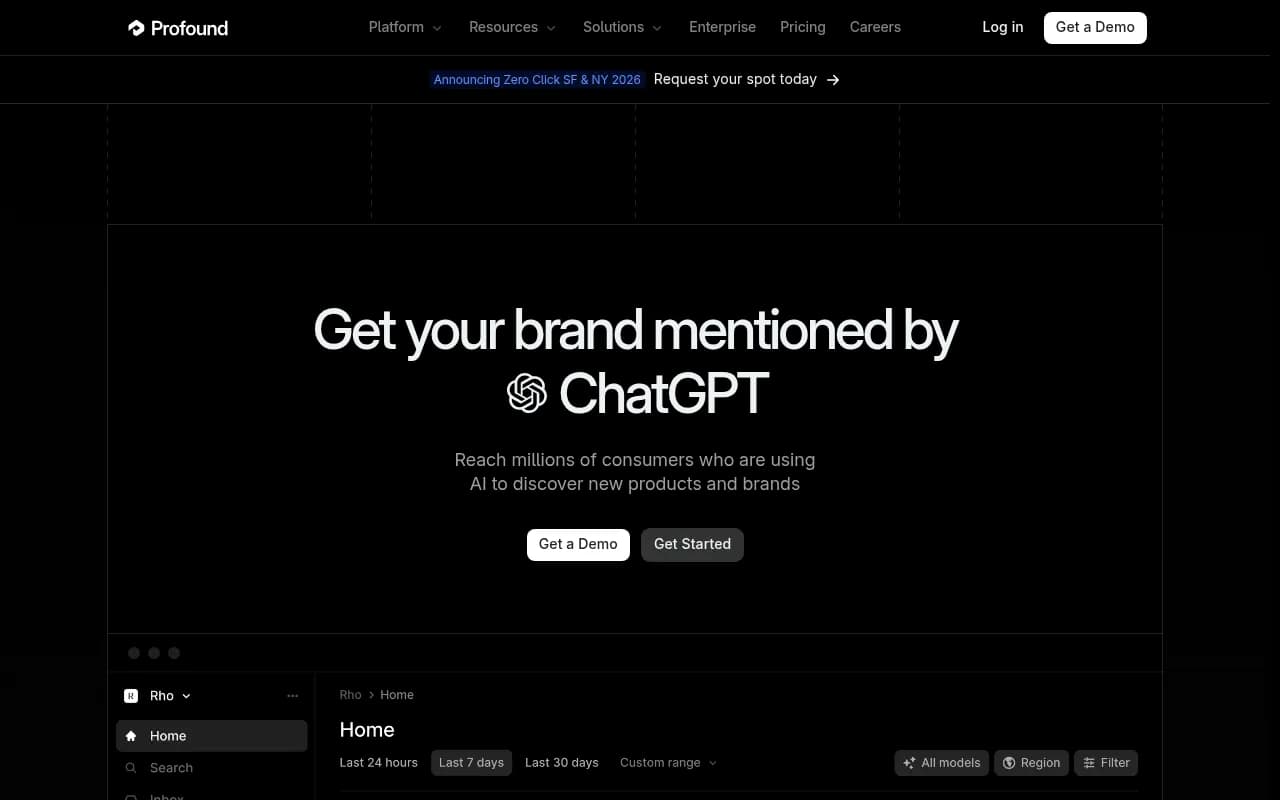
Profound is the heavyweight in most agency comparisons, so it is a fair stress test of an enterprise-grade interface.
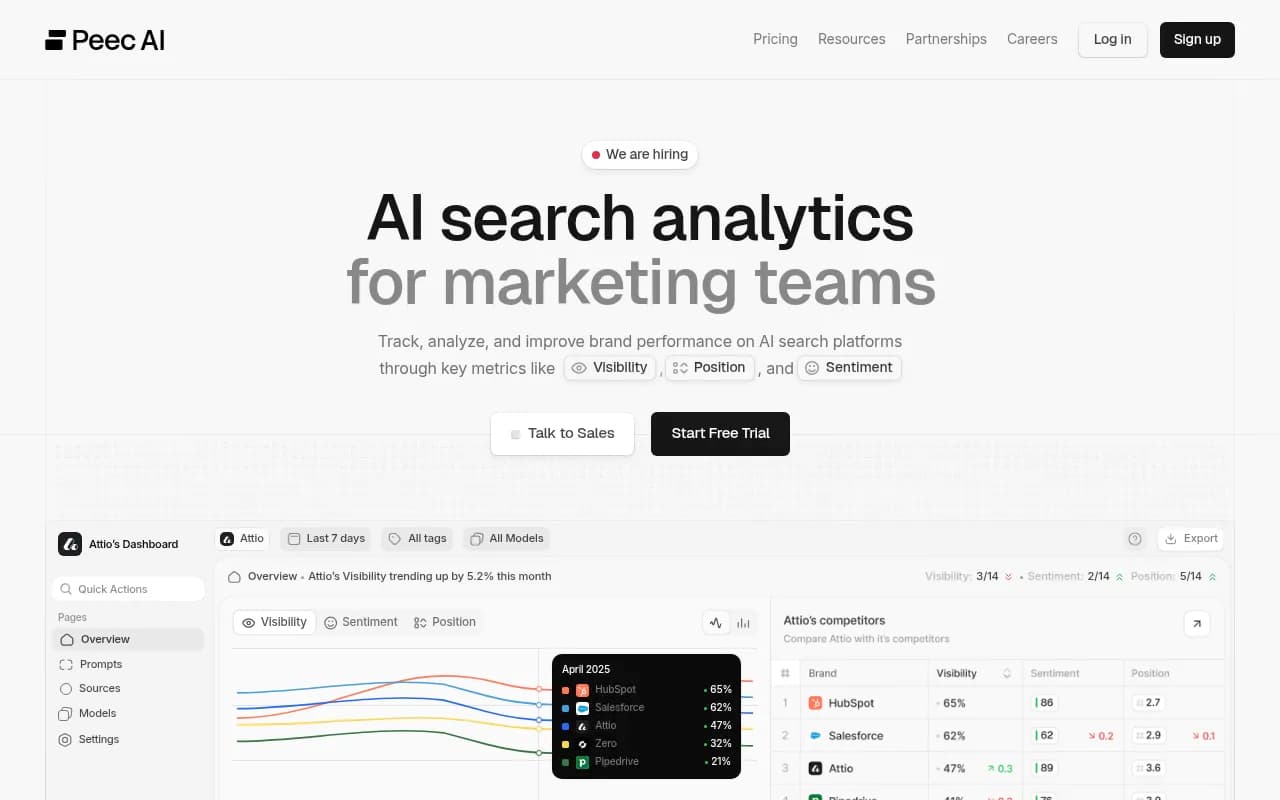
Peec AI represents the clean, focused tracker end of the market.
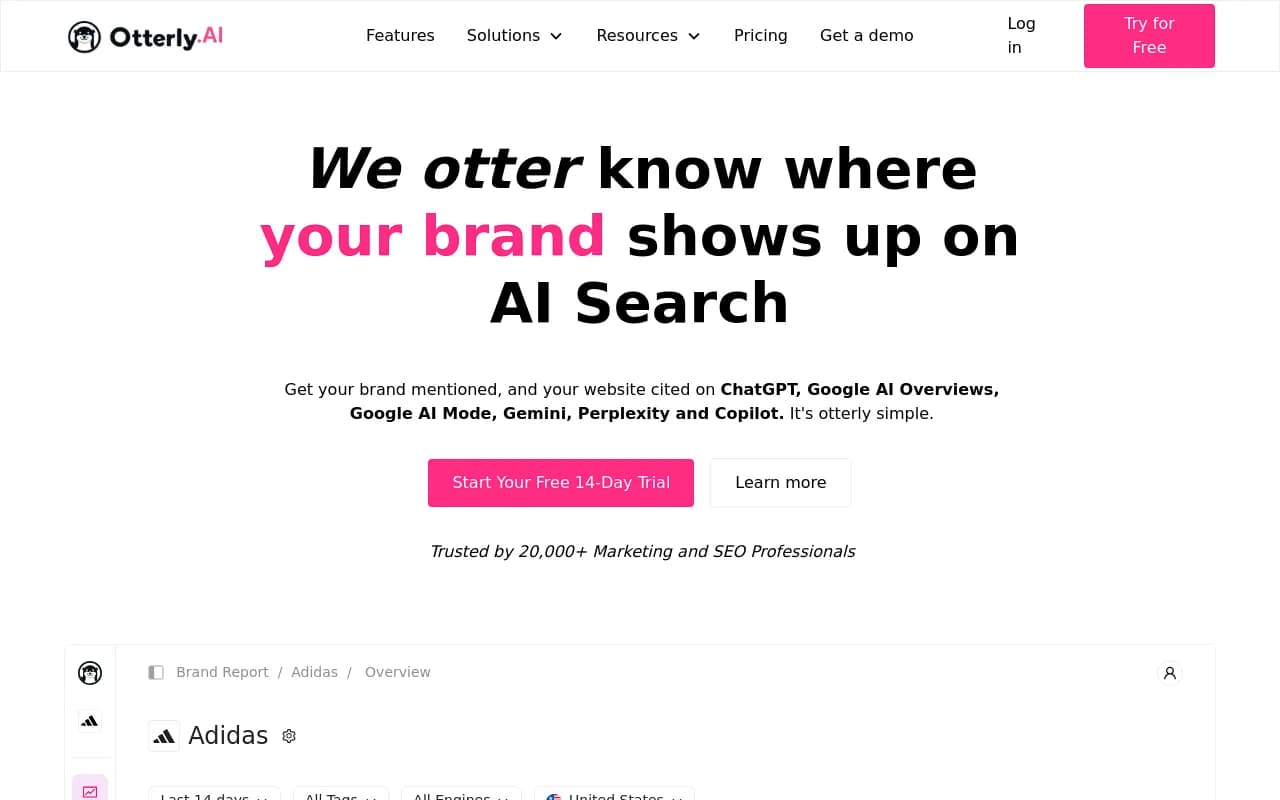
Otterly.AI is a common low-cost starting point, and a good baseline for how fast a simple tool can be.
Semrush One is worth testing if your team already lives in Semrush, because familiarity changes the learning curve you measure.
For a wider list of trackers to draw from, the AI rank tracking directory at ai-rank-tools.com covers more options than any single article can.
Reading the results honestly
A few patterns tend to show up in this kind of test, and I would treat them as hypotheses to check, not findings:
- Simple trackers win on tasks 1 to 4 because there is less to configure.
- Bigger platforms often win on tasks 7 to 10, where depth saves clicks.
- Task 12 hurts tools that were built for single brands and then stretched to agencies.
If your results look nothing like that, trust your results. One-person tests are noisy. Repeat the three slowest tasks on a second day, and if the order of tools changes, the difference between them is probably smaller than it looked.
Also watch your own bias. The tool you tested last benefits from everything you learned on the earlier ones, so rotate the order between testers.
What to do with the numbers
Translate time into weekly cost. If a weekly review needs tasks 5, 6, 7 and 11, and tool A does them in 12 minutes while tool B takes 40, the gap is about 25 hours a year per person. That is a real line item, and it can outweigh a price difference of a few dollars a month.
Then compare against price on the vendor's own page, since plans change often. Do not rely on a roundup's pricing section, including this one.
Finally, decide based on the tasks you will actually repeat. A team that only needs a monthly visibility number should not pay for a tool that wins on content workflows. A team that wants to close gaps weekly should not buy the tool that wins only on onboarding speed.
Run the test, fill the sheet, and pick the tool where the slowest important task is still tolerable. That is usually the right one.