Key takeaways
- Query fan-out tools fall into two classes. Simulators predict the sub-queries an engine would likely run. Recorders log the searches an engine actually ran. Plan with the first, report with the second.
- Real ChatGPT behavior moves. Promptwatch Data measured about 1.84 fanouts per response in early March 2026, exactly 1.0 in April, and about 1.8 after the site: operator rollout on August 8, 2026.
- Predicted lists of a dozen sub-queries probably overstate what ChatGPT runs today. Use them for content ideas, not as a count of what the engine does.
- Any fan-out analysis run before August 8, 2026 is stale and should be re-run for your tracked prompts.
- Free tools are fine for brainstorming. Tracking over time needs a recorder.
What I mean by "tested"
A caveat first. This guide is built from tool pages, vendor documentation, comparison write-ups, and first-party data, with prices read on 18 October 2026. I did not run controlled experiments on every tool, and some prices may have moved since. Where I am inferring something rather than reporting it, I say so. Confirm pricing on each vendor's site before you buy.
The seven tools below are the ones that came up most often, picked to cover both classes: Wellows, queryfanout.io, LLMrefs, Goodie, Semrush Enterprise AIO, Backlinko's ChatGPT Query Fan-Out Tool, and the LLMrefs ChatGPT extension. I also cover where Promptwatch fits, since it records fan-outs as part of tracking.
Query fan-out in one paragraph
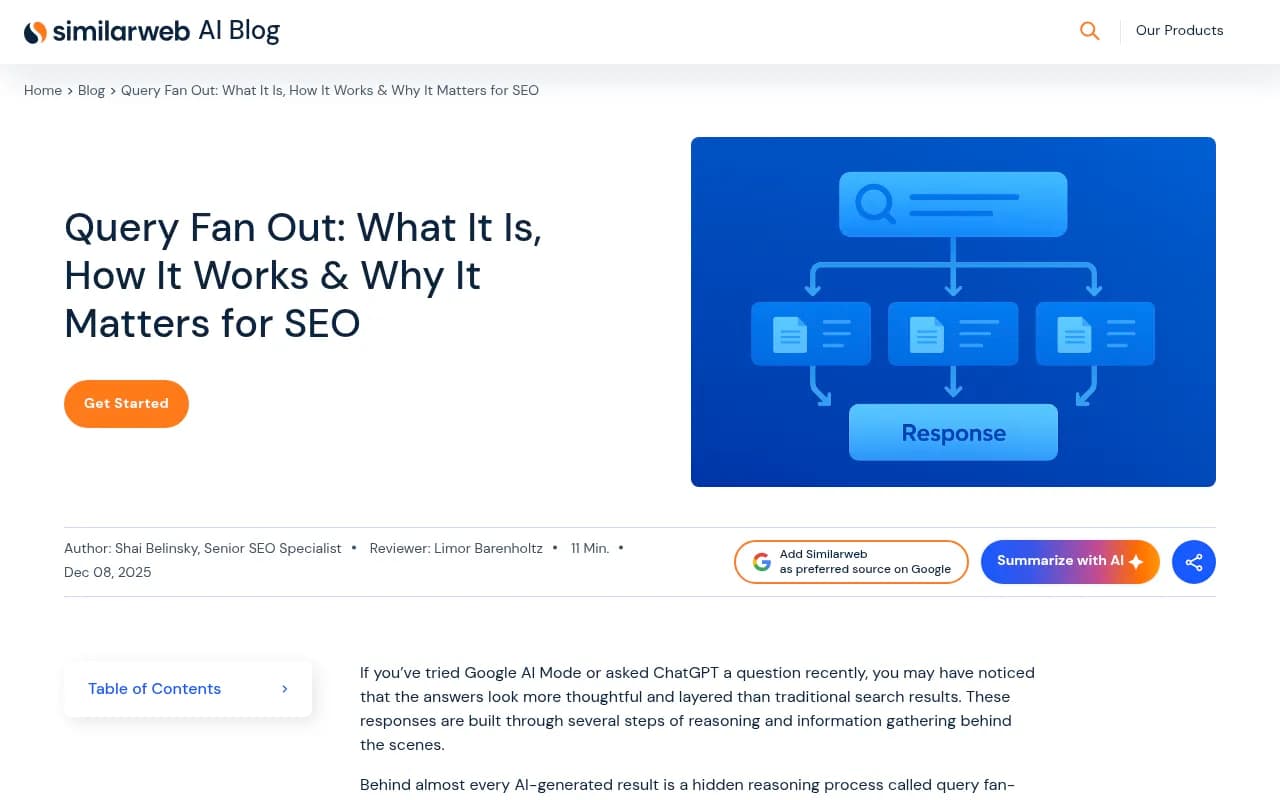
When you ask an AI engine a question, it often rewrites the prompt into several smaller searches, runs them, and merges the results into one answer. Those smaller searches are the fan-out. If a competitor owns the pages that rank for the sub-queries, they get cited even when you own the head term. Semrush ran a controlled experiment where four articles were rewritten to target fan-out queries, and citations of those pieces more than doubled, per Semrush's write-up.
The Similarweb explainer is a decent primer if the concept is new.
The two classes of tool
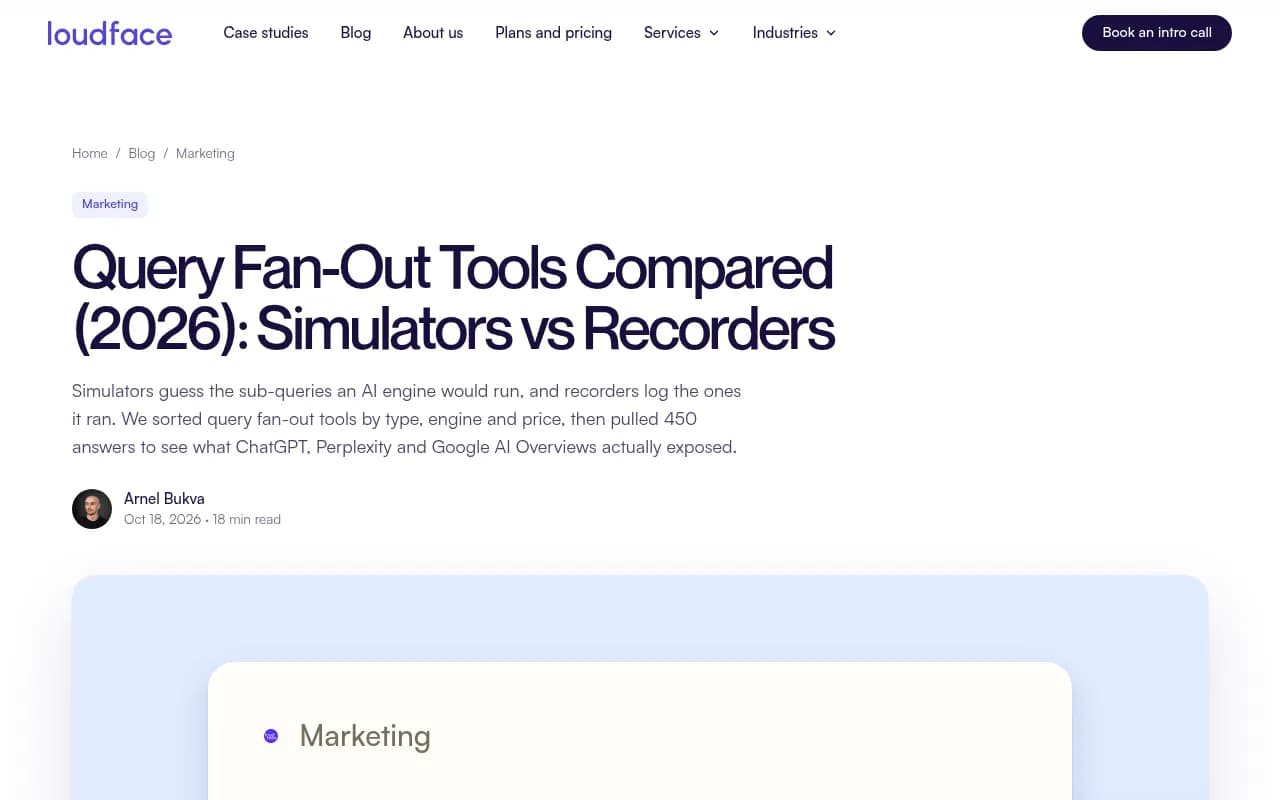
This split matters more than any feature list. LoudFace's comparison puts it plainly: simulators such as Qforia, Wellows, and OtterlyAI's free tool predict sub-queries, while recorders such as Profound, Goodie, Peec AI, and Ahrefs Brand Radar log what engines actually ran in answers the tool triggered.
A third category exists too: browser extensions that record the searches in your own ChatGPT session. They are accurate for that one session and tell you nothing about anyone else's.
One limit applies to everything here. Recorders log the tool's own runs, and extensions log yours. No tool page I read claims to show the fan-out searches inside your buyers' own sessions. Also, LoudFace reported that Google AI Overviews exposed no queries in 150 answers pulled from Peec AI in October 2026, so recorded fan-out data for AI Overviews is thin across the board.
Comparison table
| Tool | Type | Engines named | Free tier | Starting price (read 18 Oct 2026) | Best for |
|---|---|---|---|---|---|
| Wellows | Simulates | Not stated (cites GPT-4o as an example) | Free, email field | $29/month (Basic) | A CSV of variants for keyword research |
| queryfanout.io | Simulates, plus live web searches | Title names ChatGPT, Claude, Perplexity | Free, no card; email for full report | Not published | Sub-queries with search data attached |
| LLMrefs | Both | AI Mode, ChatGPT, Perplexity | Free, no card | $79/month | Planning and tracking in one account |
| Goodie | Records | ChatGPT, Gemini and more | 7-day trial | $295/month (Core) | Prompt research and tracking together |
| Semrush Enterprise AIO | Records | Google queries behind ChatGPT answers | No | Enterprise, not published | Teams already on Semrush Enterprise |
| Backlinko ChatGPT Query Fan-Out Tool | Records your session | ChatGPT | Chrome extension | No price on store page | Seeing what ChatGPT searched for your prompt |
| LLMrefs ChatGPT extension | Records your session | ChatGPT | Free Chrome extension | Free | The searches ChatGPT sends to Bing |
The seven tools, one at a time
1. Wellows
Wellows is a simulator with a free tier that asks for an email. The useful output is a downloadable CSV of query variants, which drops straight into a keyword research spreadsheet. It cites GPT-4o as an example generator but does not say which engine the predictions mimic, so treat the list as a brainstorm rather than a record of anything. The paid Basic plan starts at $29/month.
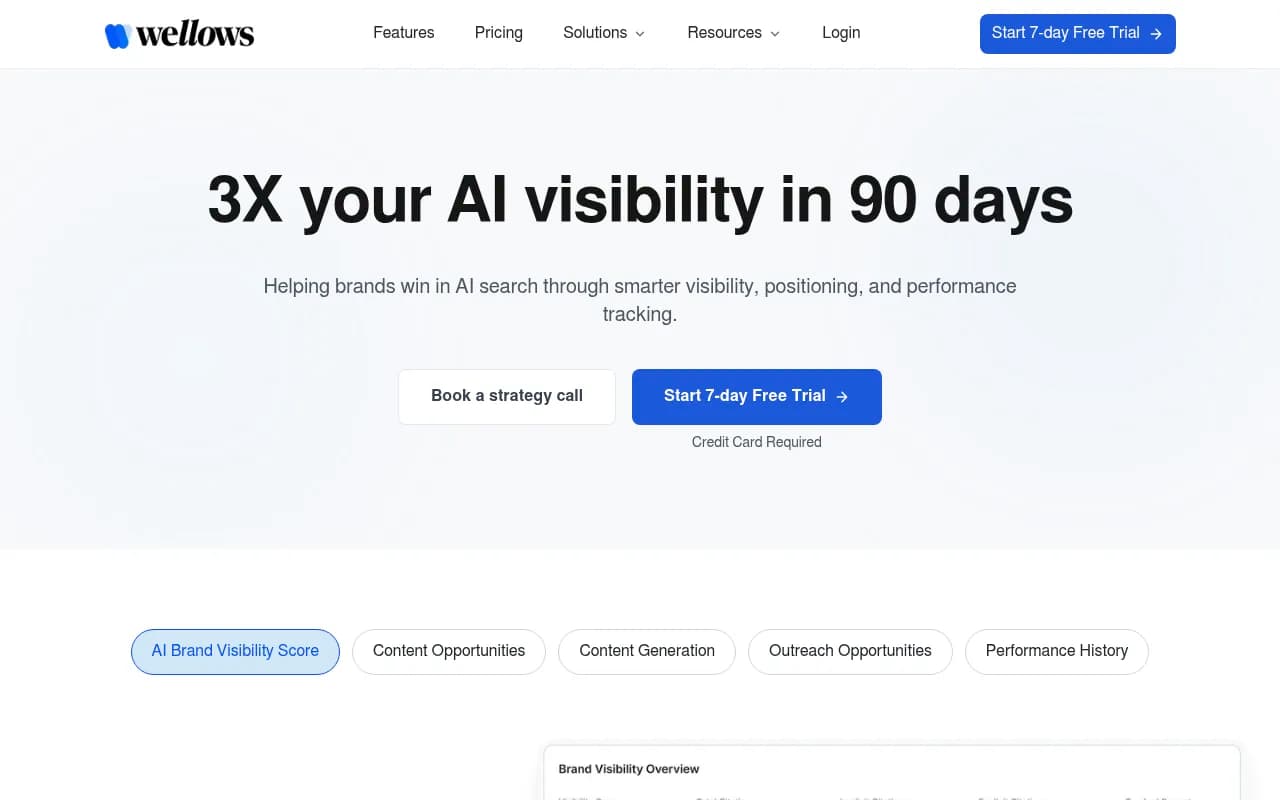
What it revealed: breadth. You get a long list of phrasings fast. What it cannot tell you is which of those phrasings any engine actually runs.
2. queryfanout.io
Built by New Chemistry, this one simulates sub-queries and also runs live web searches, so the output has search data attached rather than just a list of strings. It is free with no card, and the full report wants an email. Pricing is not published. The title names ChatGPT, Claude, and Perplexity, but the exact mechanics are not documented in the pages I read.
What it revealed: a middle ground between pure guesswork and a recorded log. Handy for a first pass on a topic.
3. LLMrefs
LLMrefs is the only tool in this set that covers both classes in one account: a free simulator for planning and paid tracking across AI Mode, ChatGPT, and Perplexity from $79/month. It also publishes a free Chrome extension that records the searches ChatGPT sends to Bing during your own session.

What it revealed: that the plan-then-track workflow is easier when both live in one place. If you want one vendor for both halves, this is the least awkward option I found.
4. Goodie
Goodie is a recorder. It runs prompts against ChatGPT and Gemini (plus others it does not list) and logs what comes back, with prompt research alongside. It has a 7-day trial and starts at $295/month for Core, which makes it the priciest self-serve option here.
What it revealed: recorded data costs more than simulated data. Whether that gap is worth it depends on whether you need to report numbers to someone.
5. Semrush Enterprise AIO
Semrush added Query Fan-Out Analysis to its Enterprise AI Optimization product in May 2026. It shows the Google searches ChatGPT relies on for the prompts you track, the domains ranking for each, and the gaps where competitors keep showing up. There is no free tier and the price is not published.
What it revealed: the useful bit is the domains ranking for each sub-query. That turns a list of strings into a competitor map. The catch is that it is Enterprise only, so it suits teams already on that contract.
6. Backlinko ChatGPT Query Fan-Out Tool
A Chrome extension that records what ChatGPT searched for your own prompt in your own session. No price is shown on the store page. It is a quick way to sanity-check a single prompt, and it is accurate for that session, but it is one data point and not a trend.
What it revealed: how few searches some prompts trigger. If you assume every answer fans out into a dozen queries, watching a real session is humbling.
7. LLMrefs ChatGPT extension
The free extension covers similar ground to Backlinko's, focused on the searches ChatGPT sends to Bing. Free, and it pairs naturally with the LLMrefs account if you already use it. Same limit: your session only.
What the real numbers say
This is the part that changed how I read every simulator output. Promptwatch Data's ChatGPT Query Fanouts report says a single prompt can trigger 3-8+ searches, but its own measured averages are lower:
- 2.15 fanouts per response in early December 2025
- about 1.84 by early March 2026
- exactly 1.0 per response when fanouts returned in April, after a gap in the data
- average fanout query length falling from about 117 characters in December to about 53 characters in April, which is six to eight words
Then things moved again. On August 8, 2026, ChatGPT started using the site: operator at scale. Promptwatch's data on the site: operator shows the share of fanout queries using it jumping from 0.37% to 16.8% in one day, and average fanout queries per response rising from about 1.08 to about 1.83. Promptwatch reads the site: searches as added on top of generic searches, and calls it a platform-wide rollout on OpenAI's side.
My inference, not something those reports test: a simulator that hands you 12 to 20 predicted sub-queries probably overstates what ChatGPT runs per answer. The reports do not test any simulator, so take that as an informed guess. It does not make simulators useless. It means you should read their output as topic coverage ideas, not a forecast of engine behavior.
What to do with this
Planning content
Use a simulator, or the free extensions, to find the questions around a topic. Then follow the advice Promptwatch gives from its own data:
- write headings that read like search queries, such as "Best CRM for small agencies 2026"
- put the entity and category first in titles and H2s
- build focused pages for comparisons, pricing, alternatives, and how-tos rather than one mega-page
- re-audit keyword-to-heading mapping after major ChatGPT updates
The query length data supports this. At roughly six to eight words, the searches ChatGPT runs look like short keyword phrases, not full sentences.
Reporting results
Use a recorder. Show the actual sub-queries engines ran, which of your pages were cited, and how that moved over time. A simulated list cannot be defended in a client meeting because nobody can say it happened.
Handling the site: change
Two practical consequences from the August data. First, any fan-out analysis done before August 8, 2026 is stale, so re-run it. Second, your own domain is now a retrieval surface: if ChatGPT searches site:yourdomain.com and your pages are poorly indexed or crawlable, the gap shows up in answers. Continuous monitoring beats a one-off audit here.
Where Promptwatch fits
Promptwatch is a recorder, and the fan-out data sits inside a wider loop. It tracks real ChatGPT and other engine interfaces, shows query fan-outs per response compared across models, and layers prompt volumes and difficulty on top. Crawler logs then show whether AI bots can actually read the pages those sub-queries point to, which matters more after the site: rollout. From there the Content Agent can write against the gaps. If you only want to poke at the idea first, the ChatGPT Query Fan-Out Generator is free, and so is the GEO Inspector Chrome extension, which shows fan-outs, fetched versus cited sources, and the reasoning trail locally with no sign-in.

Plans start at $95/month for Essential, with a 7-day free trial on monthly billing. Check promptwatch.com/pricing for current numbers.
Other recorders worth a look
The LoudFace comparison also lists Profound, Peec AI, Radarkit, and Ahrefs Brand Radar as recorders. I did not find new detail on them beyond that classification, so I am pointing at them rather than reviewing them.



For a wider scan of the category, the GEO software directory lists far more options.
Which one should you pick?
| If you need | Start with |
|---|---|
| A quick brainstorm for one article | Wellows or queryfanout.io (free) |
| To see what ChatGPT did for one prompt | The Backlinko or LLMrefs extension |
| Planning and tracking under one login | LLMrefs |
| Recorded data tied to crawlers, citations, and content work | Promptwatch |
| Google SERP domains behind each sub-query, at enterprise scale | Semrush Enterprise AIO |
| Prompt research and tracking, trial first | Goodie |
Limits worth keeping in mind
- Recorded data reflects the tool's own runs, not your buyers' sessions.
- AI Overviews exposed no queries in the 150 answers LoudFace pulled from Peec AI in October 2026.
- Engine behavior shifted at least twice in 2026, so any tool that is not refreshed continuously goes stale.
- Prices here were read on 18 October 2026 and not re-verified.
My take: use free simulators to generate ideas, because they cost nothing. Do not build a strategy on the number of sub-queries they output. The measured average is closer to one or two searches per answer than a dozen. Pick one recorder, run it on a fixed set of prompts, and watch what changes after each engine update.