Summary
- Location-based AI visibility tracking monitors how AI search engines (ChatGPT, Perplexity, Gemini, Claude) mention your brand differently across US cities, states, and regions
- Most AI visibility tools now support geo-targeting -- you can run the same prompt from New York, Los Angeles, Miami, or any US location to see localized responses
- The core workflow: define location-specific prompts ("best pizza in Chicago"), run them from target geos, track citation frequency and position, then optimize content for underperforming markets
- Tools like Promptwatch, Peec AI, and Conductor offer state/city-level tracking with dashboards that compare performance across regions
- Location tracking matters most for local businesses, multi-location brands, franchises, and regional service providers -- if your customers search differently by city, you need geo-specific AI visibility data
Why location-based AI visibility tracking matters in 2026
AI search engines don't return the same answer everywhere. A user in Austin asking ChatGPT "best HVAC company near me" gets different recommendations than someone in Boston asking the identical question. The models consider geographic context -- IP address, stated location, regional preferences -- when generating responses.
This creates a problem: if you only track AI visibility from a single location (say, your headquarters), you're blind to how your brand performs in other markets. You might rank first in Dallas but not appear at all in Denver. Traditional SEO tools track keyword rankings by city, but most early AI visibility platforms ignored geography entirely.
That changed in late 2025. The second wave of AI monitoring tools added geo-targeting -- the ability to simulate prompts from specific US cities and states. Now you can see exactly how ChatGPT, Perplexity, Gemini, and Claude respond to location-aware queries across your target markets.
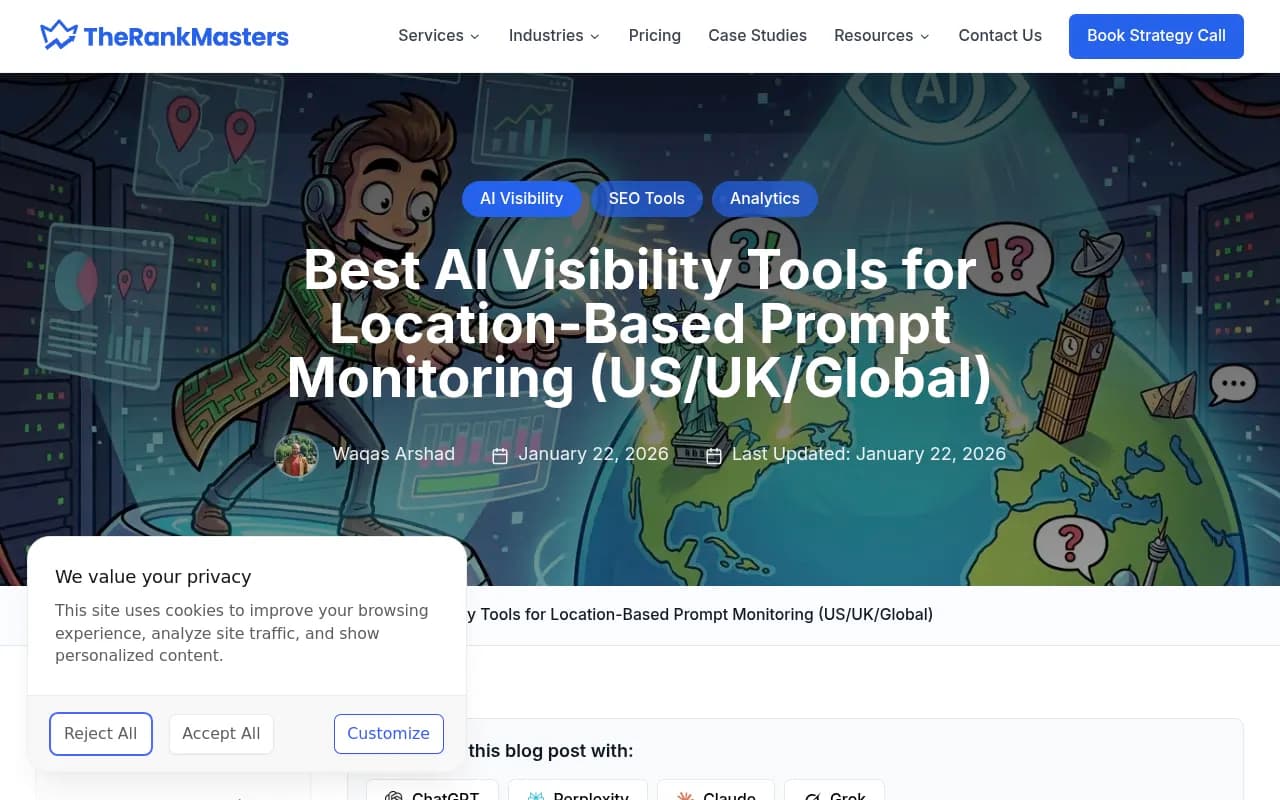
Who needs this? Any brand with location-dependent visibility:
- Multi-location businesses: Retail chains, restaurant groups, healthcare networks, real estate agencies
- Franchises: Track how each franchise location appears in AI responses for "near me" queries
- Regional service providers: HVAC, plumbing, legal services, home services that operate in specific metro areas
- Tourism and hospitality: Hotels, attractions, tour operators competing for city-specific recommendations
- Local publishers and media: News sites, city guides, event calendars that serve specific regions
If your business operates in multiple US markets, you need to know: does ChatGPT recommend you in Miami but ignore you in Seattle? Does Perplexity cite your Chicago location but not your Phoenix one? Location-based tracking answers these questions.
How AI models handle location context
Before diving into tools and workflows, understand how AI search engines actually use location data.
Explicit location signals: When a user types "best coffee shop in Portland," the model knows to filter for Portland-specific results. The location is stated directly in the prompt. This is the easiest case to track -- you just need to run prompts with city names embedded.
Implicit location signals: When a user asks "where should I get my car fixed?" without naming a city, the model infers location from:
- IP geolocation: The user's internet connection reveals their approximate city
- Account settings: ChatGPT Plus users can set a default location in their profile
- Conversation history: If the user mentioned "I live in Austin" earlier in the chat, the model remembers
Most AI visibility tools simulate explicit location by running prompts from different IP addresses or data centers. Some (like Promptwatch and Conductor) let you set a persona location -- you tell the tool "pretend you're a user in Boston" and it adjusts the prompt context accordingly.

Regional knowledge cutoffs: AI models have uneven knowledge of different US cities. They know a lot about New York, Los Angeles, Chicago, and other major metros. Smaller cities get less training data, which means:
- Responses for "best dentist in Boise" are less reliable than "best dentist in San Francisco"
- The model might hallucinate business names or addresses in smaller markets
- Citation sources skew toward national directories (Yelp, Google Maps) rather than local publishers
This matters for tracking: if you operate in a mid-sized city, expect more variability in AI responses. Run prompts multiple times to account for model inconsistency.
Core workflow: tracking city and state-level AI visibility
Here's the step-by-step process for monitoring location-based AI visibility in 2026.
Step 1: Define your target locations
Start by listing the US cities and states where you need visibility. Be specific:
- National brands: Track top 20-50 metro areas by population or revenue contribution
- Regional brands: Focus on your service area -- if you operate in Texas, track Houston, Dallas, Austin, San Antonio, Fort Worth
- Multi-location businesses: Track each location individually ("Chicago - Lincoln Park" vs "Chicago - Loop")
Most tools let you organize locations into groups. Create segments like "West Coast," "Northeast," "Midwest" to compare regional performance.
Step 2: Build location-specific prompt lists
You need two types of prompts:
Explicit location prompts: These include the city or state name directly.
- "Best Italian restaurant in Seattle"
- "Top-rated HVAC companies in Phoenix"
- "Where to stay in Charleston, SC"
Implicit location prompts: These rely on geo-targeting to simulate a local user.
- "Best Italian restaurant near me"
- "Who should I call for AC repair?"
- "Where should I stay this weekend?"
For each target location, create 10-50 prompts covering:
- Direct brand queries: "Is [Your Brand] good in [City]?"
- Category queries: "Best [category] in [City]"
- Comparison queries: "[Your Brand] vs [Competitor] in [City]"
- Problem-solution queries: "How to [solve problem] in [City]"
Use a spreadsheet to map prompts to locations. Most AI visibility tools let you upload CSV files with columns for [Prompt, Location, Frequency].
Step 3: Set up geo-targeted monitoring
Now configure your AI visibility tool to run these prompts from each target location.
Tools with built-in geo-targeting:
- Promptwatch: Supports state and city-level tracking across 10 AI models. Set a default location per prompt or use persona-based targeting ("track as a user in Miami"). The Professional plan ($249/mo) includes city tracking; Essential ($99/mo) is state-level only.
- Peec AI: Offers explicit city targeting for ChatGPT, Gemini, Perplexity, and Claude. You select a city from a dropdown when creating a prompt. Pricing starts at $99/mo for 100 prompts.
- Conductor: Enterprise-focused with persona customization. You can define "Chicago resident, age 35, looking for home services" and the tool adjusts prompt context accordingly. Pricing is quote-based.

Tools without native geo-targeting (workaround): If your tool doesn't support location selection, you can still track explicit location prompts ("best X in City"). Just embed the city name in every prompt. This works but misses implicit location queries.
Some tools (Otterly.AI, LLM Pulse) let you run prompts via API. You can use a proxy service to route requests through different US cities, then log the responses yourself. This is technical but gives you full control.
Step 4: Track citation frequency and position
Once prompts are running, monitor these metrics by location:
Citation count: How many times does your brand appear in AI responses for each city? Track absolute count and percentage (citations / total prompts).
Average position: When cited, where do you appear in the response? Position 1 (mentioned first) is best. Position 5+ means you're buried.
Share of voice: Your citations as a percentage of total citations in your category. If ChatGPT cites 10 HVAC companies in Phoenix and you're one of them, your share of voice is 10%.
Sentiment: Are mentions positive, neutral, or negative? Some tools (Peec AI, Profound) include sentiment analysis.
Competitor comparison: How do your citation metrics compare to competitors in each city?
Most tools display this data in dashboards with filters for location, AI model, and time range. Export to CSV or connect to Looker Studio / Tableau for custom reporting.
Step 5: Identify visibility gaps
Now the real work begins. Look for patterns:
- Cities where you're invisible: Zero citations despite having a physical presence or serving that market
- Cities where competitors dominate: They get cited 10x more often than you
- Cities with declining visibility: You were cited frequently last month but dropped off this month
For each gap, ask: why? Common causes:
- Missing local content: Your website has no city-specific pages or blog posts
- Weak local citations: You're not listed on Google Business Profile, Yelp, or local directories
- Competitor content advantage: They publish more local guides, case studies, or reviews
- Model training bias: The AI was trained on data that favors certain regions or sources
Step 6: Optimize for underperforming locations
Once you've identified gaps, take action:
Create location-specific content: Write blog posts, landing pages, and guides targeting the city or state. Examples:
- "Complete Guide to [Service] in [City]" (e.g., "Complete Guide to HVAC Maintenance in Phoenix")
- "[City] Resident's Guide to [Topic]" (e.g., "Austin Resident's Guide to Choosing a Plumber")
- "Why [City] Customers Choose [Your Brand]"
Use Promptwatch's Answer Gap Analysis to see exactly which topics and angles competitors cover but you don't. The built-in AI writing agent can generate city-specific articles grounded in real citation data.
Claim and optimize local listings: Make sure your Google Business Profile, Yelp, and other directory listings are complete and consistent across all locations. AI models scrape these sources heavily.
Build local backlinks: Get cited by local news sites, city blogs, and regional directories. AI models trust local sources for location-specific queries.
Monitor AI crawler logs: Use Promptwatch's AI Crawler Logs feature to see if ChatGPT, Claude, and Perplexity are actually crawling your city-specific pages. If they're not, the pages won't get indexed.
Test and iterate: After publishing new content, re-run your location-specific prompts to see if citation frequency improves. This can take 2-4 weeks as AI models re-crawl and re-index your site.
Tools comparison: which platform is best for location tracking?
Here's a breakdown of the top AI visibility tools with location-based tracking capabilities in 2026.
| Tool | City-level tracking | State-level tracking | Persona targeting | AI models covered | Starting price |
|---|---|---|---|---|---|
| Promptwatch | Yes (Pro+) | Yes (Essential+) | Yes | 10 (ChatGPT, Perplexity, Gemini, Claude, etc.) | $99/mo |
| Peec AI | Yes | Yes | No | 4 (ChatGPT, Gemini, Perplexity, Claude) | $99/mo |
| Conductor | Yes | Yes | Yes (advanced) | 5+ | Custom |
| Profound | Yes | Yes | No | 6+ | $299/mo |
| Otterly.AI | No | No | No | 3 | $49/mo |
| LLM Pulse | No | No | No | 5 | $149/mo |
| Semrush AI Visibility | No | No | No | 2 (ChatGPT, Gemini) | $139/mo |
Best overall for location tracking: Promptwatch offers the most complete package -- city and state tracking, 10 AI models, crawler logs, and built-in content generation. The Professional plan ($249/mo) includes city-level tracking; Essential ($99/mo) covers state-level only.
Best for multi-language location tracking: Peec AI supports city-level tracking in multiple languages, which matters if you operate in cities with large Spanish, Chinese, or other non-English populations.
Best for enterprise teams: Conductor provides advanced persona targeting (age, income, intent) on top of location. Pricing is custom but typically starts around $1,000/mo.
Best budget option: If you only need state-level tracking, Promptwatch Essential ($99/mo) is the cheapest entry point. For city-level, Peec AI ($99/mo) is competitive.
Advanced strategies: beyond basic location tracking
Once you've mastered the core workflow, try these advanced techniques.
Multi-location heatmaps
Create a visual heatmap showing your citation frequency across all US states or cities. This makes it easy to spot regional patterns -- e.g., strong visibility on the West Coast but weak in the Midwest.
Promptwatch includes competitor heatmaps that overlay your performance vs competitors by location. You can see at a glance which markets you're winning and which you're losing.
Prompt volume estimation by location
Some tools (Promptwatch, Profound) estimate how often each prompt is asked in each location. This helps you prioritize: a prompt with 1,000 monthly searches in New York is more valuable than one with 50 searches in Boise.
Use this data to focus content creation on high-volume, high-value locations first.
Reddit and YouTube location signals
AI models cite Reddit threads and YouTube videos heavily. Both platforms have location-specific communities:
- Reddit: r/NYC, r/LosAngeles, r/Chicago, etc.
- YouTube: Channels focused on specific cities ("Austin Food Scene," "Seattle Real Estate")
Promptwatch surfaces Reddit discussions and YouTube videos that influence AI recommendations. If you see a competitor getting cited because of a popular Reddit thread in r/Denver, you know to engage with that community.
ChatGPT Shopping by location
ChatGPT's shopping features (product recommendations, carousels) vary by location. A user in California sees different product suggestions than a user in Texas.
Promptwatch tracks ChatGPT Shopping mentions by location. If you sell physical products, this tells you which markets are seeing your brand in shopping results.
Attribution: connecting location visibility to revenue
The ultimate goal is to tie AI visibility to actual business outcomes. Use Promptwatch's traffic attribution features (code snippet, Google Search Console integration, or server log analysis) to see:
- Which cities drive the most AI-referred traffic to your site
- Which location-specific pages convert best
- ROI by market: does improving visibility in Phoenix generate more revenue than improving visibility in Seattle?
This closes the loop: you're not just tracking citations, you're measuring the business impact of location-based AI visibility.
Common mistakes to avoid
Tracking too many locations: Start with your top 10-20 markets. Tracking 100+ cities creates data overload and makes it hard to take action.
Ignoring implicit location prompts: Most users don't type "best X in [City]" -- they just ask "best X" and rely on the AI to infer their location. Make sure you're tracking both explicit and implicit prompts.
Not accounting for model variability: AI responses vary even for the same prompt from the same location. Run each prompt 3-5 times and average the results to get reliable data.
Focusing only on ChatGPT: Different AI models have different location biases. Perplexity might cite you in Austin but not Dallas, while Gemini does the opposite. Track multiple models.
Forgetting to update prompts: User search behavior changes. Review your prompt list quarterly and add new queries based on actual customer questions.
The future of location-based AI visibility
Location tracking is still early. Here's what's coming in 2026 and beyond:
Hyperlocal tracking: Tools will support neighborhood-level tracking ("Upper East Side" vs "Brooklyn") instead of just city-level.
Real-time location simulation: Instead of pre-defined city lists, you'll be able to enter any US zip code and run prompts from that exact location.
Cross-model location consistency: Dashboards will show when your brand is cited in New York by ChatGPT but not by Gemini, making it easier to identify model-specific gaps.
Automated content recommendations: AI will analyze your location gaps and auto-generate content briefs ("Write a guide about [topic] for [city] to improve visibility").
Integration with local ad platforms: Connect AI visibility data to Google Local Services Ads, Facebook local campaigns, and other location-based ad channels to create a unified local marketing strategy.
The brands that master location-based AI visibility tracking now will have a massive advantage as AI search continues to grow. Start with the core workflow, pick a tool that fits your budget, and focus on closing visibility gaps in your most valuable markets.