Key takeaways
- A service-area business has no storefront, so you have to define your own geography: pick the cities, ZIP codes and neighborhoods you actually serve and build prompts around each one.
- Track prompts in three groups: service plus city, "near me" style, and brand or comparison prompts. Tag each by town so you can see where you vanish.
- Location-aware tracking matters. Pick a tool that can run prompts as if asked from a specific place, because answers can change by location.
- Short, keyword-like queries are what AI search tends to run in the background, so unique, indexed service-plus-city pages are your best matching asset.
- Google Business Profile setup (up to 20 service areas, hidden address) is still the base layer. AI assistants pull from it and from consistent listings.
Why service-area businesses need a different tracking approach
A dentist with a storefront has one pin on a map. A plumber who works out of a van and a home office has none. That sounds like a disadvantage, and in some ways it is, but it also means you can't track "my location" because you don't really have one. You have a territory.
So the first job is to stop thinking about one location and start thinking about a grid of service-plus-place combinations. Each combination is a prompt someone could type into ChatGPT, Gemini, Perplexity or Google AI Mode: "who does emergency drain cleaning in Round Rock" or "best HVAC company near Cedar Park." Your tracking setup is just a structured list of those questions, run on a schedule, with results broken out by town.
One caveat before going further. I couldn't find solid public data on how much ChatGPT, AI Overviews or AI Mode answers vary city by city, so treat any claim that they differ by exactly X% with suspicion. What you can do is measure it yourself for your own prompts, which is the whole point of this guide.
Step 1: Get your Google Business Profile in order first
AI assistants don't invent local businesses from nothing. They lean on business profiles, directories, reviews and your own site. If the base layer is wrong, no amount of prompt tracking will fix it.
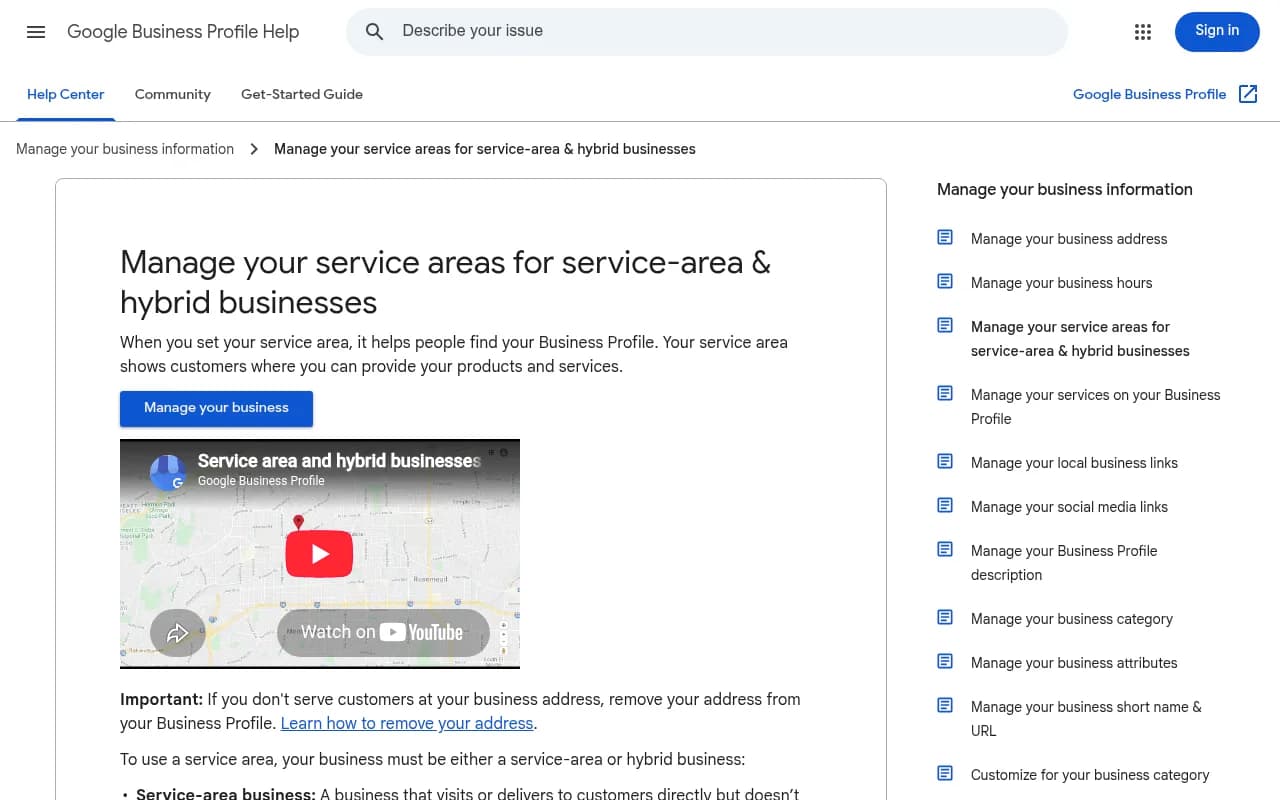
According to Google's Business Profile help page, the rules for service-area businesses are fairly specific:
- You can set up to 20 service areas, based on cities, postal codes or other areas.
- A service-area business can only have one profile for the whole area it serves.
- If you don't serve customers at your address, remove the address from the profile.
- Approved service-area edits can take up to 48 hours to show.
- A business without permanent on-site signage isn't eligible as a storefront and should be listed as a service-area business.
- Hybrid businesses (they serve people at their address and also travel) can show the address and a service area.
The 20-area cap matters for tracking. It forces you to prioritize. If you serve 40 towns, decide which 20 are your real revenue base, because those are the ones you should track most closely.
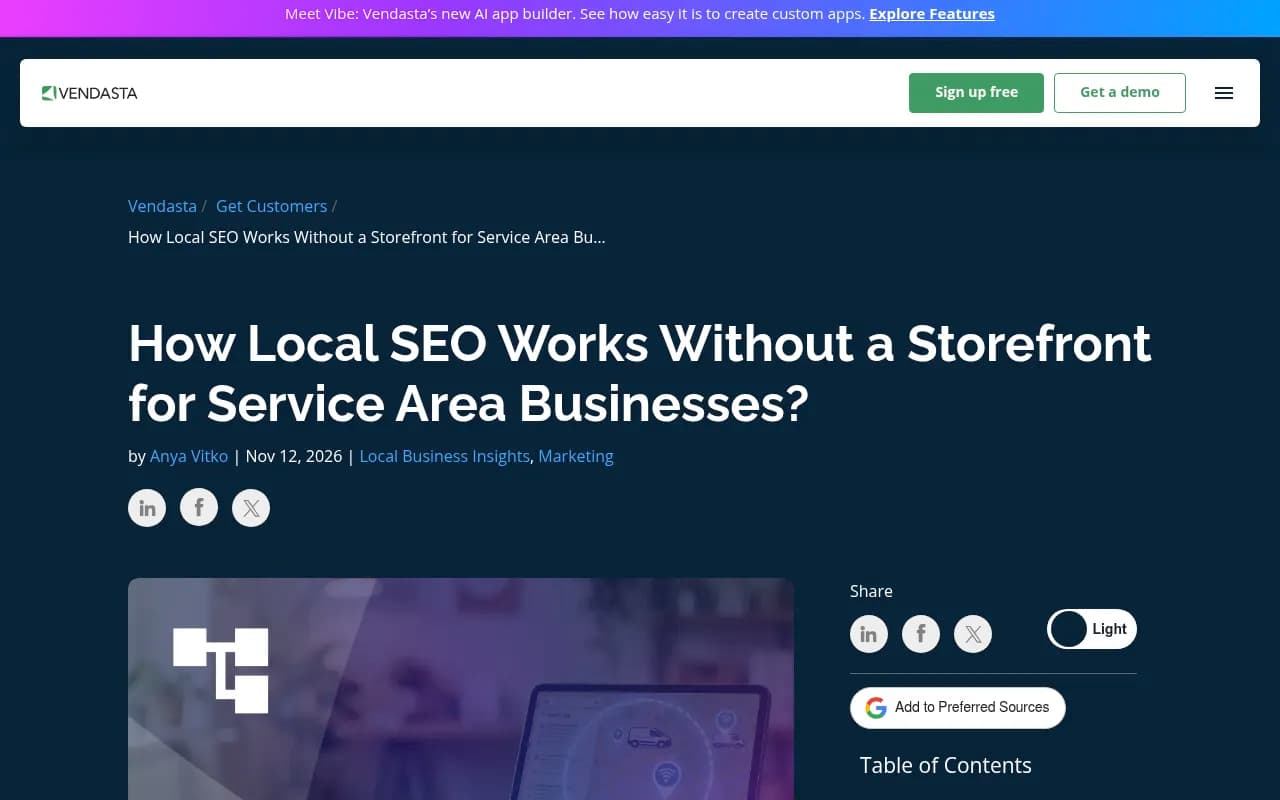
One more thing from Vendasta's recent practitioner write-up: the address you verified with appears to still act as your ranking point in Maps, even when hidden, and distance from it limits your reach. Adding service areas doesn't stretch that. Relevance and reputation do, through unique pages per town, steady reviews, local links and consistent business information everywhere, including AI assistants.
Step 2: Build your local prompt matrix
Start with a spreadsheet. Vendasta's keyword step is a good seed: list each core service against each town, neighborhood and ZIP code you serve. For prompts, expand that into natural-language questions.
The three prompt groups
| Group | Example prompt | What it tells you |
|---|---|---|
| Service plus city | "Who is the best emergency plumber in Austin?" | Whether you appear for core revenue searches |
| Near-me style | "Plumber near me that can come tonight" | How the engine handles proximity and urgency |
| Brand and comparison | "Is [Your Company] reliable?" or "[Your Company] vs [Competitor]" | Reputation and the claims AI repeats about you |
A few practical rules for building the matrix:
- Keep services granular. "Water heater replacement" and "drain cleaning" are different prompts with different competitors.
- Add urgency and intent variants: emergency, same day, affordable, licensed, 24 hour.
- Include neighborhood and ZIP-level versions for your top two or three towns. Customers don't always say the city name.
- Write some prompts the way a stressed homeowner would. "My basement is flooding who do I call" is a real prompt. It won't look like a keyword.
- Tag every prompt with service, town and intent. You'll thank yourself when you build reports.
Start small. Ten services across five towns is 50 prompts before variants, which is plenty for a first month.
Step 3: Understand how AI actually searches for local answers
When an assistant answers a local question, it often fires off background web searches. Promptwatch Data has tracked this behavior in its ChatGPT query fanouts report. Two findings are worth knowing:
- Average fanout queries got shorter over time. They were around 117 characters in early December 2025, dropped to the high 80s in February and March 2026, and were about 53 characters (roughly 6 to 8 words) once fanouts returned in April.
- Promptwatch's recommendation is to write headings that read like search queries and put the entity and category at the front of titles and H2s.
The report doesn't say anything about local specifically, so this next part is my inference: short, keyword-like queries are exactly what a "service + city" page is built to match. A heading like "Emergency plumber Austin" looks a lot like the query.
There's a second shift worth caring about. Per Promptwatch's data on the site: operator, on August 8, 2026 the share of ChatGPT fanout queries using site: jumped from 0.37% to 16.8%, about 1 in 6. Average fanouts per response rose from roughly 1.08 to 1.83 the same day. Promptwatch's advice is to treat your own domain as a retrieval surface and make sure key pages are crawlable and indexed.
Again, applying it locally is my inference: if your Round Rock page isn't indexed, a site: lookup against your domain can't surface it. For a service-area business with 15 thin city pages, that's a real risk. Check indexing for each page, not just the homepage.
Step 4: Choose a tracking tool that handles location
This is where most generic AI visibility tools fall short for local businesses. A tool that tracks a brand globally can tell you if you're mentioned. It can't tell you whether you show up for someone standing in Cedar Park. I didn't find reliable public pricing or feature comparisons for local AI prompt tracking across vendors, so verify location features on each vendor's own site before paying.
What to look for:
- Ability to pin or set a location (city, state or coordinates) per monitor
- Real-interface collection rather than API-only, since user-facing answers can differ
- Coverage of ChatGPT, Google AI Overviews, Google AI Mode, Gemini and Perplexity
- Tags or topics so you can slice results by town and service
- Citation data, so you can see which directories and pages feed the answers
- Scheduled reports you can hand to an owner or client
Promptwatch is the one I'd start with for this job. Its local GEO/SEO targeting lets you pin a monitor to exact coordinates (accuracy radius 20 m to 5 km) so ChatGPT, Google AI Overviews and Google AI Mode answer as if asked from that spot. Other models use the monitor's country, state and city. That fits a service area well: you can drop pins in each of your main towns. It's included on the Business plan ($579/mo) and above, along with state and city tracking, so confirm current details at promptwatch.com/pricing.

Because a monitor's location is fixed once created, set up one monitor per town or cluster of towns. That keeps markets from mixing and makes the heatmap (towns on one axis, models on the other) actually readable. If you want to see how Promptwatch handles measurement end to end, the prompt tracking page is a good place to start, and the free AI visibility report gives a no-login baseline.
A few other categories are worth knowing about:
| Tool type | Examples from our catalog | Good for | Watch out for |
|---|---|---|---|
| Local SEO and listings | BrightLocal, Yext, Reputation.com | Rankings, citations and reviews that feed AI answers | Not built to track AI prompt responses by itself |
| General AI visibility trackers | Otterly.AI, Peec AI, Profound | Brand mention tracking across models | Check whether you can set city-level location |
| Reviews and reputation | NiceJob, GatherUp, Birdeye | Steady review flow, a major local signal | Not prompt trackers |
| Local marketing suites | SOCi, Podium | Managing local presence and lead response | Different job from visibility tracking |


For a wider survey of options, the GEO software directory at bestgeosoftware.com lists a lot more.
Step 5: Set up monitors by town cluster
Here is a workable structure for a plumber covering a metro area with ten towns.
- Create one monitor per main town, or per cluster of towns within a few miles of each other.
- Put the service-plus-city prompts for that town in the monitor. Use the same service list in each so results are comparable.
- Add your brand and competitor comparison prompts in a separate monitor, since those are less location-dependent.
- Add your competitors. For a local business, these are the three or four companies that keep showing up, not national chains.
- Use topics or tags for each service line (drain cleaning, water heaters, repiping).
- Run daily. Fast tracking cadences matter only if you're launching a campaign.
If you're an agency running this for many local clients, the agency plans (Kick-off $199/mo, Growth $399/mo, Scale $799/mo) include unlimited projects and country, state and city tracking. Local GEO/SEO targeting at exact coordinates is on Scale. See Promptwatch for agencies.
Step 6: Read the results the right way
Once data comes in, resist the urge to stare at one overall score. Break it apart.
Metrics worth watching
- Visibility by town. Which towns are you invisible in? That's your first content priority.
- Position. Being mentioned fifth in a list of five is not the same as being the first recommendation.
- Share of voice against local competitors, not against Angi or national brands.
- Citations. Which directories, review sites and pages does the AI cite when it recommends a competitor? Those are your targets.
- Sentiment and claims. If AI says you're "expensive" or "slow to respond," find where that comes from.
A rough diagnosis:
| Symptom | Likely cause | Fix |
|---|---|---|
| Not mentioned in a town | No dedicated page, or page isn't indexed | Publish and index a unique town page |
| Mentioned, but never cited | Thin site content or crawl issues | Improve the page, check crawler access |
| Competitors cited from directories you're missing from | Listing gaps | Claim and complete those profiles |
| Weak sentiment | Thin or negative reviews | Build a steady review process |
| Fine in one town, absent next door | Distance from your verified address | Build local relevance in that town: pages, links, reviews |
That last row is the honest one. If the Vendasta finding is right, and the verified address still anchors Maps ranking, then some far-flung towns will stay hard no matter what you do on-page. Tracking tells you which ones are worth the effort.
Step 7: Fix gaps with town pages that are actually useful
Town pages get a bad reputation because most are cookie-cutter. Swap the city name, publish 30 near-identical pages, done. That's a thin-content problem, and given the site: lookup behavior above, thin or unindexed pages are the ones that cost you.
What a good page contains:
- A heading that mirrors the query, entity and category first: "Emergency plumber in Round Rock, TX"
- Specifics: neighborhoods you cover, typical response time, local permit or code quirks, real job photos
- Reviews from customers in that town, with their permission
- Your service area stated clearly, plus links to related service pages
- Consistent name, phone and service information that match your Business Profile
- A crawlable URL included in your sitemap and linked from your main navigation
Check that each page is actually indexed. A simple site:yourdomain.com "Round Rock" search is a quick sanity test. A crawler like Screaming Frog can find orphaned city pages that nothing links to.
On the AI side, check that the bots can read you. Promptwatch's AI crawler logs show which pages AI crawlers actually hit and where they fail, which helps you tell an access problem from a content problem. There's also a free Agentic Readiness Check for a quick look at crawler access.
Step 8: Close the loop on reviews and listings
Citations are where local differs most from generic GEO. For software prompts, Promptwatch Data shows documentation and help centers dominate ChatGPT citations. For travel, booking and search sites earn more than half. Local trades will have their own source mix, probably leaning on directories and review sites, but I haven't seen a published report for home services, so check your own citation data rather than assuming.
When you look at which domains get cited for your town prompts, expect to find:
- Review and directory platforms where competitors have more reviews
- Local news or chamber of commerce pages
- Niche trade directories you've never heard of
Claim those profiles, keep details identical to your Business Profile, and ask for reviews on the platforms AI actually cites. Review tools like NiceJob or GatherUp can automate the ask.

A 30-day starting plan
- Week 1: Audit your Business Profile. Remove the address if you don't serve customers there, set up to 20 service areas, and confirm NAP consistency across listings.
- Week 1: Build the prompt matrix with 40 to 80 prompts tagged by service, town and intent.
- Week 2: Set up one monitor per town cluster in a location-aware tool. Add four or five real local competitors.
- Week 3: Pull the first report. Identify the three towns with the lowest visibility and the directories competitors get cited from.
- Week 3 to 4: Publish or rewrite town pages for those three towns, confirm indexing, and claim missing listings.
- Week 4: Re-check. Don't expect miracles in a month, but you should see which prompts moved.
If you'd rather have specialists run this, the agency that publishes this site, 1001 SEO Media, does local SEO and AI search work and uses Promptwatch for AI visibility. Plenty of owners can do the first pass themselves, though.
Common mistakes
- Tracking only the brand name. Nobody asks AI for you by name before they know you exist. Track the service-plus-city prompts.
- Tracking one city from a generic location. If the tool can't set a location, results may reflect somewhere else entirely.
- Listing 20 service areas and treating them all equally. Rank them by revenue.
- Publishing 30 near-duplicate city pages. Fewer, better pages beat many thin ones.
- Running a one-off audit. Platform behavior has shifted overnight before, per the site: operator data above, so keep monitoring.
- Ignoring reviews. They show up in both Maps and AI answers.
Final word
A service-area business without a storefront has a measurement problem before it has a ranking problem. Define your territory as a list of town and service prompts, track them from the places your customers actually are, and let the gaps tell you which page to write or which listing to claim next. Start with the ten prompts closest to revenue. You can always add more once you've seen what the data says.