Key takeaways
- AI agents and crawlers request pages straight from your server and don't run JavaScript, so GA4 and similar script-based analytics never record them.
- The reliable sources are server logs, CDN logs, or a lightweight middleware layer. User-agent matching is the starting point, but user agents can be spoofed, so verify by IP range where you can.
- Separate bots into three groups before you act: training crawlers, search/retrieval crawlers, and user-triggered agents. They need different robots.txt decisions.
- Compare your logs against a public benchmark. If a big provider is near zero on your site, you are probably blocked.
- Two weeks of data shows patterns. Two months shows trends.
Why your analytics can't see AI agents
Open GA4 and you'll see sessions, page views, and referrals. What you won't see is the ChatGPT fetch that pulled three paragraphs from your pricing page at 2 a.m., or the crawler that hit your blog 400 times last week.
The reason is simple. GA4 works by running a JavaScript tag in a browser. Most AI crawlers request the raw HTML and leave. No script runs, no event fires, nothing is recorded. It isn't undercounted. It's absent.
That has a second consequence for content. Because most AI crawlers don't render JavaScript, anything that only appears after a script runs is invisible to them too. Put your important content in the first HTML response. Semrush makes the same point in its guide to preparing your site for AI agents, citing Vercel's research on AI crawlers.
A note on the source material I looked at while researching this: one popular tutorial describes a "GA4 setup" for agents. What it actually describes is a server-side logging endpoint, which is the right idea, just not GA4. Keep that distinction in mind when you see advice on this topic.
Know what you're looking for: three kinds of AI bot
Lots of guides lump every AI user agent into one table. That's a mistake, because the robots.txt decision is different for each group.
| Category | What it does | Examples | Typical decision |
|---|---|---|---|
| Training crawlers | Collect content for model training | GPTBot, ClaudeBot, Bytespider, Meta-ExternalAgent | Many sites restrict these |
| Search and retrieval crawlers | Build indexes AI search uses to cite sources | OAI-SearchBot, PerplexityBot, Claude-SearchBot | Usually allow, since this is how you get cited |
| User-triggered agents | Fetch a page live because a person asked | ChatGPT-User, Perplexity-User, Claude-User | Usually allow, these are real customers in a sense |
The Nivarix guide to agent readiness frames this well: allow search discovery, allow legitimate customer agents, restrict training crawlers if you want to. Agent readiness is about control, not just openness.
Two entries that show up in many tables deserve a caution. Google-Extended and Applebot-Extended are generally described as robots.txt control tokens that govern how content is used for AI features, rather than crawlers with their own separate hits in your logs. Check Google's and Apple's own documentation before building a filter around them. If you search your logs for them and find nothing, that's probably why.
BrightEdge's agent guide also lists DuckAssistBot, Google-NotebookLM, and Meta-ExternalAgent, and reports that Bytespider activity rose 138% between November and February 2026. The bot list changes quickly, so treat any static table as a snapshot. The AI bots and web crawlers directory at promptwatch.com/bots tracks 400+ of them with robots.txt guidance.
Step 1: get access to raw request data
You need one of these. Pick whichever you can reach this week.
| Source | Effort | Good for | Weakness |
|---|---|---|---|
| Web server logs (nginx, Apache) | Low | Small sites, a quick baseline | Manual parsing, no IP verification by default |
| CDN logs (Cloudflare, CloudFront, Fastly, Vercel) | Low to medium | Most sites, since bots hit the CDN first | Log retention and export limits vary by plan |
| Server middleware | Medium | Custom logging with response codes and timing | You maintain the code |
| A dedicated crawler analytics tool | Low | Ongoing monitoring, verified bots | Paid, and one more tool |
If you sit behind a CDN, use its logs. Cached responses may never reach your origin server, so origin logs can understate bot activity.
Step 2: filter by user agent
Start simple. Pull a day of logs and search for known AI strings.
grep -iE "GPTBot|ChatGPT-User|OAI-SearchBot|ClaudeBot|Claude-User|Claude-SearchBot|PerplexityBot|Perplexity-User|Bytespider|Meta-ExternalAgent|DuckAssistBot" access.log \
  | awk '{print $1, $7, $9}' | head
That gives you IP, path, and status code for each hit. Count requests per agent and per path:
grep -iE "GPTBot|ClaudeBot|PerplexityBot" access.log \
  | awk '{print $7}' | sort | uniq -c | sort -rn | head -20
That second command is the quick win. It shows which pages bots read most, and by omission, which pages they never touch.
Step 3: verify, because user agents lie
Anyone can send a request claiming to be GPTBot. If you only match strings, your numbers will include scrapers wearing a costume, and you may block or allow the wrong things.
The fix is to check the source IP against the ranges the operator publishes. OpenAI, Anthropic, Google, and Perplexity each publish IP lists or verification methods. Cloudflare also flags verified bots at the edge. Promptwatch Data's AI crawler traffic report uses exactly this method: it counts only requests whose IP matches the operator's published ranges, so spoofed user agents are excluded.
For a small site, a practical compromise is to run the string match first, then spot-check the top IPs for each bot with a reverse lookup or the vendor's published list.
Step 4: log what matters
If you build your own middleware or endpoint, record these fields for each bot request:
- timestamp (UTC)
- agent name and category (training, search, user-triggered)
- verified or unverified
- path
- response code
- response time
The response code is the most useful column. A bot that gets a 403, 429, or 5xx isn't reading your page, and it won't cite what it can't read. Plenty of sites discover they've been accidentally blocking a major provider through a WAF rule or a bot-protection default.
Store it wherever you already work. A database table is ideal. A daily script that appends to a CSV or Google Sheet is fine to start. Track date, agent, pages, total requests, and error count. After two weeks you can answer basic questions: which agents come most, and are there important pages with zero agent traffic?
Step 5: benchmark against the market
Your own numbers mean little without context. Promptwatch Data tracked IP-verified crawler requests from OpenAI, Anthropic, Google, Perplexity, and Mistral from June 8 to September 6, 2026. OpenAI accounted for 79.8% of verified requests in the week of August 31 to September 6, down from 94.8% in the week of June 8 to 14. The mix is shifting, so a static assumption about who crawls the web goes stale quickly.
The report's own tip is the useful part. If a provider has a large share in the benchmark but is near zero in your logs, you are probably blocked or unreachable for that provider. Check robots.txt, CDN rules, and WAF settings for every provider, not just the one you care about most.
Also keep in mind that a provider's share can be training traffic, answer-time fetches, or both. Break the numbers out by individual bot, not only by company.
Two other reports are worth a look, with the caveat that I'm only summarizing their catalog descriptions here. Promptwatch Data reports that Meta-WebIndexer grew from about 2% to nearly 38% of tracked AI crawler requests between mid-July and August 9, 2026, and there is a separate report on Claude's citation crawler growth from December 2025 to April 2026. If you've never searched your logs for Meta's bots, do it.
Tool options
You can do all of this with grep and patience. Many teams eventually want something that runs on its own.
Promptwatch includes IP-verified AI crawler logs (it calls the feature Agent Analytics) covering bots like GPTBot, OAI-SearchBot, ChatGPT-User, ClaudeBot, PerplexityBot, and Meta-WebIndexer. It shows which pages they read, what errors they hit, and a crawl-to-citation path per page, which helps you tell an access problem from a content problem. Setup works through Cloudflare, Vercel, Fastly, CloudFront, Netlify, Akamai, a custom endpoint, or the WordPress plugin. See the AI crawler logs page for details, and confirm current plan limits at promptwatch.com/pricing, since crawler logs are not on the Essential plan.

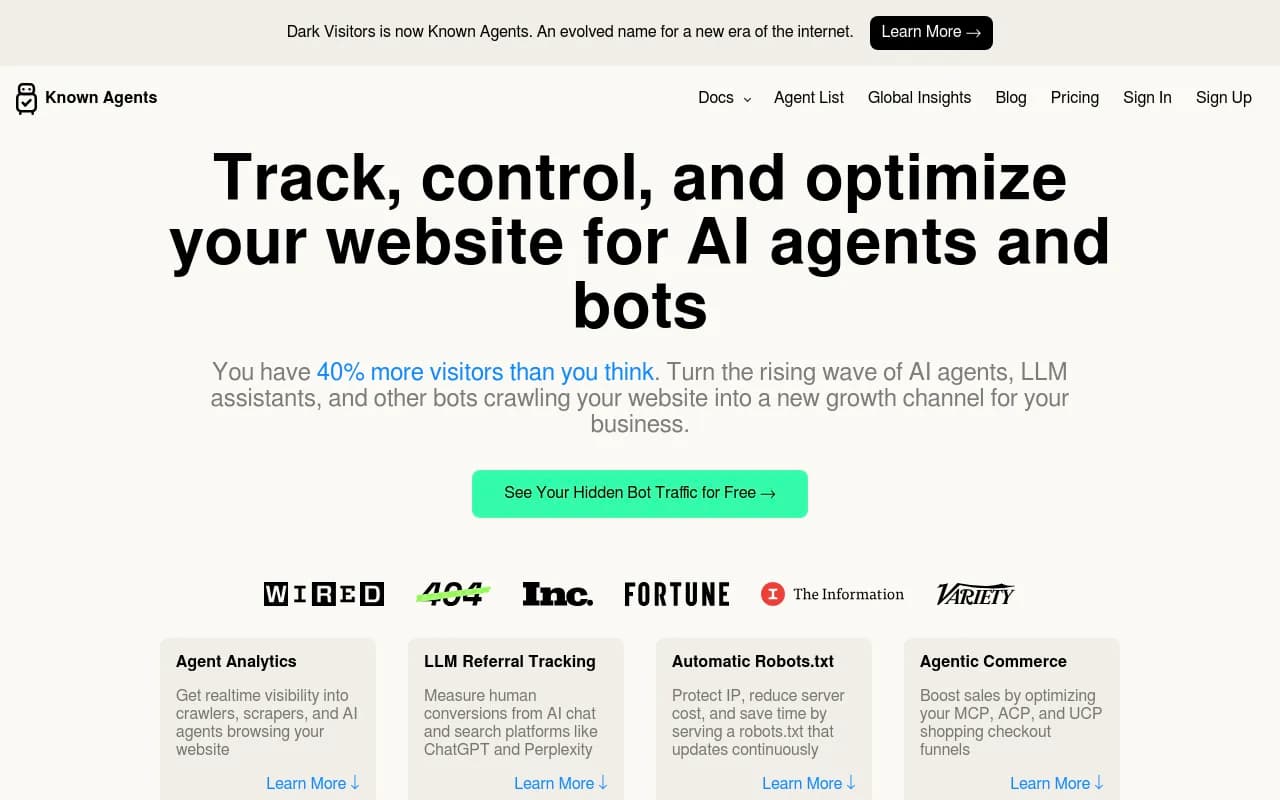
DarkVisitors is a narrower option focused on tracking AI agents, bots, and LLM referrals visiting a site.
Otterly.AI has also launched an Agent Analytics feature aimed at the same blind spot, with a help center guide for setup. I haven't compared its depth against the others.

If you'd rather crawl your own site than watch bots crawl it, a technical crawler shows what a bot would find.
For a broader list of options, the GEO software directory at bestgeosoftware.com is a good place to browse.
| Approach | Verified IPs | Shows citations | Cost | Best for |
|---|---|---|---|---|
| grep on raw logs | No (manual) | No | Free | A first baseline |
| Custom middleware | Only if you build it | No | Dev time | Teams with engineers |
| DarkVisitors | Check vendor docs | No | Check vendor | Bot tracking and robots.txt control |
| Promptwatch | Yes | Yes, per page | Paid plans | Closing the loop from crawl to citation to traffic |
Step 6: connect crawls to outcomes
Crawl counts alone can mislead. A bot reading a page doesn't mean the page gets cited. Three questions give you the full picture:
- Is the bot reaching the page? (Logs, status codes.)
- Is the page getting cited in AI answers? (Prompt and citation tracking.)
- Does anyone click through? (Visitor analytics.)
On the third point, be realistic. Semrush advises treating AI referral traffic as a secondary signal, because AI answers mostly shape whether a buyer hears about you before they ever land on your site. That influence often doesn't show up as a session. Referral data is also getting harder: ChatGPT stopped sending a referrer on October 8, 2026, so some visits now only show up if the link carries a utm_source=chatgpt.com tag. Don't build your whole measurement plan on referrals.
The ratio between crawls and citations tells you what to fix. Lots of crawls and no citations points at content, structure, or authority. No crawls points at access. Many errors points at your stack.
Step 7: act on what you find
A tracking setup that nobody acts on is a hobby. Here's a short list of fixes that logs commonly reveal.
- Unblock the bots you want. Check robots.txt and WAF rules for retrieval and fetcher bots, not only Googlebot.
- Decide on training crawlers deliberately. Blocking GPTBot won't remove you from ChatGPT search if OAI-SearchBot and ChatGPT-User can still reach you, but make sure that's the outcome you intend.
- Fix errors. Repeated 403s, 429s, and timeouts on key pages are the cheapest wins.
- Move key content into the initial HTML. If a page depends on client-side rendering, bots may see an empty shell.
- Add structured data such as Organization and Product markup so facts are easy to extract.
- Make pages stand alone. An agent may read one case study with no context, so each important page needs enough information to make sense by itself.
- Don't bother with markdown copies for AI search. Promptwatch Data found markdown files make up just 0.05% of AI search citations, so markdown mostly serves agents, not AI search.
The free Agentic readiness check and robots.txt generator for AI are quick ways to see where your site stands before you touch any configuration.
A two-month plan
Week 1: pull a week of logs, filter by user agent, count requests per bot and per path.
Week 2: add status codes. List every page returning errors to a bot. Fix the top five.
Weeks 3 and 4: add IP verification or move to a tool that does it. Re-run the benchmark comparison.
Month 2: tie crawl data to citation data and decide which pages to improve, which to unblock, and which to leave alone.
Start this week. The data gets more valuable the longer you collect it, and a single day of logs can't show you a trend.
Common mistakes
- Trusting GA4 to show bot traffic. It won't.
- Treating every AI user agent as one group and writing a blanket allow or block rule.
- Counting spoofed requests as real ones.
- Reading only origin logs when a CDN serves most of your traffic.
- Celebrating crawl volume without checking whether the pages get cited.
If logging, verification, and the follow-up content work sound like more than your team has time for, 1001 SEO Media runs technical SEO and GEO engagements that cover exactly this kind of setup.