Key takeaways
- Ads in AI answers are live on three surfaces in 2026: Google AI Overviews and AI Mode, ChatGPT, and Microsoft Copilot. Perplexity stopped selling ads in February 2026.
- Google gives you no separate AI Mode report. Your Search, Shopping, and Performance Max campaigns already serve there, so you isolate them with control campaigns and ask your rep for impression data.
- ChatGPT Ads need measurement set up before launch: the OpenAI Pixel, the Conversions API, and a unique UTM on every creative.
- Tracking your own ads is only half the job. You also need to see which competitors win the ad slot on your prompts, which means monitoring the AI interfaces themselves.
- Judge results on qualified leads from tagged URLs, not on platform-reported conversions.
Why AI ad tracking is its own problem
For twenty years a search ad sat beside the answer. In 2026 it moved inside it. Google now runs sponsored placements in AI Overviews and AI Mode, and OpenAI opened a self-serve Ads Manager for ChatGPT in May 2026.
The trouble is that the reporting didn't keep up. Google doesn't hand you a clean AI Mode line item. ChatGPT has no keywords, so the usual search-term report doesn't exist. And your competitors' ads are invisible unless you go looking.
So there are really two jobs here:
- Measure the ads you buy.
- Watch the ads other people buy on the prompts that matter to you.
This guide walks through both.
What you can actually track in 2026
Before building anything, know which surfaces exist. As of late 2026, per the Zozimus media plan breakdown:
| Surface | How you buy it | Where the ad sits | What you can see natively |
|---|---|---|---|
| Google AI Overviews and AI Mode | Existing Search, Shopping, Performance Max, and AI Max campaigns | Above, below, or within the AI answer, labeled Sponsored | Little. No dedicated AI Mode report |
| ChatGPT | OpenAI Ads Manager at ads.openai.com | Labeled sponsored card below the response | Impressions, clicks, and conversions via Pixel or API |
| Microsoft Copilot | Existing Microsoft Advertising campaigns, opted in by default | Generated from your search assets inside Copilot answers | Folded into normal campaign reports |
| Perplexity | Closed | None since February 2026 | Nothing to track |
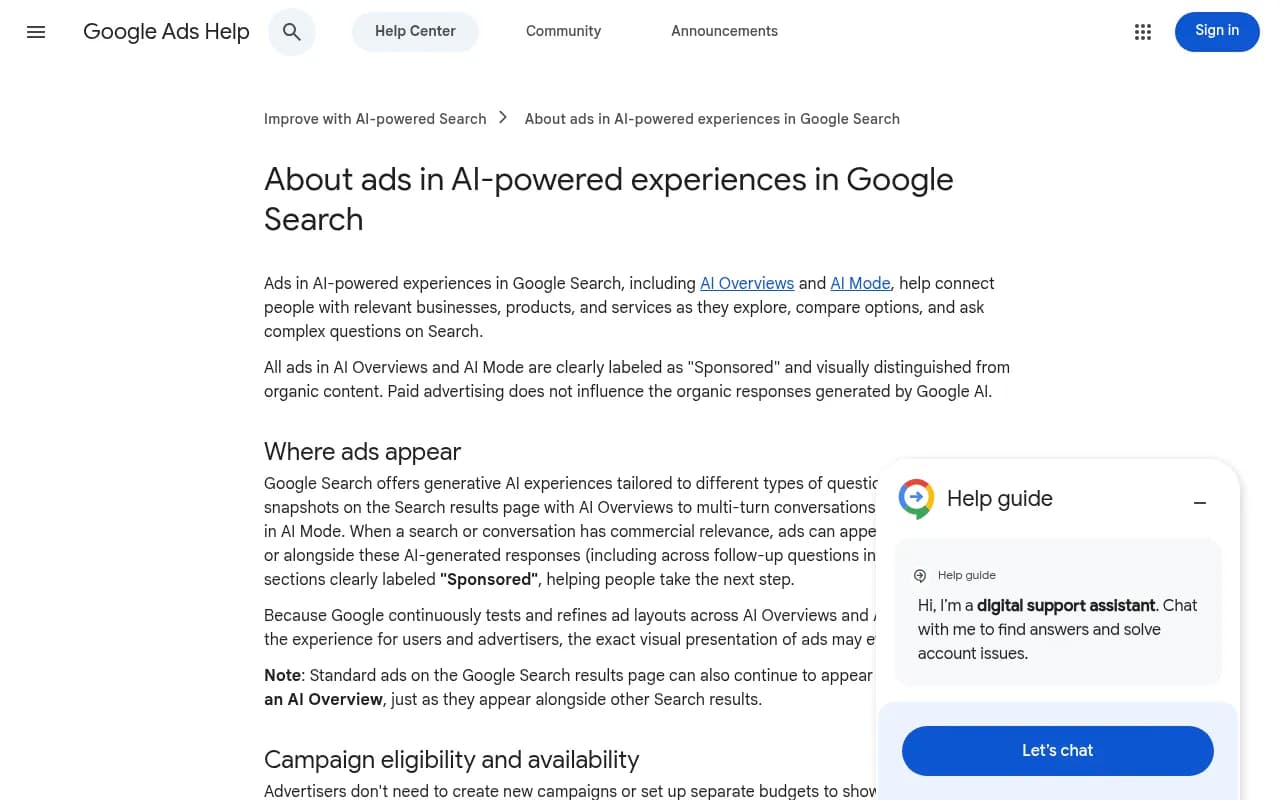
Google's own help page confirms the eligibility rules: existing Search, Shopping, and Performance Max campaigns participate automatically through the auction, with text and Shopping ads as the main formats. No new campaign, no separate budget. That's convenient, and it's also exactly why attribution is murky.
Step 1: Audit your robots.txt and landing pages first
This one is boring and people skip it. OpenAI requires that landing pages not block its OAI-AdsBot and OAI-SearchBot user agents. Google's Gemini-built formats also pull context from your site to write explainers. If a bot blocker or robots.txt rule is shutting these crawlers out, your ads can be ineligible or served with a thin explainer.
Check the following:
- robots.txt doesn't disallow OAI-AdsBot or OAI-SearchBot
- Your CDN or WAF isn't challenging AI user agents
- Destination pages load fast and match the ad closely
The free AI crawler URL inspector and the robots.txt generator for AI from Promptwatch make this a five-minute job. If you want ongoing proof of which AI bots actually hit your pages, IP-verified crawler logs do that, and Promptwatch's AI crawler logs cover it.
Step 2: Set up ChatGPT Ads measurement before you launch
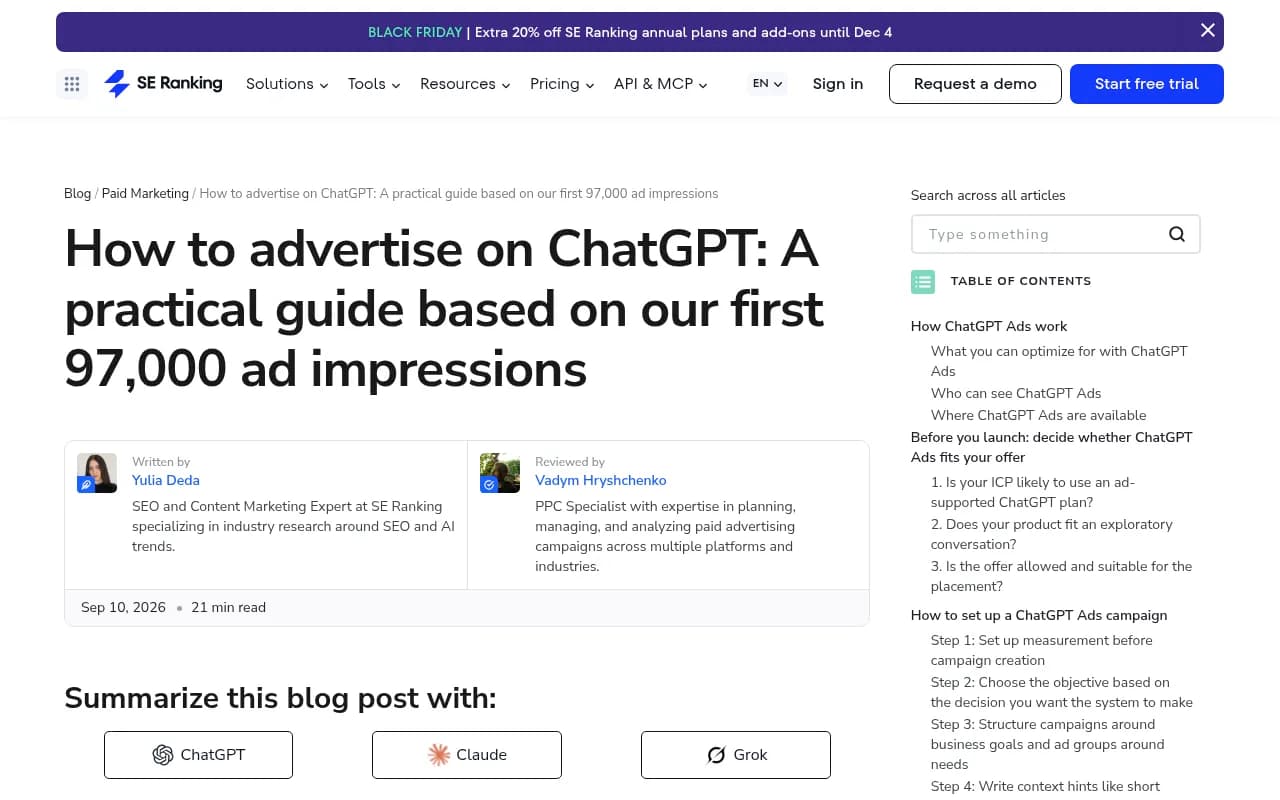
SE Ranking's ChatGPT Ads write-up is blunt about this: measurement is the first implementation task, not a post-launch fix. Their June 2026 test across the US, Canada, Australia, and New Zealand produced 97,131 impressions and 1,263 clicks (1.30% CTR) from three campaigns, eight ad groups, and 48 ads. Clicks looked fine. Sign-ups barely existed. They only knew that because they had measurement in place.
Create your account at OpenAI Ads Manager with a work email, brand logo, and billing profile, complete verification, and invite teammates. Then build three layers of measurement.
Layer 1: OpenAI conversion tracking
OpenAI offers a browser-based Measurement Pixel and a server-side Conversions API. OpenAI describes the API as the more reliable source where you can implement it. Use the Pixel for things the browser sees (a form submit) and the API for things your server records (a confirmed order).
If both send the same event, use the same Pixel ID, event name, and event ID so the platform counts it once. Skip this and you'll double count purchases.
Layer 2: Independent analytics
Add UTMs to every destination URL so ChatGPT Ads traffic shows up in GA4, Matomo, or whatever you run. Give each creative its own tag. A workable pattern:
utm_source=chatgpt-ads
utm_medium=paid-ai
utm_campaign=ai-visibility-q4
utm_content=adgroup3-creative12
Then reconcile OpenAI's click counts against your analytics weekly. At least one agency has published a meaningful gap between the two, and you want to know the size of yours.
One wrinkle: ChatGPT stopped sending a referrer on October 8, 2026. Organic ChatGPT visits now often show up as direct unless they carry utm_source=chatgpt.com. Keep paid UTMs distinct from that so a paid lift isn't confused with a free one.
Layer 3: CRM or revenue tracking
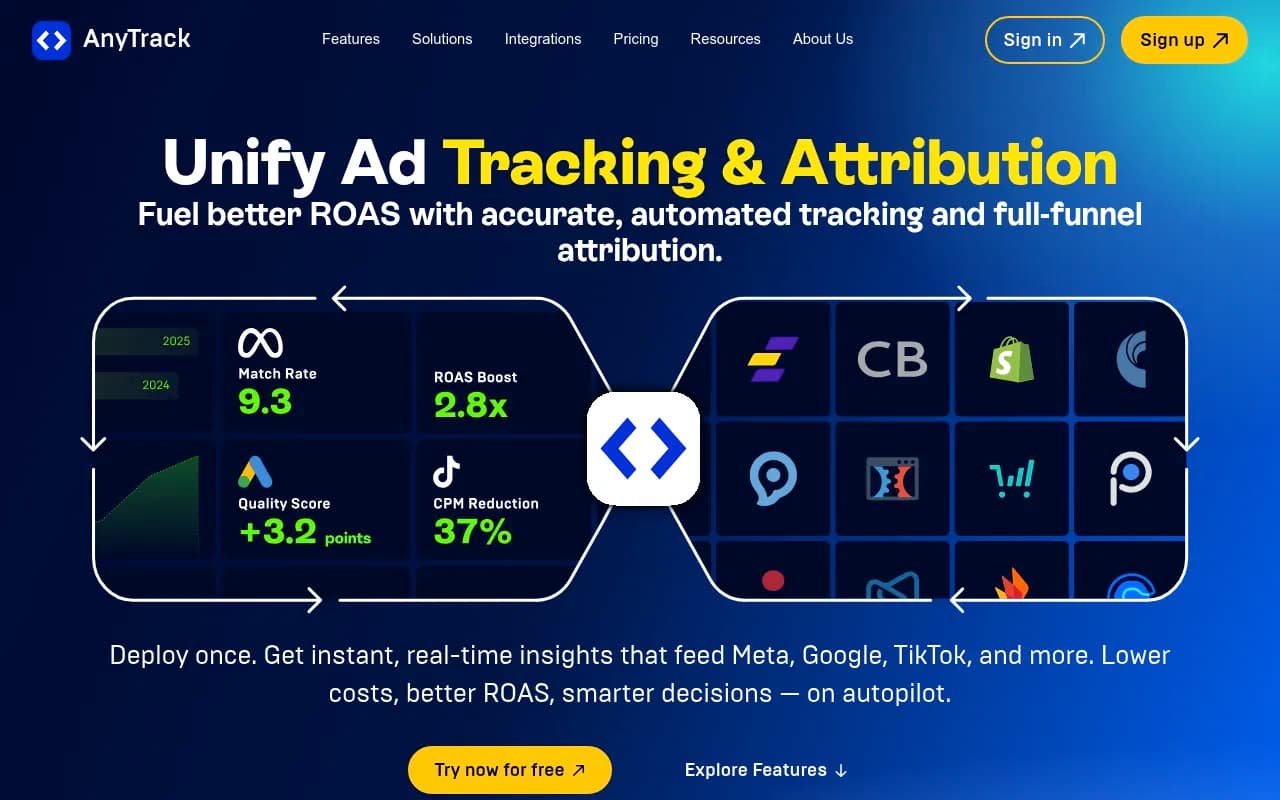
Store source, campaign, ad group, and creative identifiers with each lead. Qualified pipeline is the only metric that tells you whether the conversational intent was real. Attribution tools like Cometly, Northbeam, and Triple Whale are worth a look if you need multi-touch views, and server-side trackers like AnyTrack or RedTrack can feed conversions back to the platforms.
Step 3: Structure ChatGPT campaigns so the data is readable
ChatGPT matches ads to the context and intent of a conversation, not an exact query. That changes how you should organize things for tracking.
- Set campaigns around business goals (Reach, Clicks, or Conversions).
- Set ad groups around user needs, such as "how to track AI Overviews" versus "SEO data API".
- Point each group at the most specific useful landing page. OpenAI's own creative guidance says to link product, collection, or content pages that closely match the ad rather than a homepage.
Why does this matter for tracking? Because if you lump everything into one ad group you can't tell which need produced the lead. SE Ranking's ad groups mapped to separate landing pages, so they could compare quality group by group.
One setting worth knowing about: Ads Manager lets you turn Creative enhancement off if you want tight control over what your copy says. Custom audiences require at least 25,000 matched users for inclusion, so small lists won't work.
Step 4: Track Google AI Mode and AI Overviews ads
Here's where it gets frustrating. There's no AI Mode ads manager and no opt-in box. If you run Performance Max, Shopping, or Search with broad match (including AI Max for Search), you're probably already serving there.
Google matches ads either directly to the query, when commercial intent is obvious, or contextually to both the query and the AI response, when someone asks a longer exploratory question. That second case is what makes these placements hard to forecast.
Practical ways to get signal:
- Keep at least one exact-match control campaign on the same products and compare search term reports against your broad and AI Max campaigns.
- Ask your Google rep for AI Overview or AI Mode impression share. It may not be in the UI, but it often exists internally.
- Watch for new query patterns in search terms: longer, conversational strings are a hint that AI surfaces are driving impressions.
- Segment by campaign type. Isolate the ones that can serve in AI so you can see shifts when Google changes formats.
- Track your AI referrals as their own channel in analytics, including chatgpt.com, copilot.microsoft.com, and AI Mode, so paid effects aren't mistaken for organic citations.
Be honest with stakeholders: you will not get clean attribution from these placements in 2026. Plan around it. Fixed budget, a 60 to 90 day window, instrumentation from day one, and a success metric you can read.
Step 5: Watch the ads you don't buy
Native reporting tells you about your ads. It says nothing about who else is bidding on the prompts your buyers actually type. That's a competitive gap, and it's where an AI visibility platform earns its place.
Promptwatch Data's ChatGPT ads report is a useful baseline. Covering May 20 to August 17, 2026, it found that ChatGPT served no ads until May 27, when they appeared in 1.69% of qualifying responses. The rate jumped past 30% on July 1, peaked at 43.9% on a single day, and averaged 20.1% across the 90 days. Over the past 30 days it averaged 29.6%, and the past 7 days averaged 32.4%. Those numbers only count responses where ChatGPT searched the web, returned at least one citation, and completed ad extraction.
The prompt mix of ad-bearing responses over the latest week was roughly 73.3% organic, 18.0% brand-specific, and 8.6% competitor comparison. Promptwatch itself warns that this reflects prompt volume, not how likely each type is to trigger an ad, so don't read it as a conversion rate by intent.
Two habits from that report are worth copying:
- Check ad visibility across several days before concluding anything. A single run can land on an outlier day.
- Track which advertisers and landing pages appear on your prompts. The rate shows how often a slot appears. The ad details show who wins it.
Promptwatch is an end-to-end AI visibility platform, and its Ads Radar shows sponsored placements in AI search: which advertisers bid on your prompts, their ad copy and claims, and the landing pages they send people to, viewed by ad or by prompt. It's included on Business, every agency plan, and Enterprise. See ChatGPT ads tracking at Promptwatch for the detail.

I'd note one gap honestly: the Promptwatch research I reviewed has no dedicated report on Google AI Mode ads, so treat Google-side competitor monitoring as something to verify in a trial rather than assume.
Setting up a monitor for ad tracking
A rough process that works for any prompt-based tool:
- Pick 30 to 50 prompts that represent real buyer questions: category queries, comparison queries, and a few brand-specific ones.
- Mix prompt types. Organic prompts will dominate ad exposure, but competitor comparison prompts tell you who's going after your name.
- Run them daily, in the country and language you sell in. Location matters since ads are rolling out market by market.
- Log advertiser, ad copy, claim, and landing page for each response that carries an ad.
- Review weekly. Look for new advertisers, copy changes, and landing pages that repeat.
- Compare against your own paid and organic visibility, so you know if ad pressure is crowding you out.
Step 6: Choose the right tool for the job
Not every AI visibility tool tracks ads. Many are prompt trackers that report mentions and citations and stop there. Here's how I'd sort the options you'd actually weigh.
| Need | Tool type | Examples from the catalog |
|---|---|---|
| Competitor ads in ChatGPT, plus visibility, crawler logs, and content actions | End-to-end AI visibility platform | Promptwatch |
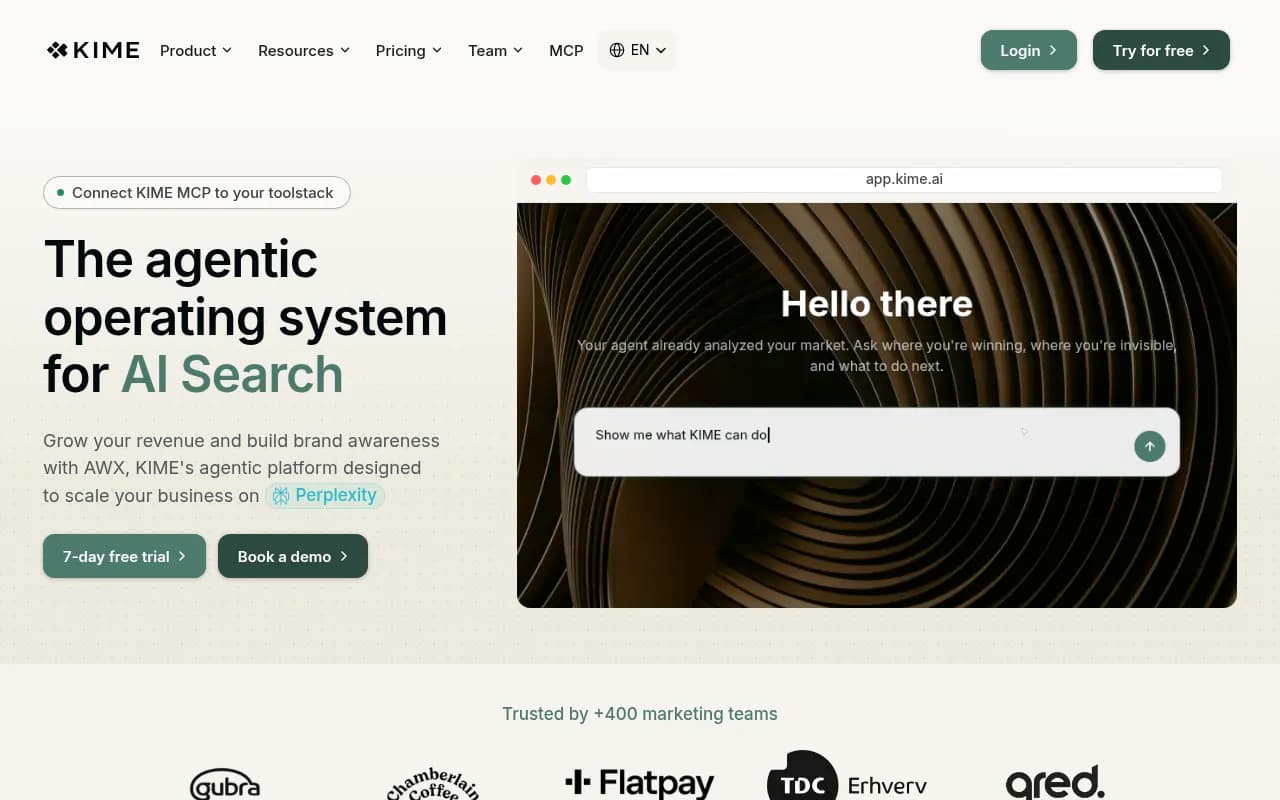
| Ad insights alongside multi-engine tracking | Multi-engine tracker | KIME |
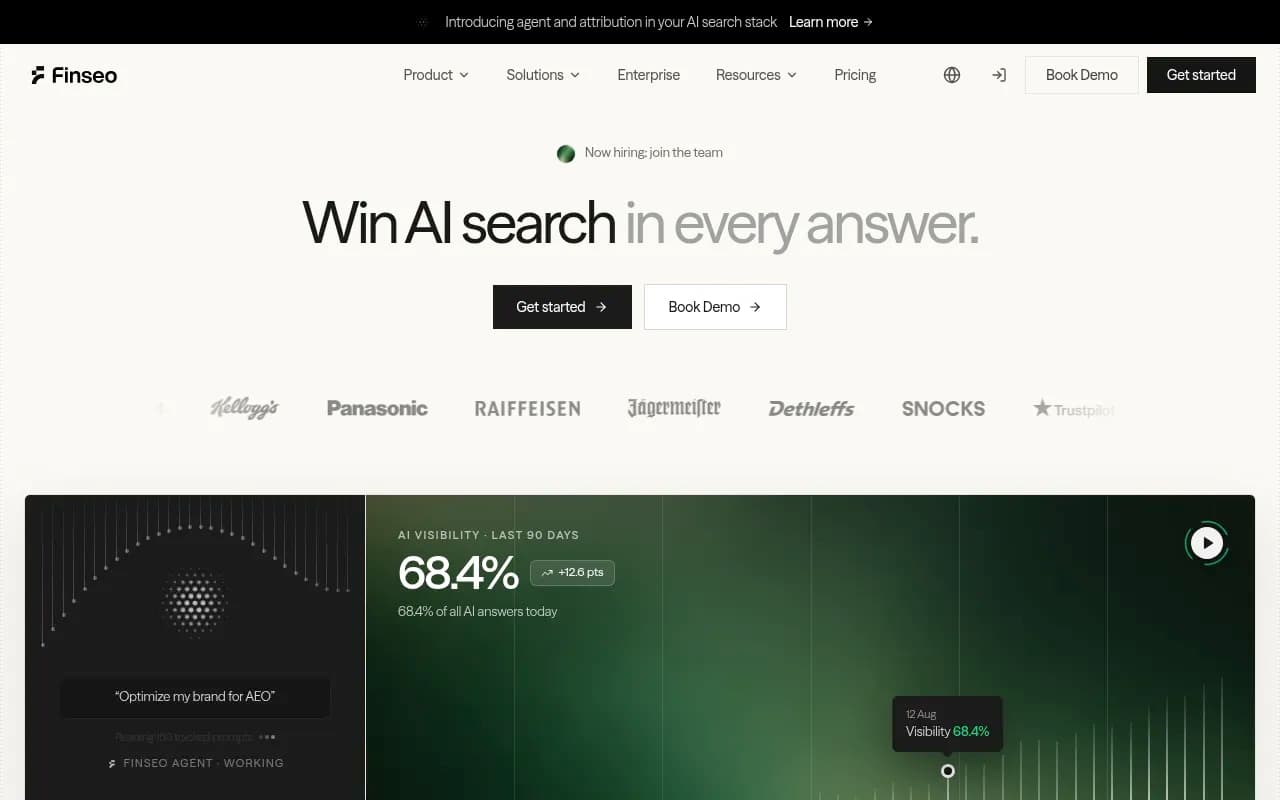
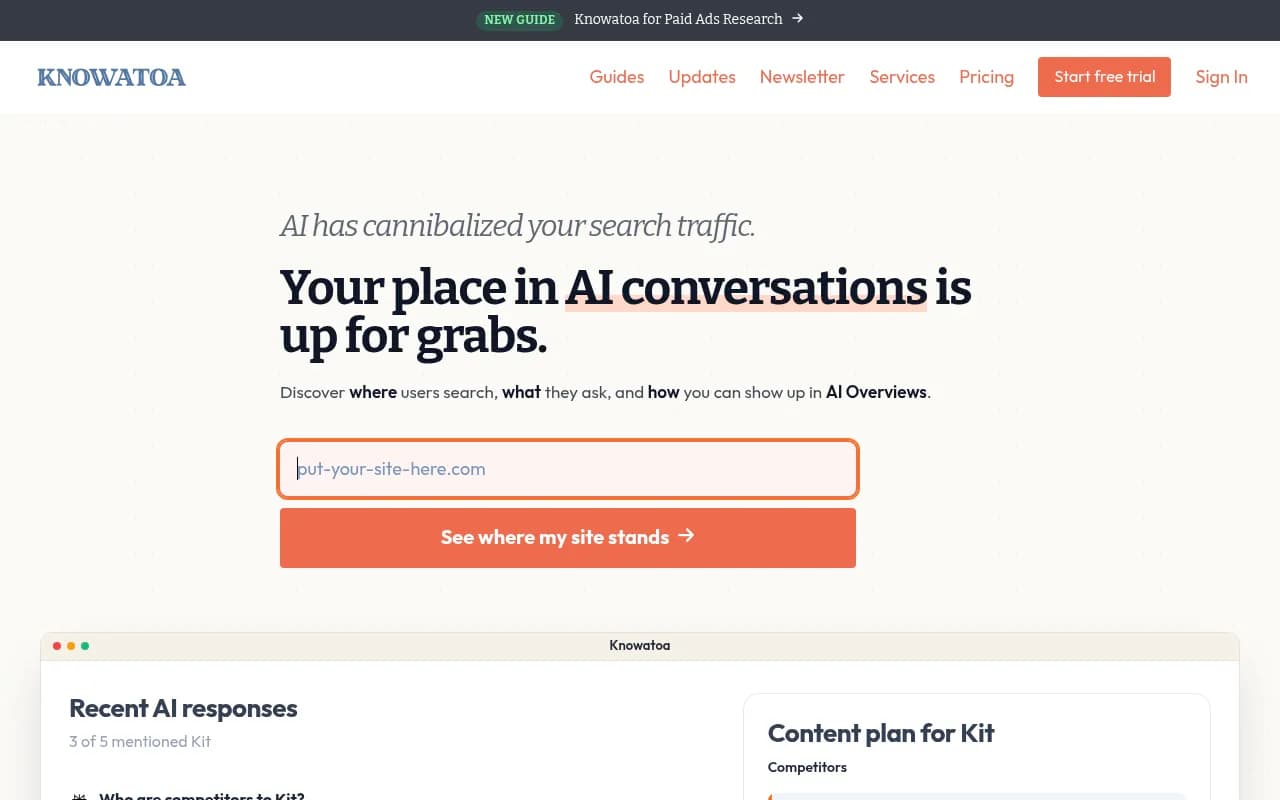
| Google AI Overviews and AI Mode monitoring | AI Mode tracker | Finseo, Knowatoa, Keyword.com |
| Enterprise monitoring | Visibility suites | Profound, Scrunch |
| Lightweight mention tracking | Basic prompt trackers | Otterly.AI, Peec AI |
| Paid attribution | Marketing attribution | Cometly, Northbeam |


If you're comparing platforms more broadly, the GEO software directory at bestgeosoftware.com is a decent place to browse the field. Check pricing at the source: Promptwatch's Business plan, the first with Ads Radar, is $579/mo, and details live at promptwatch.com/pricing.
Step 7: Write and test for the answer, not the results page
Tracking tells you what happened. Creative decides what happens next. Some principles that held up across the sources:
- Write copy that reads well inside a conversational answer. Highlighted Answers, one of Google's new formats, places your ad inside an AI-written list.
- Feed data matters on Google. Shopping and Performance Max pull from your feed, so clean titles and attributes drive what the AI sees.
- Give each ChatGPT creative its own UTM so you learn which angle worked.
- Keep regulated claims in check. Before any spend, get compliance sign-off on the specific formats, confirm whether required disclaimers fit in the ad unit, and document what the AI-generated explainer can and can't say next to your name.
Also remember the separation: one system writes the answer and a separate one picks the ad. Google states paid advertising does not influence organic AI responses. So an ad win doesn't buy you a citation, and a citation doesn't buy you the ad. Track both separately.
Step 8: Build a weekly reporting rhythm
A simple cadence keeps this from becoming a dashboard nobody opens:
| Cadence | What to check |
|---|---|
| Daily | Spend and pacing in Ads Manager and Google Ads |
| Weekly | OpenAI clicks vs analytics sessions, new competitor advertisers on tracked prompts, search term shifts on Google |
| Monthly | Qualified leads by creative, cost per qualified lead, crawler access errors |
| Every 60 to 90 days | Decide whether to scale, change creative, or stop |
SE Ranking stopped its test before spending the full planned budget because traffic didn't turn into sign-ups. That's a perfectly reasonable outcome when your instrumentation lets you see it early. Setting a stop rule in advance is how you avoid the sunk-cost spiral.
Common mistakes
- Launching first and measuring later. You can't reconstruct missing event data.
- Treating CTR as success. A 1.30% CTR with near-zero sign-ups is a failed test.
- Forgetting deduplication when Pixel and Conversions API both fire.
- Blocking the bots that make your ads eligible.
- Mixing paid and organic AI referrals in one bucket.
- Assuming one day of competitor data represents the trend.
Quick setup checklist
- Confirm OAI-AdsBot and OAI-SearchBot access.
- Create the OpenAI Ads Manager account and complete verification.
- Install the Pixel and/or Conversions API with consistent event IDs.
- Add unique UTMs to every creative.
- Store campaign and creative IDs in your CRM.
- Set up an exact-match control campaign on Google.
- Request AI impression data from your Google rep.
- Create a prompt monitor for competitor ad tracking.
- Fix a budget, a 60 to 90 day window, and a stop rule.
- Review weekly and report on qualified leads.
AI ads are still thin on reporting, and that's not going to be fixed by waiting. Instrument early, keep controls, and watch the competitive side as closely as your own spend.