Key takeaways
- A first AI visibility monitor needs only four things: your brand, 3-5 competitors, 20-30 realistic prompts, and the AI engines you care about.
- Track ChatGPT, Google AI Overviews and Perplexity as separate channels. They cite different numbers of sources, so visibility on one doesn't predict the others.
- Write prompts the way buyers ask, then add a few short, query-style phrasings, because ChatGPT's fan-out searches are now short.
- Read your first week of data as a baseline. AI answers vary from run to run, so trends matter more than any single result.
- The monitor is only useful if it ends in a to-do list: content to write, sources to earn, technical fixes to ship.
What you are actually setting up
An AI visibility monitor is a saved list of questions (prompts) that gets run against AI engines on a schedule. Each run records whether your brand was mentioned, where, what the sentiment was, and which sources the engine cited. Over days and weeks, that becomes a trend line.
That's it. No magic. The whole thing is a repeated experiment, and the reason you need a tool is that AI answers aren't stable. Ask ChatGPT "best CRM for startups" twice, a few minutes apart, and you can get different brands in different order. Omnia's guide to monitoring AI search visibility shows exactly this with screenshots: the same prompt, a different chat, and the top pick isn't even in the top two.

So forget screenshots and gut feelings. You want many runs, aggregated.
Before you start: the 3 minutes of prep
Open a blank doc and write down four things. This is the part people skip, and it's the part that decides whether your data is useful.
1. Your brand and its aliases
Write the brand name, common misspellings, product names and your domain. Good tools let you set aliases so "Acme", "Acme.io" and "Acme CRM" all count as one mention.
2. Three to five competitors
Pick the companies a buyer would actually compare you with. Not the biggest names in your category. The ones that show up next to you in sales calls.
3. Twenty to thirty prompts
Semrush's walkthrough for its AI Visibility Toolkit suggests writing around 30 prompts the way your buyers actually ask. I haven't seen strong evidence that 30 is a magic number, but it's a sensible starting size: enough to see patterns, small enough that you'll read the results.
Split them into three buckets:
- Category prompts, such as "best project management software for agencies"
- Comparison prompts, such as "Asana vs Monday for creative teams"
- Problem prompts, such as "how do I stop missing client deadlines"
Avoid brand-name prompts at first. "What is Acme?" tells you what the model knows. It doesn't tell you whether a stranger will ever hear about you.
4. Countries and languages
If you sell in more than one market, note them now. AI answers differ by region, and Google AI Overviews are region-specific.
Why the prompt wording matters more than you think
Promptwatch Data on ChatGPT query fanouts shows that one user prompt can trigger several separate web searches behind the scenes. Average fan-outs per response were 2.15 in early December 2025 and about 1.84 by early March 2026, and average query length fell from about 117 characters to the high 80s, then to roughly 53 characters from April.
What that means for you: the engine searches with short, query-style strings, not your buyer's full sentence. So mix both styles into your prompt set. Keep the conversational ones ("what's a good CRM for a five-person agency?") and add short ones ("best CRM for small agencies 2026"). Your content has to match what the engine searches for, and your monitor should test for both.
Step 1: Pick a tool (minutes 3 to 5)
There are well over a hundred AI visibility tools now. For a first monitor, you want three things: real-UI tracking of the engines you care about, a quick setup, and a path from data to action. Here's how the common options sit.
| Tool | Good for | Watch out for |
|---|---|---|
| Promptwatch | Monitoring plus action: crawler logs, content gap analysis, content agent, traffic attribution | More depth than a pure beginner may need on day one |
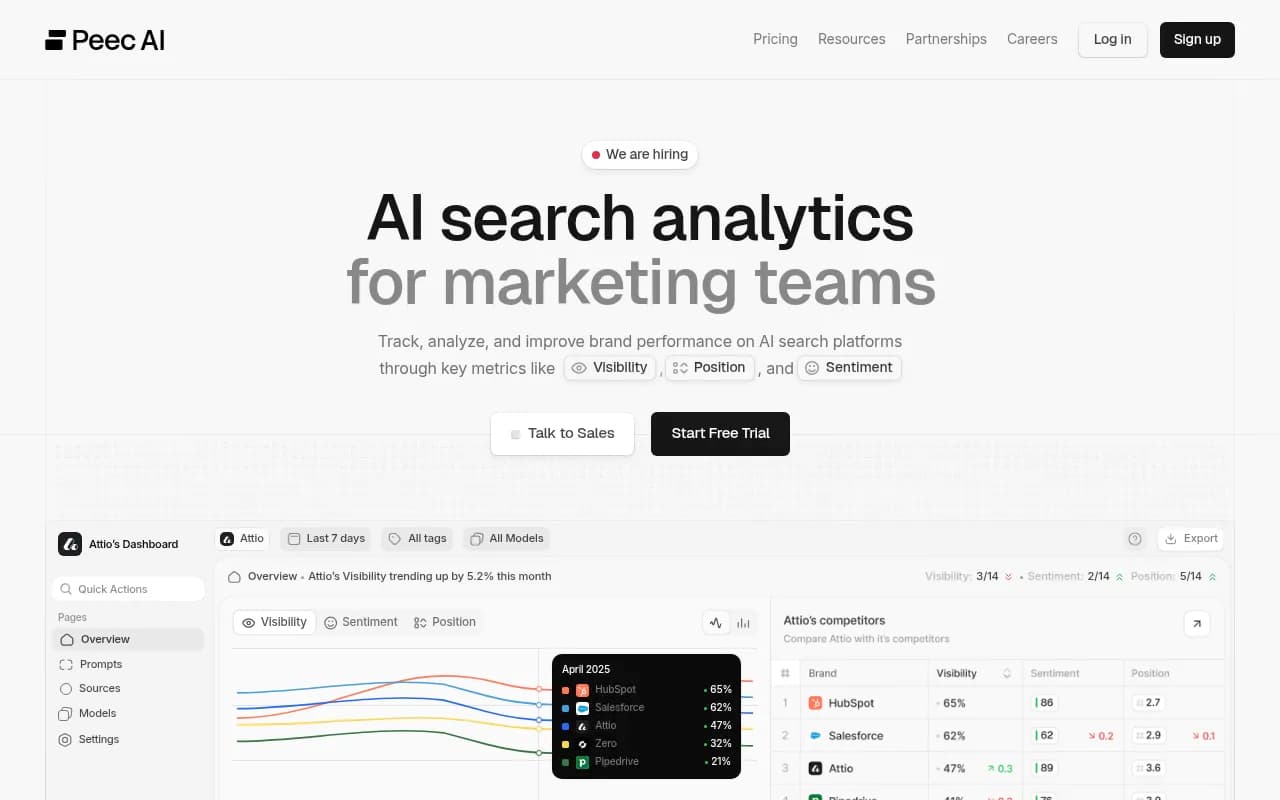
| Peec AI | Small teams who want a simple interface and fast setup | Mostly monitoring |
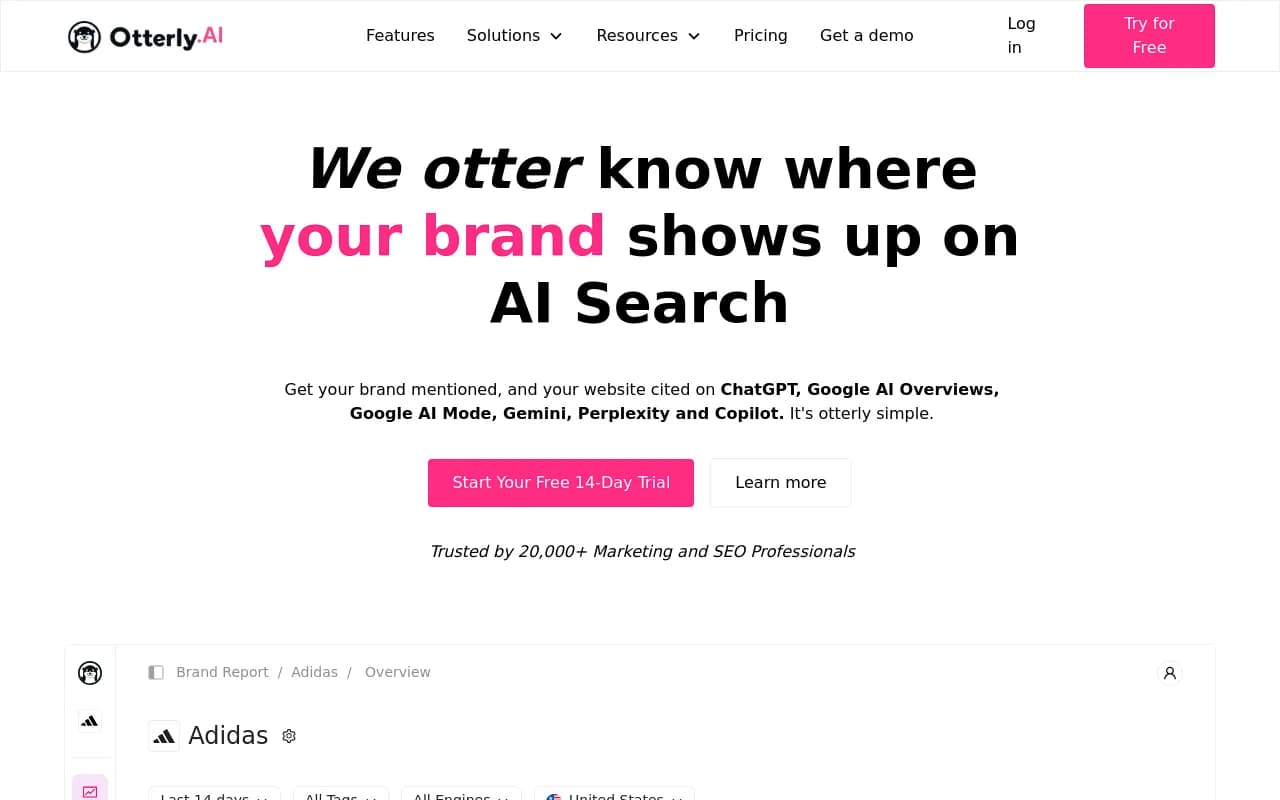
| Otterly.AI | Affordable, basic prompt tracking | Fewer optimization features |
| Semrush AI Visibility Toolkit | Teams already living inside Semrush | Fixed prompt sets and shallower AI-specific data |
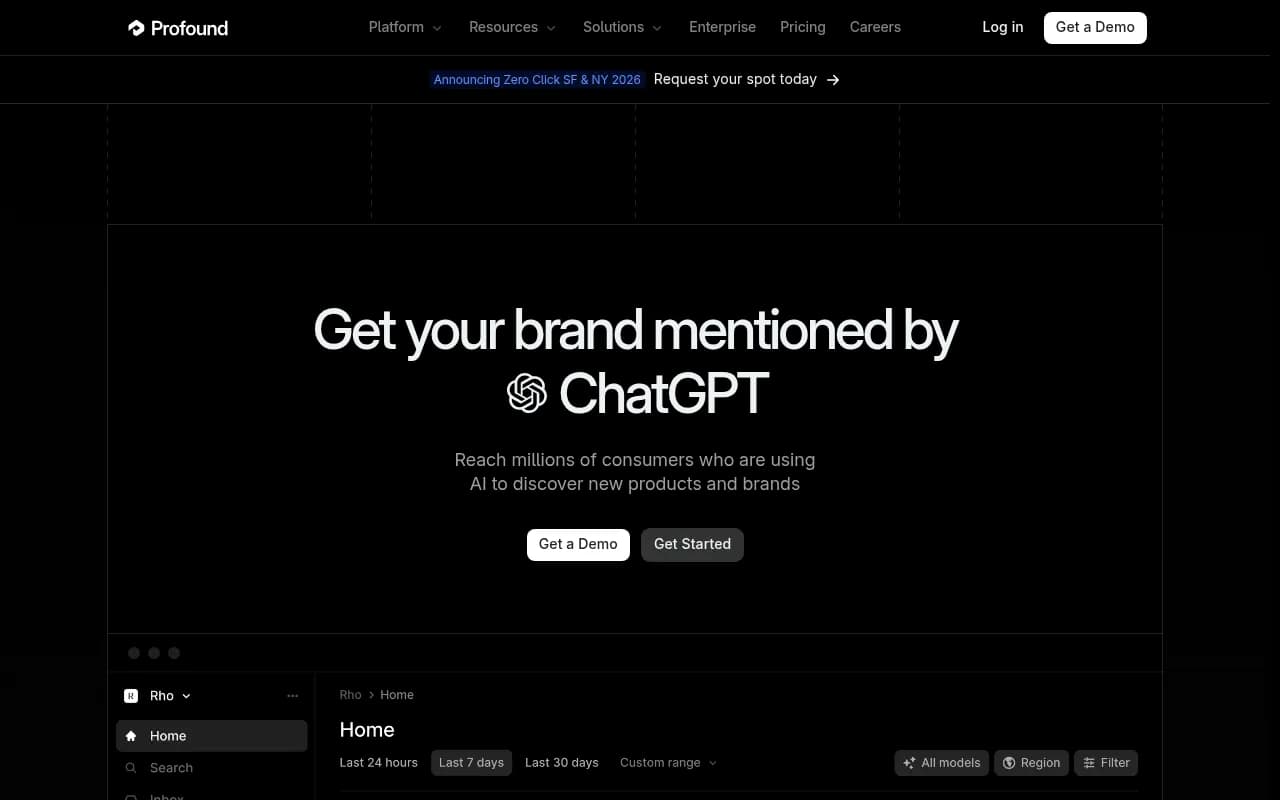
| Profound | Enterprise governance and compliance needs | Higher price point |
| Hall AI | Straightforward monitoring with a free visibility report | Lighter on content workflows |
I'd treat this as a shortlist, not a verdict. Check each vendor's pricing page before you commit, since plans change often.
My own bias: pick a tool that does more than draw charts. Monitoring that never produces a decision is just a dashboard hobby. Promptwatch tracks the real interfaces of ChatGPT, Google AI Overviews, Perplexity, Gemini, Copilot and others, then turns gaps into an action list and can draft content for them. It also has a free Explore plan (10 prompts, ChatGPT only) that is enough to learn the workflow.

If you want a lighter, monitoring-first start, these are the usual picks:
Browsing more options? The GEO software directory at bestgeosoftware.com and the AI rank tracker listings at ai-rank-tools.com are good places to compare.
Step 2: Create the project and add your brand (minutes 5 to 7)
Every tool words this slightly differently, but the flow is the same:
- Create a project or workspace.
- Enter your brand name, domain and aliases.
- Add your competitors. Many tools auto-discover them from the first responses, which is handy as a sanity check against your own list.
- Set the country and language for each market you serve.
Two small settings are worth getting right now. First, define what counts as a mention. Do product names count? Does a mention in a list of ten brands count the same as a recommendation as the top pick? Second, if the tool has a brand book or analysis instructions, fill it in. It stops the tool from misreading your brand name when it's also a common word.
Step 3: Add your prompts (minutes 7 to 10)
Paste in your 20-30 prompts, grouped into a monitor or topic. If the tool offers prompt suggestions, use them to fill gaps, but don't let it replace buyer language with keyword-list language.
A few practical rules:
- One intent per prompt. "Best CRM and also how do I migrate" muddies the data.
- Include at least five short, query-style prompts around 50 characters.
- Add one or two prompts per competitor comparison you actually lose.
- If you have a local or multi-location business, set the location so the engines answer as if asked from there.
Some tools show prompt volume and difficulty. That's useful for choosing which prompts to keep, but for your first monitor don't overthink it. You'll prune after week two.
Step 4: Choose your engines (minutes 10 to 12)
This is where beginners often tick every box and then can't read the results. Start with three: ChatGPT, Google AI Overviews and Perplexity. Add Gemini or Copilot later.
Promptwatch's sources-per-response data explains why you treat them separately:
| Engine | Typical sources cited per answer | Notes |
|---|---|---|
| ChatGPT | About 5 | Counts responses where web search triggered |
| Google AI Overviews | About 10 | Steady over time |
| Perplexity | About 10 | Very stable, a good "test bench" |
| Copilot | Swings from under 2 to nearly 17 | Judge on monthly trends, not weekly |
Two takeaways. Because ChatGPT has so few citation slots, a small change in your citations there matters more. And because Perplexity's count barely moves, a change in your results there is more likely to come from your content than from engine noise.
Citation sources differ by engine too. In Promptwatch's social media citations report for Sep 28 to Oct 4, 2026, social platforms were 0.46% of ChatGPT's citations but 12.2% of Google AI Overviews citations. So a Reddit or YouTube strategy might matter for one engine and barely register in another. If you want to see the pattern in a wider context, the Reddit citation drop in ChatGPT is a good example of how fast the mix can change.
Step 5: Run it and set the schedule (minutes 12 to 15)
Hit run. Most tools run monitors daily and some let you set a frequency. Daily is a good default for a small prompt set, because single runs are noisy and you want enough repetitions to see a signal.
Before you close the tab, set up two small things:
- A weekly email or Slack digest, so the data comes to you.
- A note in your calendar to review in seven days. Not tomorrow.
That's your 15 minutes. The monitor is live.
How to read your first week of results
Resist the urge to react on day one. A first-day screenshot is exactly the "screenshots and vibes" approach you were trying to leave behind. After a week, look at these metrics together.
| Metric | What it tells you | If it's low |
|---|---|---|
| Visibility or mention rate | Do you show up at all? | Coverage problem: you lack relevant content or third-party mentions |
| Share of voice | Your share against competitors | Competitors are named more often for the same prompts |
| Position in answer | Are you first or buried? | Prominence problem |
| Citations | Which pages the engine links | Mentions without citations often point to content or crawlability issues |
| Sentiment | How the engine describes you | Reputation problem |
Then ask three questions:
- Which prompts do we never appear in, and who does?
- Which sources get cited for those prompts?
- Is any engine drastically better or worse for us than the others?
The cited sources are the most actionable part. If an engine keeps citing a particular comparison article, a review site or a documentation page for your category, you know where the answer is being built. Promptwatch Data on which content types ChatGPT cites most found product pages leading at 22.4% of citations (Sep 28 to Oct 4, 2026), followed by landing pages and listicles, which gives you a hint about what to build first.
Turn the monitor into a to-do list
Here's where most beginner setups stall. They produce a chart, someone nods, and nothing ships. Build a short backlog from the data instead:
- Content gaps: prompts where competitors appear and you have no relevant page.
- Source gaps: third-party pages the engines cite that don't mention you.
- Technical issues: pages that AI crawlers can't read or that error out.
- Refresh candidates: pages that were cited and then dropped out.
On that last point, content decays at different speeds. Promptwatch's content half-life data found that landing pages and docs stayed cited longest among pages ChatGPT cited on July 6, 2026, while news lost half its pages within 36 days. Plan refreshes accordingly.
Platforms that bundle action with monitoring save time here. Promptwatch has an Action Board that proposes prioritized work and a Content Agent that can plan and publish to Webflow, Framer or WordPress. If your tool only monitors, you can still do this by hand in a spreadsheet or Airtable. It's slower, but it works.
Don't forget traffic and crawlers
Mentions are a leading indicator. What you ultimately care about is visits and conversions from AI engines. A short checklist for infrastructure:
- Install analytics that can separate AI referrals from other traffic.
- Check your robots.txt so you aren't blocking AI crawlers by accident.
- If you can, look at server or CDN logs for crawler hits. Seeing which pages the bots read, and which they fail on, answers a lot of "why aren't we cited?" questions.
Measurement guides from Supermetrics cover pulling Google Search Console and GA4 data alongside AI metrics, which is a reasonable way to start if you don't have attribution set up yet.
Common beginner mistakes
- Tracking only your brand name. You'll learn what the model knows, not whether buyers discover you.
- Using keyword lists instead of buyer questions. The engines respond to natural questions.
- Treating one run as truth. Variance is built in.
- Lumping engines together. Their citation habits differ a lot.
- Judging Copilot weekly. Its numbers are noisy, so look at monthly trends.
- Adding 500 prompts on day one. You'll never review them. Start small, then prune and expand.
A simple 30-day plan after setup
| Week | What to do |
|---|---|
| 1 | Let data accumulate. Don't change anything. |
| 2 | Review gaps, prune weak prompts, add 10 prompts from sales calls and support tickets. |
| 3 | Ship 2-3 pieces of content or fixes for the biggest gaps. |
| 4 | Compare against week 1. Check whether new pages are crawled and cited. |
If you'd rather hand this loop to specialists, an agency that does technical SEO, content and GEO together can run it for you. 1001 SEO Media works this way and uses Promptwatch for AI visibility tracking, but you can run the first month yourself with the steps above.
Quick checklist
- Brand, aliases and domain listed
- 3-5 competitors chosen
- 20-30 prompts, mixing conversational and short query-style
- ChatGPT, AI Overviews and Perplexity selected
- Country and language set
- Weekly digest on
- Review date booked for day 7
Set it up today, leave it alone for a week, and then read it. The first reading will probably be humbling. That's the baseline, and every later number is measured against it.