Key Takeaways
- An MCP server lets Claude read and sometimes write your AI visibility data, so you can ask questions in plain English instead of exporting CSVs.
- There are two routes: a free self-hosted server such as mcp-geo, or a hosted server from a visibility platform that you connect with one URL and OAuth.
- Local tracking is only as good as your prompts and location settings. Write short, keyword-like prompts with a city or neighborhood, and track several sub-intents.
- Results from API-based trackers can differ from what real users see in the ChatGPT or Google interfaces, so treat any scan as a sample, not a ranking.
- Start small: 10 to 20 prompts, one market, one week of data, then expand.
What you are actually building
Local GEO tracking answers one question: when someone in a specific place asks an AI engine for a "plumber near me" or "best dentist in Leeds", does your business show up, and which sources does the AI cite?
MCP (Model Context Protocol) is the plumbing. Claude asks the server what it can do, gets back a list of actions (run a prompt, pull a report, list citations), and then picks the right one when you ask a question. You never write the query. The server translates.
The setup has three pieces:
- A data source, meaning the tracker that runs your prompts against AI engines.
- An MCP server that exposes that tracker to Claude.
- A Claude client: Claude.ai connectors, Claude Desktop, or Claude Code.
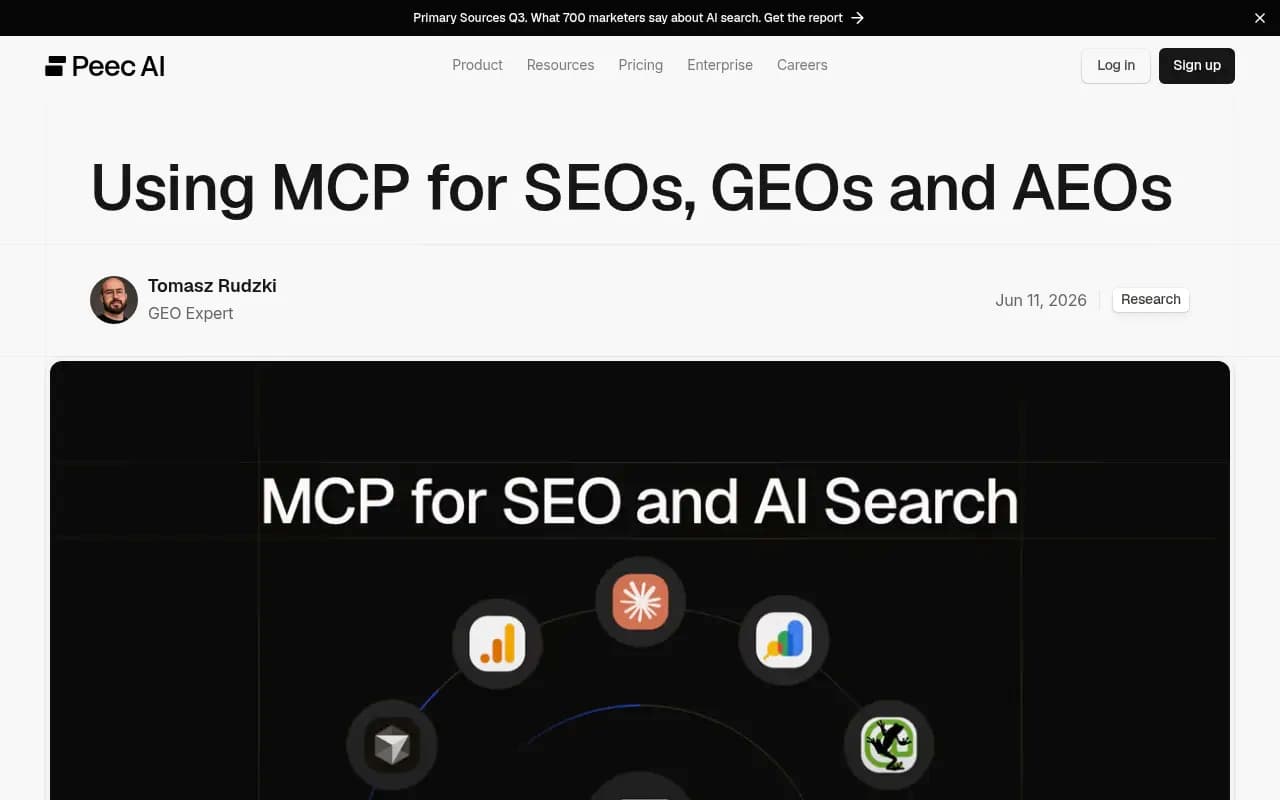
The client matters more than people expect. Hosted servers that speak remote HTTP work in the Claude connector menu and in Claude Code. Local servers running on your own machine generally need Claude Desktop or Claude Code, because a web app cannot reach programs on your computer. Peec AI's guide to using MCP for SEOs and GEOs makes the same distinction.
Choose your route: self-hosted or hosted
I would pick based on how much you want to maintain, not on features. Both routes get you into a Claude conversation with your data.
| Route | Example | Setup effort | Cost | Best for |
|---|---|---|---|---|
| Self-hosted, local | mcp-geo (GEO Tracker by DigestSEO) | Moderate, needs Node 18+ and your own engine API keys | Free and MIT-licensed, plus provider API costs | Tinkerers, agencies testing a method |
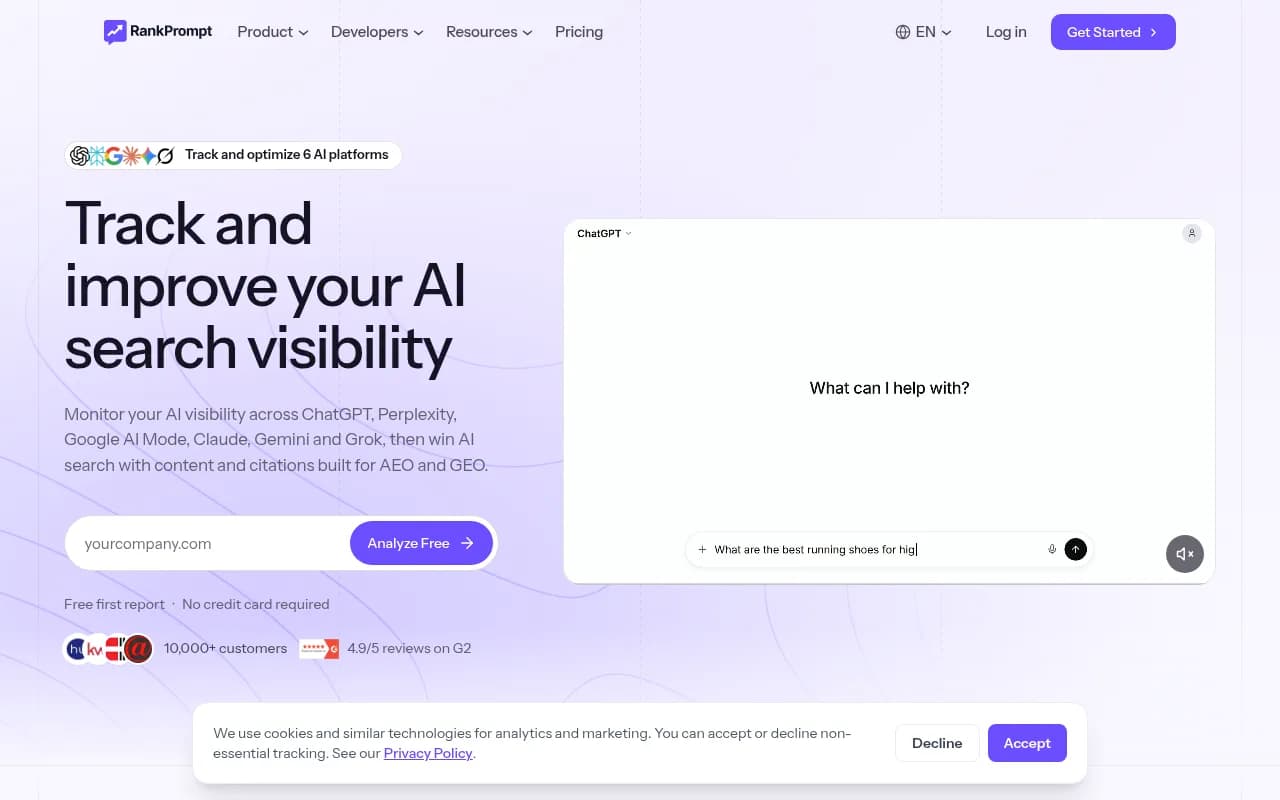
| Hosted, OAuth | Rank Prompt, SEOcrawl, Mentionable | Low, one URL or one command | Paid plan on the vendor | Teams that want a managed pipeline |
| Hosted, platform-grade | Promptwatch, Peec AI, Ahrefs Brand Radar | Low | Platform subscription | Ongoing local programs with reporting |
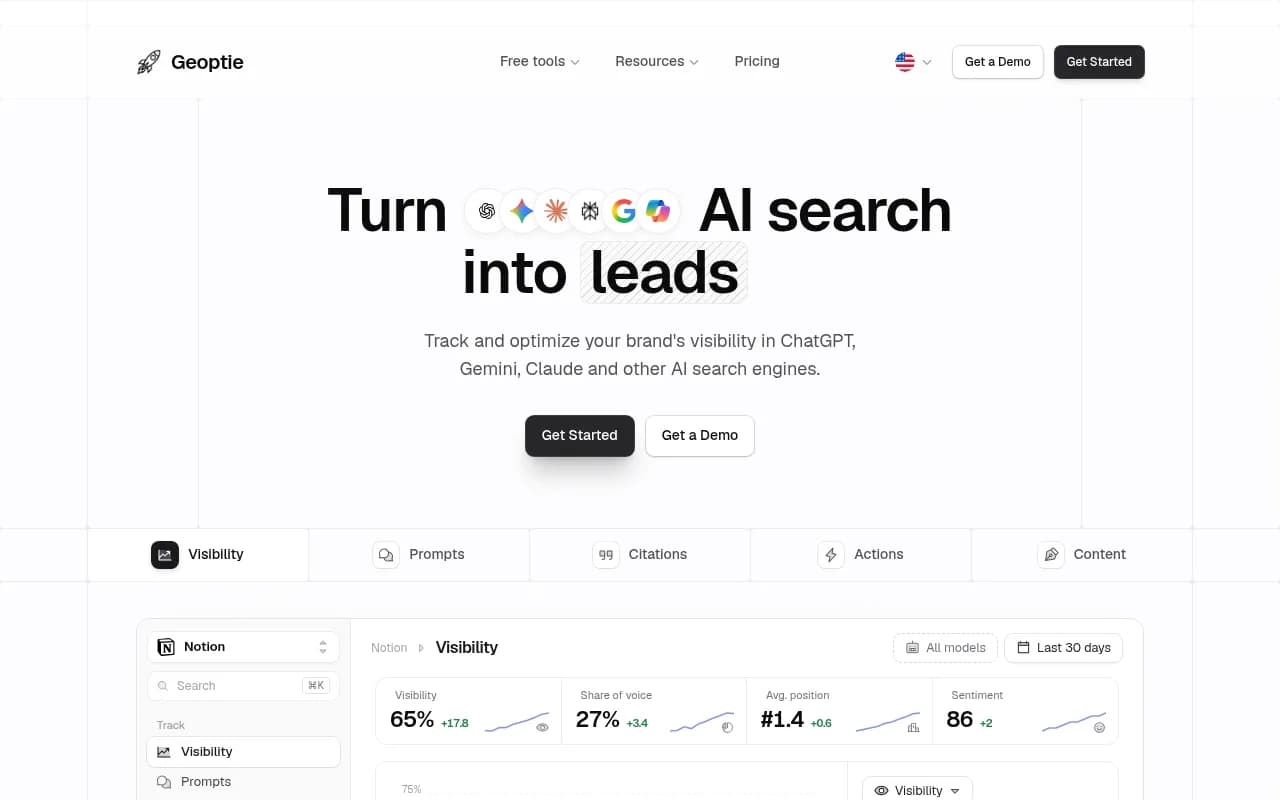
A note on the hosted list: the research behind this guide covered vendor setup pages, not pricing, so check each vendor's site before committing. The one number I can vouch for is Geoptie's Professional plan, which includes its API and MCP server from $99 a month.
Route 1: self-host mcp-geo
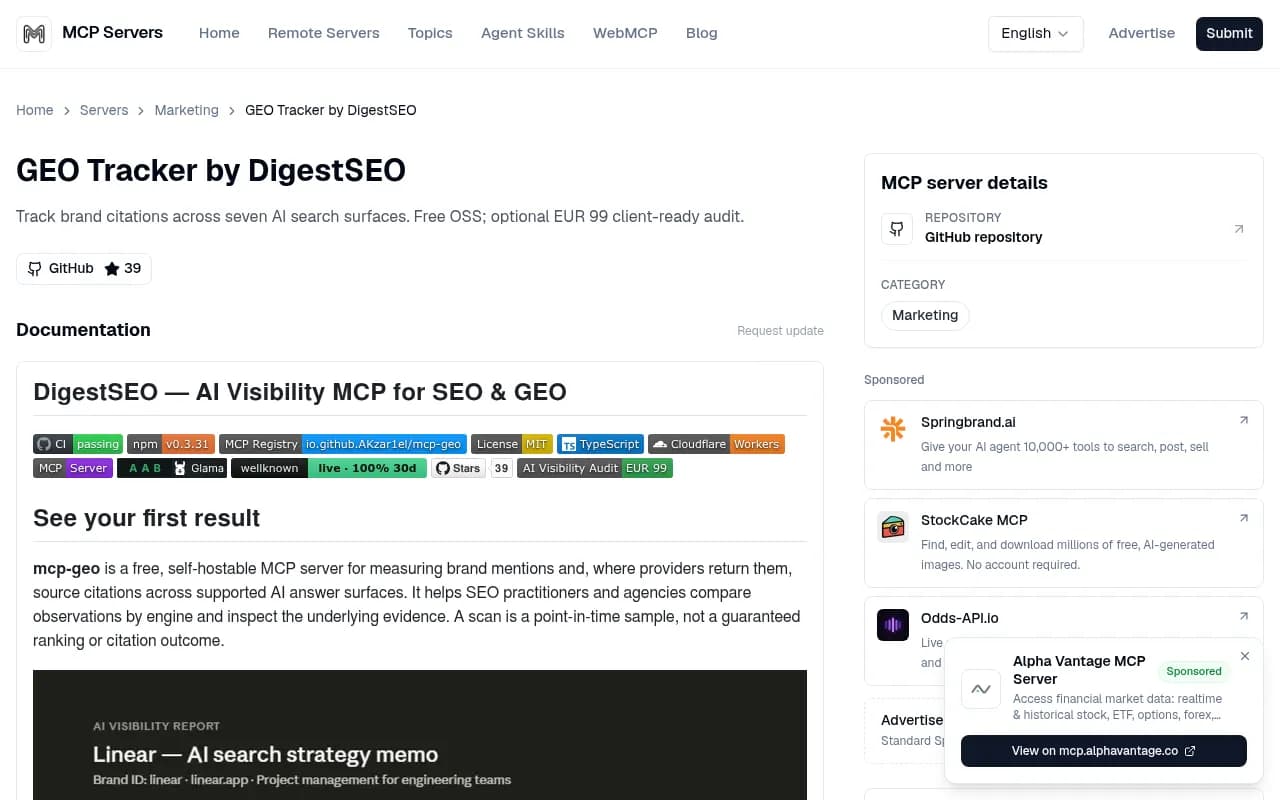
mcp-geo is a free, MIT-licensed, TypeScript MCP server for measuring brand mentions and, where providers return them, source citations across several AI answer surfaces. It is published on npm as @digestseo/mcp-geo and listed in the MCP Registry. The repo is active (the latest commit I saw was November 14, 2026) but still pre-1.0, so expect rough edges.
What you need first
- Node 18 or newer on macOS, Windows, or Linux.
- At least one engine API key. The desktop extension manifest maps five engine keys to optional prompts, but you must supply at least one.
- Claude Desktop or Claude Code.
The project's privacy statement says data stays local in ~/.digestseo, prompts go only to the providers you configure, and nothing is sent to the author. That is a point in its favor if a client is nervous about where their prompt lists end up.
Install options
mcp-geo ships several packagings: a one-click MCPB desktop extension for Claude Desktop, a Claude plugin, a Cursor plugin, and a portable Agent Skill. I did not retrieve the README's exact install and config commands, so follow the README for your chosen packaging rather than trusting a snippet from me. For most people the MCPB bundle in Claude Desktop is the least painful path: you are prompted for your API keys, and Claude lists the six tools it exposes.
The repo also describes a remote deployment on Cloudflare Workers. If you go that way, the listing says to open Account settings, then Connectors, then add a custom connector, choose Remote, name it, and enter the https URL of your own deployment.
Your first scan
The project's own quick start is a good template. After connecting the stdio server, ask Claude to run track_brand with your brand ID, name, domain, and a precise category. By default it creates three provider-free starter questions anchored to the category. Those are not a validated measurement sample, and the docs say as much. Treat them as scaffolding and replace them with your own local prompts.
A single scan is a point-in-time sample, not a guaranteed ranking. I would run each prompt at least a few times over several days before drawing conclusions.
Route 2: connect a hosted MCP server
Hosted servers are simpler. You add a URL, sign in through the browser, and the vendor runs the prompts and stores the history.
Claude Code
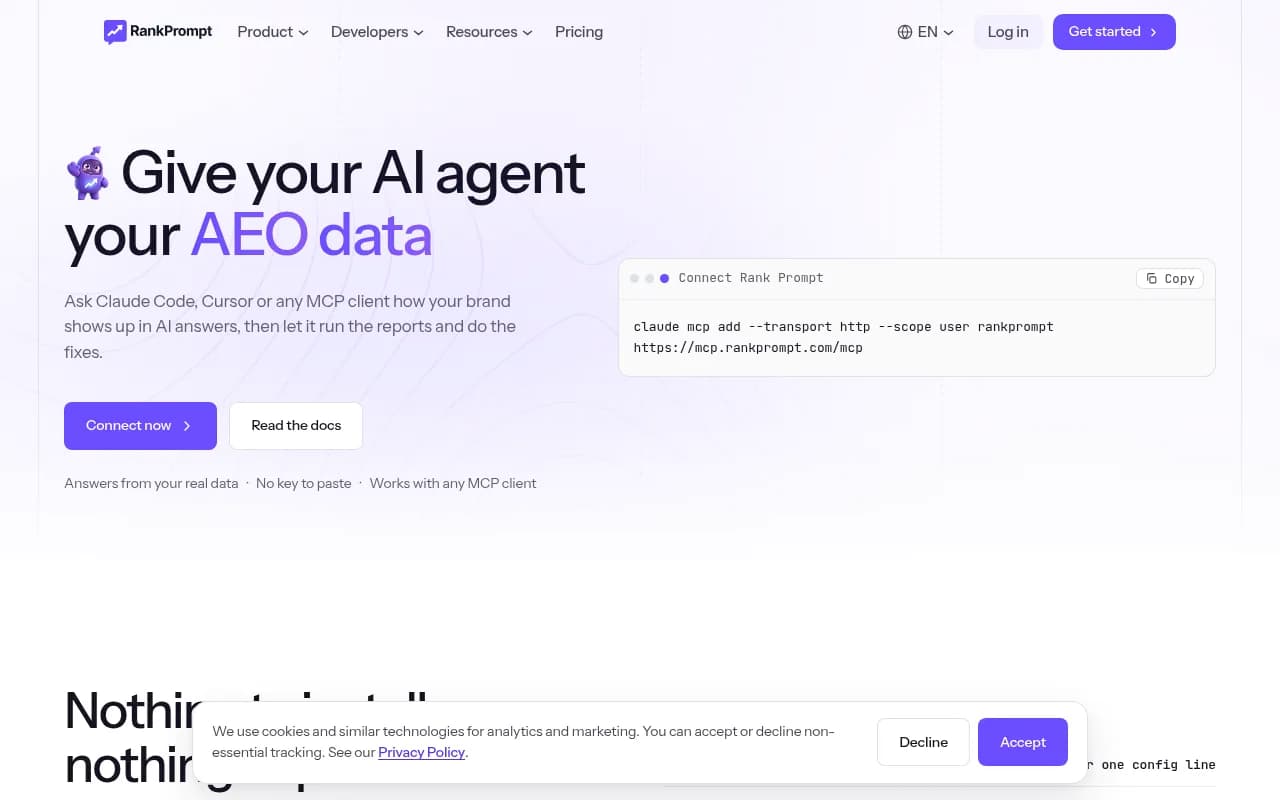
The pattern is the same across vendors. Rank Prompt's command, for example:
claude mcp add --transport http --scope user rankprompt https://mcp.rankprompt.com/mcp
Then run /mcp inside Claude Code and authenticate in the browser. No API key to paste. Mentionable works the same way with its own URL (https://mentionable.ai/api/mcp).
Claude Desktop
For remote Streamable HTTP servers, edit the config via Settings, Developer, Edit Config:
{
  "mcpServers": {
    "rankprompt": {
      "url": "https://mcp.rankprompt.com/mcp"
    }
  }
}
Restart Claude Desktop and approve access when the browser prompt appears.
Claude.ai connectors and API-key servers
If the vendor is an official connector, pick it from the connector list. If not, add a custom connector with the server URL and click Connect. Servers that only support keys, like Geoptie's, need a header-based config. Mentionable's docs make a useful security point: send keys in an Authorization header rather than a URL query parameter, because URLs end up in logs and browser history.
Tools worth looking at
SEOcrawl's MCP server exposes 91 tools, including prompt tracking where you set the engine list, country, response language, and cadence (daily, weekly, or monthly). It covers ChatGPT, Gemini, Perplexity, Claude, Google AI Overviews, and AI Mode.

Where Promptwatch fits for local programs
If you want local tracking that goes past a scan and into fixes, Promptwatch is the option I would look at. Its local GEO/SEO targeting lets you pin a monitor to exact coordinates (accuracy radius from 20 m to 5 km) so ChatGPT, Google AI Overviews, and Google AI Mode answer as if asked from that spot. That is available on the Business plan ($579/mo), Agency Scale, and Enterprise, and it is also exposed through the REST API and the hosted MCP server, which has 110+ tools you can connect from Claude with one-click OAuth. Confirm current plans at promptwatch.com/pricing.

Two things matter for local work specifically. Promptwatch monitors the real interfaces of ChatGPT, AI Overviews, and AI Mode rather than only APIs, and user-facing local answers can differ from API outputs. And a monitor's language and location are fixed once created, so markets never mix. Read the MCP server page and the API and MCP docs for setup details.
If you are comparing options, the GEO software directory at bestgeosoftware.com lists more trackers.
Design local prompts that actually measure something
The server is the easy part. Bad prompts give you bad data in any tool.
Keep prompts short and keyword-like
Promptwatch Data's ChatGPT query fanouts report shows average query length dropping from about 117 characters in early December to the high 80s in February and March, and about 53 characters once fanouts resumed in April. Its intro copy says one prompt can trigger "3-8+" searches, but its own chart shows roughly 1 to 2 per response, so I would plan around the chart. The practical lesson: ChatGPT searches in short strings, so "emergency plumber Leeds LS6" is closer to what gets retrieved than a paragraph.
Track sub-intents, not just one prompt
Fanout queries are separate retrievals. For each service and location, track a few variants:
- Discovery: "best [service] in [neighborhood]"
- Near me: "[service] near [landmark or postcode]"
- Comparison: "[your brand] vs [competitor]"
- Pricing: "[service] cost [city]"
- Trust: "[your brand] reviews"
Be honest about engine noise
Promptwatch Data's average sources per response report (dated September 2025, so older than most of what I cite) found ChatGPT cites about 5 sources per web-search answer, Google AI Overviews about 10, and Perplexity almost exactly 10 every day. Copilot swung from under 2 to nearly 17. My takeaway: Perplexity is a steadier test bench, so a shift there more likely reflects your content than engine noise. Compare ChatGPT and AI Overviews separately, and only read Copilot as a monthly trend.
Questions to ask Claude once it is connected
Once the server is attached, treat Claude like an analyst. Some starter prompts:
- "List the tracked prompts for [city] and show which ones mention us, by engine."
- "Which domains get cited for our 'near me' prompts? Group them as directories, review sites, and local publishers."
- "Which competitors appear where we do not, and what pages are cited for them?"
- "Compare this week to last week and flag prompts where our mention disappeared."
- "Draft five new tracking prompts for the [neighborhood] market based on gaps you found."
If your server has write tools, Claude can add prompts too. Ask it to confirm every value before it changes anything. That habit saves you from a monitor full of typos.
Common problems and fixes
| Symptom | Likely cause | Fix |
|---|---|---|
| Claude does not see the server | Config not reloaded | Restart Claude Desktop, or run /mcp in Claude Code |
| Web Claude cannot reach a local server | Web apps cannot access local programs | Use Claude Desktop or Claude Code, or deploy the server remotely |
| Authentication loop | Wrong client type | Use OAuth for connector clients, API key header for others |
| Results differ from what you see manually | API vs real-UI data, or personalization | Spot-check in the real interface and note the location used |
| Brand never detected | Ambiguous name | Add brand aliases or analysis instructions if the tool supports them |
A realistic first-week plan
- Day 1: connect the server, confirm Claude lists its tools.
- Day 1: load 10 to 20 prompts for one city, using the sub-intent pattern above.
- Days 2 to 5: let it run daily, and spot-check a few answers by hand in the real interface.
- Day 6: ask Claude for a citation breakdown and a competitor gap list.
- Day 7: pick three fixes, such as a missing local landing page or an unclaimed directory profile, and write them down with a date so you can measure the change.
For wider reading, Promptwatch's data hub publishes regularly updated citation research, including industry breakdowns for travel and software prompts, which show how much directories and booking sites dominate local-style queries.
Bottom line
If you want to experiment for free and keep data on your machine, self-host mcp-geo and accept some assembly. If you want history, multiple engines, and reporting without babysitting, connect a hosted server. For serious local programs, pick a platform that pins locations precisely and tells you what to fix. Either way, the discipline is in the prompt list and in treating each scan as a sample.