
Key takeaways
- AthenaHQ spreads your data across separate pages. Prompts, Responses and Sources each have their own CSV export, so run all three with filters cleared.
- Prompt text in AthenaHQ becomes read-only once it has collected data, so clean your wording in a spreadsheet, not in the old tool.
- Rebuild prompts with identical wording on day one. Otherwise you can't tell a platform difference from an engine change.
- Treat your AthenaHQ history as an archive. Most new tools won't import it, so set a fresh baseline and run both tools side by side for a while.
- Don't cancel until a parity check passes, and confirm CSV export still works on your plan before you downgrade.
Why people are moving off AthenaHQ right now
In November 2026, Bloomreach announced it had acquired AthenaHQ, according to CMSWire. An ownership change is a natural point to reread your contract, whatever you end up doing. Cost is the other common trigger. AthenaHQ's plans page lists Starter at $295/month with 3,600 credits, where one credit equals one AI response, and persona targeting and multi-country support are Enterprise-only.
Other reasons come up too: engine coverage, wanting tracking and content execution in one place, or simply outgrowing a dashboard-only tool. This guide assumes you've already decided to move. If you haven't, compare options first, then come back.
The practical question is narrow: what can you get out, and what has to be rebuilt by hand? Short answer: prompts and responses export cleanly, history doesn't travel, and the prompt set is the thing worth protecting.

What to export before you cancel
AthenaHQ's docs describe the Prompts page as the central hub for your tracked questions, grouped into topics, with an "Export as CSV" button that downloads the currently filtered view. That last part matters. If a filter is on, your export is partial.
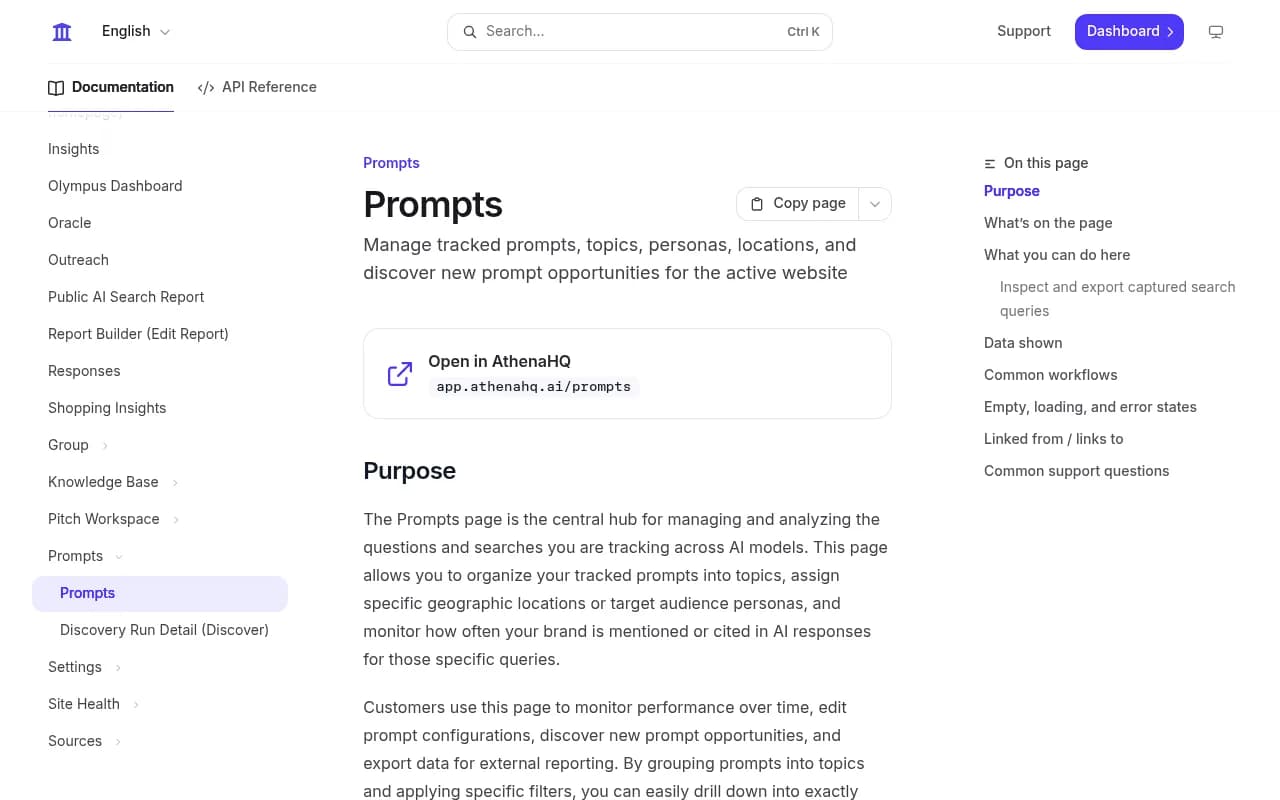
Here is the inventory I'd work from:
| Object in AthenaHQ | Where to get it | Re-create in the new tool | Verify after the move |
|---|---|---|---|
| Base prompts and topics | Prompts page, Export as CSV | Same wording, same topics | Prompt count matches the export row for row |
| Prompt status (active or paused) | Record by hand if the CSV doesn't show it | Active prompts first, paused ones parked in a sheet | No paused prompt gets reported by accident |
| Personas and locations | Prompts page tabs, note them manually | Ask whether the new tool supports them | Same audience segments in the new setup |
| Responses | Responses page CSV | Archive only | Spot-check a sample against fresh runs |
| Sources and cited URLs | Sources page CSV | Archive, then use as a citation baseline | Top cited domains look similar in the new tool |
| Competitors | Competitors page, copy the list | Add to the new project | Same competitor set tracked |
| Baseline metrics | Screenshot or export visibility, mention rate, citation % | Reference only | Compare by topic, not by single answer |
I couldn't find AthenaHQ's official documentation on the Responses and Sources export formats, or on how long data is retained after cancellation. Check both with their support before you cancel. Don't assume.
A pitfall on plans
A third-party review says Starter includes CSV export. I'd treat that as the confirmed route. If you plan to downgrade or cancel from a paid tier, check that export still works at the lower tier first. Do the export while you're still on the full plan.
Step 1: Freeze the baseline
Before you touch anything, capture where you stand. Record, per topic: mention rate, citation percentage, mention gap against your main competitor, and the date range. Screenshots are fine. Add the date.
This baseline is for reference, not for charting alongside the new tool. Different platforms sample engines differently, use different personas and phrase scoring differently. Your old numbers and new numbers will not line up exactly, and that's normal.
Step 2: Export the prompt set
On the Prompts page, clear every filter, including date range, models, personas, locations and prompt status. Select all prompts and click Export as CSV. If your view separates paused prompts, export those too.
Then do the same on the Responses and Sources pages. Three exports, three files. Each holds data the others don't.
Step 3: Clean the prompt list in a spreadsheet
Long-running trackers collect clutter: near-duplicates, prompts for products you no longer sell, prompts nobody reads. Open the CSV and add four columns of your own:
- Buyer intent (research, comparison, purchase)
- Prompt type (organic, brand-specific, competitor comparison)
- Keep or retire
- Owner
The prompt type column earns its keep. In Promptwatch's data on unique domains cited per ChatGPT response (Sep 28 to Oct 4, 2026), 52.5% of organic prompts cited 10 or more domains, but only 21.3% of brand-specific prompts did, where the most common count was 5. Mixing the types in one average hides that difference, so keep them tagged separately.
This sheet becomes your system of record, not the tool. That makes every future migration cheaper.
Don't skip the wording rule
AthenaHQ's docs state that once a prompt has collected response data, its text becomes read-only. You'd have to pause it and create a new one. So the cleanup happens in your sheet, not in AthenaHQ. And here's the part that trips people up: if you rewrite prompts while migrating, you change two things at once. Resist the urge. Move the wording as-is on day one, then edit later.
Step 4: Pick the destination and check what carries over
Before rebuilding, make sure the new tool supports what you actually used. A quick checklist:
- Engines you need (ChatGPT, Gemini, Perplexity, Claude, AI Overviews, AI Mode)
- Country, state or city targeting, and personas
- CSV import for prompts
- How tracking frequency and response volume are priced
- Whether it only reports, or also helps you fix gaps
The last point is where I'd push hardest. A migration is a rare chance to change what the tool does for you, not just where the dashboard lives.
| Platform | Prompt CSV import | Tracks the real AI interfaces | Goes beyond monitoring | Notes |
|---|---|---|---|---|
| Promptwatch | Yes, plus Prompt Explorer suggestions | Yes (ChatGPT, AI Overviews, AI Mode, Gemini, Perplexity, Copilot, Meta AI and more) | Content Agent, Action Board, crawler logs, visitor analytics | From $95/mo, 7-day free trial |
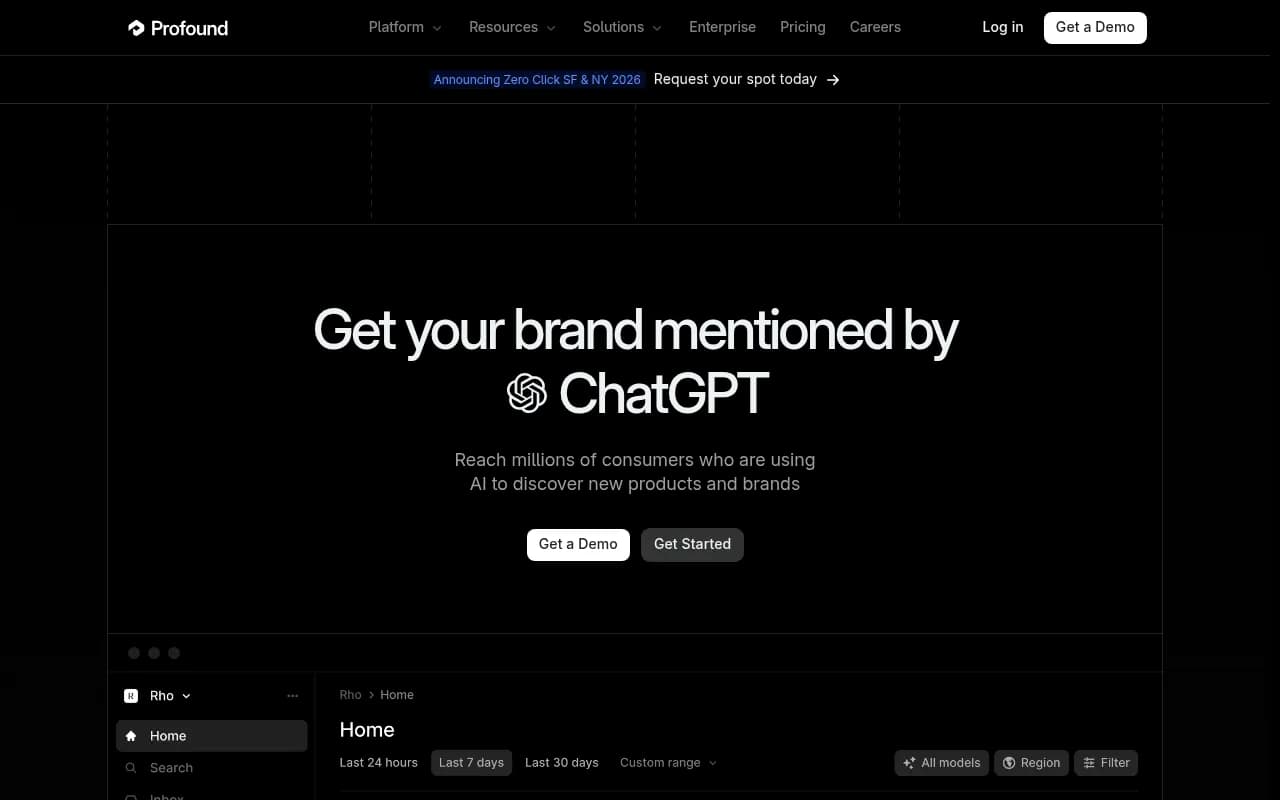
| Profound | Check with vendor | Yes | Mostly monitoring and analysis | Higher price points |
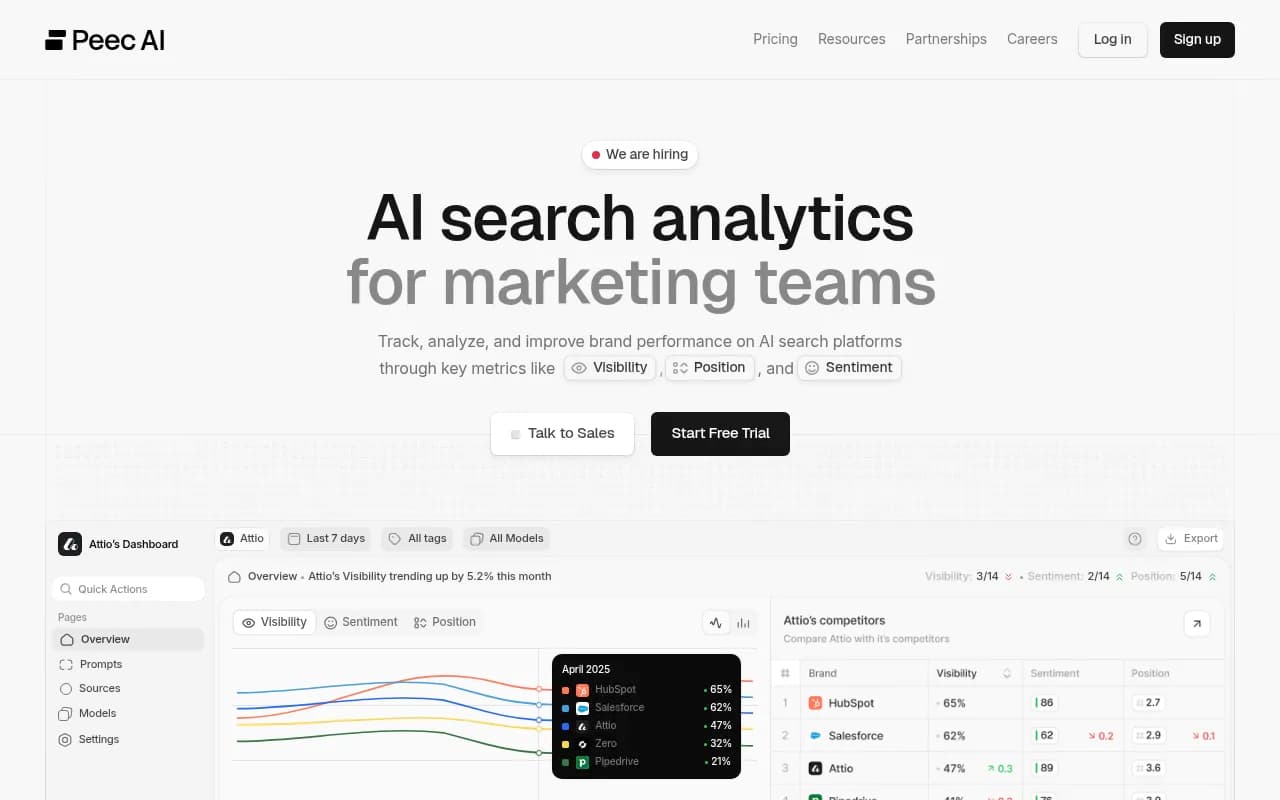
| Peec AI | Check with vendor | Yes | Basic tracking | Starts around $95/mo per a third-party review, unverified |
| Otterly.AI | Check with vendor | Yes | Basic tracking | Affordable entry point |
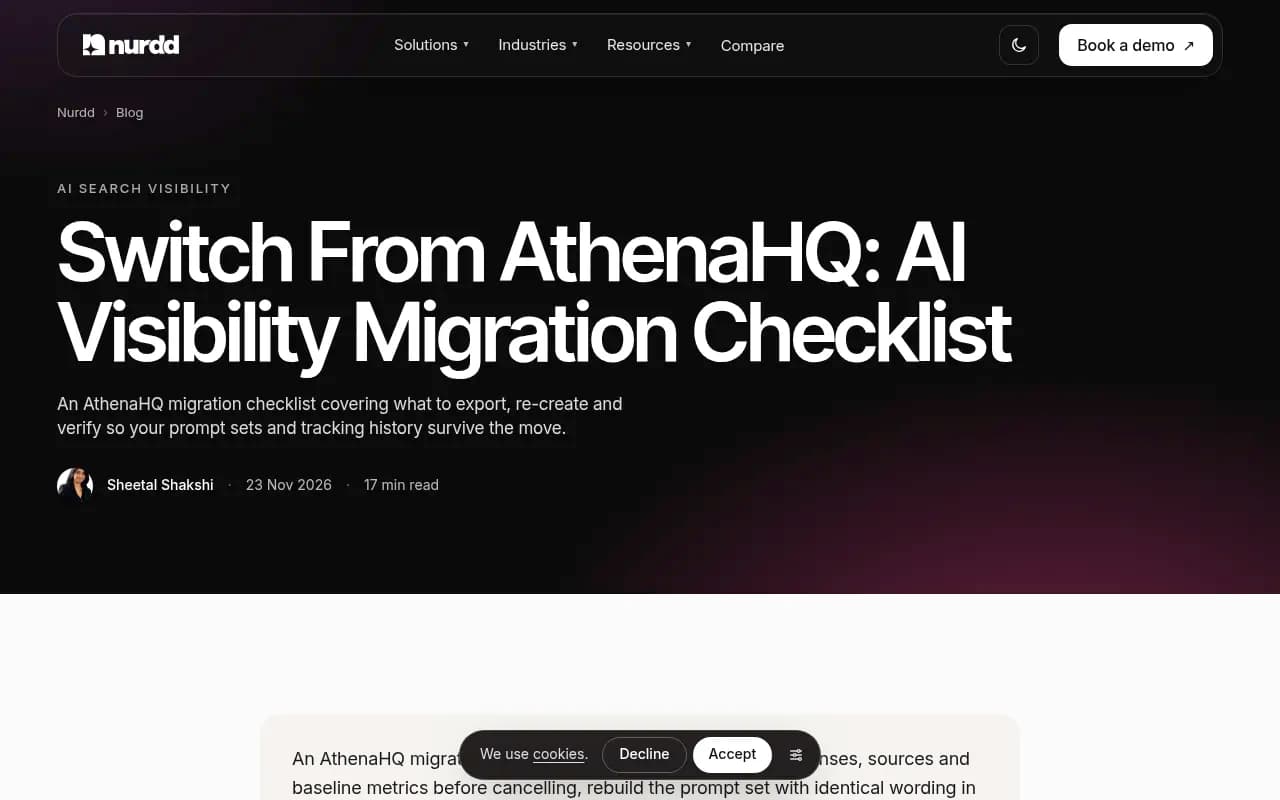
| Noma (Nurdd) | Rebuild by hand per Nurdd's checklist | 13 engines | Verify in demo | 3-day free trial, card at signup |
Verify every price and feature on each vendor's own pricing page. These change often.

Where Promptwatch fits
If your goal is to fix visibility and not only watch it, Promptwatch is the option I'd shortlist. It tracks ChatGPT, Google AI Overviews, AI Mode, Gemini, Perplexity and others through their real interfaces, then closes the loop: content gap analysis, a Content Agent that writes and publishes to WordPress, Webflow or Framer, IP-verified AI crawler logs, and visitor analytics showing whether AI traffic converts. Prompts run daily on every plan, and Business and agency Scale plans can run every 12, 6 or 1 hours. Plans start at $95/mo (Essential), $245/mo (Professional) and $579/mo (Business); confirm at promptwatch.com/pricing. There's a 7-day free trial on monthly billing, which is enough time for a parity check.
Agencies migrating several clients should look at the agency plans, which include unlimited projects and prompts. For a head-to-head view, see Promptwatch vs AthenaHQ.
If you want to browse more options, the GEO software directory at bestgeosoftware.com lists dozens of trackers.
Step 5: Rebuild the prompt set in the new tool
Open your master sheet and enter the kept prompts, topic by topic, with identical wording. AthenaHQ itself recommends starting with 50 to 100 prompts, and I'd go further: start with your 20 to 30 most commercial prompts, confirm they behave, then load the rest.
A few practical notes:
- Record the rebuild date. AI engines change under you. Promptwatch's query fanout data shows average fanouts per ChatGPT response falling from about 2.15 in early December to about 1.84 by early March, with a data gap before April. If scores shift after a migration, the engine may have moved, not the tool.
- Keep topics and prompt types the same, so your by-topic comparisons stay valid.
- If you used multiple locations in AthenaHQ, note that its CSV import separates them with semicolons (for example
London; Manchester). Check how the new tool expects them. - Re-add competitors and brand aliases before loading prompts. Mention rules depend on them.
- Where a tool offers prompt suggestions or volumes, use them in a second pass to add prompts, not to replace the migrated set. Promptwatch's Prompt Explorer pulls suggestions from Search Console, People Also Ask and your own pages.
Credit math, so you don't undersize
AthenaHQ's credits are one per response, and a third-party review put 30 prompts across 4 models checked daily at roughly 3,600 credits a month. Do the same arithmetic for the new tool: prompts times engines times days. Some platforms bundle all models in every plan, which changes the sums considerably.
Step 6: Run both tools side by side
Keep AthenaHQ live for at least a few weeks while the new tool collects data. Then compare:
- Prompt count: new tool equals your cleaned export, row for row.
- Mention rate by topic, across repeated runs, not single answers. AI engines rarely repeat themselves.
- Top cited domains: your Sources export versus the new tool's citation report. Expect overlap, not identity.
- Competitor ordering: if the same competitors lead in both, parity is good.
- Sentiment direction, not absolute score.
Plan for gaps. Differences of a few points in mention rate are noise. A topic that flips from strong to absent deserves a look at engines, location and persona settings.
Step 7: Cancel only after parity, and archive everything
When the check passes, store your exports somewhere permanent: a shared drive folder with the date, the plan you were on, and the three CSVs. Then cancel.
Common mistakes I see:
- Exporting with a filter on, so the file is only part of the data.
- Cancelling before checking whether data stays accessible afterward.
- Editing prompt wording mid-migration.
- Comparing single responses instead of repeated runs by topic.
- Forgetting personas and locations, then wondering why numbers differ.
What to do with the history
Don't expect it to import. Use it two ways: as a reference when judging whether the new baseline looks plausible, and as a source of ideas. Your old response export shows which prompts your brand won and lost. Those losses are your content roadmap. A tool with content gap analysis will map those prompts against your existing pages. Promptwatch's content gap guide explains the approach.
Quick migration checklist
- Export Prompts, Responses and Sources with all filters cleared
- Copy competitors, personas, locations and tags by hand
- Screenshot baseline metrics with dates
- Clean the prompt list in a sheet; add intent and type columns
- Confirm the new tool's engines, locations and import format
- Rebuild identical wording, top 20 to 30 commercial prompts first
- Run side by side, compare by topic across repeated runs
- Archive the files, then cancel
FAQ
Can I import my AthenaHQ history into another tool?
Usually not. Treat it as an archive and start a fresh baseline in the new tool.
Does AthenaHQ export prompts as CSV?
Yes. The Prompts page has an Export as CSV button that downloads the currently filtered view, so clear filters first.
Can I edit prompts in AthenaHQ before leaving?
Only until they collect data. After that the text is read-only, so clean the wording in your spreadsheet.
How many prompts should I carry over?
Start with your 20 to 30 most commercial ones, then expand toward 50 to 100 once parity is confirmed.
Should I run both tools at once?
Yes, for a few weeks. The trial period of most tools (Promptwatch offers 7 days on monthly billing) is enough for a first check, then extend with a paid month if needed.
If the migration is part of a larger AI search program and you'd rather hand it to specialists, 1001 SEO Media runs GEO programs for brands and uses Promptwatch for AI visibility work.