Key takeaways
- Google Search Console now has a dedicated AI Overviews filter in the Performance report, but it has real limitations you need to know about.
- Manual spot-checking is still the most reliable way to confirm a specific page is being cited -- but it doesn't scale.
- Your page needs to be crawlable, indexed, and technically sound before it can appear in AI Overviews. Robots.txt exclusions and noindex tags will block you.
- Structured data and clear, direct answers significantly improve your chances of being cited.
- Dedicated AI visibility tools give you ongoing, scalable tracking that Google Search Console alone can't provide.
Why this matters more than it used to
A year ago, checking whether your content appeared in AI Overviews felt like a nice-to-have. Now it's a real business question. Google AI Overviews appear at the top of results for a huge range of queries, and when they do, they push organic links further down the page. If your page is being cited inside an AI Overview, you get a visibility signal that's increasingly valuable. If you're not -- and a competitor is -- that's a gap worth knowing about.
The problem is that most site owners are still flying blind. They see traffic numbers in Google Search Console but have no clear picture of which specific pages are being pulled into AI Overviews, for which queries, or how often. This guide walks through every method available in 2026 to answer that question.
Method 1: Google Search Console's AI Overviews filter
This is the most direct official route, and it's worth starting here.
Google added AI Overviews as a search type filter in the Search Console Performance report. Here's how to use it:
- Open Google Search Console and go to the Performance report.
- Click Search type at the top and select AI Overviews (it may appear as a separate tab or filter depending on your account view).
- You'll now see queries, pages, clicks, and impressions specifically associated with AI Overview appearances.
- To check a specific page, click the Pages tab and look for the URL you're investigating. If it appears here, Google has registered impressions or clicks from AI Overview appearances for that page.
This is genuinely useful. But there are a few things to understand about its limitations before you rely on it too heavily.
First, the data is sampled. Google doesn't show you every instance -- it shows you a representative slice. Second, the filter only captures cases where a user actually saw the AI Overview and your page was cited in it. If Google is generating AI Overviews that include your content but the user never sees them (because they're not triggered for that session), those won't show up. Third, there's typically a 2-3 day data lag.
Still, for a quick sanity check on whether a specific page has any AI Overview presence, this is your first stop.
Using the AI-powered configuration in GSC
Varn's SEO team has documented a more advanced approach: using the AI-powered configuration feature inside the GSC Performance report to set up complex filters. You can combine the AI Overviews search type filter with a page URL filter to isolate exactly the data you want for one specific page. This is worth doing if you're investigating a particular piece of content rather than doing a broad audit.
Method 2: Manual spot-checking in Google Search
This sounds basic, but it's still one of the most reliable ways to confirm a specific page is being cited -- especially when you already know which queries it should be ranking for.
Here's the process:
- Open a fresh browser window (or use Incognito mode to avoid personalization).
- Search for the query you believe your page targets.
- If an AI Overview appears, look at the cited sources. They usually appear as small cards or links within or below the AI Overview box.
- Check whether your page URL appears in those citations.
A few things to keep in mind:
- AI Overviews don't appear for every query, and their appearance varies by location, device, and user session. You may need to try the same query several times.
- The citations shown in the AI Overview are not always the same as the pages ranking in the organic results below. A page can be cited in the AI Overview without ranking in the top 10 organic results, and vice versa.
- If you're checking for a page targeting a local or regional query, your location matters. Use a VPN or Google's geographic search parameters if you need to check from a different region.
This method works well for spot-checking a handful of pages. It doesn't scale to hundreds of pages or dozens of queries.
Method 3: Check the technical requirements first
Before you spend time investigating whether a page appears in AI Overviews, it's worth confirming it's even eligible to appear. According to Google's own Search Central documentation on AI features, the technical requirements for appearing in AI features like AI Overviews are largely the same as for regular search:
- The page must be crawlable by Googlebot. Check your robots.txt file to make sure you haven't accidentally blocked it.
- The page must not have a
noindextag. If it does, Google won't include it in any search features. - The page must be indexed. You can verify this by searching
site:yourdomain.com/your-page-pathin Google, or by using the URL Inspection tool in Search Console.
Beyond the basics, Google's documentation notes that pages with clear, well-structured content that directly answers user questions are more likely to be pulled into AI Overviews. This isn't just vague advice -- it means:
- Use clear headings that match the question being asked.
- Put the direct answer early in the content, not buried after three paragraphs of preamble.
- Use structured data (schema markup) where relevant. For how-to content, FAQ schema, or article schema, this helps Google understand what your page is about and increases the chance it gets cited.
You can validate your schema using Google's Rich Results Test or the Schema Markup Validator.
Method 4: Use a dedicated AI visibility tracking tool
Manual checks and Search Console data will only take you so far. If you want to track AI Overview appearances systematically -- across multiple pages, multiple queries, and over time -- you need a tool built for this.
Several tools now track Google AI Overviews specifically, and they vary quite a bit in what they offer.
Promptwatch tracks AI Overview appearances alongside 10 other AI models (ChatGPT, Perplexity, Gemini, Claude, and more), and importantly, it tracks how AI search engines behave in real user interfaces rather than just through APIs. This matters because what shows up in a real Google search session can differ from what the API returns. It also includes page-level tracking that shows exactly which of your pages are being cited, how often, and by which models -- plus AI crawler logs that show when Googlebot and other AI crawlers visit your pages and when those visits lead to citations.

For teams that want something more focused on Google specifically, a few other options are worth knowing about:
Semrush has added AI Overview tracking to its platform. It's useful if you're already in the Semrush ecosystem, though its AI Overview monitoring uses fixed prompt sets rather than custom queries.
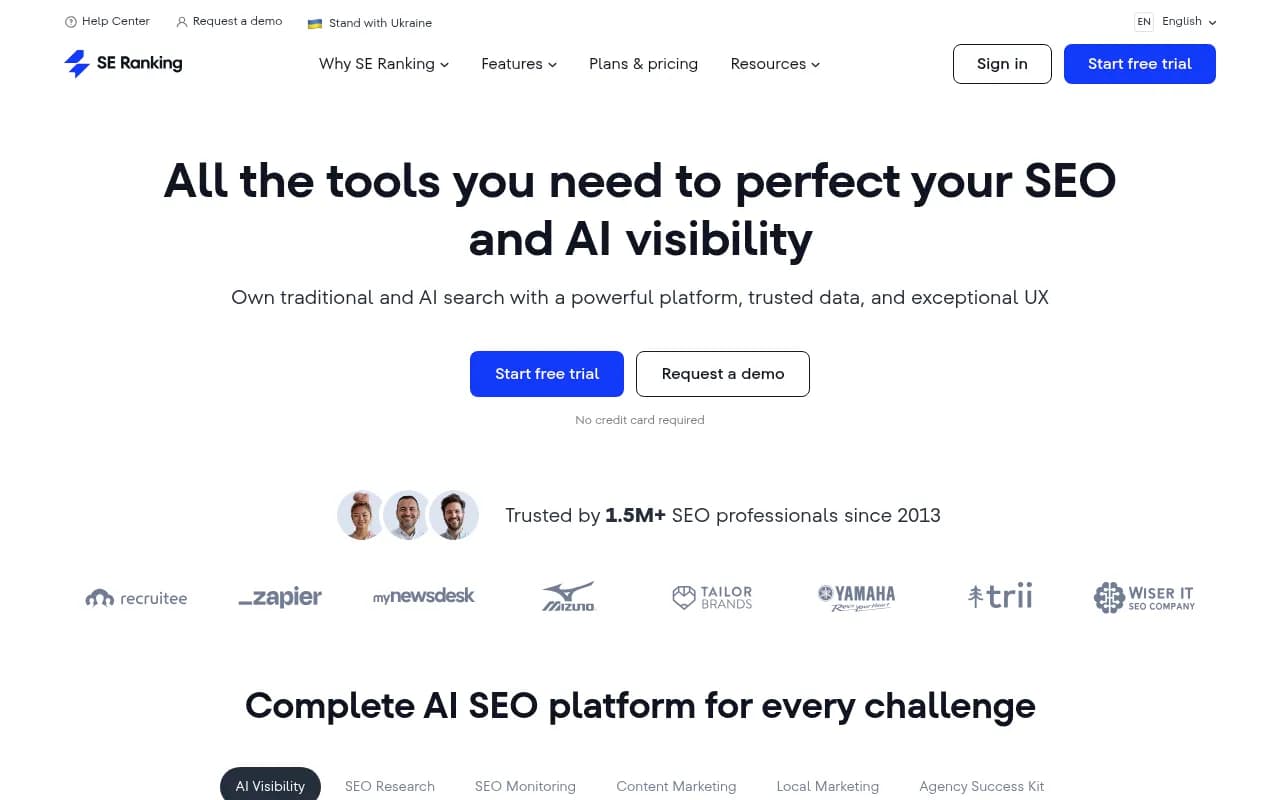
SE Ranking includes an AI visibility toolkit that covers Google AI Overviews alongside other AI search features. It's a solid mid-market option.
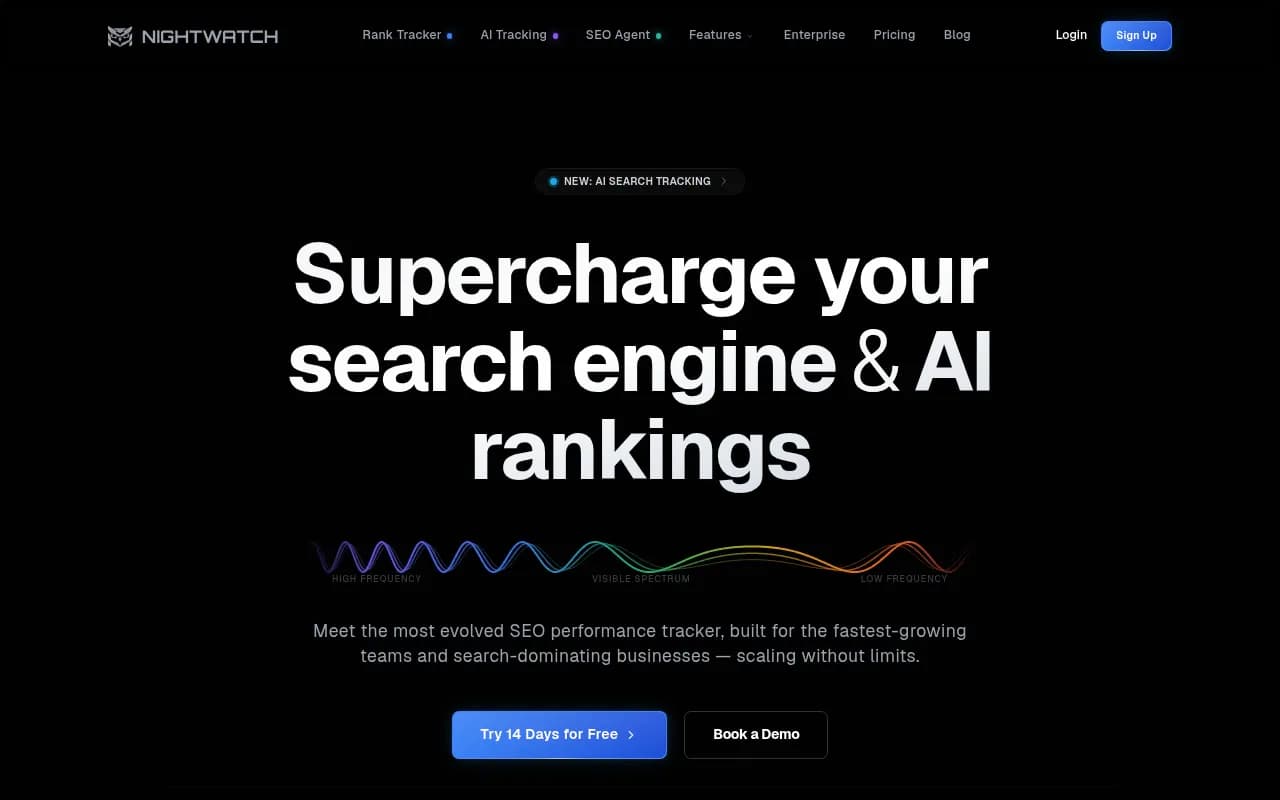
Nightwatch has added AI search monitoring for marketers who want a simpler interface without enterprise pricing.
Here's a quick comparison of the main approaches:
| Method | Best for | Scalability | Cost |
|---|---|---|---|
| Google Search Console | Quick audit, official data | Medium (sampled) | Free |
| Manual spot-checking | Confirming specific pages | Low | Free |
| Semrush AI tracking | Teams already using Semrush | Medium | Paid |
| SE Ranking AI toolkit | Mid-market teams | Medium | Paid |
| Promptwatch | Full tracking + optimization | High | From $99/mo |
| Nightwatch | Simple ongoing monitoring | Medium | Paid |
Method 5: Check your server logs and referral data
This one is underused. When Google's AI systems crawl your page to generate an AI Overview, that crawl shows up in your server logs. And when a user clicks a citation link inside an AI Overview, that click can show up in your analytics as a referral from Google.
In Google Analytics 4, AI Overview clicks typically appear as organic Google traffic -- they're not separated into a distinct channel by default. But you can cross-reference spikes in organic traffic for specific pages against the timing of AI Overview appearances you've spotted manually.
More directly: if you have access to your raw server logs, look for Googlebot-AI or similar user agent strings. These indicate Google's AI systems are actively crawling your content for use in AI features. Tools like Promptwatch automate this with real-time crawler log analysis, showing you exactly which pages AI crawlers are reading and when those reads lead to citations.
What to do if your page isn't showing up
If you've checked and a page that should be appearing in AI Overviews isn't, here's a practical checklist:
Technical issues to rule out first:
- Is the page indexed? (Use URL Inspection in GSC)
- Is it blocked by robots.txt or a noindex tag?
- Does it load quickly? Slow pages are less likely to be cited.
- Is it mobile-friendly?
Content issues to address:
- Does the page directly answer the question the query is asking? AI Overviews favor pages that get to the point quickly.
- Is the answer structured clearly, with headings and short paragraphs?
- Does the page have schema markup that helps Google understand its content type?
- Is the content comprehensive enough? Thin pages rarely get cited.
Authority issues:
- Does your domain have enough credibility for the topic? AI Overviews tend to cite established, authoritative sources.
- Are other sites linking to this page? Backlinks still matter for AI Overview inclusion.
- Is your brand mentioned in third-party sources like Reddit, industry publications, or YouTube? These offsite signals influence which sources AI models trust.
One thing worth knowing: you can opt out of AI Overviews using the nosnippet meta tag or by adjusting your max-snippet settings. But this is a blunt instrument -- it will also remove your content from featured snippets and other rich results. Most sites are better off trying to appear in AI Overviews rather than blocking them.
Building a repeatable monitoring process
Checking once is fine. Checking regularly is what actually moves the needle.
A practical monitoring setup for most teams looks something like this:
- Set up a saved filter in Google Search Console for AI Overviews and check it weekly.
- Maintain a short list of your most important pages and the queries they target. Run manual spot-checks on these every two weeks.
- Use a dedicated tracking tool if you have more than 20-30 pages worth monitoring, or if you're managing multiple sites.
- When you publish new content, check within 2-4 weeks whether it's been indexed and whether it's appearing in AI Overviews for its target queries.
The goal is to move from "I wonder if we're showing up" to "I know exactly which pages are cited, for which queries, and how that's changing over time." That's the kind of visibility that lets you make informed decisions about where to invest in content improvements.
Tools like Promptwatch are built around this loop -- tracking where you appear, identifying where competitors appear but you don't, and helping you create content that closes those gaps. If you're serious about AI search visibility, that combination of tracking and action is more useful than monitoring alone.
A note on AI Overviews vs. AI Mode
In 2026, Google has expanded beyond AI Overviews into "AI Mode" -- a more conversational search experience that generates longer, more detailed AI responses. The methods above apply primarily to AI Overviews (the summary boxes that appear at the top of standard search results). AI Mode is a separate surface with different citation patterns and its own tracking requirements.
If you're investigating both, keep them separate in your analysis. A page that appears in AI Overviews may or may not appear in AI Mode responses, and the queries that trigger each can differ significantly.
For now, AI Overviews remain the higher-traffic surface for most sites, so that's where to focus first. But AI Mode is growing quickly, and the same content quality principles apply to both.