Key takeaways
- Ads in ChatGPT showed up in an average of 20.1% of web-search responses between May 20 and August 17, 2026, and the daily rate peaked at 43.9%. A single snapshot misleads, so report a daily series with 7-day and 30-day averages.
- A good AI ads report answers four client questions: where did we show up, who else showed up, what did it do for us, and what happens next.
- Segment by prompt type (organic, brand-specific, competitor comparison) and always state the denominator.
- Log the advertiser, ad copy, and landing page for every tracked prompt. The rate says how often a slot appears. The ad details say who wins it.
- Be honest about what you cannot measure. Attribution is shaky, and clients trust reports that say so.
Why AI ads need their own report
Most agencies already have a monthly PPC report. Spend, clicks, CPC, conversions, done. Sponsored placements inside AI answers don't fit that template well, and I think pretending they do is how agencies end up with reports clients quietly stop reading.
Three reasons. First, you often don't control the slot. Depending on your role, you may be advertising, or you may be watching competitors advertise against your client's brand. Both are legitimate report topics. Second, the surface is unstable. Promptwatch Data's ChatGPT Ads Over Time report covers May 20 to August 17, 2026: ChatGPT served no ads until May 27, then they appeared in 1.69% of responses, spiked on June 25-26, jumped past 30% on July 1, and have peaked at 43.9% on a single day. Third, the ad format, pricing, and advertiser-side metrics are still moving. I could not find official public documentation on ChatGPT ad pricing or advertiser reporting metrics, so treat any template (including this one) as a working draft you revise monthly.
If you want a reference point for general AI-assisted reporting workflows, Supermetrics published a long guide on connecting an AI assistant to governed marketing data.
Its main point holds here too: the AI drafts, a human reviews, and the data underneath has to be trustworthy first.
What clients actually want from the report
Thrad's guide to AI advertising reporting boils client expectations down to four things: confidence that money went where agreed, evidence it produced outcomes, an explanation of what was learned, and a clear next step. That framing is useful. Everything in the template below maps back to one of those four.
Thrad's section list (summary, spend and delivery, placement quality, response, outcomes, learning, next steps) is a sensible skeleton. I've adapted it for the monitoring-heavy reality of ChatGPT ads, where much of the month's story is about who showed up on your prompts, not just your own spend.
The monthly template
| Section | What goes in it | Client question it answers |
|---|---|---|
| 1. Summary | 3-5 sentences: what changed, what it means, what we recommend | What do I need to know? |
| 2. Ad presence rate | Daily series, 7-day and 30-day average, month-over-month change | How often do ads appear on our prompts? |
| 3. Prompt-type split | Organic, brand-specific, competitor comparison | Where are ads showing up? |
| 4. Advertiser log | Who appeared, ad copy, claims, landing pages | Who are we up against? |
| 5. Placement samples | 5-10 screenshots of real placements | Is it relevant and on-brand? |
| 6. Shopping cards | Presence on commercial and transactional prompts, who fills them | Are competitors in product carousels? |
| 7. Traffic and outcomes | AI-referred sessions, conversions, assisted conversions | Did it make money? |
| 8. Caveats | Denominator, sample size, attribution gaps | How much should I trust this? |
| 9. Next steps | Test, hold, or scale, each with a reason | What are we doing about it? |
Section 1: the summary
Write it last, put it first. Executives read only this. Something like: "Ads appeared on 29.6% of tracked ChatGPT responses this month, up from the prior 30 days. Two competitors bought brand-specific prompts. We recommend testing a comparison-page landing for those prompts." Plain language, one recommendation.
Section 2: ad presence rate
Do not report a single number. The Promptwatch data shows why: over 90 days the average was 20.1%, but the past 7 days averaged 32.4% (+12.5% vs the prior 7 days) and the past 30 days averaged 29.6% (+22.6% vs the prior 30). Any one-day snapshot could have told you 1.7% or 43.9%.
Show a line chart of the daily rate, with the 7-day and 30-day averages overlaid, and a one-line month-over-month change. If you can only afford one chart in the report, make it this one.
Section 3: prompt-type split
Break ad-bearing responses down by prompt type. In the Promptwatch report's past 7-day average, 73.3% of ad-bearing responses came from organic prompts, 18.0% from brand-specific, and 8.6% from competitor comparison prompts.
Be careful interpreting this, and tell the client to be careful too. The report itself notes the mix reflects prompt volume, not how likely each prompt type is to trigger an ad. Add more organic prompts to a monitor and their share rises even if nothing changed at OpenAI. So if you change the prompt set mid-month, say so in the report.
The brand-specific bucket deserves its own paragraph for most clients. Ads on branded prompts mean someone else is paying to appear when people ask about your client by name. That's the single most actionable thing in the whole report.
Section 4: advertiser log
The ad rate tells you how often a slot appears. It doesn't tell you who wins it. For each tracked prompt, record:
- the advertiser
- the ad copy and any claims in it
- the landing page URL
- the prompt type and the date
A simple table or spreadsheet works. Over a few months you'll see patterns: which competitors keep showing up, which landing pages they push, whether claims about pricing or features change. Compare advertisers per prompt segment, since brand-specific and competitor-comparison ads can differ from organic ones.
Section 5: placement samples
Thrad is right that showing a handful of real placements builds trust more than totals do. Capture screenshots with the date, prompt, and location. Pick a mix: one or two good ones, one or two bad ones. If a placement ran next to something off-brand, the client should see it from you before they find it themselves.
Section 6: shopping cards
For retail and e-commerce clients, track shopping features separately. Per Promptwatch Data's ChatGPT Shopping Feature Usage page, product cards, recommendations, and price comparisons attach to only a low single-digit percentage of web-search responses overall, but trigger rates are much higher on commercial and transactional prompts. The rate also moves in steps: it roughly doubled overnight in late May and fell back weeks later.
So report shopping-card presence for commercial and transactional prompts only, and list which brands fill the cards. If your client isn't in them, the fix is usually product data: complete Product schema, accurate prices and availability, and a clean merchant feed.
Section 7: traffic and outcomes
This is where honesty matters most. Without reliable identifiers, some conversions can't be tied to an ad. Say how you handled that. Use a baseline, such as the same product's results in other channels, and don't compare an AI placement click rate to a search click rate as though they were the same thing. Thrad makes the same point and I agree with it.
One practical wrinkle: ChatGPT stopped sending a referrer on October 8, 2026, so AI-referred visits are easier to miss in analytics. Tag landing pages with utm_source=chatgpt.com where you control the link, and note in the report which visits were counted that way.
Section 8: caveats
This section is short and should never be skipped. Include:
- The denominator. Promptwatch's ad rate only counts responses where ChatGPT searched the web, returned at least one citation, and completed ad extraction. Responses without web search aren't in the number.
- The number of prompts, countries, and days sampled.
- Any change to the prompt set since last month.
- What you could not measure.
Section 9: next steps
Thrad's "stop, repeat, or scale" structure is a good habit. Each recommendation gets one reason and, where possible, a metric you'll check next month. Report losses too. A prompt topic that didn't work is part of what you've learned.
Collecting the data without drowning
You have three realistic options.
| Approach | Effort | Good for | Weak spot |
|---|---|---|---|
| Manual spot checks | High | One or two clients, a pilot | One run can land on an outlier day |
| General reporting tools | Medium | Pulling ad spend and analytics into one deck | Not built to capture ads inside AI answers |
| AI visibility platform with ad capture | Low | Agencies with several clients | Needs setup and a prompt list |
Manual checks are fine for a pilot, but Promptwatch's own advice applies: check ad visibility across several days before drawing conclusions.
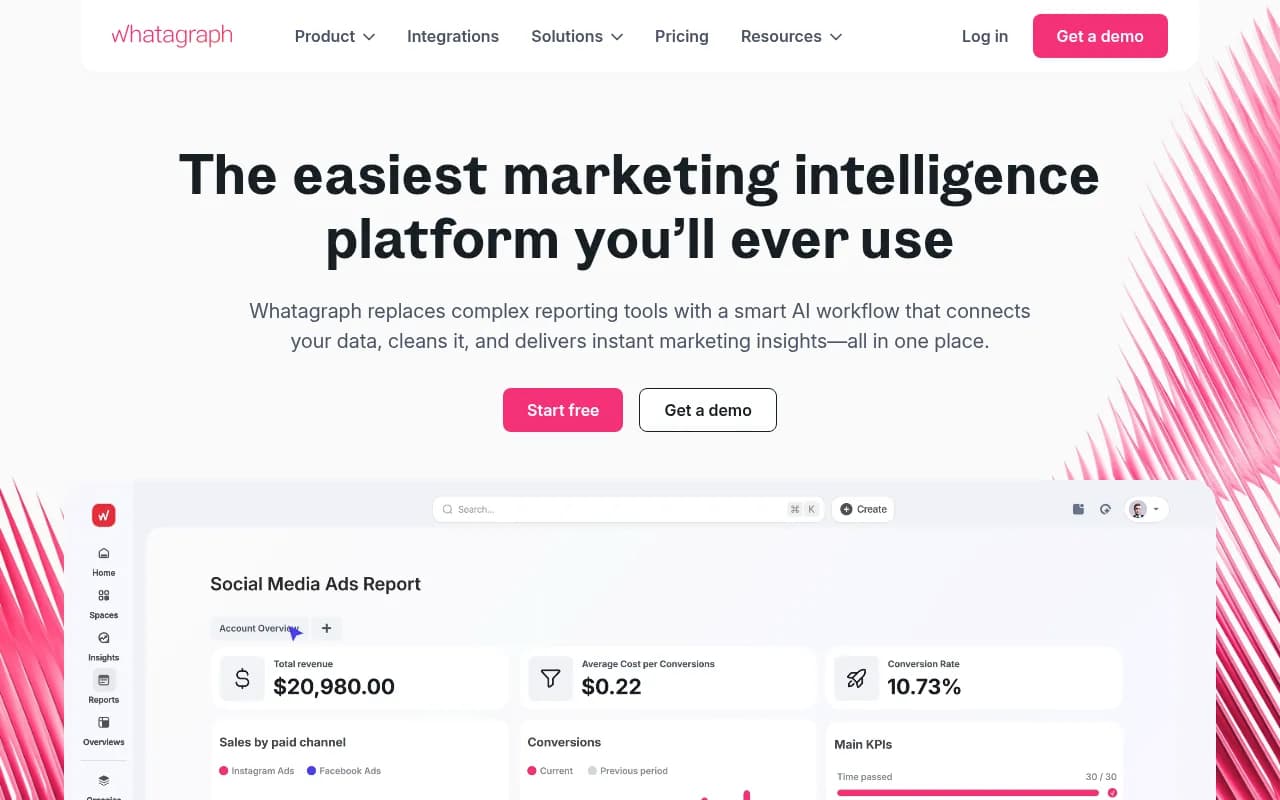
For the reporting layer, dashboards like Whatagraph are built for agency client reports and can hold the spend, analytics, and conversion side of the deck.
For the monitoring layer, Promptwatch has an Ads Radar that shows which advertisers bid on your prompts, their ad copy, claims, and landing pages, viewed by ad or by prompt. It is available on the Business plan, every agency plan, and Enterprise. Agencies also get unlimited projects and team seats, PDF reports with white-label export on Enterprise, and an API and MCP server if you want to pull the numbers into your own deck. You can read more on the ChatGPT ads page or the agency solutions page, and confirm current pricing at promptwatch.com/pricing.

Other agency-oriented trackers in the same space include Rankability and OpenLens, though you should check each one for sponsored-placement capture specifically before committing, since many tools only track organic mentions and citations.
For a wider look at the category, the AI rank tracking directory at ai-rank-tools.com lists many options side by side.
A monthly workflow that fits a small team
- Week 1: confirm the prompt list with the client. Include a mix of organic, brand-specific, and competitor-comparison prompts, and flag the commercial ones for shopping-card checks.
- Weeks 1-4: let tracking run daily. Don't react to single-day spikes.
- Day 25: pull the daily series, compute the 7-day and 30-day averages, and export the advertiser log.
- Day 27: choose placement screenshots and write the caveats.
- Day 28: write the summary and next steps. Have the account manager read the whole thing and change anything that overstates.
- Day 30: send it, with a 20-minute call for clients spending real money.
If you use an AI assistant to draft commentary, give it the numbers and the caveats and ask it to explain what changed. Keep a human on the final read. Layer, the Norwegian agency in Supermetrics' guide, validated AI output against live ad accounts for several weeks before using it on client work, and that's a sensible bar.
Questions clients will ask
Where did my ads appear?
Show sampled placements with the prompts they matched. If you're only monitoring competitors, show where theirs appeared on your client's prompts.
Why is this number different from last month?
The platform changes rates in bursts. Point to the daily chart and the dates of the jumps. If your prompt set changed, say that too.
Can I trust the conversion numbers?
Describe the tracking method and its limits in plain words. If you can't tie conversions to ads, say that and show the assisted-conversion and baseline comparison instead.
Should we spend more?
Tie the answer to the success metric you agreed at the start. If there's no agreed metric yet, that's the real finding. Agree one before next month.
Common mistakes
- Reporting one day's ad rate as "the" rate.
- Leaving out the denominator.
- Comparing AI placement click rates to search click rates.
- Changing the prompt set and not mentioning it.
- Showing only the placements that look good.
- Writing a 30-page deck when four pages would do.
Where to start
Pick one client with a branded-search business worth protecting. Set up a monitor of 20 to 30 prompts across the three types, run it for a full month, and fill in the template above even if half the sections are thin. The first report will be rough. By the third, you'll know which sections your clients actually read, and you can cut the rest.