Key takeaways
- Ads in AI answers are real and growing. Promptwatch Data shows ChatGPT served no ads until May 27, 2026, and by July roughly 30% of web-search responses carried one.
- There is no native ad library or auction insights report for ChatGPT, so you need to capture ads by running your own prompts repeatedly and logging every sponsored slot.
- The useful fields are advertiser, headline, description, landing page URL, and how often each ad appears per prompt.
- Buying an ad does not earn a citation. SE Ranking found that in 88% of Google AI Mode ad keywords, the advertiser was not among the cited sources.
- Check several days of data before drawing conclusions. One run can land on an outlier day.
Why this became a problem so quickly
In Google Ads you can open Auction Insights and see who you compete against. In ChatGPT you can't. There is no transparency center, no ad library, and no impression share report for the competitors sitting next to your brand in an answer.
And the ads are not rare anymore. According to Promptwatch Data's ChatGPT Ads Over Time report (May 20 to August 17, 2026), ads appeared in an average of 20.1% of ChatGPT responses that ran a web search. The timeline is abrupt: nothing until May 27, then 1.69% of responses that day, then past 30% on July 1, with daily peaks as high as 43.9%. The 7-day average at the time of the report was 32.4%.
If you manage a brand that shows up in AI answers, this changes the question. It used to be "are we mentioned?" Now it is also "who paid to sit above us, and what are they telling the buyer?"
What an AI ad actually contains
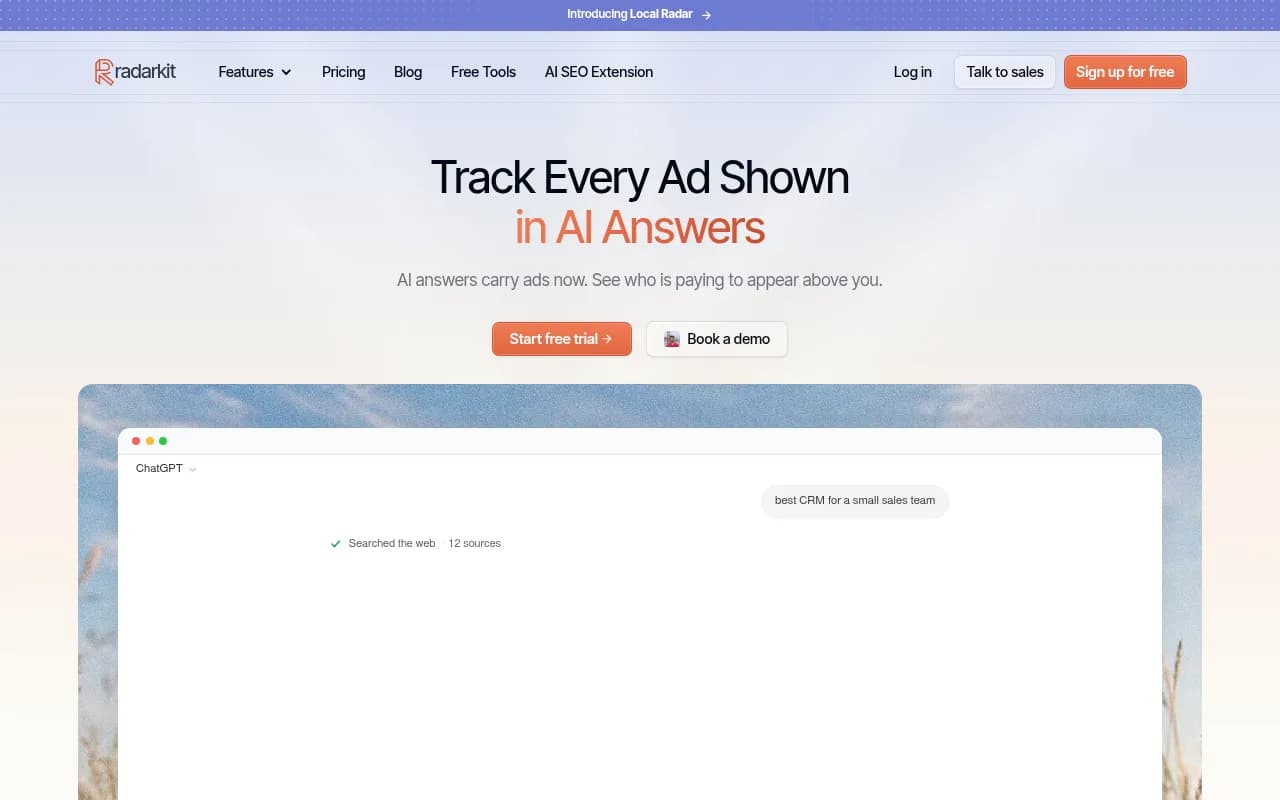
A sponsored placement in ChatGPT is a labeled card, usually above or inside the answer. A typical one, like the HubSpot CRM example in Radarkit's demo, has a headline ("HubSpot CRM, Free for Your Whole Team"), a one or two line description, a favicon, and a destination URL.
That gives you four things worth capturing every time:
- Who the advertiser is
- The exact headline and description (the claims, offers, and hooks)
- The final URL, which tells you whether they send traffic to a homepage, a product page, or a purpose-built landing page
- How often the ad shows up for each prompt
How often matters most. A one-off appearance is a test. An ad showing in 57% of answers on a prompt, as in the Radarkit sample, is a committed budget.
Which prompts attract ads
Promptwatch Data splits ad-bearing responses by prompt type. Over the past 7 days of the report window, 73.3% of ad-bearing responses came from organic prompts, 18.0% from brand-specific prompts, and 8.6% from competitor comparison prompts. Across the whole 90 days the average-day split was 73.1%, 17.9%, and 9.1%.
Be careful reading that. The report itself notes the mix reflects prompt volume. It shows where ads appeared, not how likely each prompt type is to trigger one. Most prompts people type are organic, so most ads are on organic prompts.
Still, the segments are worth watching separately. Ads on brand-specific prompts (where someone typed your name) are a conquesting signal. Ads on competitor comparison prompts show who is fighting for the final decision.
How to build an ad radar workflow
You don't need a special product to understand the method. You need a prompt set, a schedule, and a log.
Step 1: build the right prompt set
Start with 30 to 50 prompts across three groups:
- Category prompts a buyer would type before knowing your brand ("best CRM for a small sales team")
- Brand prompts with your name and your competitors' names
- Comparison prompts ("X vs Y", "alternatives to X")
Include prompts where no ads appear today. Trendos makes this point in its FAQ and it is right: you want to be the first to notice when a competitor starts spending on a query you care about.
Step 2: run them repeatedly, from the right place
Ads vary by day, market, and location. A single check tells you almost nothing. Promptwatch's own advice is to look across several days before drawing conclusions, because one run can land on an outlier day. Pick the country you sell in and keep it constant.
Also remember who sees ads. OtterlyAI notes that ChatGPT ads are not shown to Plus, Pro, or Business plan users, or to anyone OpenAI believes is under 18. So the paid pressure you see reflects free-tier and similar users, not everyone.
Step 3: log every sponsored slot
For each run record the prompt, date, model, advertiser, headline, description, and landing URL. Then record what the organic answer says on the same prompt. GrowByData suggests a simple matrix for this, and it is worth stealing:
| Organic answer names | Sponsored ad from | What it tells you |
|---|---|---|
| The competitor | The competitor | They have paid and organic visibility on this prompt |
| Neither brand | The competitor | They are buying visibility where no one owns the organic recommendation |
| Your brand | The competitor | A possible conquesting signal |
| Your brand | Your brand | Your paid and organic visibility reinforce each other |
Step 4: read the copy, not just the count
The copy is where the insight is. Put competitor headlines side by side. Which offers repeat (free tier, no credit card, 14-day trial)? Which claims are they making that you can't, or won't? Which landing pages are dedicated and which are just the homepage?
A competitor sending every click to a generic homepage is not optimizing. One with a tailored landing page per prompt cluster is.
Tools that capture AI ads
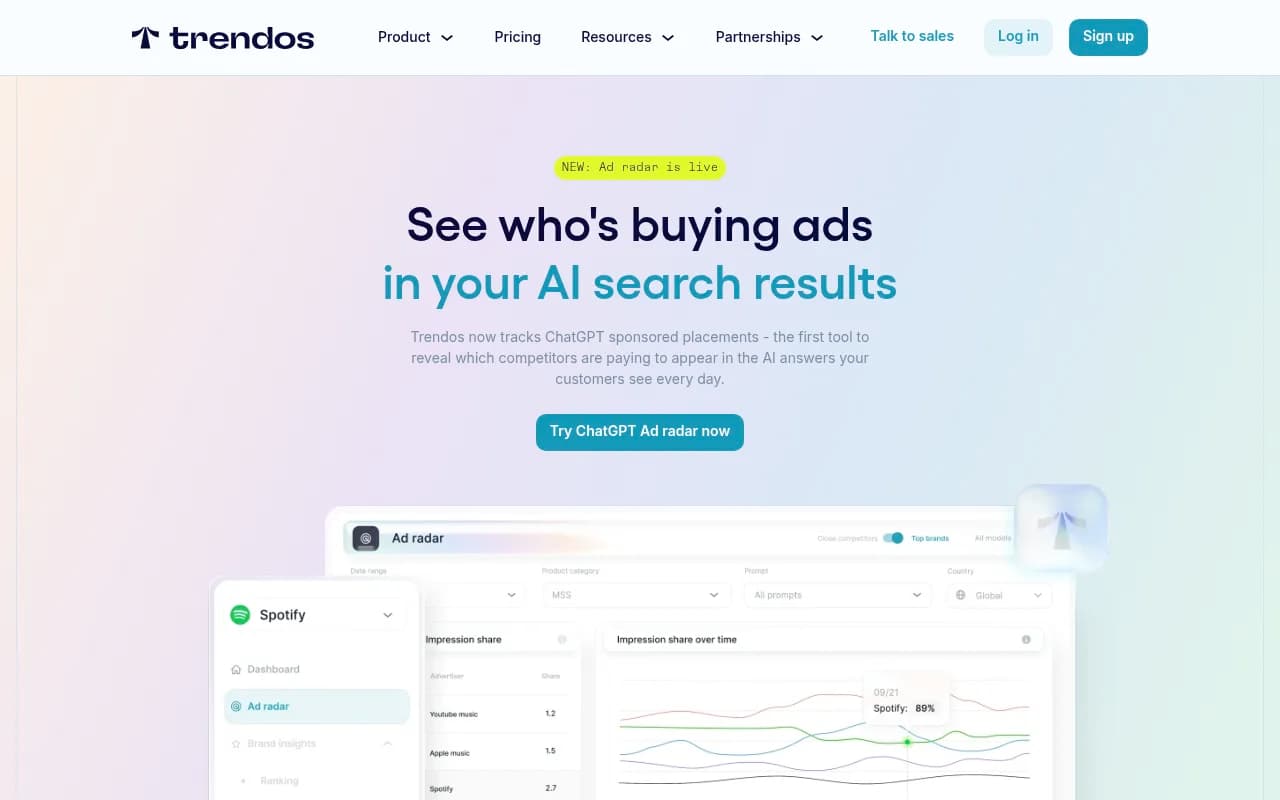
A few vendors now track sponsored placements. I'd treat their marketing claims with some caution. Trendos, for example, says it is "the only way" to see ChatGPT ads, which is not true given that several tools now do it.
Promptwatch is the one I'd start with if you already care about AI visibility. Its Ads Radar shows which advertisers bid on your tracked prompts, the ad copy and claims, and where each ad sends visitors, viewable by ad or by prompt. Because it sits next to citation tracking, crawler logs, and visitor analytics, you can see the paid and organic picture in one place. Ads Radar is on Business, the Agency plans, and Enterprise.

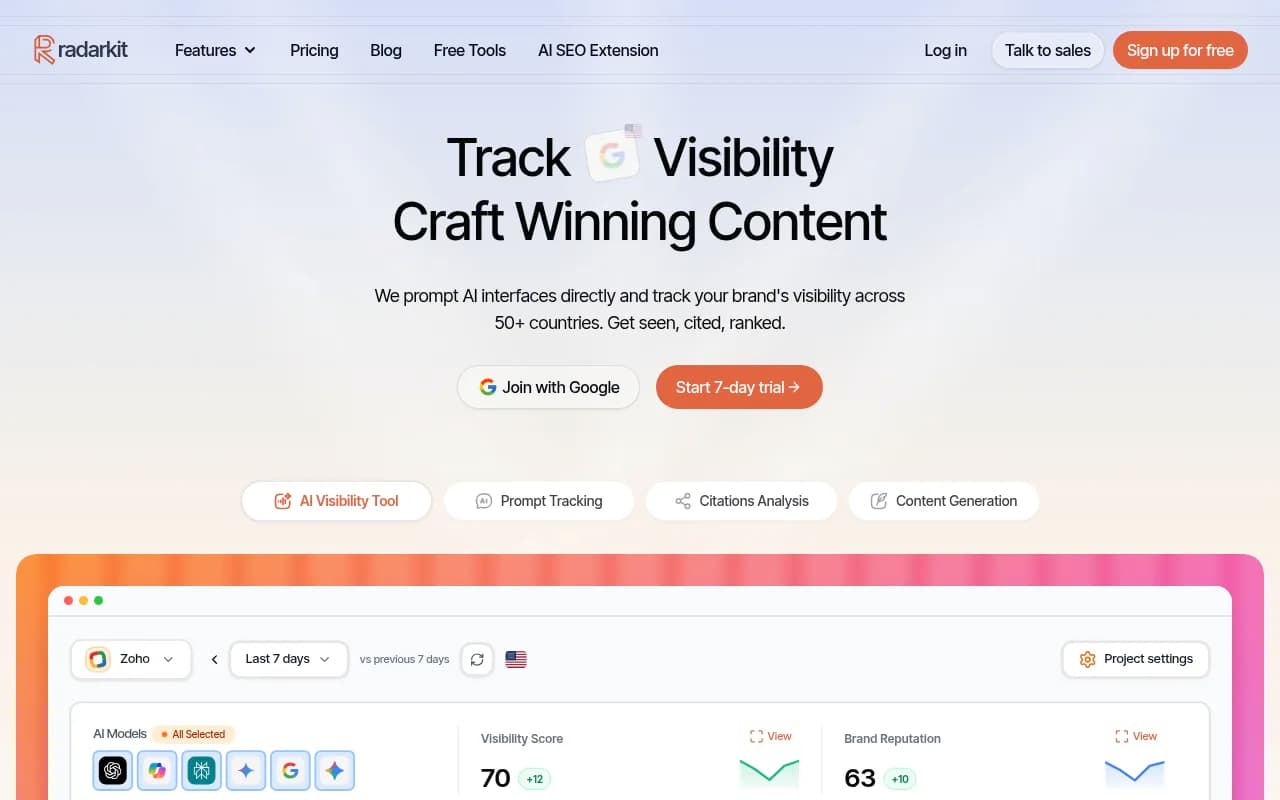
Radarkit focuses on ads specifically. Its Ads Radar ranks advertisers by how often they appear, shows creatives, first-seen dates, and appearance counts, and covers both ChatGPT and Google AI Mode.
OtterlyAI added ChatGPT ads and shopping tracking to its monitoring product, answering which prompts trigger ads and what each ad says.
SE Ranking has done the research angle on Google AI Mode ads, and its platform lets you check which domains appear in ads for prompts you care about.
| Tool | Ad capture | Also covers | Best for |
|---|---|---|---|
| Promptwatch | Advertisers, copy, landing pages by ad or prompt | Citations, crawler logs, AI traffic, content actions | Teams that want ads next to organic AI visibility |
| Radarkit | Advertiser ranking, creatives, appearance counts | ChatGPT and Google AI Mode | Ad-focused competitive tracking |
| OtterlyAI | Which prompts trigger ads, ad claims | Brand monitoring | Affordable monitoring with an ads layer |
| Trendos | Impression share, title, description, final URL | ChatGPT sponsored placements | Dedicated ad radar |
I did not verify pricing for Trendos, Radarkit, or OtterlyAI, so check each site before you budget. For a wider list, the GEO software directory at bestgeosoftware.com and the AI rank tracking directory are good starting points.
What about AI shopping?
Sponsored text ads are one surface. Product cards are another. Shopping features, meaning product cards, recommendations, and price comparisons, attach to only a low single-digit percentage of ChatGPT web-search responses overall, according to Promptwatch's ChatGPT shopping usage data (published November 2025, so treat the exact levels as dated). But they concentrate on commercial and transactional prompts, where trigger rates are far higher than the average.
The same report notes the rate moves in steps. It roughly doubled overnight in late May and fell back weeks later, which Promptwatch reads as OpenAI actively tuning when product cards appear. If you sell products, watch for those step changes. They signal a window opening or closing for your category.
For e-commerce brands the practical checklist is short:
- Complete Product schema markup
- Accurate prices and availability
- A clean merchant feed
- Regular runs of commercial and transactional prompts, logging which brands fill the product cards
Promptwatch's AI Shopping tracking covers ChatGPT shopping carousels and Amazon Alexa product results, and you can upload your catalog to track your own products. For agencies and enterprise teams working on shopping surfaces specifically, tools like Azoma and Goodie AI are built around that problem.
Ads do not buy you citations
This is the finding I'd put on a slide. SE Ranking studied 50K keywords in Google AI Mode and found ads on nearly 1 in 3 commercial queries. In 88% of ad keywords, the advertiser's domain was not among the cited sources. Only 11.53% of advertiser domains appeared among citations, and just 1.95% at the exact URL. About 85% of ad keywords had an advertiser that wasn't in the organic results at all.
SE Ranking also compared advertisers against non-advertisers of similar strength (domain trust, backlinks, referring domains) and found advertisers were cited no more often. Their conclusion: the ad is a paid-media play, and being cited is an authority and content play. Neither moves the other.
Two more details from that study matter. In 71.1% of cases where an ad appeared, the AI Mode answer contained two ad items, so you are rarely the only advertiser in the answer. And ad presence swung from 72.38% of keywords in Pets to 2.64% in Healthcare. Your category decides how much of this you will see.
The lesson: don't treat ads as a shortcut to AI visibility. They sit alongside the organic answer. If you want to be named in the response itself, that is still a content job, and you can see how it works in Promptwatch's citation research, for example the finding that product pages are the most cited content type in ChatGPT at 22.4% of citations (September 28 to October 4, 2026).
Don't over-generalize from small samples
You will see wildly different ad rates quoted. GrowByData ran 44 prompts in New York between August 26 and September 24, 2026 and logged 66 sponsored placements across 1,317 ChatGPT searches, about 5 per 100. On the same prompts, Google AI Mode served 129 sponsored placements. That is one account in one market, and it sits well below the cross-account rate in Promptwatch's report. Both can be true. Ad rates depend on category, location, prompt mix, and date.
Treat any single test, including your own, as a snapshot.
What to do with what you find
Once the radar is running, the data feeds specific decisions.
Defend your brand prompts
If a competitor is advertising on prompts with your name in them, decide whether to bid on them yourself. Ads on your branded prompts are cheap insurance if the competitor is converting your would-be customers.
Find unowned prompts
The second row of the table above is the opportunity: a competitor buys a slot where nobody owns the organic recommendation. That is a content gap. Publish something worth citing and you may take the organic position without paying for it.
Sharpen your own messaging
Competitor ad copy is a free test bed. If three advertisers lead with a free tier and you hide yours on page four of your site, that is a message problem, not a bidding problem.
Report it
Put ad share next to visibility and share of voice in your monthly reporting. If you work with an agency, ask them to include it. 1001 SEO Media builds this kind of AI search reporting into its GEO work, but whoever does it, the paid layer should not be missing from the picture anymore.
A simple monthly routine
- Weekly: review new advertisers and new creatives on your top 20 prompts
- Monthly: compare ad share against organic visibility per prompt cluster
- Quarterly: revisit the prompt set, adding prompts where ads just started and dropping ones that never trigger them
- Always: keep country and language constant, and compare across several days, not single runs
For more background on how AI answers get built, the Promptwatch Data hub has the underlying research.
The short version
AI ads went from zero to roughly a third of ChatGPT web-search responses in about five weeks. You can't see them in any native report, so capture them yourself or use a tool that does it for you. Log advertiser, copy, landing page, and frequency. Compare against the organic answer. And keep in mind that paying for a slot does not put you in the citations.