Key takeaways
- The Promptwatch MCP server is hosted over streamable HTTP at
https://server.promptwatch.com/mcp. Nothing runs on your machine, and auth is OAuth or an API key. - Claude has an official connector and ChatGPT has an official plugin. Manual setup with an API key works for both if you want headless access.
- A weekly briefing is one prompt that pulls visibility, competitor, citation and sentiment data and compares this week to last week. The docs say it takes about 30 seconds.
- The docs I found describe no built-in scheduler. In practice you run the prompt each Monday, or wrap it in a Claude Code skill, unless you verify otherwise in your own account.
- Use a read-only, project-scoped key for any assistant that only needs to report. Never let a reporting assistant call
publishContentLiveunsupervised.
What you are actually building
Promptwatch already has dashboards, scheduled PDF reports and an in-app analyst called Agent Chat. So why bother with MCP?
Because MCP puts your AI visibility data inside the assistant you already work in. Agent Chat lives inside Promptwatch. MCP brings the same data into Claude or ChatGPT, where you can mix it with a strategy doc, a codebase, a CRM connector or last quarter's board deck. A weekly report written by an assistant that also sees your launch calendar is more useful than a chart export.

The goal here is modest and practical: a Monday-morning routine that produces a short briefing (paste-ready for Slack) and, when needed, a PDF for stakeholders.
What the MCP server exposes
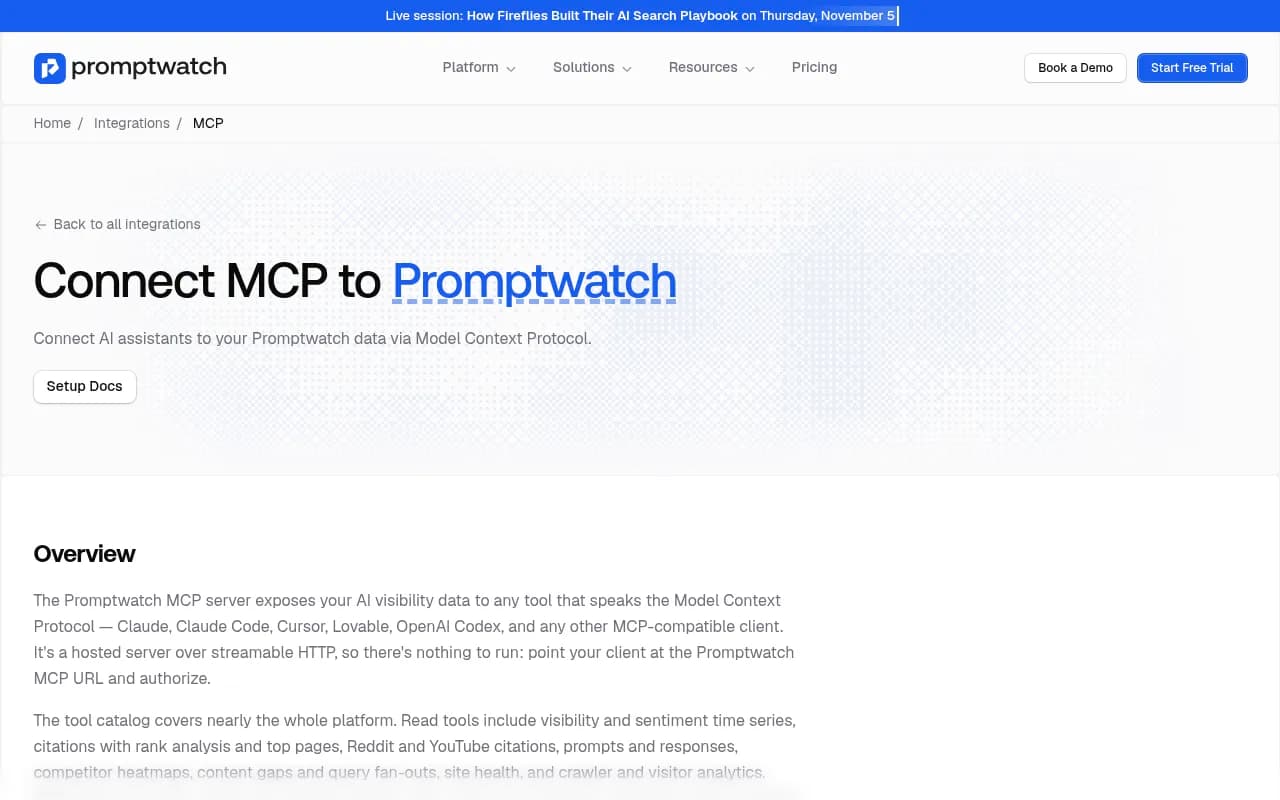
According to the official MCP integration page, the tool catalog covers nearly the whole platform.
Read tools include:
- visibility and sentiment time series
- citations with rank analysis and top pages
- Reddit and YouTube citations
- prompts and responses
- competitor heatmaps
- content gaps and query fan-outs
- site health
- crawler and visitor analytics
Write tools can create and manage prompts, tags, topics and personas, generate content, manage Content Agent slots, push drafts and publish to a connected CMS, and create reports and action items.
For weekly reporting you mostly need the read side plus createReport. The write side is where the risk lives, which is why the scope section below matters.
Connecting Claude
Claude connects to remote MCP servers from Anthropic's cloud, not from your device, so a hosted server like this one is a natural fit.
Claude web or Desktop (recommended)
- Go to Customize, then Connectors, then Browse.
- Search for Promptwatch and click Connect.
- You are sent to Promptwatch to choose the organization and projects the connection can see.
- Click Accept.
That is the whole thing. On Team and Enterprise plans, connectors are added under Organization settings, then Connectors.
Claude Code
For OAuth, run:
claude mcp add --transport http promptwatch https://server.promptwatch.com/mcp
Do not pass --header here. Adding a header switches the connection to API key auth and skips OAuth, which trips people up. Then run /mcp, select promptwatch, choose Authenticate, and confirm with claude mcp list.
For a headless setup with an API key, use the same command and add:
--header "Authorization: Bearer YOUR_API_KEY"
Cursor and clients without remote HTTP
Cursor takes the URL and an Authorization header in .cursor/mcp.json, and there is a deeplink installer. For clients that cannot speak remote HTTP, the docs suggest the mcp-remote proxy:
npx -y mcp-remote https://server.promptwatch.com/mcp --header "Authorization: Bearer YOUR_API_KEY"
Connecting ChatGPT
The official plugin
Open the Promptwatch plugin listing in the ChatGPT store and click Install plugin. Then authorize on the Promptwatch consent page: pick the organization and projects, click Accept. Done.
Manual setup with an API key
Useful if you want a read-only key or a specific project scope.
- In Promptwatch, create a key under Settings, then API Keys.
- In ChatGPT, open Plugins, then the MCPs tab, then the gear icon, and add a server to reach the custom MCP form.
- Set Name to
Promptwatch, Type toStreamable HTTP, and URL tohttps://server.promptwatch.com/mcp. - Add the header
Authorization: Bearer YOUR_API_KEY.
You may come across third-party guides that route Promptwatch into ChatGPT through managed MCP services such as Truto or Elaichi. They work, with a 14-day trial on Elaichi, but with an official plugin available they add a middle layer you probably do not need.
Claude or ChatGPT?
| Claude | ChatGPT | |
|---|---|---|
| Official route | Connector in the directory | Plugin in the ChatGPT store |
| Manual route | Custom connector with request headers | Custom MCP form, Streamable HTTP |
| CLI and skills | Claude Code with OAuth or API key | Not applicable |
| Best for | Reusable skills, long analysis chats | Teams already living in ChatGPT |
If you want the weekly report to become a one-command routine, Claude Code is the stronger option because of Promptwatch Skills (more below).
Pick the right scope before you do anything else
This is the step people skip, and it matters more than the prompt.
- Project-scoped keys see one project.
- Organization keys see every project.
- Read-only keys make write tools unavailable.
- The OAuth consent screen lets you limit the connection to specific projects.
For a reporting assistant, use a read-only, project-scoped key. An agency sending a weekly briefing for one client should limit the connection to that client's project so the assistant cannot wander into anyone else's data. You can always widen access later. Narrowing it after something goes wrong is less fun.
Validate the connection once before trusting it. Ask something you already know, like "what's my visibility score this week?", and compare the answer to the dashboard. If they disagree, fix that first.
The weekly briefing prompt
Promptwatch's docs include a Weekly GEO Briefing recipe. It uses getVisibilityTimeSeries, getTopCompetitors, getCitations and getSentimentTimeSeries. The prompt from the docs:
Give me a weekly GEO briefing for the last 7 days. Include: overall visibility trend (up/down/flat vs previous week); top 3 competitor movements; any notable citation source changes; sentiment shifts. Format it as a brief I can paste into Slack.
The assistant compares this week against last week on its own. That is a solid starting point, but I would tighten it for a standing report:
Give me my weekly AI visibility briefing for [project name], covering the last 7 days versus the 7 days before.

1. Visibility score trend overall and by AI model. Flag any model that moved more than 5 points.
2. Top 3 competitor movements.
3. New or lost citation sources, and any change in where our domain ranks in the source list.
4. Sentiment shifts, with one example response if sentiment dropped.
5. One recommended action for this week.

Keep it under 250 words. Lead with the single most important change. If data is missing, say so instead of guessing.
Two things in that prompt are deliberate. The word limit stops the assistant from writing a wall of text nobody reads. And the instruction about missing data matters because assistants will happily smooth over gaps.
Read the numbers with context
A weekly report invites over-reading small swings. Promptwatch Data's average sources per response report (originally published September 2025 and updated daily, built on 26B+ data points) shows why:
- ChatGPT cites about 5 sources per web-search answer.
- Google AI Overviews cite about 10, steady over time.
- Perplexity sits at almost exactly 10 every day.
- Copilot's average has swung from under 2 to nearly 17 within a few weeks.
So when your weekly briefing says Copilot visibility jumped, wait for the monthly trend before telling anyone. Perplexity's steadier citation count makes it a better week-over-week baseline. You can add a line to your prompt: "Treat Copilot changes as provisional and only call out Perplexity, ChatGPT and AI Overviews movements."
Platform behavior also shifts underneath you. Promptwatch's data shows reddit.com's share of ChatGPT citations falling from roughly 4% to 0.5% on August 14, 2026. If your weekly report suddenly shows a Reddit-driven drop, that is a platform change, not a failure on your side. Having the assistant check for this saves a panicked meeting.
Producing a PDF for stakeholders
A Slack brief is fine for the team. Executives usually want a document. The PDF recipe uses two tools:
createReportreturns areportIdimmediately.getReportis polled until the status iscomplete, then returns a short-lived download URL.
Two details to know. First, email is never sent from these tools, so you download or forward the file yourself. Second, to scope a report to specific monitors, pass ids from listMonitors as options.llmMonitorIds. The filters match the in-app Reports UI.
A prompt that works:
List my monitors, then create a PDF report for the [brand] monitors covering the last 7 days. Poll until it is complete and give me the download link.
Because the download URL is short-lived, grab the file straight away rather than saving the link.
Follow-up prompts that make the report useful
The briefing tells you what moved. The follow-ups tell you why. The docs offer a visibility-drop recipe that chains getVisibilityTimeSeries, getCrawlerTrend, getCitationRankAnalysis and listResponses. It checks when the drop started, whether AI crawlers still reach your site, whether citation rank changed, and which prompts lost visibility.
When the weekly briefing flags a decline, try these in order:
- "When exactly did the drop start, and was it on one model or all of them?"
- "Are AI crawlers still reaching our site without errors?"
- "Show me what sources replaced us."
- "Which prompts lost visibility, and which pages should have covered them?"
Other questions from the docs worth keeping in a saved note:
- Which domains does ChatGPT cite most in my category, and am I on any of them?
- Compare my visibility against my top three competitors this month.
- How much AI-referred traffic did we get last month?
- Which of our pages are AI crawlers hitting most?
The crawler and traffic questions are the ones a monitoring-only tool usually cannot answer, because they need crawler logs and visitor analytics sitting next to the visibility data.
Automating the routine
Here is the honest part. The documentation I reviewed describes no built-in scheduler for MCP prompts. Confirm in your own account before assuming otherwise. What you can do today:
- Save the briefing prompt as a pinned note, a Claude project instruction, or a custom GPT-style starting message, and run it every Monday.
- Use Promptwatch Skills in Claude Code or Cursor. These are pre-built workflows covering visibility audits, competitor benchmarks, weekly reports and content gap analysis as one-command routines.
- If you want delivery into a channel on a schedule without touching it, Promptwatch's own Slack integration delivers scheduled briefings from Agent Chat. That is a different path from MCP, and for plain Monday-morning delivery it may be the simpler one.
- For trigger-based pipelines, general automation tools like n8n or Zapier can sit around the process, though you would need to check how they call MCP in your setup.
My own take: start with the manual Monday prompt for four weeks. You will learn which parts of the briefing people actually read, and only then is it worth wiring anything up.
MCP or Agent Chat?
| Need | Better fit |
|---|---|
| Quick answers inside the Promptwatch UI | Agent Chat |
| Scheduled briefings in Slack | Agent Chat |
| Mixing visibility data with docs, code or other connectors | MCP in Claude or ChatGPT |
| One-command routines in a coding environment | MCP with Claude Code skills |
| Client-specific assistant with limited data access | MCP with a scoped key |
Going from report to action
A report that ends in "visibility is down" is a dull report. The same connection can close the loop. The content gap recipe uses listContentGapPrompts, getContentGapRecommendations, createContent and getContent. Generation is async, so the assistant polls until it finishes.
The publish-and-track recipe goes pushContentDraft then publishContentLive. Publishing adds the URL to the page tracker, and a week later you can ask "Has anything cited that page yet?" That question fits neatly as the last line of your weekly briefing.
One warning, straight from the docs: publishContentLive puts content on your public site and cannot be undone from Promptwatch. Stage the draft, read it, and confirm before publishing. If your connection is read-only, this risk disappears, which is another reason to keep reporting assistants read-only and use a separate, write-enabled connection for content work.
Other tools with MCP servers
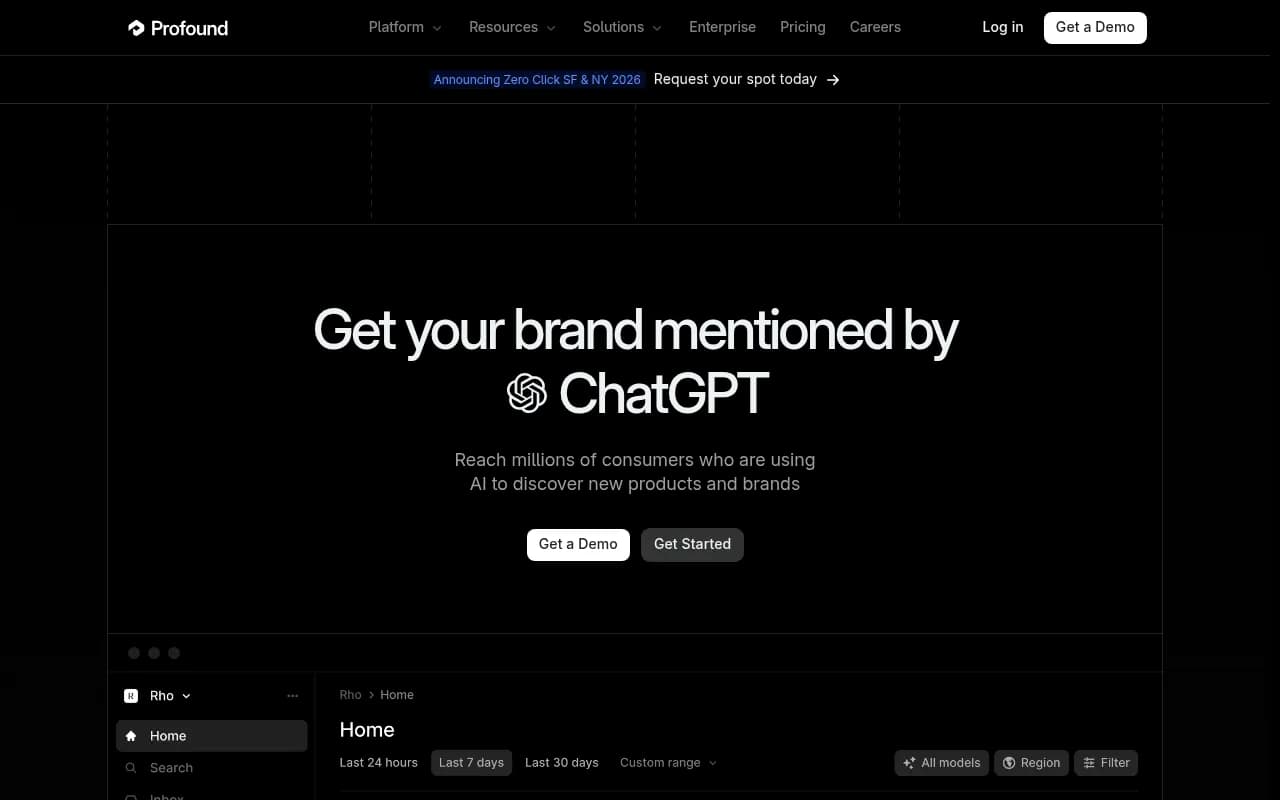
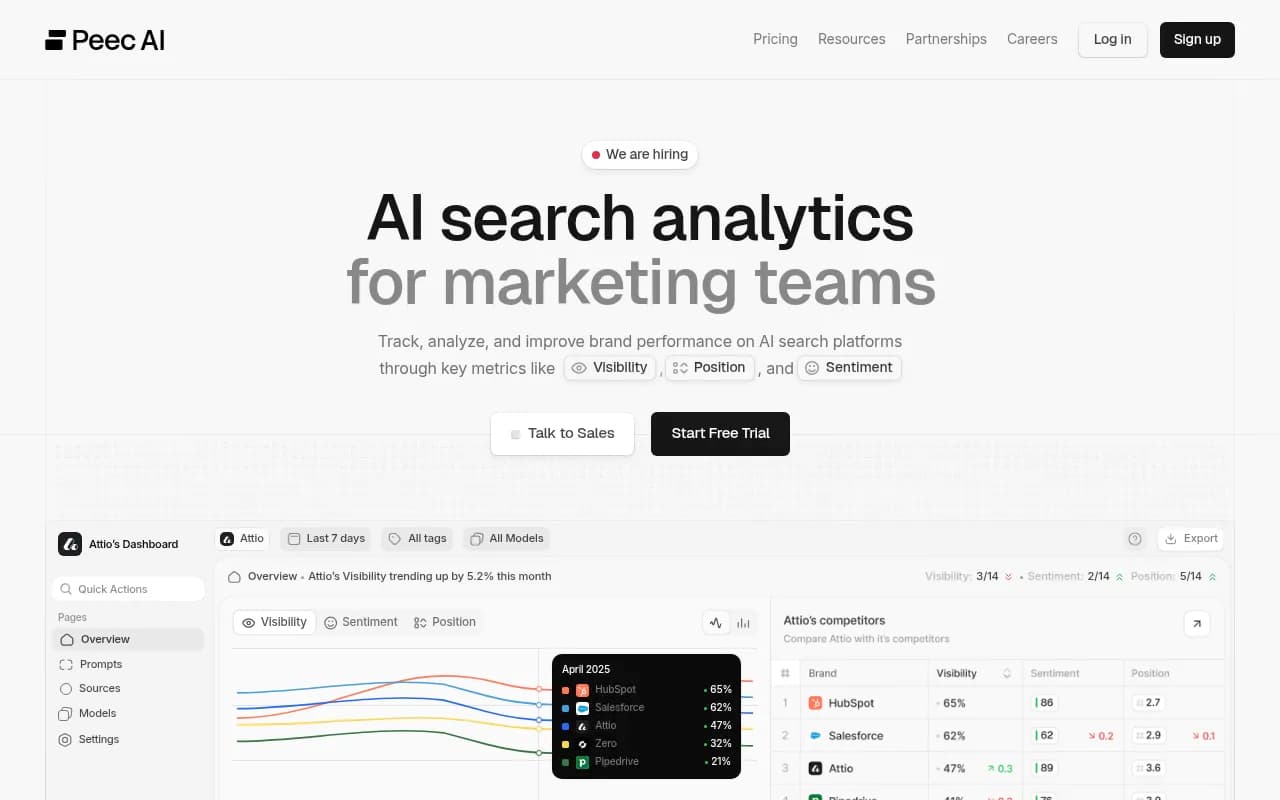
Promptwatch is not the only AI visibility tool with an MCP server. Profound has one that connects ChatGPT, Claude Desktop, Cursor and Cline to its Agent Analytics data, and Peec AI lists an MCP server too.
I did not verify plan gating or pricing for any of them, so check pricing pages before committing. Promptwatch's plans are listed at promptwatch.com/pricing, and its MCP and API access appears on the Essential plan and above in the plan breakdown I reviewed. If you are still comparing options, the GEO software directory at bestgeosoftware.com lists more tools in the category.
Common pitfalls
- Passing
--headerin the Claude Code OAuth command. It silently switches you to API key auth. - Using an organization key for a single-client report. Scope it to the project.
- Treating one week of Copilot data as a trend.
- Letting a write-enabled assistant run a reporting prompt. Use read-only keys.
- Skipping validation. Check the first answer against the dashboard.
- Forgetting that
createReportdoes not email anything and its download link expires.
If you want a broader look at what is moving in AI citations before you set your report thresholds, the Promptwatch Data hub is a good reference to keep open.
A starter checklist
- Create a read-only, project-scoped API key, or limit OAuth consent to one project.
- Connect via the Claude connector or ChatGPT plugin.
- Ask for this week's visibility score and compare it to the dashboard.
- Save the tightened briefing prompt and run it every Monday for a month.
- Add a PDF run for monthly stakeholder updates.
- Only then consider a write-enabled connection for content gap work, with drafts staged and reviewed.
That is a small setup, and it removes the part of weekly reporting that nobody enjoys: opening five dashboards to write one paragraph.