Key takeaways
- AirOps monitors AI visibility through Page360 and Publish Tracking, but it doesn't read your server or CDN logs, so it can't confirm whether GPTBot, ClaudeBot, or PerplexityBot actually reached a page.
- Crawler logs answer a different question than citation trackers: not "did AI mention me" but "can AI even get to my content." If a bot has made zero requests to your site in 30 days, no amount of prompt sampling explains why.
- Promptwatch, Profound, Scrunch AI, AthenaHQ, and Rankshift all read crawler logs through CDN integrations like Cloudflare, Fastly, and Vercel.
- Promptwatch joins those logs directly to the citation path, so you see "crawled 1,248 pages, cited 312" instead of two disconnected dashboards.
- OpenAI's crawlers made up 79.8% of all verified AI crawler requests in the week of August 31 to September 6, 2026, down from 94.8% in mid-June, per Promptwatch's own crawler traffic data. If your logs don't reflect that mix, something on your end is probably blocking the dominant bot.
Why AirOps leaves a gap here
AirOps is a genuinely useful content engineering platform. It helps teams brief, draft, and publish content built for AI discovery, and its free Insights tier will tell you whether ChatGPT is citing you. But there's a specific question it can't answer: did the bot actually show up?
According to AirOps' own comparison content, the platform "approaches crawler visibility through Page360 content freshness signals and Publish Tracking rather than direct server log analysis." That's a polite way of saying it infers crawl activity from downstream signals instead of reading the logs directly. Fine for a quick gut check, not fine if you're trying to figure out why a page you spent weeks on never shows up in an AI answer.
This matters more than it sounds. I've seen teams optimize content for months, watch citations stay flat, and never once check whether the bot could reach the page in the first place. A stale robots.txt rule, an overzealous WAF setting, or a CDN cache miss can quietly block AI crawlers while the rest of the site loads fine for humans. Citation tracking alone won't catch that. Crawler logs will.
There's also a nuance crawler logs reveal that citation counts hide entirely: why a bot is visiting. Promptwatch's research on markdown files found that HTML pages account for 99.94% of AI search citations, with markdown at just 0.05%. But crawler logs on the same sites showed heavy fetch volume on /docs/**/*.md paths, driven by Claude's and OpenAI's coding-agent crawlers, not their consumer search bots. Without log access you'd never know the difference between "AI search is reading my docs" and "a coding agent is pulling my docs for a completely different reason."
What actually counts as crawler log access
Before comparing tools, it's worth being precise about what "crawler log access" means, because vendors use the term loosely. The real thing looks like:
- A direct integration with your CDN or edge network (Cloudflare, Fastly, Vercel, AWS, Akamai) that pulls raw request data
- IP verification, not just user-agent string matching, since spoofed bot headers are common
- Per-crawler, per-path breakdowns, ideally with HTTP status codes so you can spot 404s and 500s hitting AI bots specifically
- A link between what got crawled and what got cited, so you can tell content AI reads but never uses apart from content it's actually pulling into answers
On that bar, a cross-platform comparison of 22 GEO and AI visibility tools found that 13 now read server or CDN logs in some form, a big jump from a year or two ago when this was a rare, enterprise-only feature. The five below are the ones that do it properly, with AirOps-comparable content and visibility features layered on top.
| Tool | Crawler log method | Entry price | Best for |
|---|---|---|---|
| Promptwatch | Cloudflare, Fastly, Vercel; joined to citation path | $95/mo (logs on Professional, $245/mo) | Teams that want logs tied directly to what got cited |
| Profound | AWS, Akamai, Cloudflare, Fastly, GCP, Vercel, Shopify | Custom, sales-led | Enterprises needing SOC 2 / SSO and a 2M+ page benchmark |
| Scrunch AI | Named CDN integrations, AI Agent/Bot Traffic tracking | $250/mo | Diagnosing misread or mis-rendered pages |
| AthenaHQ | Smart robots.txt plus crawler access management | Free tier, $295/mo Starter | Budget-conscious teams wanting crawler control baked into access rules |
| Rankshift | Real-time per-crawler, per-path dashboard with status codes | ~$82/mo annually | Small teams wanting unlimited seats and a live 404 view |
1. Promptwatch
Promptwatch builds its crawler log feature, called Agent Analytics, specifically to answer the question citation trackers can't: did the bot reach the page before anyone decided whether to cite it. It integrates with Cloudflare, Fastly, and Vercel, and shows a Discovered, Indexed, Blocked breakdown per page, then joins that to actual citation data. The illustrative dashboard example on their feature page reads something like "crawled 1,248 pages, cited 312, citation rate 25 percent" — which is a genuinely useful way to see content AI reads but never actually uses, so you stop pouring effort into pages that get scraped and ignored.

Pricing starts at $95/mo for the Essential plan, which covers 4 of 11 AI models freely chosen (no model locked behind a $2,000/mo tier, unlike some competitors), 50 prompts, and MCP/API access out of the box. Crawler logs specifically arrive on the Professional plan at $245/mo, which also adds country-level tracking and 5 AEO articles a month through the Content Agent, which publishes to Webflow or Framer under an approval-gated review inbox rather than fully autonomous publishing. Promptwatch also tracks off-site mentions across Reddit and YouTube separately from on-site citations, and is rated 4.7/5 on G2.
If you want the crawler-log-to-citation link without stitching together two separate tools, this is the most direct route.
2. Profound
Profound's Agent Analytics reads server logs and CDN data instead of relying on JavaScript trackers, which the company calls its "non-intrusive implementation." It supports a wide integration list, AWS, Akamai, Cloudflare, Fastly, GCP, Netlify, Vercel, WordPress, Shopify, and Adobe, and adds an "AI Crawler Verification" step to filter out spoofed bots claiming to be GPTBot or ClaudeBot when they're not.

Beyond raw crawl data, Profound benchmarks your pages against what it describes as a 2 million-plus page network, and has a "Submit to AI Search" feature that pushes new content to AI crawlers for faster discovery. Enterprise security is a real focus here, SOC 2 Type II, SSO, RBAC, GDPR compliance, which explains why it's positioned at the enterprise end of the market. Pricing is custom and sales-led, so budget for a longer buying process than the other tools on this list.
3. Scrunch AI
Scrunch AI ingests crawler logs through named CDN integrations and pairs it with what it calls AI Agent/Bot Traffic tracking. The pitch is specific: if AI crawlers are misreading your site, meaning they're reaching pages but extracting the wrong information, Scrunch's log data combined with its site audits is built to catch that, not just whether the bot showed up.
The Core plan runs $250/mo for 125 unique prompts, 5,000 responses, 5 site audits a month, and coverage of 4 LLMs (ChatGPT, Perplexity, Google AI Overviews, Copilot). Query Fan-out is included but limited at this tier, and there's no Query API or MCP access until you move to Enterprise, which adds 9 LLMs, SSO, and a full Query API. One case study worth noting: Akamai reported a 364% increase in brand presence for non-branded prompts after using Scrunch, according to the company's own pricing page, so treat that as a vendor claim rather than an independent benchmark.
4. AthenaHQ
AthenaHQ's positioning is a little different from the others. Its pricing page highlights "manage AI crawler access with a smart robots.txt" as a headline capability, which is crawler control at the access-management layer rather than deep per-path log analytics. It's still genuinely useful if your main problem is deciding which bots to allow versus block, rather than diagnosing why a specific page underperforms.
The Essential tier is free and covers ChatGPT, Perplexity, AI Overviews, Gemini, and Copilot with a $25 credit allowance to start. Starter runs $295/mo for 3,600 credits, where 1 credit equals 1 AI response, which means running a single prompt across 8 tracked engines burns 8 credits in one pass. Daily multi-engine monitoring can eat through that allowance faster than expected, and top-ups cost roughly $100 per 1,250 credits. Worth factoring into your monthly budget before committing.
5. Rankshift
Rankshift markets its crawler feature plainly on its homepage: "Agent Analytics, see in real time when AI crawlers from ChatGPT, Claude, and others read your pages." Its sample dashboard is the most granular of the group, showing per-crawler, per-path, per-status-code rows, including things like PerplexityBot returning a 404 on a specific case study page. That level of detail is exactly what you want when debugging a single broken crawl path rather than scanning a site-wide summary.
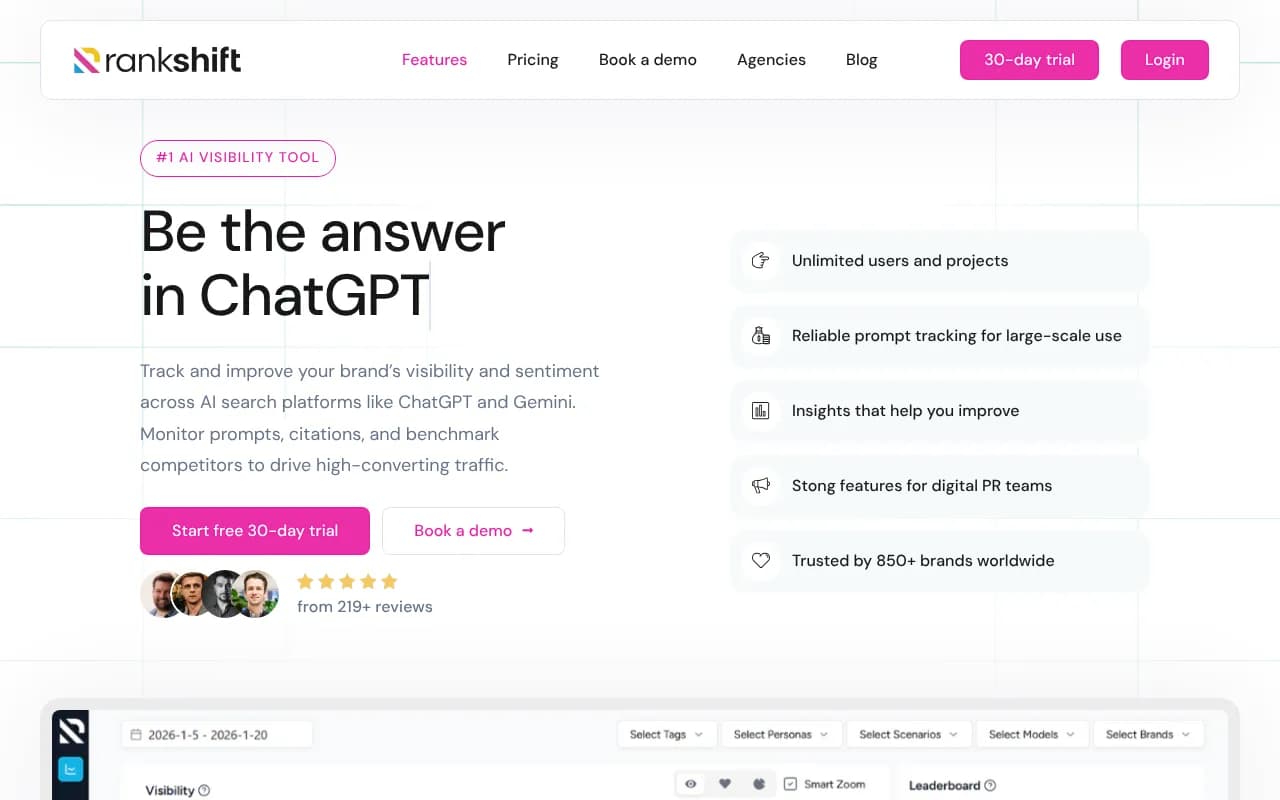
Pricing starts around $82/mo billed annually, and notably every plan includes unlimited seats and unlimited projects, tracking across all 9 major LLMs, Looker Studio integration, and MCP/API access with no tier-gating. For a small team or solo operator who wants crawler visibility without an enterprise sales call, Rankshift is the cheapest way onto this list. It also bundles an Action Center that prioritizes fixes by visibility impact and a content-gap feature showing competitor citations you're missing, so it doubles as a lighter AirOps-style content tool.
A free baseline worth running first
Before paying for any of the above, if your site sits behind Cloudflare, turn on AI Crawl Control. It's free on all Cloudflare plans with zero configuration, and it shows AI crawler access patterns and robots.txt compliance per crawler directly at the edge. Cloudflare also runs a Pay Per Crawl feature, still in private beta, that lets you charge AI crawlers per successful fetch rather than just blocking them outright. It won't give you the citation-path analysis the paid tools above offer, but it's a genuinely useful half-day project to confirm the bots are showing up at all before you spend money diagnosing further.
How to actually use crawler logs once you have them
Having the data is one thing. Here's the sequence that's actually useful:
- Pull your own crawler log breakdown by bot and compare it against a known-good baseline, like Promptwatch's AI crawler traffic data, which tracks weekly IP-verified requests across providers. If OpenAI's crawlers make up the overwhelming majority of verified AI requests industry-wide and your logs show almost none, you're probably blocked somewhere, not simply unpopular.
- Check status codes per crawler, not just hit counts. A bot hitting a page and getting a 404 or 500 is functionally the same as never visiting.
- Cross-reference crawled pages against cited pages. A high crawl count with a near-zero citation rate usually means the content itself isn't answering the question well, not a technical access problem.
- Recheck your robots.txt and WAF rules every quarter. An old rule blocking "bots" broadly, written before AI crawlers existed, is one of the more common silent failures.
If you're evaluating more options beyond these five, the GEO software directory at bestgeosoftware.com is a reasonable place to compare feature sets side by side before committing to a contract.