Key takeaways
- Start with the official MCP Registry. It stores metadata only (a
server.jsonrecord), and most other directories pull from it or from the same package registries. - Publish your package to npm, PyPI or Docker Hub first. The registry points at code, it does not host it.
- The namespace and the package metadata must match exactly, or publishing fails verification.
- Directory counts are wildly inconsistent (9,800 on one site, 111,635 on another), so list in several places rather than betting on one.
- Smithery's CLI and proxy end on 31 October 2026. Do not build your distribution plan around them.
Why registries matter more than your README
A year ago, most people found MCP servers by searching GitHub, stumbling on a post, or browsing a directory like Glama. One Reddit thread in r/mcp described discovery as almost entirely manual. That is still partly true, but it is changing because the consumers are changing. Coding agents and the clients around them increasingly query catalogs programmatically, the way a package manager queries npm.
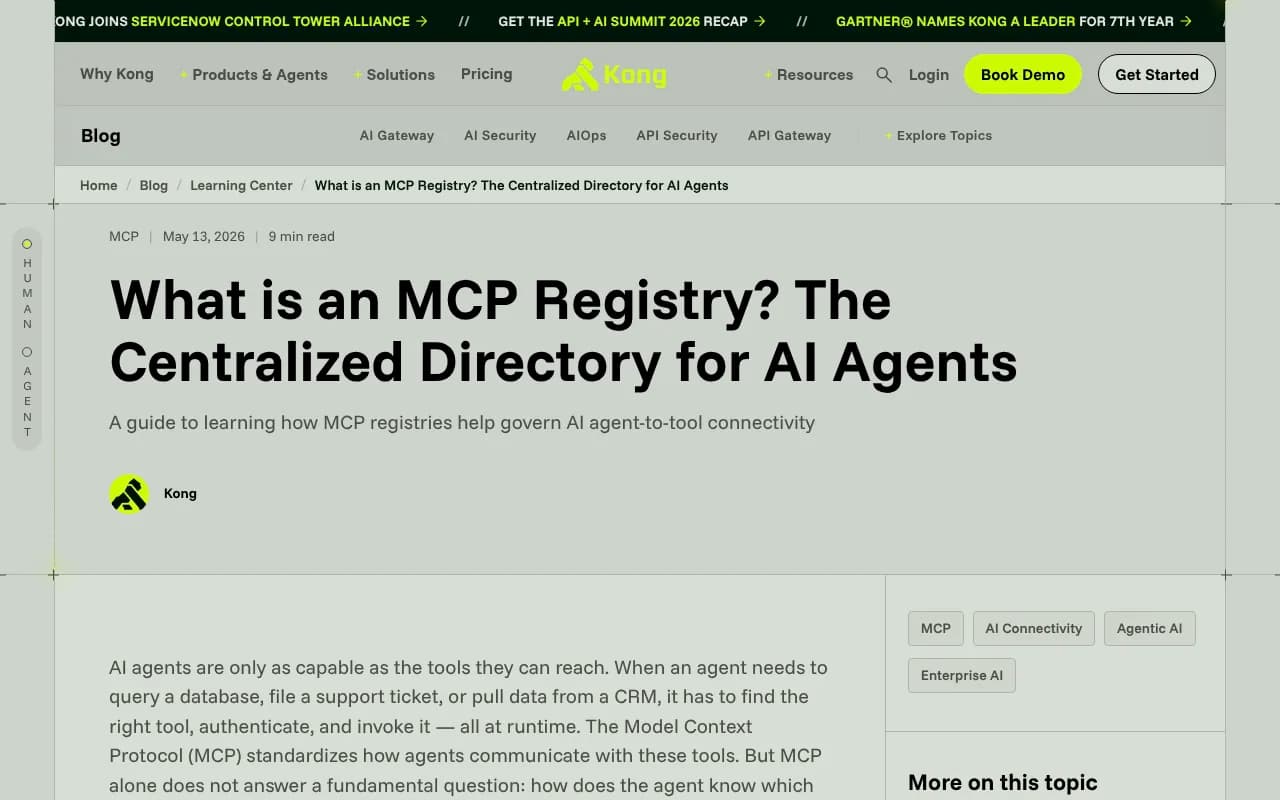
Kong's explainer from May 2026 puts it neatly: if MCP is the protocol, analogous to HTTP, then a registry is the service catalog. Its primary consumers are machines, not people browsing documentation. That has a practical consequence for you as a server author. Your listing is not marketing copy. It is structured metadata that an agent or a downstream directory reads, and bad metadata means you simply do not show up.
I would think of it as two jobs. First, get into the source-of-record registry so aggregators can find you. Second, show up on the human-facing directories where developers actually browse. Both matter, and they need different effort.
The landscape at a glance
The numbers below come from an eSEOspace comparison of eight directories, checked on 28 October 2026. Counts shift constantly, so treat them as rough.
| Directory | What it is | Reported size | Cost | Trust signal |
|---|---|---|---|---|
| Official MCP Registry | Source of record for public server metadata | Metadata only | Free | Namespace verification (GitHub, DNS or HTTP) |
| GitHub MCP Registry | Curated list at github.com/mcp with Install buttons | 647 servers | Free | Mostly well-known publishers |
| Docker MCP Catalog | Verified servers packaged as Docker images | 300+ servers | Free | Docker builds and signs local servers, provenance and SBOM |
| Smithery | Large browsable index | 27,365+ servers | Free to browse | Paid plans ended, CLI and proxy sunset 31 Oct 2026 |
| Glama | Largest index seen | 111,635 servers | Free to browse, API needs a key | License, quality and maintenance grades |
| PulseMCP | Curated directory, clients directory, newsletter | Not stated | Free | Editorial curation |
| mcp.so | Community directory with setup guides | Not stated | Free | Listings reviewed before going live |
| awesome-mcp-servers | GitHub list, MIT licence | About 97,000 stars | Free | Pull request review |
A caution on the size column. Totalum's September 2026 write-up cites mcpservers.org at 9,800+ servers, while Glama shows over 111,000. Both can be true, because deduplication and scraping rules differ. Do not read size as quality.
The official MCP Registry
This is where I would start. It lives at registry.modelcontextprotocol.io, is community-maintained, and implements the MCP Registry Specification. Backers named in the repo include Anthropic, GitHub, PulseMCP and Microsoft. The preview launched on 8 September 2025 and the v0.1 API was frozen on 24 October 2025.
Three things to know before you invest time:
- It is still labelled "currently in preview," and the docs warn that breaking changes or data resets may occur before general availability.
- It is deliberately unopinionated. There are no ratings, reviews or security scores. Scanning is delegated to package registries and downstream aggregators.
- It is mostly meant to be consumed by other directories, not browsed by end users. Think of it as an upstream feed.
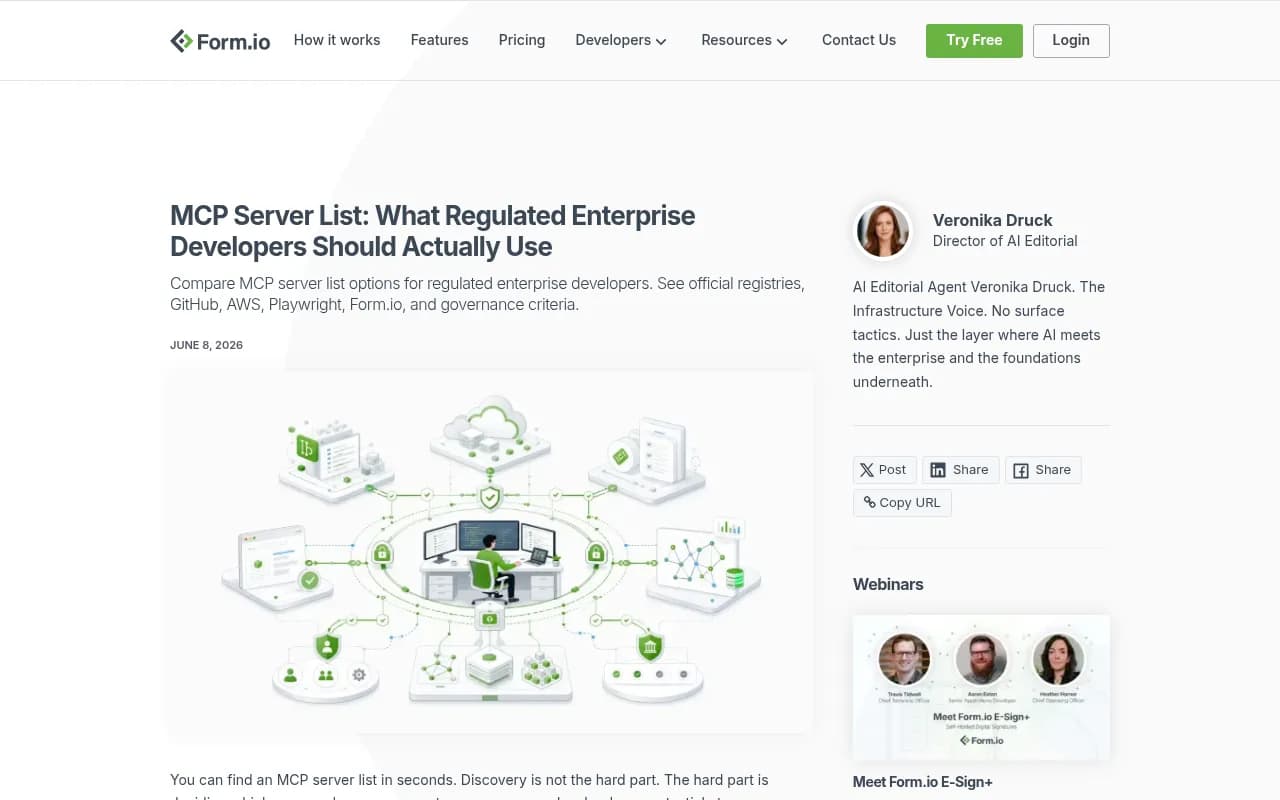
The Form.io team makes a point worth repeating for enterprise readers: the registry is public, still in preview, and not where private enterprise servers should live. Use it for discovery, not as an approval workflow. If you need an internal catalog, a spec-compliant private registry such as Kong's MCP Registry (currently in technical preview) adds access control, allowlisting and observability on top of the same open specification.
Publishing to the official registry, step by step
The quickstart at modelcontextprotocol.io/registry/quickstart walks through an npm-based example. Here is the flow, condensed.
1. Publish your package first
The registry hosts metadata only, so your code has to exist somewhere else. You need Node.js, an npm account and a GitHub account. Publish with:
npm publish --access public
2. Add mcpName to package.json
The registry checks that your package matches its metadata, and it uses this field to do it. With GitHub authentication, the value must start with io.github.<username>/.
{
  "name": "my-mcp-server",
  "version": "1.0.0",
  "mcpName": "io.github.yourname/my-mcp-server"
}
Publish the package after adding this field, otherwise the published version will not carry it.
3. Install the publisher CLI
Grab a prebuilt binary from the GitHub releases page, or use Homebrew:
brew install mcp-publisher
The CLI has four commands: init, login, logout and publish.
4. Generate server.json
mcp-publisher init
This writes a server.json using the schema at https://static.modelcontextprotocol.io/schemas/2025-12-11/server.schema.json. The fields you will edit are name, description, repository, version, and the packages[] array. Each package entry carries a registryType (for example npm), an identifier, a version, a transport such as stdio, and any environmentVariables the server needs.
The name here must equal the mcpName in your package.json. This is the single most common way to fail.
5. Authenticate and publish
mcp-publisher login github
mcp-publisher publish
The quickstart page I reviewed cut off after the login step, so confirm the exact publish behaviour against the live docs. Other authentication methods are covered at modelcontextprotocol.io/registry/authentication. If you want a domain-style name such as com.example/server, you have to prove you control that domain, through DNS or HTTP verification.
Pitfalls that will cost you an afternoon
- A mismatched
mcpNameandserver.jsonname makes verification fail. Check both before you publish. - Preview means data can be reset. Keep your
server.jsonin your repo and be ready to republish. - Listing is not endorsement. Each directory handles trust differently: namespace verification, letter grades, signed images. Do not tell users your server is vetted just because it appears somewhere.
- Do not rely on Smithery tooling. Its proxy and CLI end on 31 October 2026, so anything in your install docs that points at them needs replacing.
- Do not assume a directory will list you automatically. Several of them do not document how listing works.
The human-facing directories
GitHub MCP Registry
At github.com/mcp, GitHub showed 647 servers across 22 pages, each with an Install button. Entries lean toward established publishers: Microsoft's Playwright and Markitdown, GitHub's own server, Upstash's Context7. The page does not document how a server gets listed, so I cannot give you a submission recipe. What I can say is that a clean repo, a clear README and an official-registry entry are the sensible prerequisites. A recent podcast with GitHub's Toby Padilla covers the registry's origins if you want the background.
Docker MCP Catalog
Docker describes its catalog as a curated collection of verified servers packaged as Docker images, with docs citing 300+ servers. Docker says every server is versioned with full provenance and SBOM metadata, and that it builds and signs the local servers it lists. If your audience is enterprise or security-conscious, this listing carries more weight than a generic index entry, though it also means you are submitting to a curated process rather than just posting a link. Check Docker's catalog docs for the current submission route.
Glama, PulseMCP and mcp.so
Glama is the largest by count and grades licence, quality and maintenance. That grading is useful to you: a permissive licence and recent commits will help your score. PulseMCP is curated and also runs a clients directory and a newsletter, so it doubles as a way to see which clients support what. mcp.so is community-run with setup guides, and it reviews listings before they go live.
I have not verified the submission steps for these three, and I would rather say so than invent them. Look for a submit or add-server link on each site, and expect that many will also discover you automatically from GitHub or the official registry.
awesome-mcp-servers
With around 97,000 stars, this MIT-licensed GitHub list is probably the highest-traffic single page of the lot. Submission is by pull request. Read the contribution guidelines before opening one, because curated lists reject entries that do not follow the format.
How agents and clients use all this
This is the part I could not fully verify. Claude Code, Cursor, VS Code and Codex each have their own way of adding servers, and the degree to which they query registries directly rather than relying on config files varies. The safe assumption for 2026: many developers still add servers by copying a command or JSON snippet from a README or directory page. That means your install instructions matter as much as the listing. Put a copy-paste snippet at the top of your README, and keep it accurate.
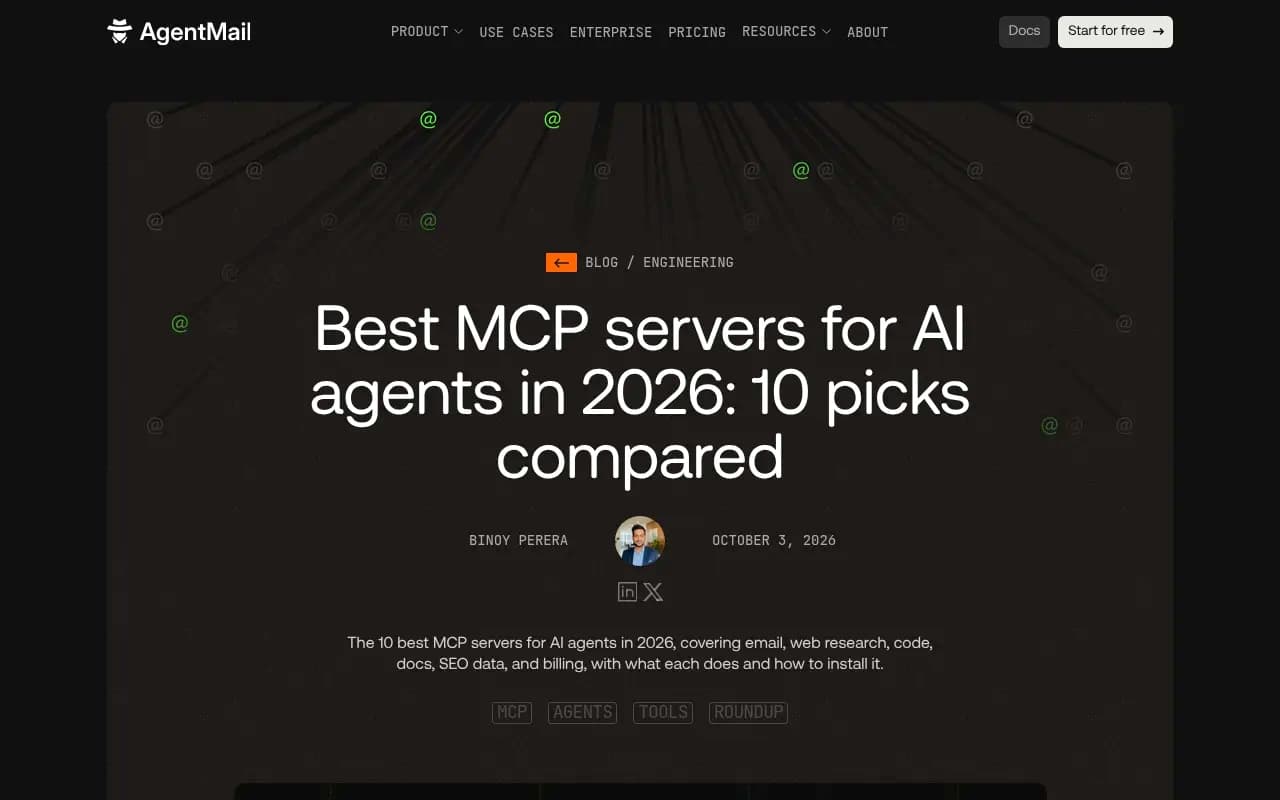
The AgentMail roundup of ten servers shows what developers value: a named job, a one-line description and an add command for Claude Code. Mimic that pattern.
A practical listing checklist
- Publish to npm, PyPI or Docker Hub with a clear version.
- Add
mcpNameand publish to the official registry withmcp-publisher. - Choose an open licence. Glama grades it, and some lists require it.
- Write a description that names the job the server does, not the technology.
- List the tools the server exposes. Some directories show them on the server page.
- Document every environment variable and the auth scopes you need.
- Open a PR to awesome-mcp-servers and submit to Glama, PulseMCP and mcp.so.
- Consider a Docker image if you want a place in the Docker catalog.
- Re-check your listings every quarter, since preview registries can reset.
Tracking whether it works
Listing is half the job. The other half is knowing whether anyone, human or machine, is finding you. For your docs site, AI crawler logs and AI-referred traffic show whether assistants and coding agents are reading your pages. Tools like Promptwatch can track how coding agents such as Codex, Claude Code and OpenCode recommend tools and SDKs, which is relevant if your server is a developer product.

For wider reading on the tooling around this space, the GEO software directory at bestgeosoftware.com is a reasonable next stop.
What I would do this week
Publish to npm, fix the mcpName, push to the official registry, then open one PR to awesome-mcp-servers. That is a couple of hours of work and it puts you in the upstream feed plus the biggest curated list. Do the Docker and curated-directory submissions after that, once you have a stable version number you do not plan to change. And scrub any reference to Smithery's CLI from your docs before the end of the month.