Key takeaways
- ChatGPT has no ranked list of results. What you track instead is mention rate, position inside the answer, sentiment, share of voice and which URLs get cited.
- Start with about 50 prompts, run them by hand once for a baseline, then move to a tool that runs them daily.
- One prompt tells you very little. Answers vary from run to run, so measure across many prompts and look at trends.
- Citations are the lever. Almost half of ChatGPT responses cite 10 or more domains, so a lot of your visibility is decided on other people's pages.
- Pick a tool based on what you do after the dashboard: pure monitoring, or monitoring plus content and crawler data.
Why there is no "rank" in ChatGPT
Google gives you a position for a keyword. ChatGPT gives you a paragraph. Your brand might be the first recommendation, the fifth, a passing mention, or absent, and the answer changes from one run to the next. So "ChatGPT rank tracking" is a slightly misleading label. What you are really tracking is a handful of measurements:
- Whether your brand is mentioned for a given prompt (mention rate)
- Where it appears in the answer, first recommendation or buried near the end
- How it is described: recommended, neutral, or warned against
- Which competitors appear in the same answer
- Which URLs ChatGPT cites to back up what it says
That last item matters most. The cited sources are where you can actually intervene. If ChatGPT recommends a competitor because of a listicle you are not in, you know exactly what to go fix.
Step 1: Build your prompt set
Start with roughly 50 prompts. Fewer than that and the noise swamps the signal. More than that and you will not maintain it by hand anyway. Group them by buyer-journey stage:
- Awareness: "what is the best way to handle X"
- Consideration: "best project management software for small teams"
- Comparison: "Asana vs Monday.com"
- Decision: "is [your brand] worth it" or "[your brand] pricing"
Mix head terms with long-tail questions. A prompt like "CRM for a 10-person sales team with HubSpot integration" is closer to how people actually talk to ChatGPT than a two-word keyword.
Tag each prompt by type, because the behavior differs. Promptwatch Data looked at responses from Sep 28 to Oct 4, 2026 and found that organic prompts (no brand named) cite 10 or more domains 52.5% of the time. Brand-specific prompts like "is Asana good for small teams" are much narrower: 5 domains is the most common count, and only 21.3% cite 10 or more. Competitor comparison prompts sit near the organic end at 49.1%. Those are different competitive situations, so keep them in separate buckets.
If you are short on ideas, pull questions from Search Console queries, People Also Ask boxes, sales call notes and support tickets.
Step 2: Run a manual baseline
Before paying for anything, do it by hand once. Open ChatGPT in a clean session and run all your prompts. For each one, record:
- Mentioned or not
- Position in the answer (first, middle, last, only in a list)
- Sentiment (recommended, neutral, cautioned)
- Which competitors appear
- Which sources were cited, and whether any are yours
A spreadsheet is fine. This exercise is tedious, and that is the point: it teaches you how ChatGPT frames your category before software abstracts it away. You will also quickly see why manual tracking does not scale. Answers shift between runs, logged-in memory can skew results, and location and language change what comes back.
Two practical tips. Use a logged-out or fresh session where you can, and run each prompt more than once. If a brand shows up in two of three runs, that is a different situation from one in three out of three.
Step 3: Decide which metrics you will watch
Do not track everything. Pick a few numbers and read them together, because each one points at a different problem.
| Metric | What it tells you | If it is low |
|---|---|---|
| Mention rate / share of voice | How often you appear versus competitors | Coverage problem: you are not in the sources ChatGPT draws from |
| Position in answer | How prominent you are when mentioned | Prominence problem: you are named but not recommended first |
| Sentiment | How ChatGPT describes you | Reputation problem: look at the reviews and threads it cites |
| Citation of your own URLs | Whether your pages back up the answer | Content or crawlability problem |
| Competitors co-cited | Who you are being compared against | Tells you which comparison pages to target |
The distinction between mentioned and cited is worth sitting with. Being named without any citation to your own site usually means ChatGPT knows you from third-party content. That is fine, but it also means you do not control the narrative.
Step 4: Choose a tracking approach
There are three realistic options.
Manual tracking
Free, and good for a first baseline or a very small prompt set. It breaks down past a few dozen prompts, and you cannot see trends without doing the same work again every week.
Free checkers
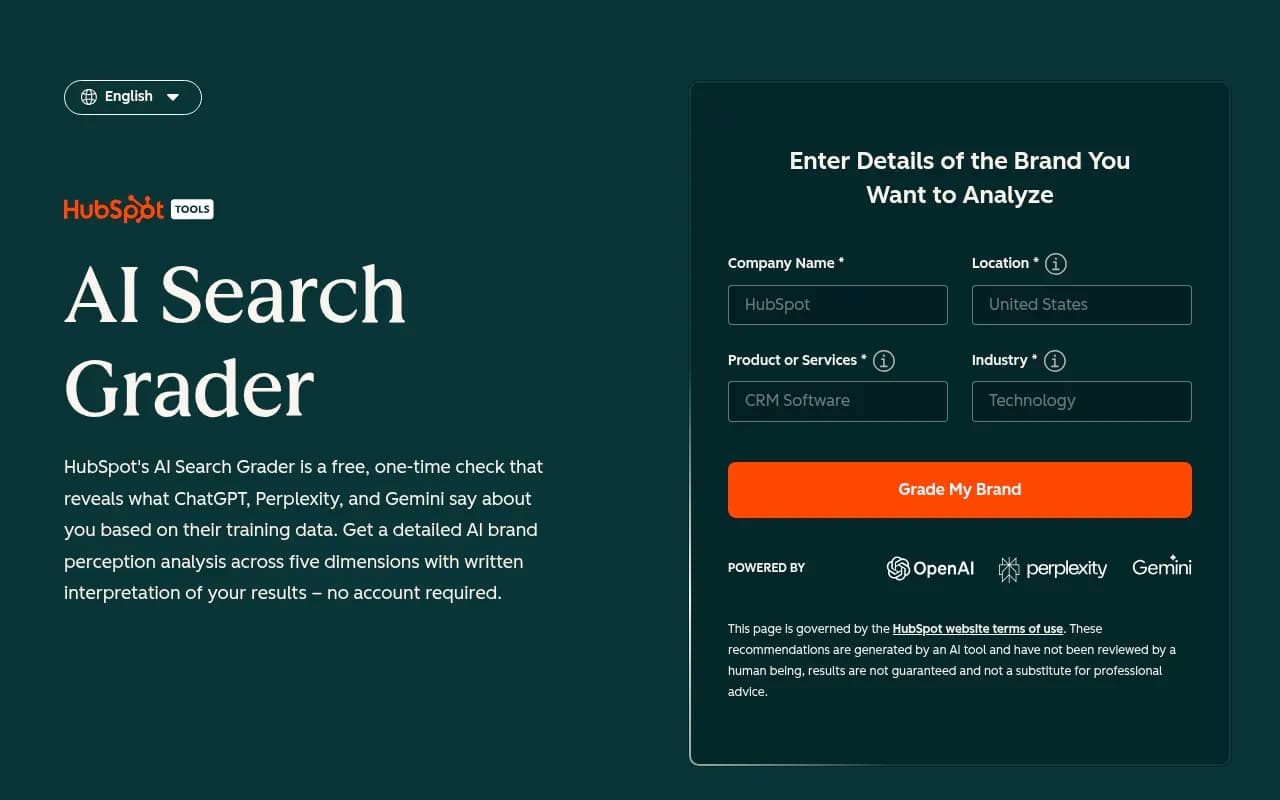
Several vendors offer one-off scans where you enter a domain and get a quick snapshot. They are useful as a sanity check before you commit budget, but they are snapshots, not monitoring. Tools like HubSpot AEO Grader fall in this group.
Dedicated AI visibility trackers
These run your prompts on a schedule, store every response, and chart mentions, position, sentiment and citations over time. This is where most teams end up. The catalog is crowded, so here is how the main options differ.
| Tool | Strength | Typical fit |
|---|---|---|
| Promptwatch | Tracking plus crawler logs, AI traffic attribution and content creation | Teams that want to act on the data, not just watch it |
| Profound | Enterprise monitoring | Large brands with bigger budgets |
| Peec AI | Multi-language tracking | International teams |
| Otterly.AI | Affordable monitoring | Small teams starting out |
| SE Ranking | AI visibility inside a classic SEO suite | Teams already on SE Ranking |
| Semrush One | AI tracking bundled with SEO tools | Teams already on Semrush |
| Ahrefs Brand Radar | Brand mentions in AI results | Teams already on Ahrefs |
If you want to compare more options, the AI rank tracking directory at ai-rank-tools.com and the GEO software listing at bestgeosoftware.com cover far more tools than fit here.
Step 5: Set up tracking in a tool
The exact clicks differ by product, but the setup logic is the same everywhere. I will use Promptwatch as the example because it covers the whole chain from tracking to fixing.

- Add your brand and competitors. Include aliases and common misspellings so mentions are counted correctly. Let the tool auto-discover competitors, then prune the list.
- Load your prompts into a monitor. Import the 50 from step 1. Choose the models you care about. Promptwatch monitors the actual ChatGPT interface rather than only the API, which matters because user-facing answers and citations can differ from API output.
- Set country and language. A prompt asked from Amsterdam in Dutch can return different brands than the same prompt from New York in English. Match your real markets.
- Tag prompts by type (organic, brand-specific, competitor comparison) and by funnel stage so you can slice results later.
- Let it collect for a week or two before you draw conclusions. Daily runs smooth out the run-to-run variance.
Whatever tool you choose, check these boxes before paying: does it run the real ChatGPT interface, can you set country and language, can it show the cited URLs per response, and can you export the raw responses?
Connect the data that explains the numbers
Mention data tells you what happened. It does not tell you why. Two additions help:
- AI crawler logs. These show whether GPTBot, OAI-SearchBot and ChatGPT-User can actually reach and read your pages, and where they hit errors. If your best page is blocked or returning 403s, no amount of content work will get it cited. Promptwatch includes IP-verified crawler logs, and a number of competing trackers do not.
- AI referral traffic. Mentions are vanity until they bring visitors. Track visits and conversions coming from ChatGPT in your analytics, or use a tool that attributes them for you.
There is a free way to start on the crawler side: check your robots.txt and make sure you are not blocking OpenAI's bots by accident.
Step 6: Read the results properly
A few habits will save you from bad conclusions.
Expect every answer to be shared. In Promptwatch's data, only 6% of ChatGPT responses cited three domains or fewer, and just 1% cited a single domain. You are rarely the only source in an answer. The useful question is who else is in it with you.
Look at trends, not single prompts. A prompt that flips between mentioned and not mentioned from one day to the next is telling you your position is fragile, not that something broke.
Watch for platform shifts. ChatGPT's behavior changes under you. Promptwatch Data shows reddit.com's share of ChatGPT citations falling from about 4% to 0.5% on August 14, 2026. If your strategy leaned on Reddit threads, your numbers moved for reasons unrelated to anything you did. Likewise, ChatGPT began using the site: operator at scale on August 8, 2026, jumping from about 0.4% to about 17% of fanout queries, with searches per response nearly doubling. Annotate your charts with dates like these.
Break results down by source type. Promptwatch's content type data shows product pages as the most cited type at 22.4% of ChatGPT citations (Sep 28 to Oct 4, 2026), followed by landing pages and listicles. If you are only publishing blog posts, that tells you something.
Mind content decay. In the half-life report, landing pages and docs stayed cited longest among pages cited on July 6, 2026, while news lost half its pages within 36 days. Budget refresh work accordingly.
Also be skeptical of big conversion claims. Some vendor guides say ChatGPT visitors convert at several times the rate of organic search. Maybe, but measure it on your own site before you build a business case on someone else's number.
Step 7: Turn findings into actions
Tracking without action is a hobby. Once you have two weeks of data, work through this loop:
- Find the prompts where competitors appear and you do not. These are your gaps.
- Open the cited sources for those prompts. Which listicles, review sites, docs or forums is ChatGPT leaning on?
- Decide the fix. Either create or refresh your own page so it answers that prompt directly, or earn a place on the third-party page that is being cited.
- Write for how ChatGPT searches. Promptwatch's fanout data suggests headings that read like short queries, with the entity and category up front, for example "Best CRM for small agencies 2026". Cover the sub-questions people ask: comparisons, pricing, alternatives.
- Re-check in two to four weeks and see whether mention rate, position and citations moved.
Tools differ in how much of this they do for you. Pure monitors stop at step 1. Promptwatch has content gap analysis, a Content Agent that writes and publishes to Webflow, Framer or WordPress, and an Action Board that lists prioritized fixes, then tracks whether published pages get crawled and cited. Whether that is worth the price depends on how much content capacity your team has.
Common setup mistakes
- Tracking only brand-name prompts. You will look great and learn nothing. Most discovery happens on prompts that do not name you.
- Judging from one run. Variance is built in.
- Ignoring geography. A US-only setup tells you little about your German market.
- Treating the API as the same as the app. Real-interface answers can differ.
- Counting mentions without checking tone. Being named as a cautionary example is not a win.
- Forgetting the baseline date. Without a clear starting point you cannot show progress to anyone.
A simple 30-day schedule
| Week | What to do |
|---|---|
| 1 | Build 50 prompts, run the manual baseline, check robots.txt for AI bots |
| 2 | Pick a tool, load prompts, set countries and languages, connect analytics |
| 3 | Review first data, list the top 10 gaps, check cited sources for each |
| 4 | Publish or refresh pages for the biggest gaps, plan third-party mentions |
After that, review weekly, report monthly, and re-run the full prompt audit each quarter, since the prompts people use drift over time.
Where to go from here
Start with the manual baseline this week. It costs nothing and takes an afternoon. If the picture is already messy, move to a tracker so you stop doing it by hand. If you would rather have specialists run the whole program, an agency such as 1001 SEO Media handles GEO strategy alongside traditional SEO. For broader research on how ChatGPT picks sources, the Promptwatch Data hub is a good place to keep an eye on, since the numbers shift month to month.