Key takeaways
- Amazon renamed Rufus "Alexa for Shopping" on May 13, 2026, merging Rufus and Alexa+ into one assistant inside the Amazon Shopping app and website. Both names are still in use (Germany still says Rufus).
- Native reporting is thin. Amazon gives you Sponsored Brands and DSP reporting, plus Vendor Central category data. No dashboard says "Alexa recommended you 40 times this week."
- The most reliable baseline is manual: run a fixed set of shopper prompts against your top ASINs every month and record what comes back.
- A small group of third-party tools (LLM Pulse, Qwairy, Azoma) now track Alexa for Shopping recommendations. Pricing wasn't published when I checked, so confirm before you commit.
- Tracking only matters if you act on it. Incomplete attributes, thin descriptions and shaky ratings are the usual reasons a product doesn't get recommended.
Why tracking Alexa recommendations is awkward
Search rankings have a position. Alexa for Shopping doesn't. A shopper types "fragrance-free dish soap that works in hard water" and gets a conversational answer with a few products in it. No page one, no blue links, no position 4.
That's the first problem. The second is that the answer depends on the shopper. According to Amazon's own explainer, the assistant draws on purchase history, browsing behavior and preferences, and Alexa on Echo devices can bring in conversations too. So two people asking the same question can see different products.
The third problem is the name. Amazon's announcement on May 13, 2026 folded Rufus and Alexa+ into one assistant called Alexa for Shopping. Perpetua's guide says the technology and the recommendation logic are unchanged, and that older material using "Rufus" is still relevant. Amalytix points out that on amazon.de it's still called Rufus. If you're searching for tooling or benchmarks, search for both names.
The practical consequence: you can't track this like a keyword. You track it like a sample. Fixed prompts, repeated on a schedule, with notes on what shows up and what doesn't.
Where Alexa for Shopping shows up
It isn't just a chat window. Amazon's own guide describes it appearing in the main search bar (you can ask questions there), in product comparisons from search results, in generative AI overviews on search and product detail pages, and in features like "Update Me When" for new releases. It can also auto-buy at a target price and run Scheduled Actions.
Amalytix's testing found the assistant embedded at the search bar, the results page, the product detail page and the cart. That matters for tracking, because "was I recommended?" can mean several different things: named in a chat answer, shown in a comparison, surfaced in an alert, or auto-added to a cart.
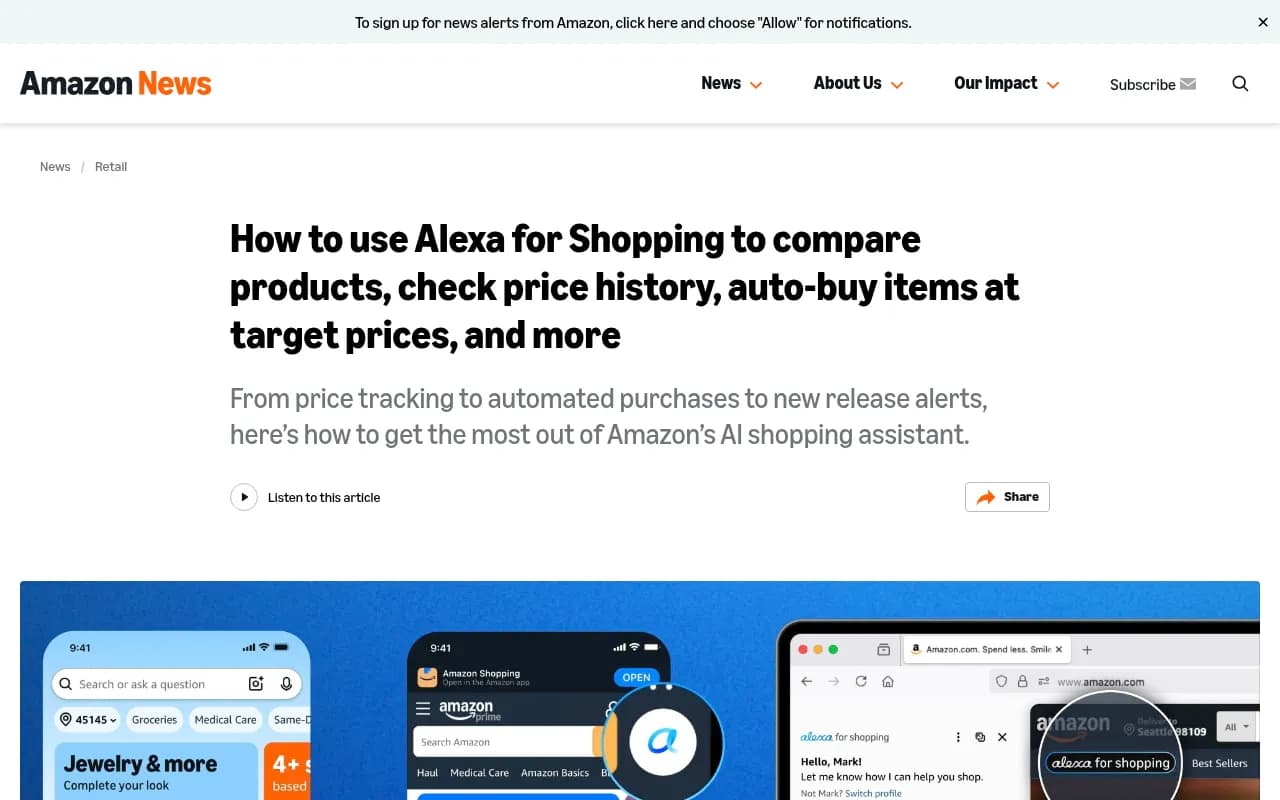
It's worth reading Amazon's explainer once, start to finish, because every feature on that page is a place your product can win or lose a recommendation.
What you can measure natively
The honest answer is: not much that's Alexa-specific. Perpetua's guide lists what's available today:
- Sponsored Brands and Amazon DSP reporting, where Alexa for Shopping placements can show up
- Vendor Central category performance, which tracks how products perform in search by category and can surface changes in AI-driven visibility
- A manual check of whether your product appears, which Perpetua calls the most direct and underrated method
Tinuiti's guidance on reporting adds a useful detail for paid: choose Sponsored Products as the report category and look at intent-heavy questions, such as "Does [Brand] have a moisturizer that has vitamin C?" Amalytix notes that Sponsored Prompts have existed in the US since March 2026 and aren't in Germany yet, so paid visibility is a US-first story.
I couldn't confirm whether Amazon has shipped any Alexa-specific recommendation report beyond that. Treat native reporting as directional, and build your own measurement on top.
Step 1: build a prompt set that matches how shoppers talk
CommerceIQ makes a point that's easy to skip past: the query doesn't need to include a brand name. It's about whether your product's attributes, certifications and content map to the way people describe what they want in natural language.
So don't track "[your brand] dish soap." Write five to ten descriptions the way a stranger would. CommerceIQ suggests exactly this exercise, and I'd extend it into a table of prompt types:
| Prompt type | Example | What it tells you |
|---|---|---|
| Category discovery | Best fragrance-free dish soap | Whether you're in the consideration set at all |
| Attribute-led | Dish soap safe for septic systems, no dyes | Whether your structured attributes are doing their job |
| Use case | What do I need for a beginner home gym under $500 | Whether your listing covers secondary use cases |
| Comparison | How does [your product] compare to [competitor] | How you're framed against rivals |
| Brand-specific | Does [brand] make a vitamin C moisturizer | Whether the assistant knows your full range |
| Gift or event | Gift for someone who loves hiking | Whether you show up outside pure search intent |
Tinuiti's advice to flag strong-intent questions is the right filter. Start with the prompts closest to purchase and expand later.
Step 2: run a monthly manual audit
Perpetua suggests doing this monthly for your top 10 ASINs. I'd go a bit further and make it repeatable:
- Fix your prompt list in a spreadsheet and don't change it casually. If you swap prompts every month, you can't compare months.
- Use a clean session where you can. Logged-in accounts bring purchase history, which skews results toward whatever that account has bought.
- For each prompt, record whether your product appears, which products appear instead, how it's described, and any claims made about you.
- Note the surface. A chat answer, a search-bar answer and a product-page overview are different outputs.
- Screenshot everything. The answers change, and you'll want evidence.
It's tedious. It's also the only method that doesn't depend on a vendor's sampling. Do it for a quarter and you'll know which of your ASINs are consistently recommended and which are invisible.
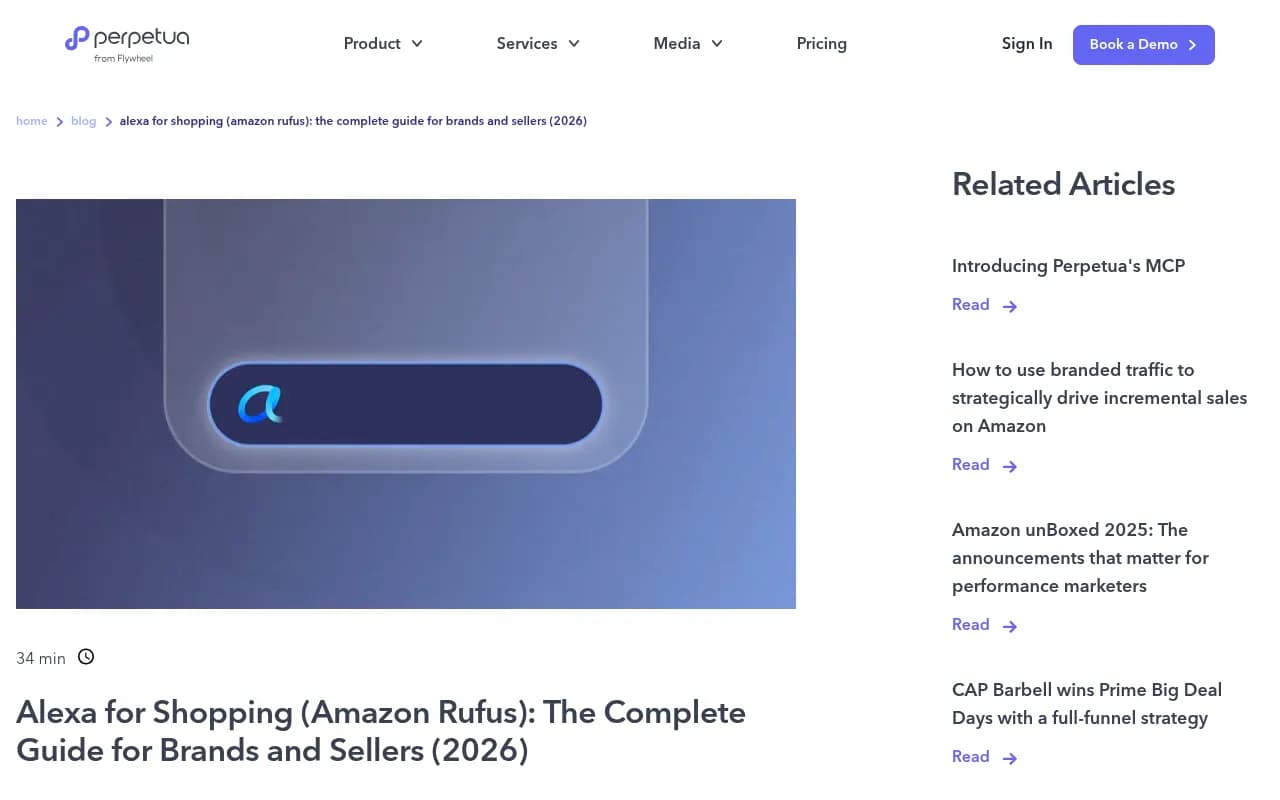
Perpetua's guide is a good companion for this step, especially its quick-start action plan.
Step 3: track the commercial signals that move with visibility
Because the assistant's output isn't directly reportable, watch the numbers it should influence. Perpetua suggests setting baselines for conversion rate, new-to-brand rate and branded search volume before you change anything. Without a baseline you can't tell whether an optimization did anything.
CommerceIQ adds two measures worth watching if you sell consumables: Subscribe & Save sign-ups and Scheduled Action conversions. Their argument is that the real value of a Prime Day-style event is how many new households you move into repeat purchase, not units sold. Alexa's deal alerts and automated purchasing favor products that are set up for repeat buying, so enrollment is a precondition, not a bonus.
Price history is the other one. Amazon now shows up to 365 days of price history on every product detail page. CommerceIQ's read is that inflating a price before an event to manufacture a bigger discount is now visible to every shopper. If your deal price sits at or above recent pricing, it won't read as a deal.
Step 4: consider a dedicated tracking tool
Manual audits don't scale past a handful of ASINs. A few tools now cover Alexa for Shopping directly. None of the details below come from vendor pricing pages, because I couldn't find published pricing for them, so verify before you buy.
Tools that cover Alexa for Shopping
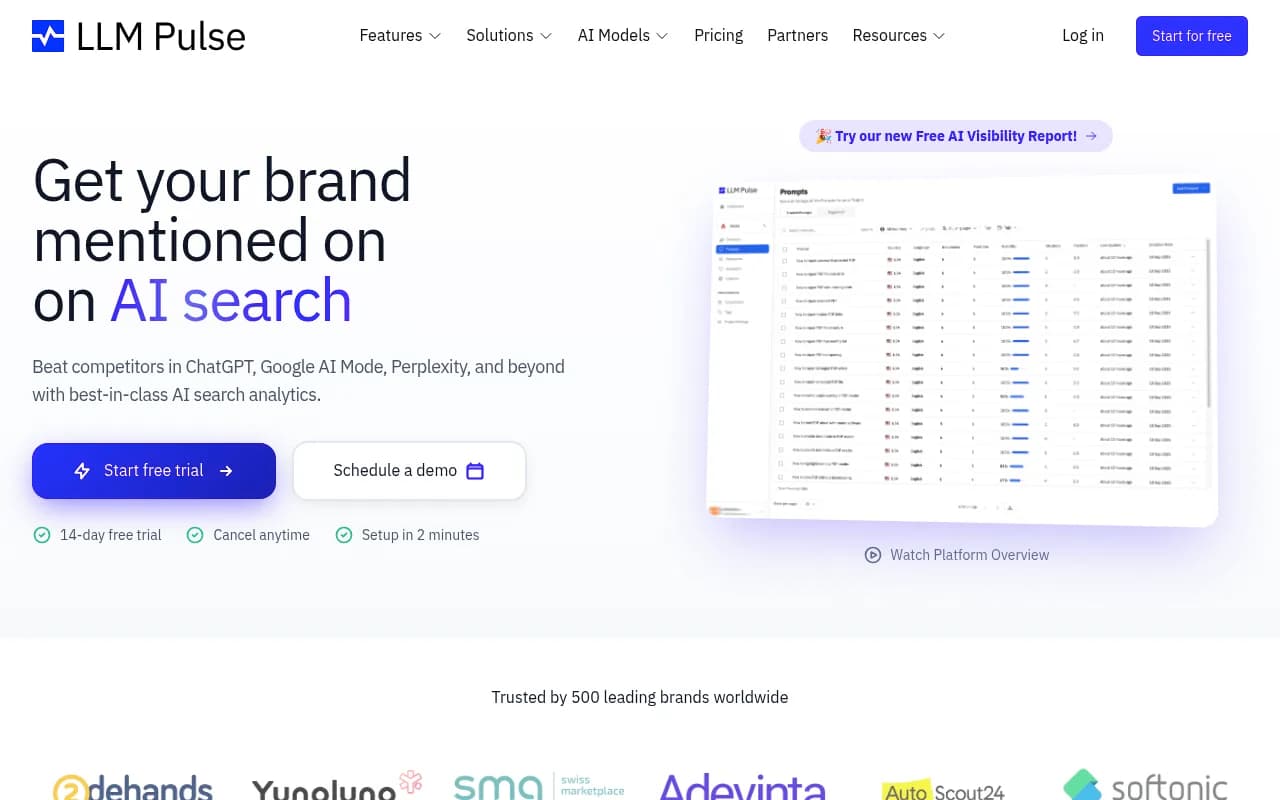
LLM Pulse has a dedicated page for Alexa for Shopping tracking (formerly Amazon Rufus). It says it monitors when and how the assistant recommends your brand and products, and tracks competitor recommendations, with a free trial.
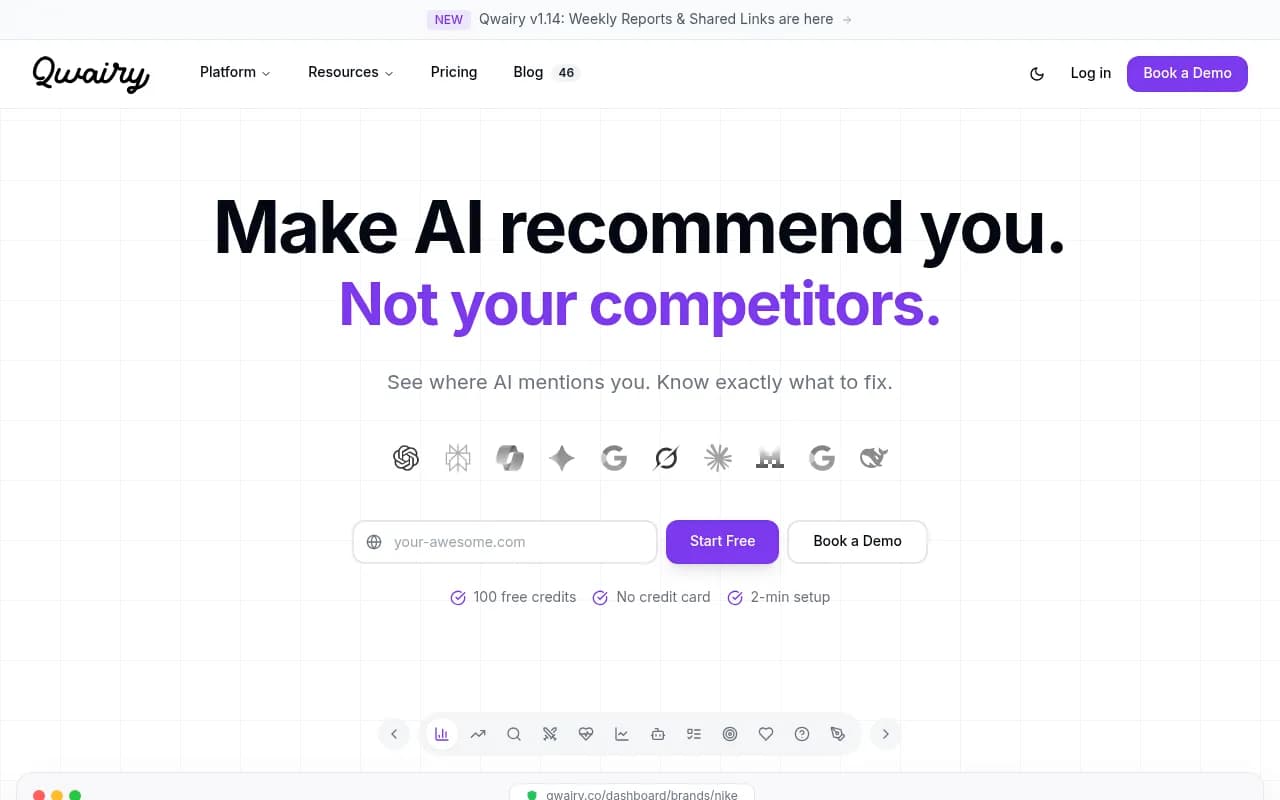
Qwairy offers an Alexa for Shopping (Rufus) visibility tracker that follows which products and brands the assistant recommends for your prompts.
Azoma positions itself around AI shopping optimization for ChatGPT, Rufus and other surfaces, with ASIN-level tracking, mentions, visibility against competitors and share of voice across shopping queries. Note that the main source I found for those claims is an Azoma press release, so it's vendor-authored.
What to check before choosing
The same Azoma release lists five capabilities worth evaluating in any tool: visibility tracking, product-level (ASIN) analysis, shopper-query intelligence, competitor comparison and optimization workflows. I'd add one more of my own: how it collects data. A tool that queries the real Amazon interface will see what shoppers see. One that uses an API or a simulation may not.
The product-level point is the one I'd weigh most. If you sell hundreds of SKUs, a single brand-wide score tells you almost nothing. You need to know which ASINs are missing.
| Tool | Alexa for Shopping coverage | Notes |
|---|---|---|
| LLM Pulse | Dedicated tracking page, competitor recommendations | Free trial offered; pricing not confirmed |
| Qwairy | Visibility tracker for recommended products and brands | Pricing not confirmed |
| Azoma | ASIN rankings, mentions, share of voice | Vendor-sourced claims; pricing not confirmed |
| Manual audit | Whatever you test | Free, but slow and unscalable |
Tracking the rest of AI shopping
Your customers don't only ask Amazon. If you also care about how ChatGPT recommends products, Promptwatch tracks ChatGPT shopping carousels and Amazon Alexa product results from the real interfaces, and shows which competitors the assistants pick instead. Its ChatGPT Shopping coverage is on the Business plan and above, so check pricing for the current numbers.

For wider comparisons of platforms, the GEO software directory at bestgeosoftware.com is a reasonable place to browse.
Step 5: fix what the tracking turns up
Tracking shows you gaps. These are the usual causes, drawn from the guides above.
Incomplete attributes
CommerceIQ's example is blunt: if a shopper asks for "fragrance-free dish soap" and your listing doesn't state that in structured attributes, you aren't visible. Check dietary claims, certifications, scent, format, size and compatibility on your top-volume SKUs. Perpetua's quick-start list begins with filling every blank attribute field.
Thin descriptions
Perpetua recommends filling the product description to 1,500 to 2,000 characters with secondary use cases, compatibility specifics and experience-level guidance. That's the language the assistant matches against when someone asks about a use case rather than a product.
Weak ratings
Amalytix looked at recommended products and found none below 4.0 stars. That's one analysis, not a rule, but it's consistent with what you'd expect: an assistant that wants to avoid bad recommendations will lean on review signals.
Not set up for repeat purchase
If eligible consumables aren't enrolled in Subscribe & Save, CommerceIQ says that behavior can't pick them up. For food, personal care and household items, they call it table stakes.
Listing copy that ignores natural language
Write your title, bullets and A+ content for how people describe needs, not how your catalog team labels them. Amalytix's summary is that visibility is moving from keyword matching to semantic fit, and that complete listings across title, bullets, description and A+ Content matter more.
A note on what ChatGPT data can and can't tell you
Promptwatch has no report on Alexa for Shopping, so none of its data speaks to Amazon directly. The closest analogues are ChatGPT reports, and I'd treat them as hints only.
Promptwatch Data found that product pages made up 22.4% of ChatGPT citations from Sep 28 to Oct 4, 2026, reaching 26.0% for commercial prompts. That fits the pattern in the Amazon advice: structured product content is the main thing the assistants read. Separately, Promptwatch's shopping data shows ChatGPT attaching shopping features to a low single-digit share of search responses, and that the rate jumps in steps. The takeaway there is that shopping surfaces get tuned by the platform, so one month's results aren't a trend. The same caution applies to Alexa: sample repeatedly.
A simple monthly routine
- Keep a fixed list of 20 to 30 shopper prompts mapped to your top 10 ASINs.
- Run them on the same day each month and log appearances, competitors and claims.
- Check conversion rate, new-to-brand rate, branded search volume and Subscribe & Save sign-ups against your baseline.
- Pick the three ASINs with the biggest gaps and fix attributes, descriptions and pricing.
- Re-run those prompts next month and see whether anything moved.
If you'd rather hand the work off, an agency that handles AI search can run it for you. 1001 SEO Media is the team that publishes this site and works on AI search visibility, though Amazon-specific optimization is a different specialty, so ask any agency what they've done on Alexa for Shopping specifically.
What I'd do first
Start with the manual audit this week. It costs nothing, and the first run usually shows something uncomfortable, like a flagship ASIN that never appears for attribute-led prompts. Fix attributes before you pay for a tool. Once you have a month or two of baseline data, a tracker like LLM Pulse or Qwairy earns its keep by doing the same job at catalog scale.