Key takeaways
- Your prompt set is the asset, not the dashboard. Export it before you cancel, then rebuild it with intent tags, topics, and personas instead of copying a flat list.
- Tag every prompt as commercial, informational, or branded. Promptwatch Data shows each intent is answered with a different content mix, so one blended score hides the real picture.
- Re-check how your prompts map to ChatGPT query fan-outs. ChatGPT changed its search behavior overnight on August 8, 2026, and older mappings went stale.
- Run the old and new platforms in parallel for two to four weeks so you can tell a real visibility change from a measurement change.
- Expect your numbers to shift after the move. Different collection methods, scoring formulas, and model coverage mean the new baseline is a new baseline, not a continuation.
Why the prompt set is the thing worth saving
People leave AthenaHQ for the usual reasons: pricing, a feature gap, an agency needing client workspaces, or wanting less monitoring and more execution. Whatever your reason, the part that took the longest to build was never the dashboard. It was the list of prompts that represent how your buyers ask about your category.
That list usually has some history baked in. Someone added prompts after a sales call. Someone else pasted in 40 keywords from a spreadsheet. A competitor launched and three comparison prompts appeared. After a year, it's a mess nobody fully remembers, and migrating it blindly just moves the mess to a new tool.
So treat the move as a cleanup. You get one chance to fix the structure before you lock in a new baseline.
AthenaHQ's own platform page frames its monitoring around three areas: AI visibility and citations, prompt and demand intelligence, and competitive intelligence. Those are useful categories to keep in mind when you map what you need from a replacement.
Step 1: Export everything before you cancel
Do this first, while you still have access. I haven't verified AthenaHQ's exact export options, so check what your plan allows (CSV, API, or a manual copy) and confirm before your billing period ends.
What to pull out:
- The full prompt list, with any topics, tags, or groupings you set
- Which countries, languages, and AI models each prompt ran on
- Historical visibility, citation, and sentiment data per prompt, even if it only fits in a spreadsheet
- Your competitor list and any brand aliases
- Any notes, change logs, or annotations about what you published and when
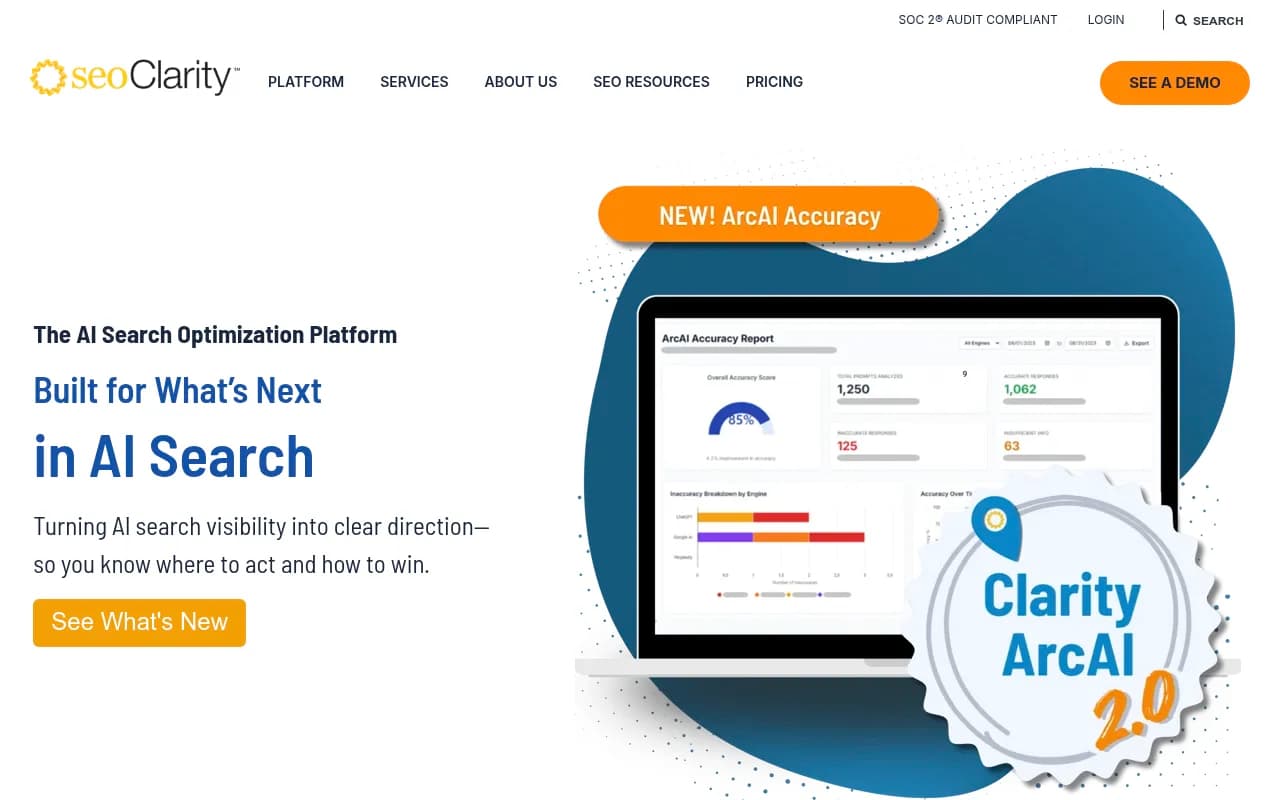
That last one is easy to forget. If you've been logging content changes next to visibility movements, keep that record. seoClarity's guide on connecting work to AI visibility changes makes the same point: a log of what changed and when is what lets you explain a curve later.
If the platform only gives you screenshots, take them. A rough record of last quarter's numbers is better than none when your new tool shows different ones.
Step 2: Audit the old prompt set honestly
Open the export and go through it line by line. I'd sort prompts into four piles.
| Pile | What it looks like | What to do |
|---|---|---|
| Keep as-is | Natural, buyer-style questions tied to a real use case | Migrate directly |
| Rewrite | Keyword fragments like "crm small agency" | Turn into a full question or request |
| Merge | Five near-duplicates asking the same thing | Keep the best one, drop the rest |
| Drop | Vanity prompts, no buyer would ask this, or topics you no longer sell | Delete |
Be ruthless with the drop pile. A prompt that has never mentioned your brand and never will isn't telling you anything useful, and it eats response budget on any platform that charges per response.
Also look for the opposite problem: prompts where you always appear. Branded prompts like "what is [your brand]" will almost always show you. They're worth tracking for narrative reasons, but they inflate an average if you mix them with category prompts.
Step 3: Tag every prompt by intent
This is the single most valuable change you can make during a rebuild. Tag each prompt as commercial, informational, or branded, and report on them separately.
Promptwatch Data's citation share by content type report (Sep 28 to Oct 4, 2026) shows why. ChatGPT answers each intent with a different mix of pages:
| Content type | Share of all ChatGPT citations |
|---|---|
| Product pages | 22.4% |
| Landing pages | 16.8% |
| Listicles | 13.6% |
| How-to guides | 8.7% |
| Documentation | 7.5% |
| Comparisons | 5.9% |
| News | 5.7% |
| FAQ | 3.3% |
| Reviews | 1.7% |
Broken down by intent, commercial prompts lean on product pages (26.0%), landing pages (20.6%), listicles (15.0%), and comparisons (7.9%), which together are almost 70% of commercial citations. Informational prompts shift toward how-to guides (10.7%) and documentation (8.5%). Branded prompts are dominated by product pages (23.3%) and landing pages (22.8%).
In practice, this means a blended visibility score can fall while your commercial visibility rises, or the reverse, and you'd never know. Report by intent from day one of the new platform.
A simple tagging scheme
Keep it small. If you need a legend to read your tags, nobody on the team will use them.
- Intent: commercial, informational, branded
- Type: category question, comparison, alternatives, how-to, pricing
- Topic: the product area or use case, such as "reporting" or "onboarding"
- Persona: who is asking, if you track personas
Topics matter more than people expect. Once you can see visibility by topic, gaps show up fast: you might be strong on "project management for agencies" and invisible on "project management for construction."
Step 4: Rewrite prompts the way buyers actually ask
AI engines don't see your tracked prompt as a keyword. They see a question, and then they break it into several web searches. Those searches are the query fan-out.
Promptwatch's ChatGPT query fanouts data tracked average fan-outs of 2.15 per response in early December 2025, falling to about 1.84 by early March 2026. Average fan-out query length also shrank, from about 117 characters to the high 80s. Shorter, more search-like queries mean your pages need headings that read like those queries.
For prompt design, that suggests a few habits:
- Write prompts as full sentences with context: "What's the best CRM for a 10-person marketing agency?" beats "best CRM agency."
- Include the constraints a real buyer would mention, like budget, team size, region, or integration.
- Cover the sub-questions AI is likely to split a prompt into: comparisons, pricing, alternatives, and how-tos.
- Keep a mix of short and long prompts, since real users do both.
If your old set was built from keyword exports, this is where the rewrite pile earns its keep.
Step 5: Re-check your fan-out assumptions
If your old prompts and content mappings were built before August 2026, they may be out of date. According to Promptwatch's report on ChatGPT's site: operator behavior, on August 8, 2026 the share of fan-out queries using the site: operator jumped from 0.37% to 16.8% in a single day. Average searches per response rose from about 1.08 to about 1.83 the same day.
Two implications for a rebuild:
- Any mapping of prompts to the web searches ChatGPT runs that predates August 8 is stale. Re-run fan-out analysis on your tracked prompts.
- Your own domain is now a retrieval surface. Pages that are crawlable and indexed can get pulled in by
site:searches even when they don't rank well generally.
The broader lesson is that a prompt set isn't a one-time project. Platform behavior can change overnight, and continuous monitoring beats a one-off audit. Building the review into your calendar (quarterly at minimum) is worth more than any specific prompt choice.
Free tools can help here. Promptwatch's ChatGPT query fan-out generator gives you a starting point for what searches a prompt might trigger.
Step 6: Rebuild around personas and markets
A flat list of prompts assumes one buyer in one country. Most brands have several of each.
Before you migrate, decide:
- Which countries and languages you actually sell into. A monitor's language and location are usually fixed at creation on most platforms, so plan them up front rather than mixing markets.
- Which two or three personas matter. A CFO and a marketing manager ask very different questions about the same product.
- Whether you need local targeting for "near me" queries, which only matters if you have stores, offices, or service areas.
If you run an agency, rebuild one clean template prompt set per vertical and clone it per client, instead of carrying over 20 slightly different client lists.
Step 7: Choose where the rebuilt set will live
The tool you pick shapes what you can do with the prompt set afterward. Here are the questions I'd ask of any replacement, and how a few common options compare.
| Platform | Good fit if you want | Worth checking |
|---|---|---|
| Promptwatch | Monitoring plus execution: content agents, crawler logs, and traffic attribution in one place | Plan limits on prompts and responses |
| Profound | Enterprise-scale monitoring | Price and whether execution features match your needs |
| Peec AI | A simpler, lighter prompt tracker | No crawler logs or content generation |
| Otterly.AI | Affordable basic monitoring | Depth of analysis and workflow features |
| Scrunch | Brand-focused monitoring | Pricing and tracking scope |
Promptwatch is the one I'd point most teams to if the reason for leaving AthenaHQ is wanting more than a dashboard. It tracks real interfaces across ChatGPT, Gemini, Perplexity, Google AI Overviews, and others, uses prompt volumes and difficulty scoring to help you prioritize, and then helps act on the gaps with its Action Board and Content Agent. Its prompt tracking supports topics, tags, personas, and intent types, which maps neatly onto the tagging scheme above. Plans start at $95/mo for Essential, and there's a 7-day free trial; confirm current details at promptwatch.com/pricing.

Other tools worth a look depending on your budget and needs:



For a broader list, the GEO software directory at bestgeosoftware.com covers more options by category.
If AthenaHQ is still on your shortlist for a different team or plan, you can revisit it here:
What the competitor reviews say
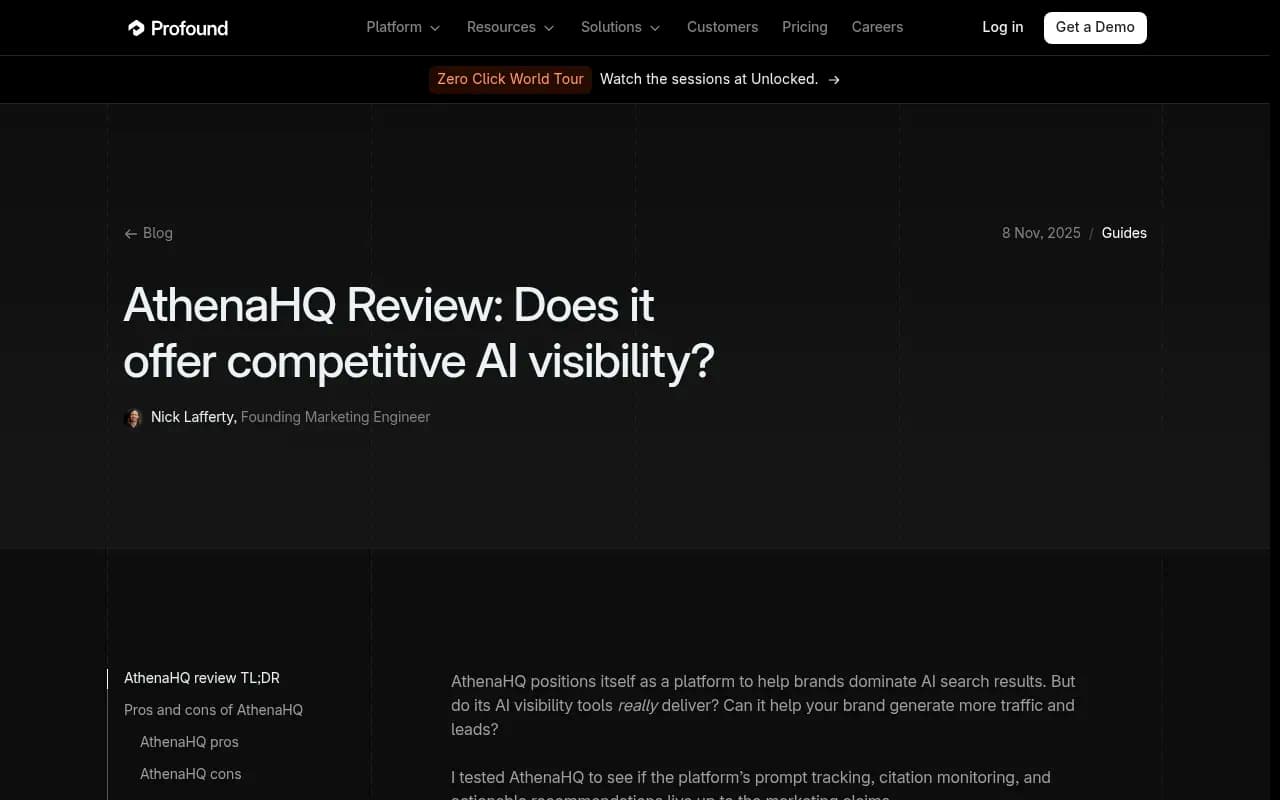
It's worth reading criticism of the tool you're leaving, with a skeptical eye. Profound's review of AthenaHQ (November 2025) argues that self-serve users only get basic tools and that the Athena Recommendation Engine and Citation Engine are enterprise-only. That's a competitor's view, so verify it against your own plan before you let it shape the decision.
Step 8: Run both platforms in parallel
The most common mistake after switching is reading the first week of new data as a performance change. It almost never is.
Two platforms can report different numbers for the same prompt set because they differ in how they collect responses (real interface or API), how they score visibility, which models they cover, and how often they run prompts. A visibility score of 42 in one tool and 31 in another doesn't mean you lost anything.
A clean overlap plan:
- Load the rebuilt prompt set into the new platform.
- Keep AthenaHQ running for two to four weeks if your contract allows it.
- Compare trends, not absolute values. Does the direction of movement agree on your top 20 prompts?
- Note the gap in absolute numbers and document it as your "migration offset."
- Set the new platform's first full month as the official baseline, and annotate your reports.
If you can't overlap, at least record the last 30 days of old data and put a visible marker in every chart where the switch happened.
Step 9: Add what a prompt set alone can't tell you
A rebuilt prompt set tells you what AI says. It doesn't tell you why, or whether your fixes worked. That takes a few extra data sources, and this is a good moment to wire them in.
- AI crawler logs show whether bots like GPTBot or ClaudeBot can actually read your key pages. If a page isn't being fetched, no amount of content work will get it cited. Promptwatch's AI crawler logs cover this.
- Visitor analytics connect citations to traffic and conversions. Note that ChatGPT stopped sending a referrer on October 8, 2026, so tagging with utm_source=chatgpt.com matters. See Promptwatch's guide on attributing AI traffic.
- Content half-life tells you how often to refresh. According to Promptwatch's content half-life report, of the pages ChatGPT cited on July 6, 2026, landing pages and docs stayed cited longest, while news lost half its pages within 36 days.
- Citation breadth matters too. Per Promptwatch Data, almost half of ChatGPT responses cite 10 or more unique domains (Sep 28 to Oct 4, 2026), so you're often competing for one slot among many, not for a single winner-take-all spot.
Step 10: Set a maintenance rhythm
A prompt set decays. Products change, competitors appear, and models update. Put these on the calendar:
- Monthly: review prompts with zero brand mentions for 60 days and decide whether to keep, rewrite, or drop them.
- Monthly: add two or three prompts from real sales calls, support tickets, and community threads.
- Quarterly: re-run fan-out analysis and check heading and title alignment on key pages.
- After any major model update: spot-check your top prompts for sudden shifts. Promptwatch's report on ChatGPT's citation drop after GPT-5.3 shows how a single rollout on March 4, 2026 changed average citations per response across models.
Keep a change log. When a number moves, you want to know whether you published something, a competitor did, or the model changed.
Common mistakes to avoid
- Copying the old list without editing it. You'll carry over every bad prompt and pay to track it again.
- Tracking too many prompts too early. Start with a focused set of the prompts that map to revenue, then expand.
- Mixing branded and non-branded prompts in one average.
- Comparing old and new platform numbers directly.
- Forgetting to document the switch, so six months later nobody knows why the line dropped.
A realistic first-week checklist
- Export prompts, tags, competitors, and history from AthenaHQ.
- Sort prompts into keep, rewrite, merge, and drop.
- Tag by intent, topic, and persona.
- Rewrite keyword-style prompts as full buyer questions.
- Decide markets and languages.
- Load into the new platform and verify the first run looks sane.
- Mark the switch date in your reporting.
- Schedule your first monthly review.
If you want to see where you stand before committing, the free AI visibility report gives a no-login scan of how ChatGPT, Gemini, and Perplexity talk about your brand, and it's a handy sanity check against whatever your old tool told you.
For agencies or teams without the bandwidth to rebuild this in-house, a specialist partner can help: 1001 SEO Media handles AI search and GEO work for brands that would rather hand off the migration.
The short version: the prompts you keep, rewrite, and tag during this move will matter more than which logo is on the dashboard six months from now.