Key takeaways
- Finseo's onboarding wizard is built for speed: pick a domain, let its agent auto-generate a prompt set, and you get a visibility percentage within minutes.
- Promptwatch onboarding takes a bit longer because it asks you to connect crawler logs (Cloudflare, Fastly, Vercel, etc.) and your CMS up front, but that extra five to ten minutes is what unlocks the "why" behind your numbers, not just the "what."
- Finseo tracks four AI models on its lower tiers per third-party testing from Wellows; Promptwatch tracks nine models including Google AI Mode and AI Overviews separately, from the Essential plan.
- If all you want on day one is a visibility score to screenshot for a Slack channel, Finseo gets there faster. If you want a score plus a reason and a fix, Promptwatch's onboarding is the better investment of those extra minutes.
- Neither tool is "done" after onboarding. The real test is week two, when the data has to turn into a content decision.
Why onboarding speed is suddenly a buying criterion
A year ago nobody evaluated AI visibility tools by how fast the signup flow felt. Now it's one of the first things people ask in Slack threads and on review sites, because half the market is testing three or four tools in the same afternoon before picking one. I get it. When you're staring down 20+ GEO platforms, the one that shows you a number in 90 seconds feels like it's already winning.
But speed to a number and speed to a useful number are not the same thing. That's the actual question behind "which onboarding gets you useful AI Mode data faster": not who renders a percentage first, but who gets you to a number you can act on without a second, slower setup step later.
Finseo and Promptwatch sit on opposite ends of that tradeoff, and it's worth walking through both flows honestly rather than picking a winner by vibes.
What the Finseo onboarding actually looks like
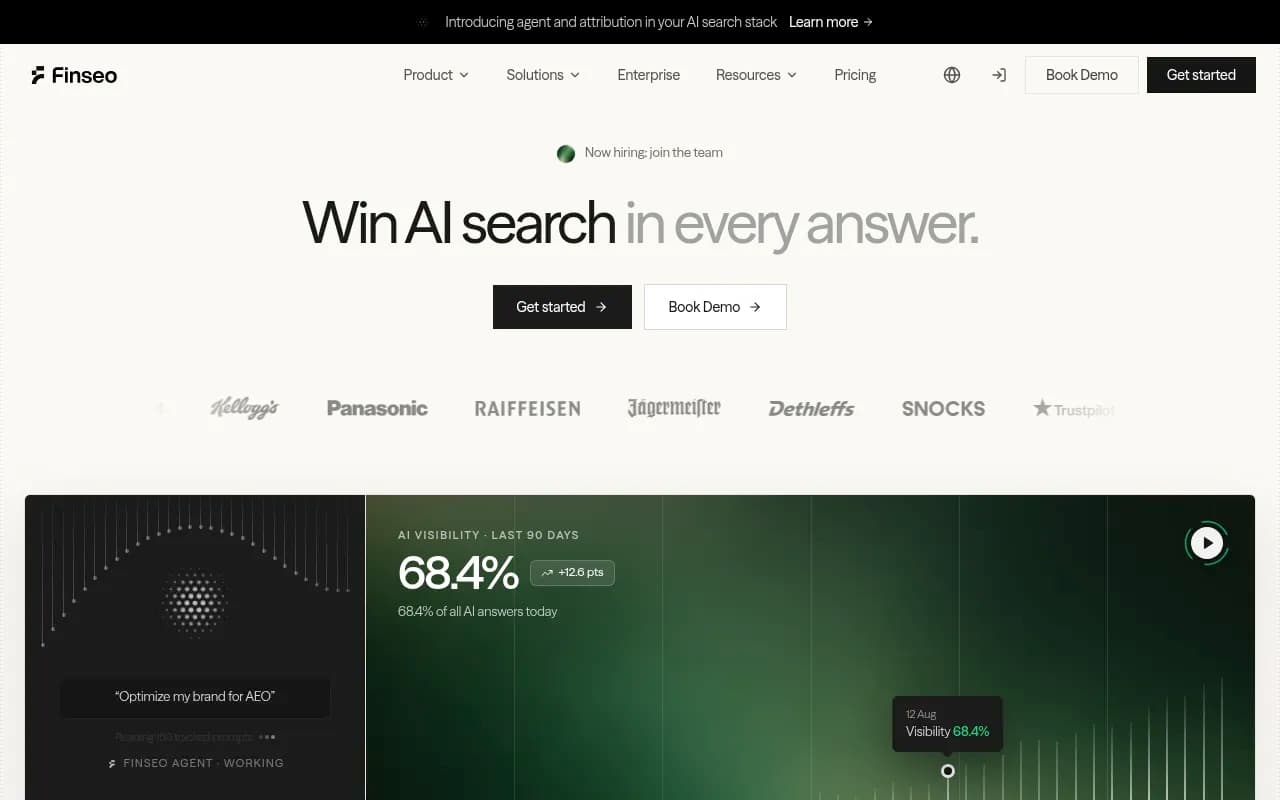
Finseo's signup flow (at app.finseo.ai/onboarding) is built around a single input: your domain. Drop it in, and the "Finseo Agent" starts working, reading your site, inferring your category and competitors, and generating a set of tracked prompts automatically. Within a few minutes you're looking at a visibility percentage, something like "68.4% of AI answers mention you" with a trend line against the last 90 days, broken out by model icon (ChatGPT, Claude, Gemini, Grok, Perplexity, Copilot, DeepSeek, Mistral, Google AI).
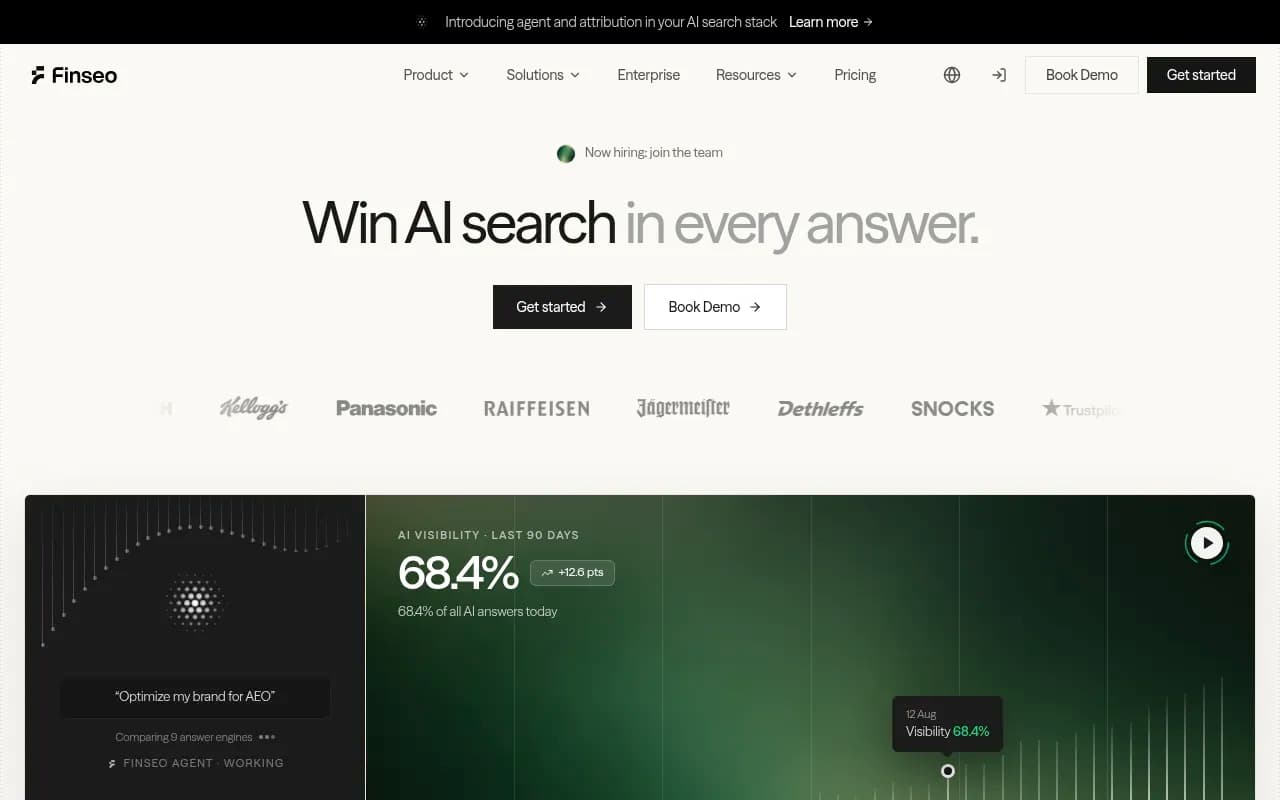
That's genuinely fast, and it's a smart design decision for a tool trying to convert trial users. The agent does the prompt-building work for you, so there's no blank-page moment where you have to guess what 50 prompts to track. For a solo marketer or a small team that wants a defensible number to show a boss by end of day, this is close to ideal.
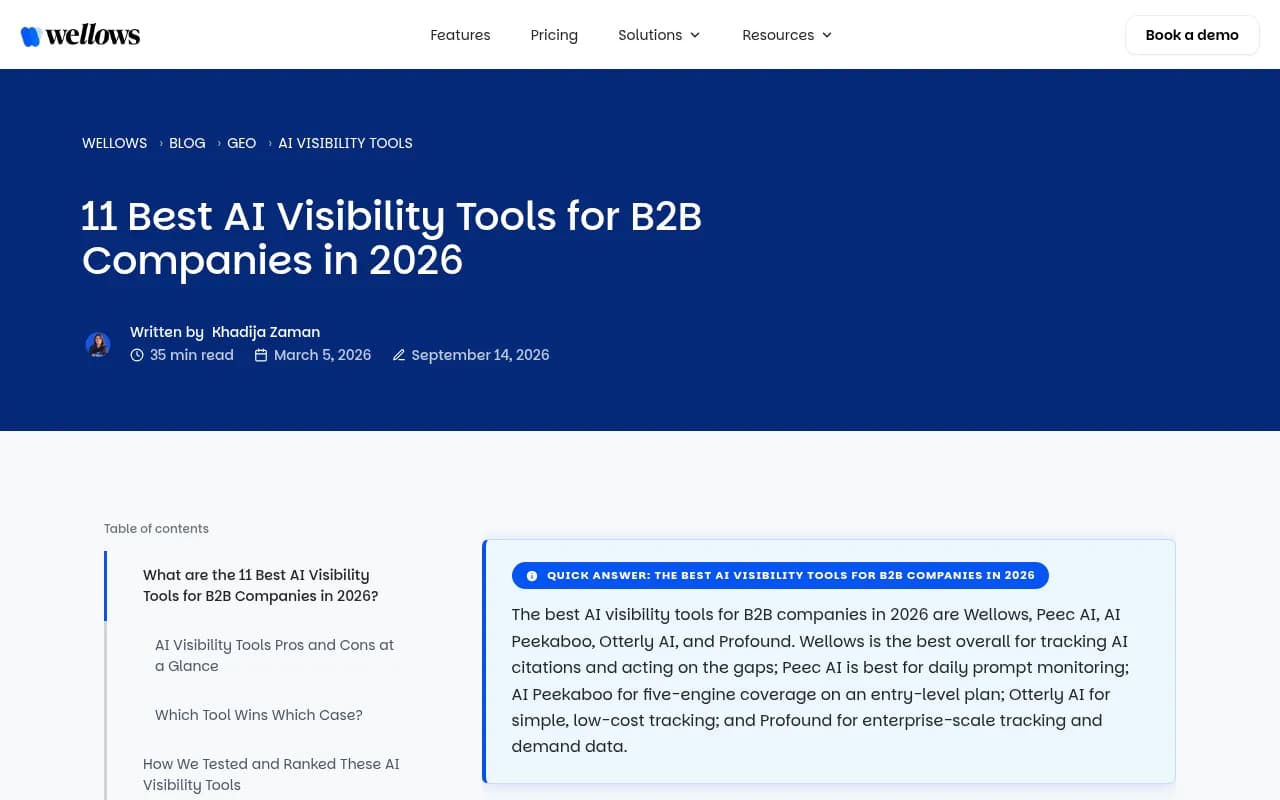
The catch, and it's the same catch independent testers have flagged, is depth. Wellows' 2026 B2B roundup notes Finseo is strong on getting started but narrower on engine coverage than category leaders once you look past the free trial. You get a number fast; you don't necessarily get the crawler-level evidence for why that number moved.
What the Promptwatch onboarding actually looks like
Promptwatch's signup asks for more up front, and that's deliberate. After you create a project and point it at your domain, it prompts you to connect a log source (Cloudflare, AWS CloudFront, Fastly, Vercel, Netlify, Akamai, Google Cloud CDN, or a custom endpoint) so it can start reading AI crawler traffic from day one, and optionally connect your CMS (Webflow, Framer, WordPress) for content work later. It also runs its own prompt generation, but because the plan structure ties prompt volume to tier (50 prompts on Essential, 150 on Professional, 350 on Business), the onboarding walks you through picking or editing that initial prompt set rather than fully auto-generating and hiding it.
This extra step is where the five to ten minutes go. You're not just waiting for an agent to scan your homepage, you're wiring up a log source so the platform can show you which AI crawlers (ChatGPTBot, ClaudeBot, PerplexityBot, GoogleOther, Google-Agent, and 400+ others) actually hit your pages, and whether they hit errors along the way. Once that's connected, your first visibility report comes with a crawl-to-citation path attached, not just a percentage in isolation.

Side-by-side: onboarding speed vs onboarding depth
| Step | Finseo | Promptwatch |
|---|---|---|
| Time to first visibility number | Minutes, domain input only | Similar, but log/CMS connection adds ~5-10 min |
| Prompt generation | Fully automatic, agent-driven | Automatic suggestion, editable before confirming |
| Models tracked at entry tier | 4 models (per Wellows testing) | 9 models, including AI Mode and AI Overviews separately |
| Crawler log visibility from day one | Not part of the core flow | Yes, Cloudflare/Fastly/Vercel/etc. connection built into onboarding |
| CMS connection during setup | Not part of onboarding | Optional, for Webflow, Framer, WordPress |
| First report includes "why" data | Mostly "what" (score, trend) | "What" plus crawl logs and citation source |
| Best fit | Quick first read, small teams | Teams that want to act on week-one data |
Why the extra onboarding minutes matter for AI Mode specifically
Google AI Mode behaves differently from the chat-style assistants, and that's exactly where the depth gap shows up fastest. AI Mode runs its own query fan-out, expanding a single prompt into a cluster of sub-queries before it decides what to cite, and ChatGPT Search has started doing something similar: Promptwatch's own data on the site: operator shows ChatGPT's use of site-scoped fanout queries jumped from roughly 0.4% to 17% of all fanout queries practically overnight on August 8, 2026 (see ChatGPT Search now uses the site: operator at scale). If a tool's onboarding doesn't capture fanout and crawler behavior, you're reading a snapshot that can't explain why your AI Mode visibility moved three points in either direction next week.
This is really the crux of the Finseo vs Promptwatch tradeoff. A pure prompt-tracker, which is closer to what Finseo's lighter tiers give you, tells you "you were mentioned in 68% of responses." It doesn't tell you which of your pages got crawled to produce that number, or whether a page that used to get cited stopped because of a crawl error. Promptwatch's onboarding front-loads the crawler log connection specifically so that question has an answer from day one, via its Agent Analytics feature.
Where Finseo's speed genuinely wins
I don't want to undersell what Finseo does well here. If your use case is "I need to know roughly where we stand before a pitch meeting tomorrow," the agent-driven onboarding is the right tool for that job. You don't need log access, you don't need to think about which CDN you're on, you just need a number and a trend line, and Finseo gets you there with almost no friction. For agencies doing quick prospect audits before a sales call, that speed is worth real money.
It's also worth saying: a fast, shallow first look isn't automatically wrong. Plenty of teams start with a lightweight check, decide the category matters to their business, and then move to a deeper platform once they've justified the budget internally. Finseo can be that first step.
Where the slower Promptwatch setup pays for itself
The gap opens up in week two, not day one. Once you have crawler logs flowing, Promptwatch's citation analytics show you exactly which pages got cited, which Reddit threads mention you, and which YouTube videos are driving AI recommendations about your brand, channels that most competitors skip entirely. ChatGPT's own citation behavior toward Reddit has shifted hard recently too: Promptwatch's research shows reddit.com's share of ChatGPT Search citations collapsed from roughly 4% to 0.5% on August 14, 2026 (see Reddit citations are dropping in ChatGPT). A tool that was overweighted toward Reddit monitoring would have shown a confusing visibility drop around that date with no obvious cause; a tool with crawler and citation data attached would have shown it immediately for what it was, a platform-wide shift, not something your content team broke.
That's the pattern across the board. The onboarding minutes you spend connecting a log source on Promptwatch are the same minutes that let you skip a second round of "wait, why did this number move" diagnostics three weeks later.
A practical decision framework
If you're trying to decide which onboarding flow fits your actual week, ask these three questions:
- Do you need a number today, or a fixable problem this month? Finseo is built for the first. Promptwatch is built for the second.
- Does your team publish content based on AI visibility data, or just report on it? If you're publishing, Promptwatch's CMS connection during onboarding (Webflow, Framer, WordPress) saves you a separate integration step later when you want its Content Agents to actually ship updates.
- Does Google AI Mode matter as much as ChatGPT to your business? If AI Mode and AI Overviews are a meaningful share of your traffic, you want a platform tracking them as first-class surfaces from the first report, not bundled into a generic "AI search" score.
Pricing context for the decision
Finseo's public pricing isn't broken out in the same detail as Promptwatch's, but third-party testing from Wellows puts comparable entry-level AI visibility tools, including a lighter Promptwatch tier, around $95-99/month. Promptwatch's own published tiers start at Essential for $95/month (1 site, 50 prompts, 6,000 responses, all 9+ LLMs tracked, API and MCP access), moving to Professional at $245/month (150 prompts, 18,000 responses, 25M crawler logs, automated content generation) and Business at $579/month (350 prompts, 42,000 responses, 100M crawler logs). In Promptwatch's own cost-per-response analysis across 20+ platforms, it lands among the cheapest per response once crawler logs and multi-model coverage are factored in (see Best GEO and AI visibility platforms compared 2026).
If you want to see how either tool stacks up against the full field rather than just each other, the GEO software directory at bestgeosoftware.com is a reasonable place to keep comparing options, and agenticseotools.com is worth a look if what you actually want out of onboarding is a tool that starts fixing things, not just reporting on them.
My actual take
If I had to onboard a brand-new client this week and needed something in front of a stakeholder by end of day, I'd spin up Finseo first. It's genuinely the faster path to a defensible headline number, and the agent-driven prompt generation removes a lot of the guesswork that used to eat the first hour of any AI visibility project.
But if the plan is to actually use this data past week one, to find out why a page stopped getting cited, to catch a platform-wide shift like the Reddit citation drop before it looks like your own failure, or to turn a content gap into a published fix, Promptwatch's slightly longer onboarding is the better five extra minutes you'll spend this quarter. The crawler log connection isn't friction for its own sake; it's the thing that turns next month's confusing chart into this month's clear answer.
Either way, don't let onboarding speed alone decide a tool you're going to live in for a year. Run both trials, let the data sit for two weeks, and see which one actually changed something you published.