Key takeaways
- This guide is about monitoring ads that appear inside AI answers. It is not about writing ad copy with AI.
- Promptwatch Data shows ads in an average of 20.1% of ChatGPT responses that ran a web search (May 20 to Aug 17, 2026), so a commercial prompt list is now an ad-intelligence asset.
- Organic prompts carry about 73% of ad-bearing responses, so "best X" and "X for Y" prompts should be the core of your list.
- Split the list into groups (commercial, comparison, branded, transactional, local) and compare advertisers per group, not across the whole list.
- Run each prompt across several days before drawing conclusions. Single runs land on outlier days.
Why a prompt list for ad monitoring is its own thing
Most of the "AI prompts for ads" content online is about generating creative. The Luma guide to video ad prompts, the AI Academy collection of 30 ChatGPT advertising prompts, and the copy formulas floating around Reddit all help you make ads. Useful, but a different job.
This guide covers the opposite direction. ChatGPT now shows sponsored placements next to answers, and someone wins those slots on the prompts your buyers type. Monitoring means picking the prompts, running them on a schedule, and logging who appears, what they say, and where they send people.
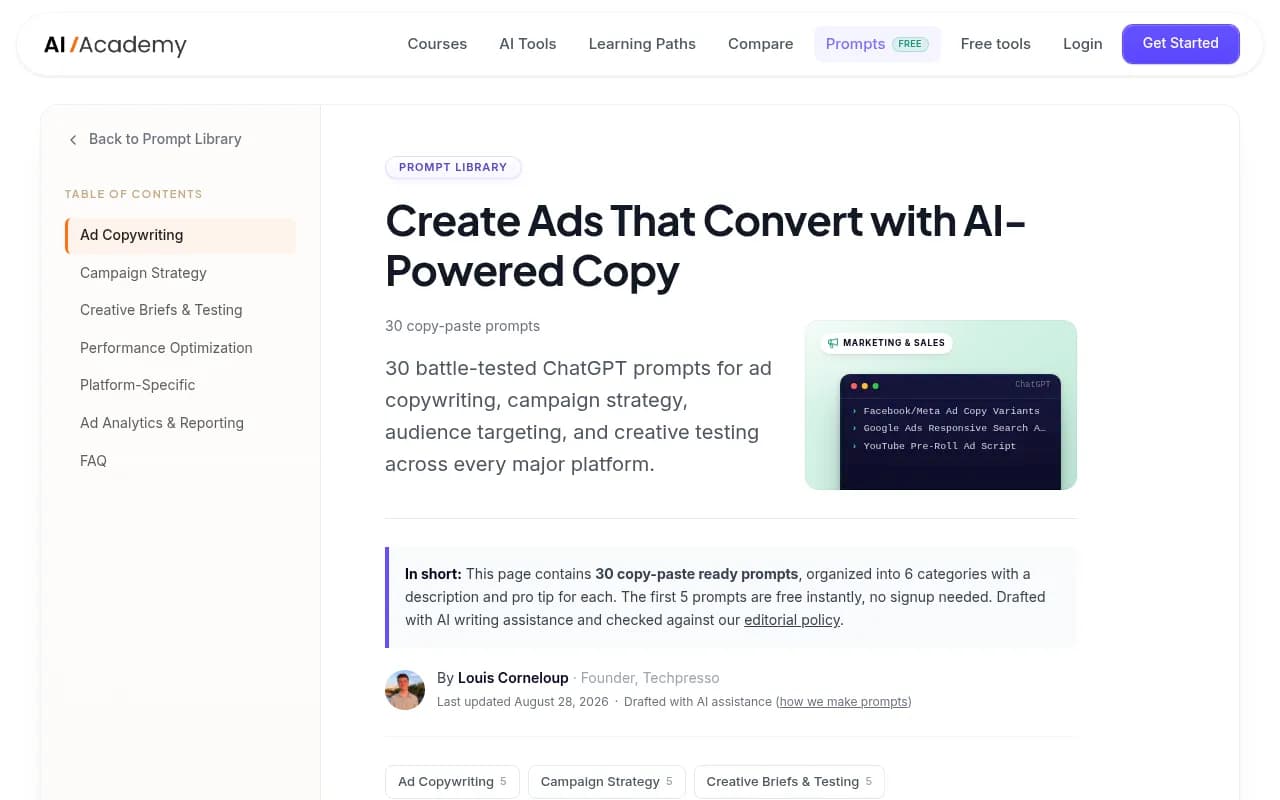
The screenshot above is the kind of material you will find if you search for "AI ad prompts". Good for copywriters. It tells you nothing about which competitor is buying your category in ChatGPT.
What the data says about ads in AI answers
Promptwatch's ChatGPT Ads Over Time report covers May 20 to August 17, 2026. A few numbers shape how you should build a list:
- ChatGPT served no ads until May 27, when they appeared in 1.69% of responses.
- After a brief spike on June 25 and 26, the rate passed 30% on July 1 and mostly stayed between the low 20s and high 30s. The daily peak was 43.9%.
- Across the whole window, ads appeared in 20.1% of responses that ran a web search and returned at least one citation.
- The 7-day average was 32.4%, and the 30-day average was 29.6%.
The prompt-type mix of ad-bearing responses over the past 7 days was 73.3% organic, 18.0% brand-specific, and 8.6% competitor comparison. The report is careful to say this reflects prompt volume, not how likely each type is to trigger an ad. If you pile 30 organic prompts into a monitor, organic will dominate your results even if nothing changed at OpenAI. Keep that in mind when you read your own numbers.
There is also a content angle. In Promptwatch's data on ChatGPT citations by content type (Sep 28 to Oct 4, 2026), commercial prompts such as "best CRM for small businesses" cite product pages 26.0% of the time, landing pages 20.6%, listicles 15.0%, and comparisons 7.9%. Those four make up almost 70% of commercial citations. So commercial prompts are where both ads and organic citations get decided.
How to structure the list
Forty prompts sounds like a lot until you split it. I would use five groups of eight.
| Group | Prompts | What it tells you | Typical intent |
|---|---|---|---|
| Category discovery | 8 | Who buys your generic category terms | Commercial |
| Comparison and alternatives | 8 | Who targets rivals' shoppers | Competitor comparison |
| Branded and reputation | 8 | Whether someone bids on your name | Brand-specific |
| Transactional and pricing | 8 | Who owns the buying moment | Transactional |
| Segment and use case | 8 | Which niches are contested | Commercial |
One rule: replace the bracketed placeholders with your own category, brands, and audiences. Keep the phrasing close to how a real person would type it. Prompts that read like keyword strings behave differently from conversational ones.
Category discovery prompts (1 to 8)
These are the broad "best X" queries. They carry the most ad volume and the most citation competition.
- What are the best [category] tools in 2026?
- Which [category] software should a small business use?
- Top [category] platforms for [industry]
- What is the best [category] for beginners?
- Recommend a [category] solution that is easy to set up
- What [category] do professionals actually use?
- Best affordable [category] options
- Which [category] has the best reviews right now?
Comparison and alternatives prompts (9 to 16)
Smaller share of ad-bearing responses, but the advertisers here are often your direct rivals. Track these as their own segment, as the Promptwatch report recommends.
- [Your brand] vs [Competitor A], which is better?
- [Competitor A] alternatives
- [Competitor A] vs [Competitor B] for [use case]
- Is [Competitor A] worth the price?
- Cheaper alternatives to [Competitor A]
- [Your brand] vs [Competitor B] for small teams
- What do people switch to from [Competitor A]?
- [Competitor A] or [Competitor B] for [industry]?
Branded and reputation prompts (17 to 24)
Check whether a competitor shows an ad when someone asks about you. It happens more than people expect, and it is easy to miss without logging.
- What is [your brand]?
- Is [your brand] any good?
- [Your brand] pricing
- [Your brand] reviews
- Does [your brand] have [feature]?
- How does [your brand] compare to alternatives?
- Is [your brand] legit?
- [Your brand] pros and cons
Transactional and pricing prompts (25 to 32)
These sit closest to a purchase. They are also where shopping cards and product recommendations tend to appear for physical goods. Promptwatch's ChatGPT shopping usage data notes that shopping features concentrate on commercial and transactional prompts, though that report dates from November 2025, so treat the exact behavior as a moving target.
- Where can I buy [product] online?
- Best price for [product]
- [Category] free trial
- [Category] with no contract
- Buy [product] with free shipping
- [Product] discount code
- How much does [category] cost per month?
- Best deal on [product] this week
Segment and use case prompts (33 to 40)
Niche prompts reveal where advertisers are placing narrower bets.
- Best [category] for startups
- Best [category] for enterprise teams
- [Category] for agencies managing multiple clients
- [Category] for [industry, e.g. healthcare]
- Best [category] for remote teams
- [Category] for non-technical users
- Best [category] that integrates with [popular tool]
- [Category] for [country or city] businesses
What to log for every run
A rate alone is nearly useless. The Promptwatch report makes the point directly: the rate tells you how often an ad slot appears, the ad details tell you who wins it. For each prompt, record:
- Whether an ad appeared
- The advertiser name
- The ad headline and claims
- The landing page URL
- The date, model, country, and language
- Which organic brands were cited in the same response
A spreadsheet works to start. Something like this:
| Date | Prompt group | Prompt | Ad shown | Advertiser | Landing page | Organic brands cited |
|---|---|---|---|---|---|---|
| 2026-11-10 | Category | Best [category] tools | Yes | Brand X | /pricing | Brand Y, Brand Z |
| 2026-11-10 | Comparison | [Competitor A] alternatives | No | none | none | Brand X, you |
Run it over several days
Ad rates in the Promptwatch data swing a lot day to day. The rate sat around 30% for weeks but touched 43.9% on a peak day. If you run your 40 prompts once and see no ads, that is one data point, possibly on a quiet day. Run daily for at least a week before drawing any conclusions, and compare 7-day averages to 30-day ones.
Also keep markets separate. Language and location change what AI answers, so a US English monitor and a German monitor should be two lists, not one mixed bag.
Reading the results
A few patterns to look for:
- A competitor appearing on branded prompts means someone is targeting your name. That is a direct signal.
- The same advertiser winning across category and segment prompts suggests broad spend. One advertiser winning only a single segment suggests a test.
- Ads that appear on prompts where your organic page is not cited point to a content gap you could also close organically. If product pages and landing pages make up so much of commercial citations, check whether yours exist and are crawlable.
- Landing pages that change week to week usually mean the advertiser is testing messaging. Save screenshots.
Tools for running the list
You can do this by hand for a week. After that it gets tedious, and manual checks do not scale to 40 prompts across several days and markets.
Promptwatch is the one I would start with for this specific job. Its Ads Radar shows which advertisers bid on your tracked prompts, their ad copy and claims, and their landing pages, viewed by ad or by prompt, and it tracks ChatGPT shopping carousels as well. Ads Radar is included on Business, every agency plan, and Enterprise, so check promptwatch.com/pricing for current plans. It also pulls real answers from the actual ChatGPT interface, which matters because user-facing responses and ads can differ from API output. See the ChatGPT ads page for details.

Other tools in the catalog track AI answers and may suit different budgets, though I have not verified their ad-tracking features, so check before you buy:
KIME advertises ad insights across nine engines.

Profound is a mature monitoring platform for larger brands.

Peec AI is a multi-language visibility tracker, which helps if you run separate market lists.

Otterly.AI is an affordable monitoring option for smaller lists.
| Tool | Best for | Ad-specific tracking |
|---|---|---|
| Promptwatch | Ads Radar, shopping, citations, and content fixes in one place | Yes, advertisers, copy, claims, landing pages |
| KIME | Multi-engine tracking | Lists ad insights, verify scope |
| Profound | Enterprise visibility monitoring | Verify before buying |
| Peec AI | Multi-language tracking | Verify before buying |
| Otterly.AI | Budget monitoring | Verify before buying |
If you want a wider view of the category, the GEO software directory lists many more options.
Turning findings into action
Monitoring only pays off if something changes. Three practical moves:
- Close organic gaps. Where a rival's ad appears and nobody organic is cited, publish or improve the matching product page, landing page, or comparison. Promptwatch's Content Agent and content gap analysis are built for that step.
- Defend branded prompts. If competitors show up on your name, check whether your own pages are being crawled and cited, and consider whether paid placement makes sense for you.
- Brief your paid team. Share the advertiser log monthly. Landing page changes and new claims are free competitive intelligence.
If you also want help interpreting the data and turning it into a program, an agency such as 1001 SEO Media works on AI search and GEO alongside traditional SEO. That is optional. The list itself is something your team can build this week.
A short checklist
- Pick your category, 4 to 6 competitors, and your main segments
- Fill in the 40 templates with your own wording
- Group them into the five segments and tag each one
- Set one monitor per country and language
- Run daily for at least seven days before judging anything
- Log advertiser, claims, and landing page for every ad
- Review monthly and swap out prompts that never surface anything useful
The list will drift. Rates moved from zero to over 30% in about five weeks last summer, and OpenAI clearly keeps tuning when ads and product cards show up. Treat the 40 prompts as a starting set and revisit them each quarter.