Key Takeaways
- A wrong "lacks feature X" answer almost always traces back to one or two sources, not to some mysterious model flaw. Your job is to find them.
- For prompts that name a brand, ChatGPT leans on a small set of domains (about 5 is the most common count), so each source has outsized influence on how you are described.
- Landing pages, docs and comparison pages stay cited for months. An outdated claim will not fade on its own.
- Diagnose in order: reproduce the error, list the cited sources, check your own pages, check third-party pages, check whether AI crawlers can read your site, then fix and re-measure.
- Fix at the source. Prompting the chatbot again does nothing.
The problem, stated plainly
A prospect asks ChatGPT, "Does [your product] support SSO?" The answer: "No, [your product] does not currently offer SSO." You shipped SSO two years ago. Sales hears about it on a call. Someone pastes a screenshot into Slack. Everyone's first reaction is some version of "the AI is hallucinating."
Sometimes it is. More often it is not. Modern AI search runs live web searches and builds an answer from pages it finds. If the answer is wrong, a page somewhere probably said something wrong, said nothing, or said it in a way a model could not parse. That is a much more tractable problem than "AI is a black box," which is the complaint you see all over product-management forums.
This playbook treats the wrong answer like a bug report. Reproduce it, trace it, fix the cause, verify.
Step 1: Reproduce the error properly
One screenshot is an anecdote. Before you change anything, build a small test set.
- Write the exact prompt the buyer used, plus 5 to 10 variations ("does X have SSO", "X vs Y single sign-on", "best project tools with SAML").
- Run each on the surfaces your buyers use: ChatGPT, Google AI Overviews, Google AI Mode, Gemini, Perplexity, Copilot.
- Record the answer, the date, the model, and the country. Answers differ by region and by interface. The web UI can differ from what an API returns, so test the real interface.
- Run each prompt several times. Outputs are probabilistic. If the wrong claim shows up 1 time in 10, that is a different problem from 9 times in 10.
The CleverX playbook on testing AI features makes a similar point from the product-testing side: output variability changes what "correct" means, so you measure a range of outputs rather than one expected result. Same logic applies here.
Classify what you see into one of four buckets:
| Pattern | What it usually means |
|---|---|
| Wrong every time, same wording | One dominant source states it |
| Wrong most of the time, varied wording | Several weak or stale sources, or a gap in your own content |
| Wrong only on some models | Different sources or different retrieval per engine |
| Wrong with no citations at all | Answer comes from training data, not live retrieval |
The fourth bucket is the hardest to fix quickly, because there is no page to correct. The first three are fixable at the source.
Step 2: List the cited sources
This is the step most teams skip, and it is where the diagnosis happens.
For every wrong answer, write down every domain and URL cited. Then count them. According to Promptwatch Data, from Sep 28 to Oct 4, 2026, only 21.3% of ChatGPT responses to brand-specific prompts cited 10 or more domains, and 5 domains was the most common count. For general questions that name no brand, 52.5% cited 10 or more. So when someone asks about you by name, ChatGPT is working from a short list.
That is good news for diagnosis. A short list means the bad claim has a short list of suspects:
- Your own product or pricing page
- Your documentation or help center
- A third-party review (G2, Capterra, Trustpilot-style sites)
- A comparison page written by a competitor or an affiliate
- A forum thread or Reddit post
- An old blog post or press release
- A news article from before the feature launched
If you track prompts with a platform, this list is already in your citation data. Tools like Promptwatch show which of your pages get cited, where they land in the source list, and which third-party pages show up beside them, so you can see the suspects without running every prompt by hand.

You can also do it manually with a spreadsheet and patience. The point is to end this step with a table: prompt, model, claim made, sources cited.
Step 3: Check your own pages first
Own pages are the biggest citation surface for branded questions. Promptwatch Data shows that for branded prompts, product pages made up 23.3% and landing pages 22.8% of ChatGPT citations (Sep 28 to Oct 4, 2026). Combined, that is roughly 46% of branded citations pointing at pages you control.
So the first thing to rule out is that your own site is the problem. Common failures:
The feature is buried
It exists in a settings screen and a changelog entry, but your product page never says it. A model reading the page has no sentence to quote. Search your site for the feature name. If the only hits are a 2023 release note and a help article three clicks deep, that is your answer.
The feature has a different name than the buyer's word
You call it "Identity Hub." Buyers type "SSO" and "SAML." If the page never uses the buyer's vocabulary, matching gets harder. Add the plain-language term next to your brand term.
The page contradicts itself
The pricing table says SSO is Enterprise only. The feature page says it is included on all plans. A model will pick one, or hedge into "may not be available." Audit pricing, feature and docs pages against each other.
Stale pages still live
Old comparison posts, "coming soon" announcements and archived feature pages that still resolve can all say you lack the feature. Promptwatch's half-life study found that 78% of landing pages and 76% of docs were still cited after 30 days, and 69% and 67% after 60 days (pages cited July 6, 2026, tracked 90 days). Product pages, reviews and how-tos reached their half-life after roughly 74 to 77 days. An outdated page does not quietly disappear. It keeps getting cited for months.
The content is not extractable
Feature tables rendered only as images, details locked in a PDF, a pricing page that loads through a client-side script. If a crawler cannot read it, it cannot cite it.
Step 4: Check the third-party sources
If your own pages are clean, look at the other domains on the list. This is where a lot of "lacks feature" claims actually live.
- Review sites often carry feature lists that were filled in once and never updated. Many are editable by the vendor. Claim your profile.
- Comparison pages are especially dangerous. They are written to contrast products, and a competitor's page can state your gaps with confidence. Promptwatch Data notes that competitor comparison prompts cite 10 or more domains 49.1% of the time, so one wrong comparison page is one voice among many there, but it can still tip the answer.
- Forum and Reddit threads from before your launch may say "no, it doesn't support that." Social citation levels vary a lot by engine. In the week of Sep 28 to Oct 4, 2026, ChatGPT drew 0.46% of citations from social platforms while Google AI Overviews drew 12.2%, so a stale thread matters more for some engines than others.
- Affiliate listicles copy each other. One wrong line can propagate across five "best tools" posts.
For each suspect page, answer three questions: Does it make the wrong claim? Can I edit it (my profile) or ask for a correction (someone else's)? How old is it?
Brand-monitoring tools help here too, since the offending page may name you without linking. Some platforms, Promptwatch's Offsite Mentions among them, catch third-party pages that name your brand inside sources AI cites, even with no link back.
Step 5: Rule out access problems
Sometimes the right page exists and AI never reads it. Check:
- robots.txt. Are GPTBot, OAI-SearchBot, ClaudeBot, PerplexityBot or Google's agents blocked? A blanket disallow added during a security push is a classic cause.
- Rendering. Is the feature content in the initial HTML?
- Errors. Are crawlers hitting 403s, 404s or redirect loops on your product or docs pages?
- Auth walls. Is your documentation behind a login? Promptwatch's advice for informational prompts is to keep documentation public and easy to crawl.
Server logs can tell you whether AI bots visit at all. Promptwatch's AI crawler logs verify visits against operators' published IP ranges and show which pages bots read and where they fail, which lets you tell an access problem from a content problem. Free options exist too: the Agentic Readiness Check and the AI crawler URL inspector test basic crawler access.
Step 6: Decide whether it is a data problem or a model problem
Here is the honest split.
| Symptom | Likely cause | Where to fix |
|---|---|---|
| Cited pages say the wrong thing | Source content | Edit or request edit at the source |
| Cited pages say nothing about the feature | Content gap | Publish or expand a page that states it |
| Right page exists, never cited | Crawl access or weak match | Fix access, add buyer vocabulary, internal links |
| No citations, wrong answer | Training-data belief | Build consistent coverage across many sources over time |
| Correct on one engine, wrong on another | Different retrieval | Check each engine's cited sources separately |
I would not promise a quick fix for the no-citation case. You cannot edit a model's memory. What you can do is make the web consistently say the true thing, so that the next retrieval and the next training run both pick it up.
One caution from my own reading of the research: I did not find a reliable public number for how often AI misstates product features overall, so be wary of anyone quoting one. Measure your own prompts instead.
Step 7: Fix it at the source
Work the list from your diagnosis table, highest-influence source first.
Your own pages
- State the feature in plain words on the homepage, the product page and the pricing page. Say which plans include it.
- Add an FAQ entry that answers the exact question buyers ask ("Does X support SSO?"). Promptwatch Data shows FAQ pages get 4.8% of branded citations, versus 3.3% across all prompts.
- Keep docs public, with the feature name and the common synonym in the headings.
- Remove or update old pages. If you cannot delete them, redirect or add a clear "this feature is now available" note.
- Keep pricing and feature pages in sync. Treat them as long-term citation assets, as the half-life data suggests.
Third-party pages
- Update your review-site profiles and feature checklists.
- Email the author of comparison pages with a short, evidence-based correction and a link to your docs.
- Publish your own comparison pages that state your differences clearly. If there is only one voice saying something about you, make sure it is also yours.
- For forum threads, reply with a dated, factual update rather than starting an argument.
Content gaps
If the real problem is that nothing on the web clearly says you have the feature, you need new content. A content gap analysis maps your pages against the prompts AI answers. Several tools do this in different ways: Promptwatch's Content Agent drafts and publishes pages to WordPress, Webflow or Framer against those gaps, and you can compare alternatives in the GEO software directory at bestgeosoftware.com.
Step 8: Verify the fix
This is where most teams stop too early. Publishing a correction is not the same as AI repeating it.
- Re-run your original test set weekly. Look at the share of responses with the wrong claim, not one answer.
- Watch whether your corrected page enters the cited list, and where.
- Check crawler logs to confirm the page was actually fetched after you changed it.
- Record the date of every change so you can connect cause and effect.
Expect lag. Landing pages and docs persist, which cuts both ways: your corrected page will also stay cited for a good while once it lands.
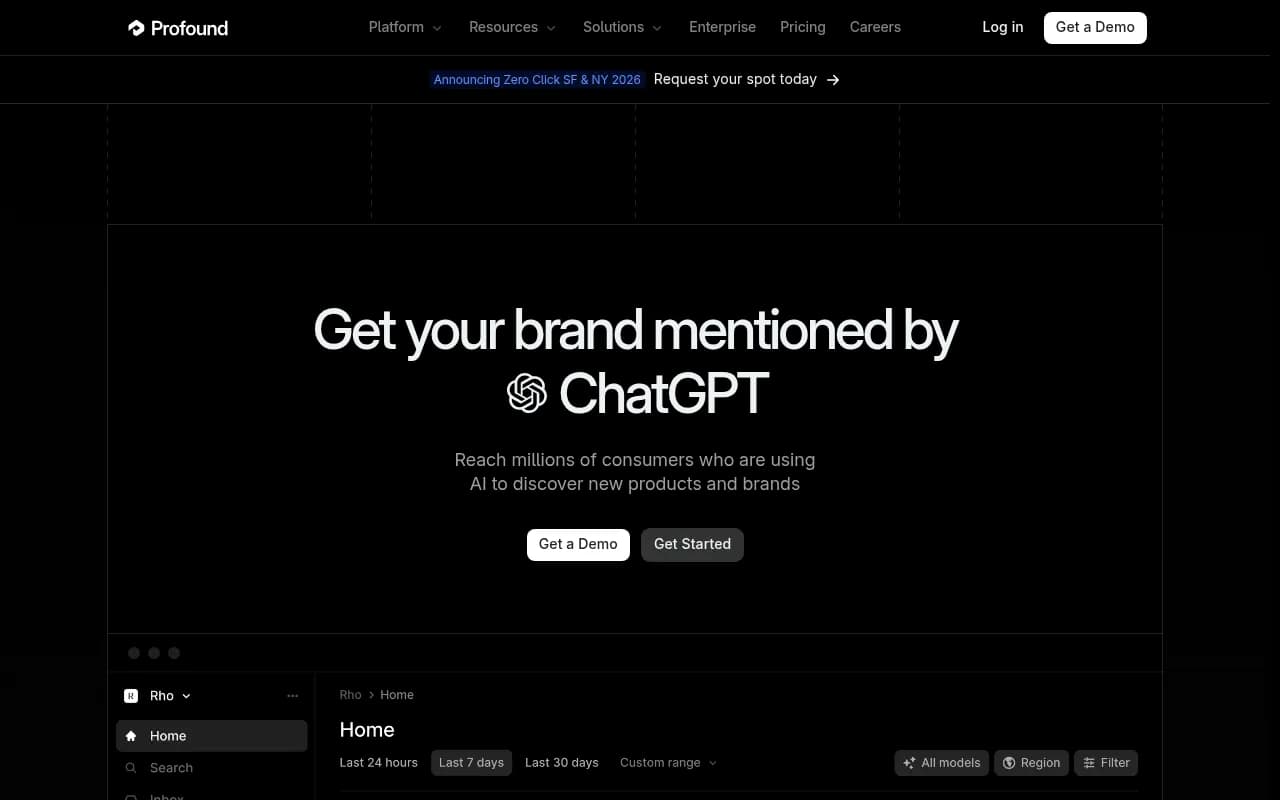
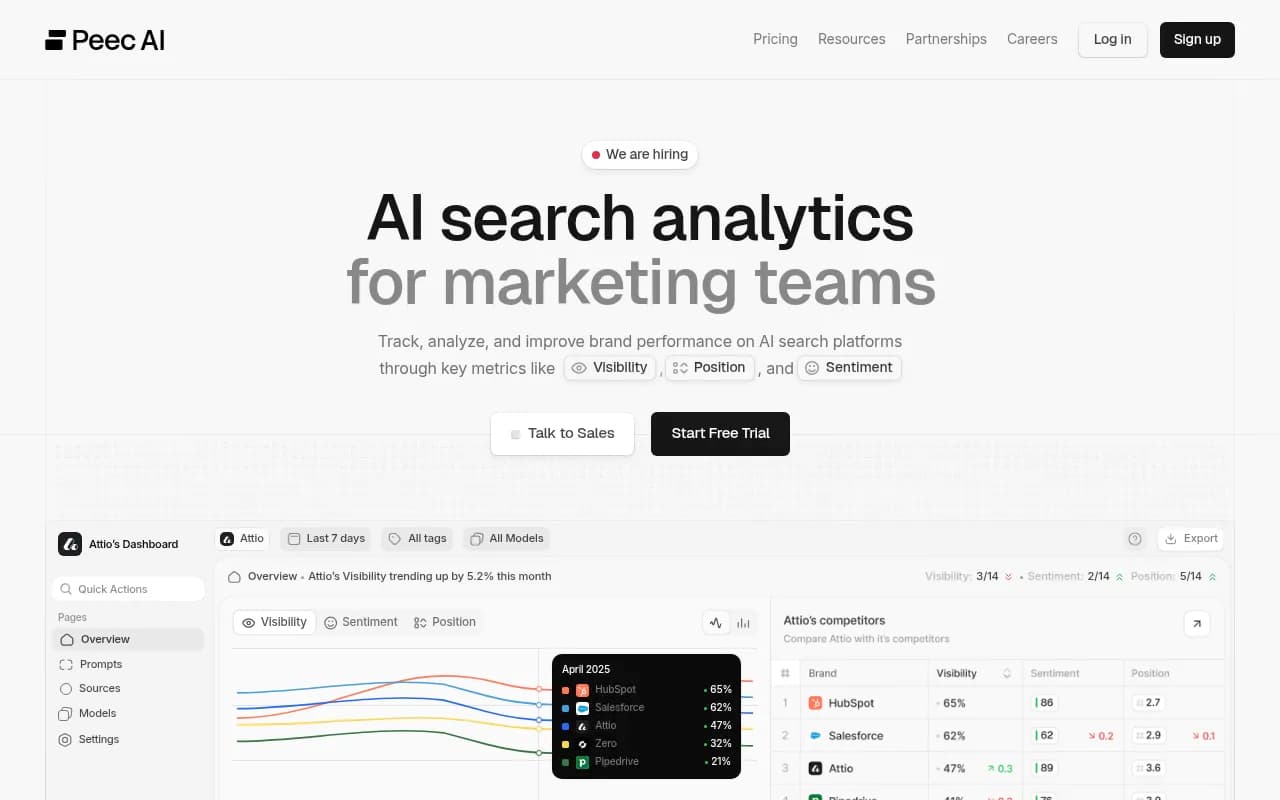
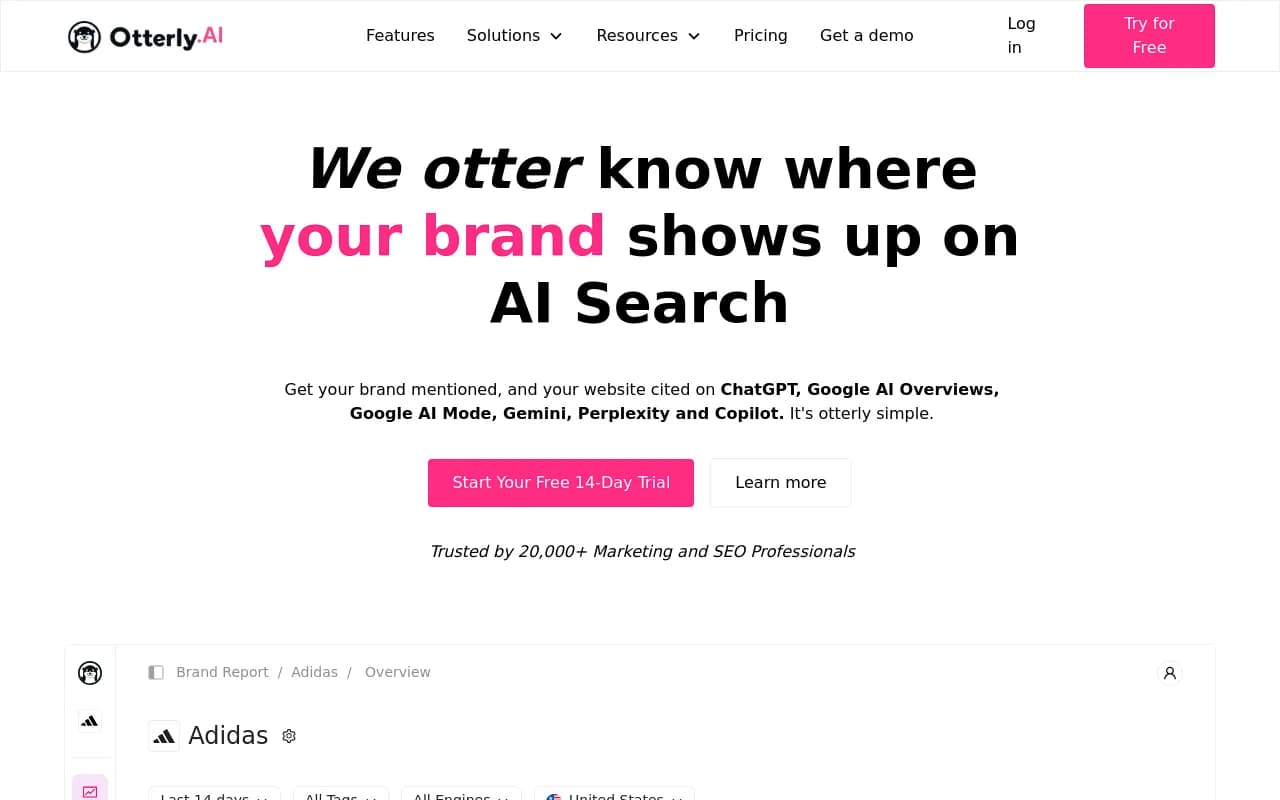
Tools you can use for the monitoring side include Profound, Peec AI, Otterly.AI, AthenaHQ and Promptwatch. Most of them track whether your brand is mentioned. What matters for this playbook is whether the tool shows cited sources per answer and whether it helps you act on them.
If you want a quick, no-commitment first look, Promptwatch's free AI visibility report scans how ChatGPT, Gemini and Perplexity talk about your brand.
Step 9: Close the loop with your product team
A discoverability bug is often a symptom of a process gap. Some fixes to make permanent:
- Add "update public pages and third-party listings" to your launch checklist, next to release notes.
- Give someone ownership of a recurring audit of feature claims across your site, reviews and comparison pages.
- Keep a running list of claims AI makes about you, by theme (pricing, features, support). Tracking them as a set, rather than one-offs, shows which are persistent.
- Feed the findings to sales and support. If buyers are hearing wrong things, they will arrive with those objections.
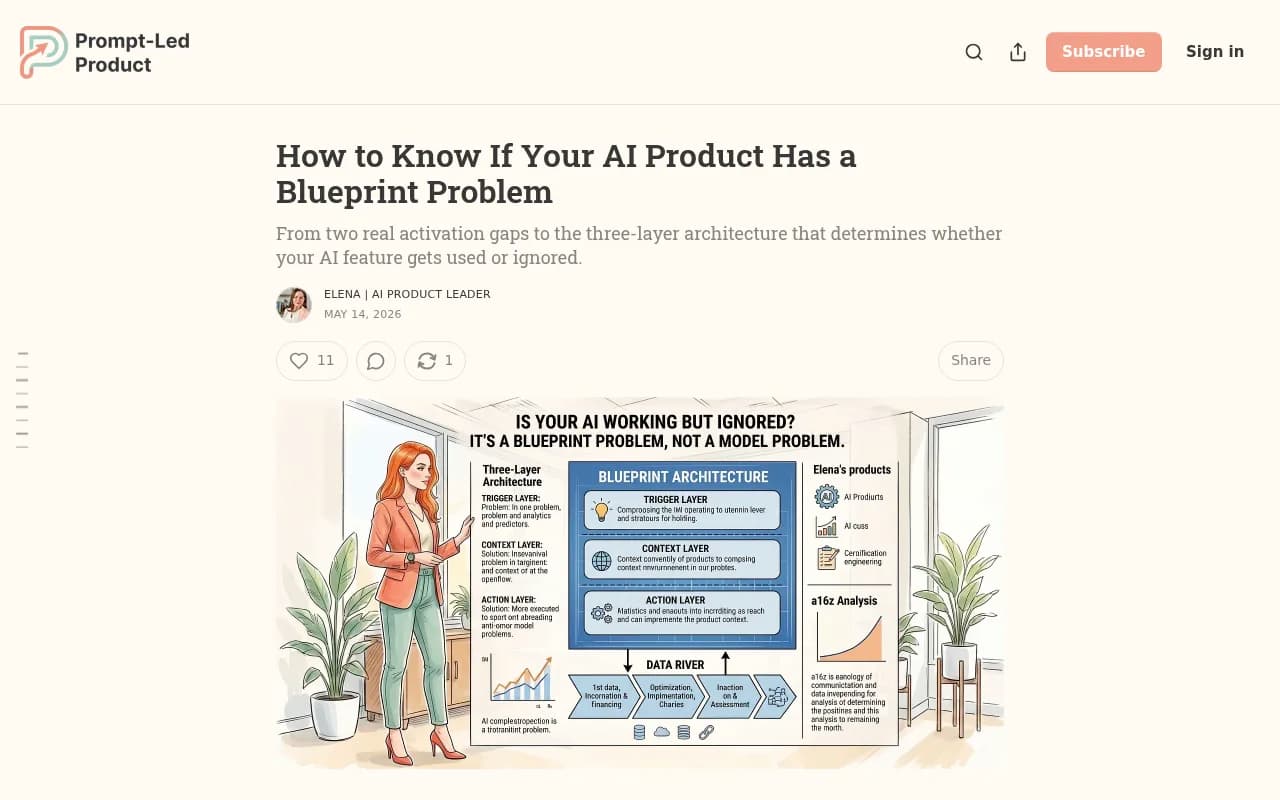
There is also a product-design angle. The Prompt-Led Product newsletter argues that if an AI feature requires a deliberate user action to start, the architecture has a trigger problem. The parallel here is that if your feature only becomes visible after a user digs for it, an answer engine will not find it either.
A quick triage checklist
Print this and keep it near the incident channel.
- Reproduce the wrong answer on 3 or more surfaces and 5 or more prompt variants.
- List every cited domain and URL.
- Search your own site for the feature name and the buyer's synonym.
- Check pricing, feature and docs pages for contradictions.
- Check review sites, comparison pages and forum threads on the cited list.
- Confirm AI crawlers can fetch the right page.
- Fix at the source and note the date.
- Re-run weekly and track the share of wrong answers.
When to bring in help
If the wrong claims are spread across dozens of sources, or you do not have the time to run a recurring audit, an agency can carry it. 1001 SEO Media runs generative engine optimization alongside technical SEO and digital PR, which covers both the on-site and off-site fixes this playbook calls for. Otherwise, a small team with a spreadsheet and a weekly re-test can get most of the way.
Final thought
The frustrating thing about "AI says we lack a feature" is how personal it feels. It is not personal. A short list of pages told the model something, and the answer followed. Find the pages, change them, and measure again next week. For more research on how AI engines pick their sources, the Promptwatch Data hub is a good place to keep reading.