Key takeaways
- There is an official Slack MCP server, but no official Looker Studio MCP server that I could find. Google's Looker MCP server is for enterprise Looker, not Looker Studio.
- The cleanest pattern is to split the job: an MCP client reads the ad data and posts summaries to Slack, while a scheduled connector or export feeds Looker Studio.
- Pick the data source first. Ads shown inside AI answers (like ChatGPT ads) and ads from Google or Meta campaigns need different servers.
- Send a small set of metrics: daily ad rate, advertiser, landing page and prompt type. Everything else is noise in a Slack channel.
- Always check ad visibility across several days. One prompt run can land on an outlier day.
What does AI ad data actually mean?
The phrase gets used two ways, and the setup differs.
The first meaning is ads that appear inside AI answers: sponsored placements in ChatGPT responses, which advertisers show up on your prompts, what the copy says, where they link. The second meaning is ad platform data (Google Ads, Meta Ads) pulled into an AI assistant so you can ask questions about it in plain language.
This guide focuses on the first, because it is newer and almost nobody has a reporting habit around it yet. The second gets a section later, since the same Slack and Looker Studio plumbing applies.
Here is the scale of the first problem. Promptwatch Data's ChatGPT Ads Over Time report covers May 20 to August 17, 2026. ChatGPT served no ads until May 27, when they appeared in 1.69% of responses that ran a web search. Over the 90 days the average was 20.1%, and the daily rate has hit 43.9% at its peak. The past 30 days averaged 29.6%, up 22.6% on the 30 days before. That is a channel moving fast enough that a weekly manual check misses things.
How the pieces fit together
MCP (Model Context Protocol) is a standard way for an AI client such as Claude, ChatGPT or Cursor to call tools on a remote server. For this job you need three things:
- A data MCP server that exposes your AI ad data as tools the client can call.
- A Slack MCP server so the client can post messages or canvases.
- Something that gets the same data into Looker Studio.
The third one is where people get stuck, so let me be direct about it.
The Looker Studio gap
Google announced a Looker MCP Server in August 2025, as an integration in the MCP Toolbox for Databases. The AI queries Looker's semantic layer, Looker generates the SQL, and Looker's access controls and audit trails still apply. It works with Gemini CLI, Claude Desktop and Cursor. Good product. But it is for Looker, the enterprise BI platform, not Looker Studio.
On the Looker Studio side, a Google developer forum thread notes that the current Data Studio API supports only basic asset management. I did not find an official Looker Studio MCP server or step-by-step MCP documentation. So do not plan around an MCP client building Looker Studio dashboards for you.
What works instead is treating Looker Studio as a destination fed by a connector, Google Sheets, or BigQuery, while MCP handles the conversational and Slack side. Some vendors do both. Detrics, for example, already served Google Sheets and Looker Studio users across 30+ marketing platforms before it shipped an MCP server and became an official Claude connector.
Step 1: choose the data source
| Source | What it tells you | MCP route | Looker Studio route |
|---|---|---|---|
| Ads inside AI answers | Which advertisers bid on your prompts, ad rate, landing pages | Hosted MCP server from an AI visibility platform | Native connector or export |
| Meta Ads | Campaign performance on Meta | Meta ads AI connectors (beta since April 29, 2026) or an aggregator | Aggregator connector |
| Google Ads | Campaign performance on Google | Open-source Google Ads API MCP server (Oct 2025), self-hosted | Native Google Ads connector |
| Cross-platform ad data | Google vs Meta ROAS side by side | Aggregators like Detrics or Porter Metrics | Aggregator connector |
Platform servers read one platform's own numbers. If you want to compare Google and Meta in one question, you need an aggregator. The Google Ads server is also a developer job: you need a Cloud project and OAuth, and you host it yourself, locally or on Cloud Run.
For ads in AI answers
Promptwatch has an Ads Radar that shows which advertisers bid on your prompts in AI search, their ad copy, claims and landing pages, viewed by ad or by prompt. It also runs a hosted MCP server with 110+ read and write tools, and a REST API v2. That combination is why it suits this workflow: the same data is reachable from a chat client, a Slack briefing and a Looker Studio connector.

Ads Radar is on the Business plan ($579/mo), every agency plan and Enterprise. Confirm current details at promptwatch.com/pricing. There is also a page on ChatGPT ads and Ads Radar if you want the feature itself explained.
Step 2: connect the data MCP server to your client
The exact clicks depend on the client. In Claude, you add a custom connector from Settings, then Connectors. Porter Metrics documents this flow for its Meta Ads MCP: paste one server URL and authorize. Hosted servers generally work the same way.
For Promptwatch, the MCP server docs cover one-click OAuth or an API key for Claude, Claude Code, ChatGPT, Cursor, Codex and any other MCP client. The API and MCP docs list the tools.
A few things I would do before trusting any of it:
- Use a read-only scope first. You are building a reporting flow, not an automation that edits things.
- Ask a question you can verify by hand, such as the ad rate for yesterday, and compare it with the dashboard.
- Note the transport. Remote servers are moving to StreamableHTTP (stateless POST) over SSE, which Detrics describes as easier to run behind a load balancer. You rarely choose this as a user, but it explains why some older guides show configs that no longer apply.
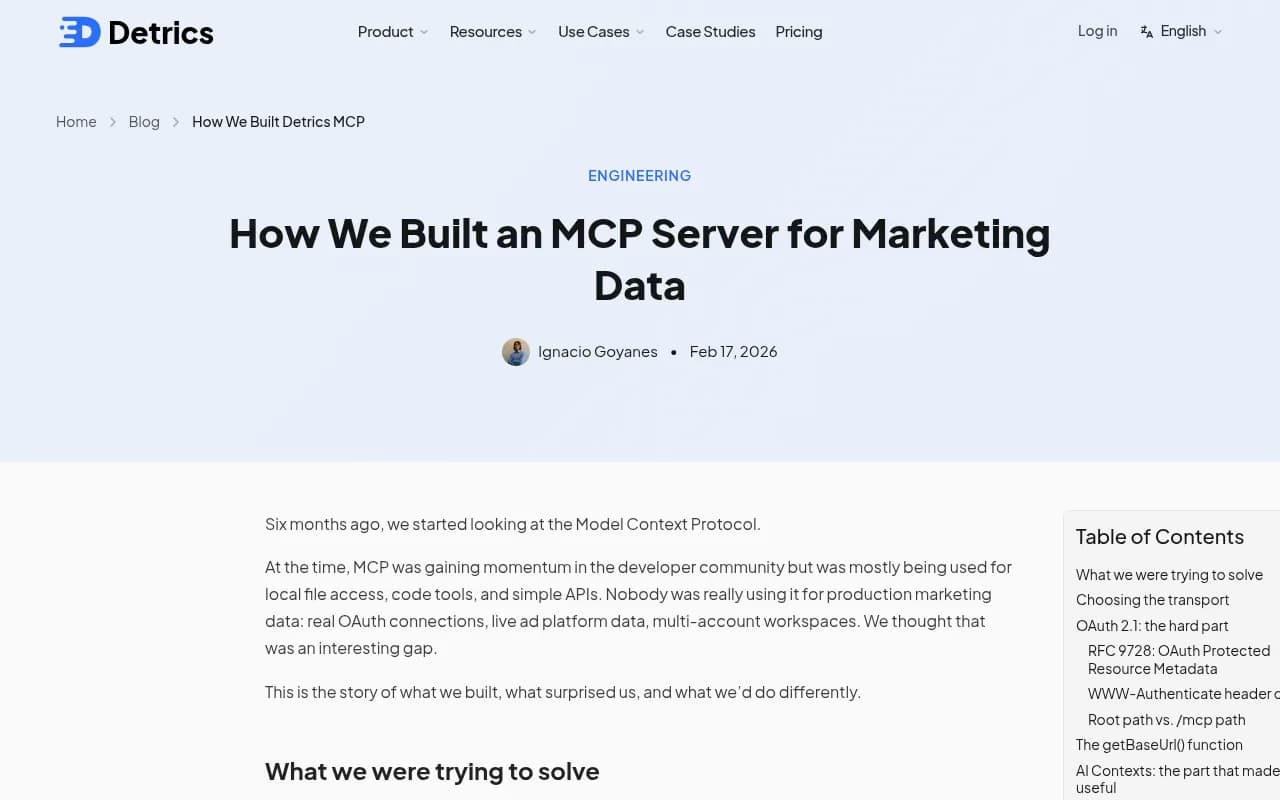
The Detrics write-up is worth a read if you are weighing a build against a buy. Their honest finding was that the MCP protocol was not where they lost time. The OAuth 2.1 flow that makes remote servers work with Claude and ChatGPT was. That is a good argument for using a hosted server.
Step 3: connect Slack
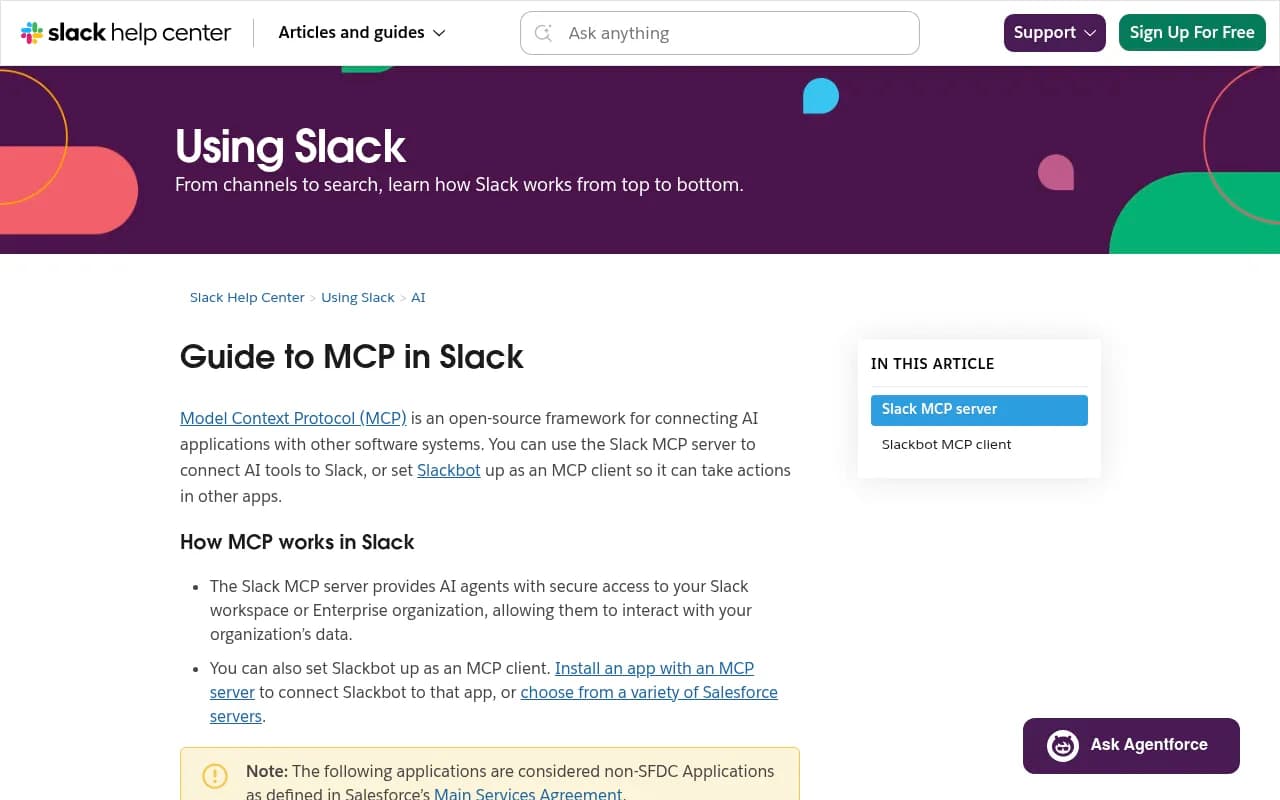
Slack's MCP server lets third-party agents like Claude and Perplexity search messages, read channels and threads, send, schedule and draft messages, create channels, add reactions, and manage canvases, users, files and lists. Workspace admins approve and manage MCP client integrations, so expect to loop in whoever owns your Slack admin settings. Do that early, because it is the step that stalls.
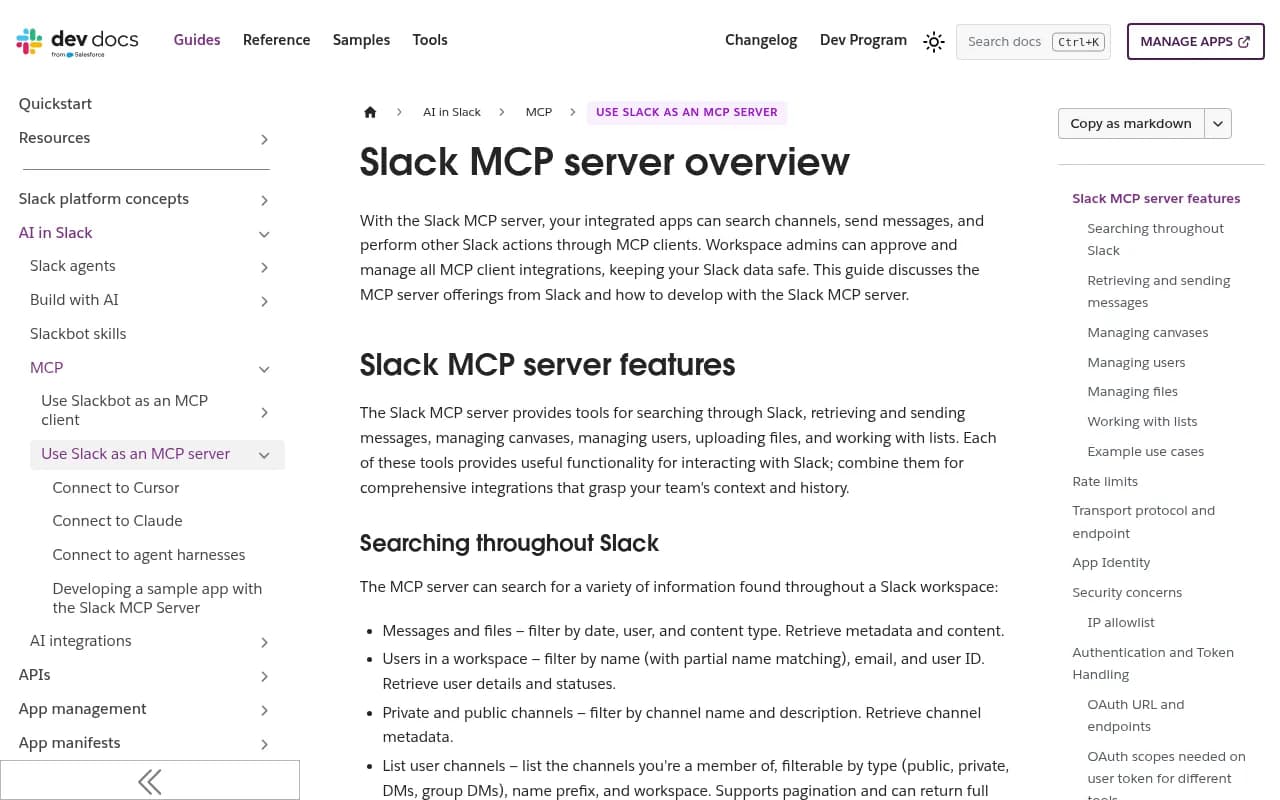
Once both servers are connected in the same client, you can write a prompt like this:
Pull yesterday's ad rate for our tracked ChatGPT prompts, list any advertiser
that appeared on more than three prompts, include the landing page URLs,
and post a short summary to #ai-search-ads. Flag any day where the ad rate
moved more than 10 points versus the prior 7-day average.
That is the whole integration. No glue code.
What to post, and what to leave out
Promptwatch Data points to four metrics worth sending: daily ad rate, advertiser, landing page and prompt type. I would add one more habit: always include the 7-day average next to the daily number, because the daily figure bounces. The report itself shows a brief spike on June 25 and 26, then a jump past 30% on July 1, after which it mostly sat between the low 20s and high 30s.
Two cautions from the same report:
- Only responses where ChatGPT searched the web, returned at least one citation and completed ad extraction are counted. Do not compare these rates to a different definition of ad rate.
- The prompt-type mix (73.3% organic, 18.0% brand-specific, 8.6% competitor comparison over the past 7 days) reflects prompt volume. It does not tell you how likely each prompt type is to trigger an ad. Do not write a Slack alert that says competitor prompts rarely get ads.
Message or canvas
Short daily numbers belong in a message. A weekly review with advertiser tables and landing page screenshots belongs in a canvas, which the Slack MCP server can create and update. If you want a scheduled version without prompting each time, Promptwatch's Slack integration also delivers scheduled chats and briefings in channels, which saves you from keeping a laptop session open.
Step 4: get the data into Looker Studio
Since MCP will not build the dashboard, pick one of these routes.
| Route | Effort | Good for | Catch |
|---|---|---|---|
| Vendor connector for Looker Studio | Low | Live dashboards, no maintenance | Depends on the vendor offering one |
| Scheduled export to Google Sheets, then Sheets connector | Medium | Small data, quick start | Row limits, manual column upkeep |
| REST API into BigQuery, then BigQuery connector | High | Large history, joins with other data | You maintain the pipeline |
| Workflow tool like n8n or Zapier writing rows to Sheets | Medium | Mixed sources | Another system to monitor |
Promptwatch has a Looker Studio connector (available from the Professional plan), so for AI ad data the first route works without a pipeline. Its REST API accepts date ranges up to 92 days, which means a full quarter fits in a single request if you do go the BigQuery route.
The 3RD platform takes a similar approach: an MCP server for visibility, citations, competitors and sentiment, with Slack, Claude, ChatGPT, Looker Studio and GA4 integrations. If you are comparing vendors, the directories at ai-rank-tools.com and bestgeosoftware.com list others.
A Looker Studio layout that earns its space
Keep the dashboard to four tiles:
- Daily ad rate with a 7-day moving average line.
- Top advertisers by number of prompts they appear on.
- Landing pages ranked by appearances, so you can see what competitors are pushing.
- Prompt type mix, labeled clearly as a volume mix.
Slack tells you something changed. Looker Studio lets you check whether it is a trend. Do not duplicate one in the other.
If you meant Google Ads and Meta Ads data
The same shape applies with different servers. Meta's ads AI connectors have been in beta since April 29, 2026, at mcp.facebook.com/ads, and work with ChatGPT, Claude, Claude Code and Perplexity. You set guardrails in Meta Business Suite under Settings, Integrations, Ads MCP server. You can block actions like creating campaigns or raising budgets, and every action needs approval in the agent. For a reporting flow, block everything that writes.
For cross-platform comparisons, an aggregator is the easier path. Porter Metrics offers a free no-code Meta Ads MCP, and Detrics covers 30+ platforms. I could not verify a video claiming Google Ads and Meta reports automated to Slack with Codex, so treat that as inspiration, not a recipe.
I have not found current pricing for these tools, so check each vendor before committing.
Common problems
- The Slack post works but the numbers look wrong. Compare with the source dashboard for one specific day. Mismatches usually come from different counting rules.
- The client cannot see the Slack tools. A workspace admin has probably not approved the MCP client yet.
- Alerts get ignored. You are probably sending too much. Cut to one daily message and one weekly canvas.
- Looker Studio shows gaps. If you used Sheets, check that the export schedule and the connector refresh do not collide.
- Ad rate looks wildly different between two runs. Check several days before reacting, as Promptwatch Data advises.
A sensible rollout
Week one: connect the data MCP server and ask questions by hand. Week two: add Slack and post a daily summary to a private channel. Week three: build the four-tile Looker Studio view and share it. After a month you will know whether ads in AI answers are hitting your prompts often enough to justify a dedicated owner.
If you want to see what your own prompts look like before building anything, Promptwatch's 7-day free trial and free AI visibility report are the low-effort starting points.