Key takeaways
- Daily tracking is the default in almost every AI visibility tool. Sub-daily cadence is rare, and where it exists it usually sits on higher-priced plans.
- Hourly runs help in three situations: launches and campaigns, volatile answer surfaces, and noisy metrics that need more samples per day to settle.
- Hourly runs do not help much with content decay. Promptwatch Data shows most cited pages stay cited for weeks, so a daily cadence catches nearly all of it.
- AI answers vary run to run, so more frequent sampling can reduce noise. It does not fix the bigger problem of API answers differing from what users see in the real interface.
- Verify cadence on each vendor's pricing page before you buy. Marketing pages are vague about it, and my research found little public confirmation of hourly tracking outside Promptwatch.
Why cadence matters at all
Ask a vendor how often they track and the answer is almost always "daily." That is fine for most teams. A visibility score that moves once a day is plenty if you review it weekly and ship content monthly.
But there is a real argument for going faster, and it comes from how unstable AI answers are. One third-party analysis cited by Orchly, which I have not independently verified, reports that two runs of the same prompt gave the same brand list less than 1 time in 100 (SparkToro). The same write-up cites a Surfer study of August 2026 data where brands in API answers and real-interface answers overlapped only 15.5% to 23.8%.
If both are roughly right, a single daily sample per prompt is a noisy measurement. More runs per day average out some of that variance. That is the honest case for sub-daily tracking: not speed for its own sake, but a steadier number.
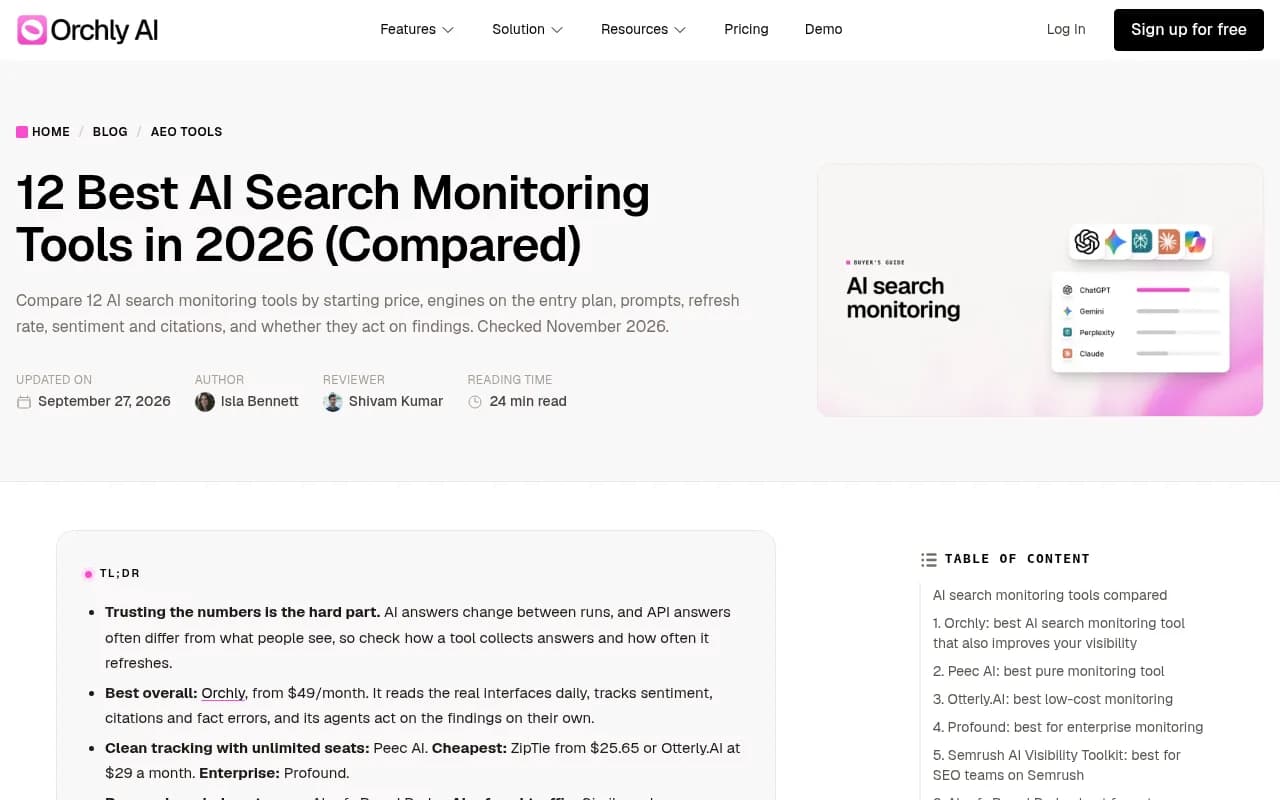
The comparison above is a good example of how the market talks about refresh: it is a column in a table, and for most listed tools the value is "Daily."
What the data says about how fast things change
Before paying for hourly runs, check whether the thing you are measuring moves hourly. Much of it does not.
Cited content sticks around
Promptwatch tracked every page ChatGPT cited on July 6, 2026 for 90 days. The results in What Is the Half-Life of Content in ChatGPT? are slow-moving:
- After 30 days, 78% of landing pages and 76% of docs were still cited.
- After 60 days, 69% of landing pages and 67% of docs were still cited.
- Product pages, reviews, and how-tos reach their half-life after roughly 74 to 77 days.
- News is the exception. Half of news pages were gone after 36 days, and almost a quarter were never cited again after day 0.
So if your goal is to notice that a page fell out of citations, daily is more than enough. Hourly adds cost without adding information. Only news-style content moves fast enough to make tighter monitoring plausible.
Some engines are stable, some are not
Promptwatch's average sources per response report (dated September 2025, so treat the exact numbers as dated) describes very different behavior by engine. Perplexity cited almost exactly 10 sources per answer every day, which Promptwatch calls a stable test bench. Google AI Overviews held steady around 10. ChatGPT drifted around 5. Copilot's average swung from under 2 to nearly 17 sources within a few weeks before settling low.
The practical read: stable engines do not need high-frequency sampling. Erratic ones might, but Promptwatch's own advice for Copilot is to judge it on monthly trends, not snapshots. That points toward more samples and longer windows, not just faster refreshes.
Retrieval behavior can change overnight
There are also step changes. On August 8, 2026, ChatGPT Search began using the site: operator at scale, jumping from about 0.4% to about 17% of fan-out queries overnight, per Promptwatch Data. On August 14, reddit.com's share of ChatGPT citations fell from roughly 4% to 0.5% (report).
Both events showed up as a one-day cliff. Daily tracking catches a cliff the next morning. Hourly tracking would have caught it within hours, which matters only if someone is going to act within those hours. For most teams, nobody will.
When hourly monitoring is worth it
Launches and campaigns
A product launch, a PR push, a rebrand, or a crisis is the clearest case. You want to see whether a press hit moves how ChatGPT or AI Overviews describe you, and you want to see it while the campaign is live and adjustable. A day-old number is a day late.
Reputation incidents
A wrong claim about pricing or safety that starts showing up in answers is time-sensitive. Faster runs help you confirm whether a correction is landing. Pair them with a way to see which claims the models make, not just whether you are mentioned.
Noisy, high-stakes prompts
If a handful of prompts drive real revenue and the daily number bounces around, running those specific prompts more often gives you a steadier trend line. This is variance reduction, and it should be applied to a small prompt set, not your whole library.
Time-sensitive verticals
News, finance, events, and ticketing are categories where answers can legitimately change within a day. Cited news content decays fastest of any type in the Promptwatch data, so these verticals are the ones where cadence earns its keep.
When it is wasted money
- You review dashboards weekly or monthly. Hourly data nobody reads is just a higher bill.
- Your content ships on a monthly calendar. You cannot respond faster than you publish.
- You are tracking evergreen landing pages and docs, which stay cited for months.
- You are still on API-based tracking. Running the wrong data source more often gives you more of the wrong answer. Real-interface collection matters more than frequency.
- Your prompt set is not validated. Fix the prompts first. A badly chosen prompt tracked every hour is still a badly chosen prompt.
I would put a rule of thumb on it: spend on interface-accurate data first, a sensible prompt set second, and cadence third.
Which tools offer faster-than-daily tracking
Here is the honest state of the market. Across the roundups I reviewed (Zapier, Orchly, SE Visible, Profound's own list, and others), daily is the standard refresh. Peec AI, SE Visible, and Profound's trial are all described in daily terms. I could not find public confirmation of sub-daily cadence for most of the named competitors, so verify on vendor pricing pages before you commit.
Promptwatch is the clearest documented case. Prompts run daily on every plan, and on Business and Agency Scale (and Enterprise on request) a monitor can run every 12, 6, or 1 hours. That setting is per monitor, so you can put a launch panel on hourly and leave the rest on daily. It tracks the real interfaces of ChatGPT, Google AI Overviews, Google AI Mode, Gemini, Perplexity, Copilot, and others in the countries and languages you choose, which addresses the API-vs-interface gap above.

| Tool | Documented cadence | Where faster cadence applies | Notes |
|---|---|---|---|
| Promptwatch | Daily on all plans; 12, 6, or 1 hour runs | Business ($579/mo), Agency Scale ($799/mo), Enterprise | Set per monitor. Real-UI collection. Confirm at promptwatch.com/pricing |
| Peec AI | Daily | Not confirmed | Clean monitoring, sentiment, share of voice |
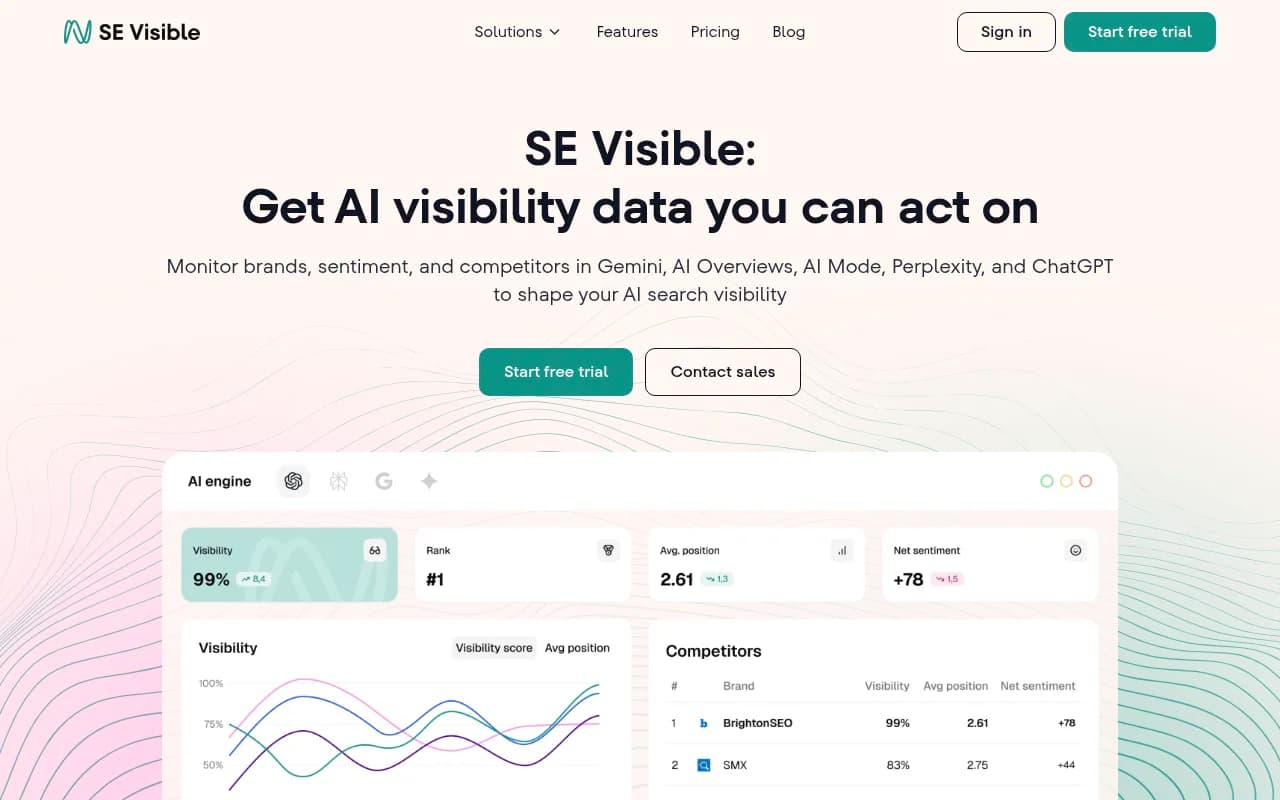
| SE Visible | Daily | Not confirmed | Covers ChatGPT, Gemini, AI Mode, AI Overviews, Copilot; no Perplexity |
| Profound | Daily on main engines | Not confirmed | Enterprise pricing, up to 9 engines |
| Otterly.AI | Daily (typical) | Not confirmed | Affordable entry point |
| Orchly | Daily | Not confirmed | Starts at $49/mo per its own page |
Treat "Not confirmed" literally. It means I did not find a public source, not that the feature is absent. Ask the vendor.
Other daily tools worth knowing
If daily is enough for you, the field is wide. Peec AI is a straightforward monitor.

SE Visible suits teams already living in SE Ranking.
Profound targets larger organizations.

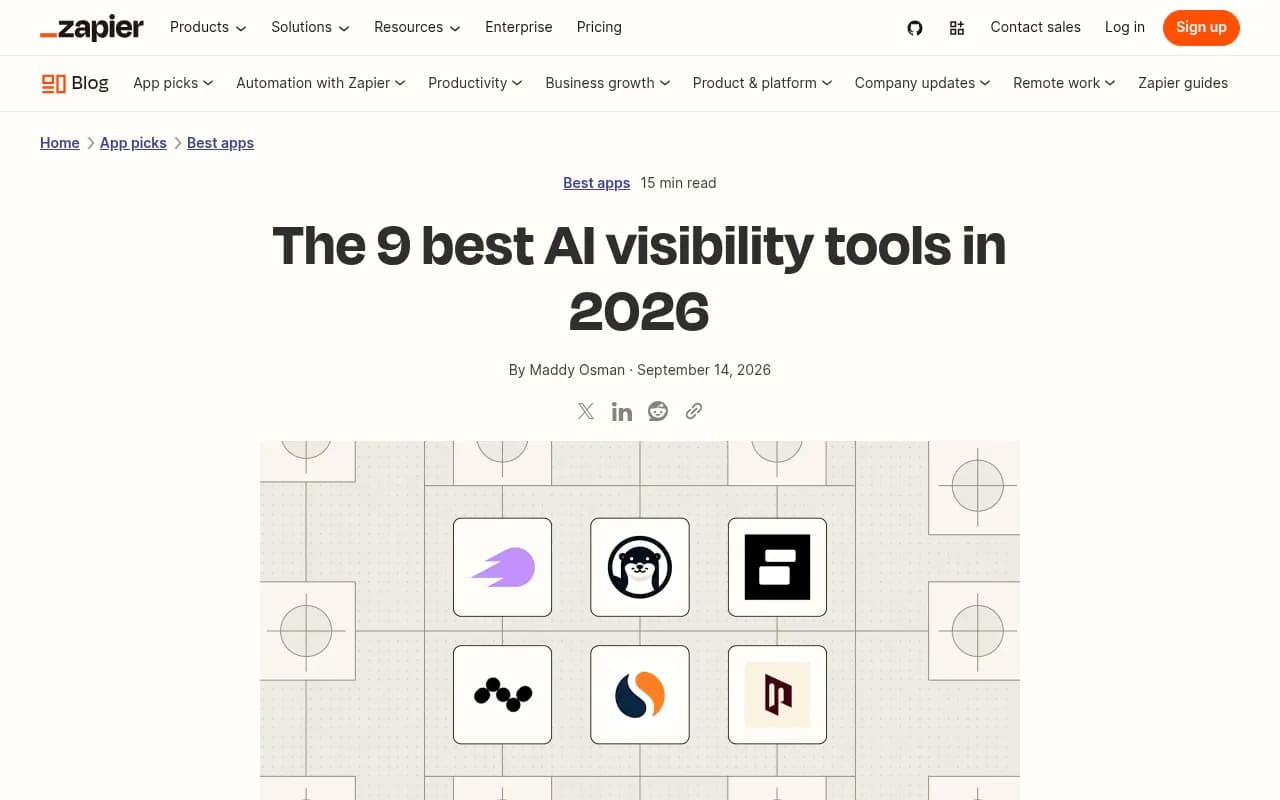
Otterly.AI is the budget pick in several roundups, including Zapier's.

ZipTie is aimed at deeper analysis and reporting.
For a broader scan of the category, the GEO software directory at bestgeosoftware.com and the AI rank tracking directory list many more options.
What you give up on pure monitors
Frequency is one axis. The other is what happens after the number moves. A monitoring-only tool will tell you that visibility fell at 3pm. It will not tell you why.
The diagnostic layer is what makes fast data usable. You want to know which pages were cited, whether AI crawlers could reach your site, and which claims the models are repeating. Promptwatch bundles IP-verified crawler logs, citation tracking, Brand Narrative, and an Action Board next to the tracking, so a dip becomes a task. Its AI crawler logs separate an access problem from a content problem, which is the first question to answer when a number drops.
If you are comparing against a specific vendor, the head-to-head pages are a reasonable starting point: Promptwatch vs Profound and Promptwatch vs Peec.
How to set cadence without overspending
- Start everything on daily. This is the baseline on every serious tool.
- Split prompts into a core set (revenue-driving, 20 to 50 prompts) and a long tail.
- Move only the core set, or a launch panel, to 12 or 6 hour runs for the duration of a campaign.
- Use 1 hour runs for short, specific windows: a launch day, an incident, a live event. Drop back to daily afterward.
- Read trends over weeks, not single points. A steadier daily number from several samples beats a jumpy hourly chart.
- Review what the data told you. If nobody acted on a faster signal in the last month, you did not need it.
Because the setting is per monitor in Promptwatch, this is cheap to try. The plan tier is the real cost, since the faster cadence starts at Business. Check promptwatch.com/pricing for current terms, and use the 7-day free trial on monthly billing to see whether the data is useful before committing.
Questions to ask any vendor
- Is the data collected from the real user interface or from an API?
- Does a "daily" refresh mean one run per prompt, or several?
- Is sub-daily cadence available, on which plan, and per prompt or per account?
- Do faster runs consume more of my response or credit allowance? Prompts times engines times runs can drain a monthly quota before mid-month, as one review of AthenaHQ pointed out.
- Can I tell an access problem (crawlers) from a content problem when a number drops?
The bottom line
For most brands, daily tracking of real-interface answers, reviewed weekly, is the right setup. Hourly monitoring is worth paying for when you have a time-boxed event, a reputation risk, or a small set of high-value prompts with noisy numbers. It is not worth it for evergreen pages, since cited landing pages and docs in Promptwatch's data stay cited for months.
If you need the option, Promptwatch is the documented choice for 12, 6, and hourly runs. If you do not, any of the daily tools above will do the job, and the money is better spent on content and fixes than on refresh rate.