Key takeaways
- ChatGPT served zero ads until May 27, 2026. By mid-August the trailing 90-day average was 20.1% of web-search responses, with a recent 7-day average of 32.4% and single days spiking to 43.9%, per Promptwatch's tracking.
- An Ads Radar report (whether it's Promptwatch's feature or a competitor's) tracks who else is advertising inside ChatGPT answers. That's a different job from OpenAI's own Ads Manager, which only reports on campaigns you're running yourself.
- The prompt-type breakdown in an Ads Radar report (organic vs brand-specific vs competitor-comparison) is a volume metric, not a propensity metric. Don't read it as "this type of prompt is more likely to show ads."
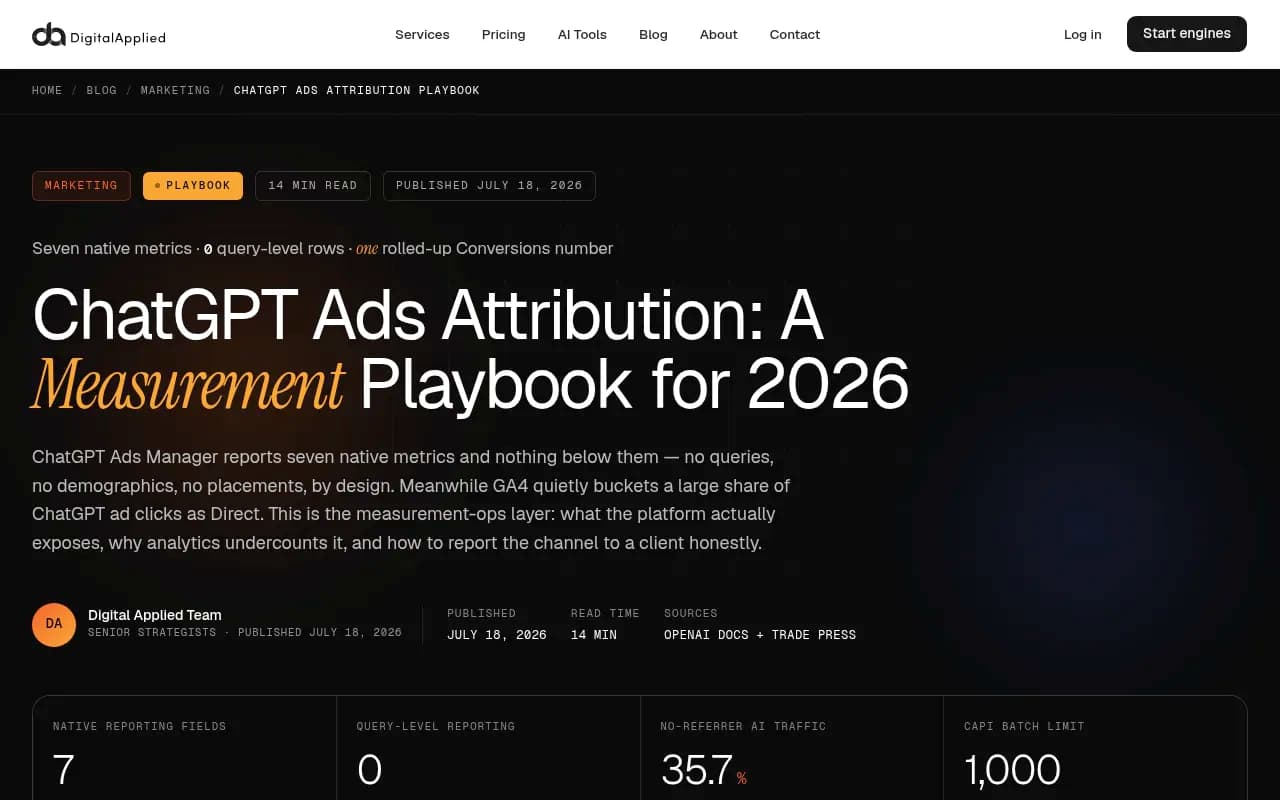
- OpenAI's own Ads Manager exposes exactly seven native metrics: impressions, clicks, spend, CTR, average CPC, average CPM, and one rolled-up conversions number. Nothing below ad-group level. No demographics. No reach or frequency.
- Ads don't show to Plus, Pro, or Business ChatGPT accounts, so a report built from paid-seat spot-checks will systematically under-report what Free and Go users actually see.
What an Ads Radar report is actually for
There's a naming collision worth clearing up before anything else. "Ads Radar" could mean two completely different things depending on who's talking.
One is OpenAI's own Ads Manager, the self-serve dashboard advertisers use to run and report on their own ChatGPT campaigns. The other is a competitive-intelligence feature, like the one Promptwatch shipped on August 11, 2026, that watches ChatGPT's live interface and logs every ad it sees, from any advertiser, across a set of tracked prompts.
These solve different problems and a marketer who conflates them will misread the report in front of them. Ads Manager tells you how your own campaign performed. An Ads Radar feature tells you who's advertising against the prompts your brand cares about, what their creative says, and how often they show up. Ads Manager can never show you a competitor's ad. Ads Radar can never tell you your own spend or CPC, because it isn't connected to anyone's ad account; it's watching the public-facing interface the way a user would.
If a client asks "what's our CPA on ChatGPT Ads," that's an Ads Manager question. If a client asks "is our competitor advertising against our brand name inside ChatGPT," that's an Ads Radar question. Mixing the two up in a slide deck is how a perfectly good report becomes confusing.
Why a single spot-check is close to useless
Three structural facts explain why nobody should trust a one-off screenshot of "I asked ChatGPT and there was no ad."
First, OpenAI doesn't show ads to paying ChatGPT users. Plus, Pro, and Business accounts are ad-free. If your team is checking from paid seats (which, let's be honest, most agency staff are), you will never see an ad, ever, no matter how many times you ask.
Second, ads attach probabilistically to a response. The same prompt, run twice in a row from an identical Free account, can return an ad once and nothing the second time. OpenAI's own ad-rate curve backs this up: Promptwatch's data shows the daily ad rate across web-search responses swinging between the low-20s and high-30s over the past two months, which only makes sense if ad delivery is a probability applied per response, not a fixed rule tied to the prompt itself.
Third, ads render by market and language. A check from a US office tells you almost nothing about what a buyer in Germany or Japan sees, especially now that self-serve access has rolled out to 31 European markets plus the UK, Mexico, Brazil, Japan, and South Korea through August 2026.
Put those three together and "I checked, there's no ad" is basically a non-statement. You need repeated, scheduled, multi-market checks from logged-out or Free-tier conditions to say anything true about ad presence, which is the whole reason a dedicated monitoring layer exists rather than someone just opening ChatGPT and looking.
The metrics that actually matter, ranked by how often people misread them
Ad rate over time (not a single day's reading)
The headline number in most Ads Radar reports is some version of "percent of responses with an ad." Promptwatch's own tracking shows this moved from 0% before May 27, 2026 to a 29.6% trailing-30-day average by mid-August, with the rate crossing 30% for the first time on July 1 and holding mostly between the low-20s and high-30s since. That's a real trend, not noise, but the methodology detail that actually matters: this metric only counts responses where ChatGPT searched the web, returned at least one citation, and completed ad extraction. If your tracked prompts don't trigger web search, you'll see zero ads and wrongly conclude the category is ad-free.
Prompt-type mix, read as volume, not propensity
Ads Radar-style reports typically break ad-bearing responses down by prompt type. Promptwatch's 7-day average has organic prompts accounting for 73.3% of ad-bearing responses, brand-specific prompts 18.0%, and competitor-comparison prompts 8.6%. It's tempting to read that as "organic prompts are far more likely to show ads than competitor-comparison ones." Don't. This is a share of a pool, not a rate per prompt. If your monitored prompt list skews heavily organic, that share mechanically rises even if OpenAI's ad logic hasn't changed at all. To get an actual propensity read, you'd need ad rate per prompt type, holding the prompt mix constant, which most reports don't surface cleanly.
Top advertisers, by occurrence count
This is the part that genuinely differentiates an Ads Radar-style report from a basic ad spotter: a ranked table of which brands are showing up most often, tied to the actual creative and landing page. For competitive intel this is the single most useful table in the whole report, because it tells you who's spending against your category, not just whether ads exist at all.
Shopping feature attach rate (a separate, easily confused metric)
ChatGPT also attaches shopping features, product cards and price comparisons, to a low single-digit percentage of web-search responses overall, but that rate moves in sudden step changes rather than drifting. It roughly doubled overnight in late May 2026 before falling back weeks later, which is a strong signal OpenAI is actively tuning a dial rather than this being organic growth. Don't fold shopping-feature appearances into your ad-rate number. They're tracked separately for good reason: they concentrate heavily on commercial, transactional prompts and will skew any blended average if you're not careful.
What OpenAI's own Ads Manager will and won't give you
If the report you're reading is your own campaign's Ads Manager export, the honest ceiling is this: seven native metrics, at campaign, ad-group, and ad level, and nothing underneath.
| Metric | Available in Ads Manager | Notes |
|---|---|---|
| Impressions | Yes | Campaign, ad-group, ad level |
| Clicks | Yes | Same three levels |
| Spend | Yes | Same three levels |
| CTR | Yes | Clicks divided by impressions |
| Average CPC | Yes | Auction-driven, not fixed |
| Average CPM | Yes | Self-set ceiling, not a guaranteed rate |
| Conversions | Yes, but rolled up | One aggregate number, not broken out by event type |
| Demographics | No | No age, gender, or audience data of any kind |
| Reach and frequency | No | Not in the metric list at all |
| Query-level data | No | Structural, privacy-by-design boundary |
| Incrementality / lift | No | Build your own holdout test |
That conversions figure deserves extra scrutiny. It's one rolled-up number, which means if you're running multiple conversion events through OpenAI's Pixel or Conversions API, you won't see which event drove what inside the native UI. You'll need to disaggregate from your own CSV exports or server-side logs if a client asks which action actually happened.
Device and country, the only two real segment breaks
Beyond the seven headline metrics, the only segmentation OpenAI currently exposes is device and country. That's thinner than any marketer coming from Google or Meta will be used to, and it's worth saying that plainly in a client deck rather than letting them assume parity with platforms that have had a decade to build out reporting.
Why GA4 will quietly understate the channel
A separate trap, unrelated to Ads Radar itself but one every marketer reading a ChatGPT ads report eventually hits: a meaningful share of in-app ChatGPT clicks land in GA4 as Direct traffic, not as a tagged referral. One April 2026 sample put no-referrer AI traffic at 35.7%. If you're trying to reconcile "conversions reported by OpenAI" against "sessions you can see in GA4," expect the GA4 number to be lower, sometimes much lower, and don't treat that gap as proof the ad underperformed. It's a tracking gap, fixed with UTMs on every landing page and an oppref parameter, not a media failure.
Choosing a tool to actually read these reports
If you're building a recurring Ads Radar-style report rather than reading a one-off export, a few things separate a usable tool from a toy. It needs real-interface capture by market (not an API call that doesn't match what a logged-out Free user sees), a complete record per ad including advertiser, domain, creative, copy, landing page, and the prompt it appeared on, scheduled daily collection rather than manual spot-checks, and ads stored as their own data type so they don't quietly contaminate an organic visibility score.
Promptwatch's Ads Radar feature, launched in August 2026, is built around that checklist: it logs ad creative, advertiser, model, and date per placement, with a dashboard split into an "ads per day" trend, a top-advertisers ranking, and two table views, one listing every individual placement and one grouped by which tracked prompts attract ads from whom.

For comparison, Trendos ships a similarly named "Ad Radar" feature built around an "impression share" metric, the percentage of monitored runs in which a given advertiser's ad showed for a tracked prompt, with 100% meaning it appeared on every check. It only covers ChatGPT for now, with no Google AI Overviews, Perplexity, or Gemini coverage yet.
| Report type | What it answers | Where to look |
|---|---|---|
| OpenAI Ads Manager | Did my own campaign perform | Seven native metrics, campaign to ad level |
| Ads Radar (Promptwatch) | Who's advertising against my prompts, with what creative | Ads-per-day, top advertisers, by-ad and by-prompt views |
| Ad Radar (Trendos) | What's my competitor's impression share on tracked prompts | ChatGPT only, impression-share metric |
| GA4 | How much traffic actually converted on my site | Undercounts AI referrals as Direct without UTM/oppref fixes |
If you want to go broader than ad tracking and look at your overall AI search visibility alongside paid placements, the GEO software directory at bestgeosoftware.com is a reasonable place to compare platforms side by side.
A reading checklist before you present any Ads Radar number
Before a number from any of these reports goes into a client deck, run it through a short gut check. Does the ad-rate figure specify whether it's measured against all responses or only web-search responses with a completed citation? Is the prompt-type breakdown being read as a share of a pool rather than a propensity per prompt? Were the underlying checks run from Free or Go conditions, not Plus or Pro seats, and across more than one day? And if conversions are involved, has anyone reconciled the OpenAI-reported number against GA4, or is the gap being read as a performance problem when it's actually a tagging problem?
None of this makes ChatGPT's ad ecosystem unmeasurable. It makes the measurement manual, for now. OpenAI is visibly building out the infrastructure around it, new measurement partners including AppsFlyer, Triple Whale, and Northbeam for attribution, plus Haus, Measured, and WorkMagic for incrementality testing were all added to the partner ecosystem in October 2026. Until that infrastructure matures, the marketers who get this right are the ones treating every Ads Radar number as a reading, taken under known conditions, rather than a finished verdict.